How to Use awk With CSV Files and Quoted Fields the Safe Way
Process CSV with awk when fields hold quoted commas: why -F, fails, gawk FPAT, the --csv flag in gawk 5.3, headers and when to use csvkit or Python.
A CSV file looks like text split by commas until one value is "Doe, Jane". At that point every awk one-liner using -F, shifts its columns by one for that row, and the report is quietly wrong. CSV is more than a delimiter; it has quoting rules. This post shows what works in awk and where to stop. It parallels parsing CSV in Python, and assumes gawk 5.3.
The problem
cat people.csv
awk -F, '{ print $2 }' people.csvid,name,city
1,"Doe, Jane",Paris
2,John Smith,Berlin
name
"Doe
John Smith
The comma inside the quotes splits the name in two. Using $3 for the city would print Jane" for the first row and Berlin for the second. There is no error message, which makes it dangerous.
FPAT: describe the field
gawk -v FPAT='([^,]*)|("([^"]|"")*")' '
NR == 1 { next }
{ name = $2; gsub(/^"|"$/, "", name); gsub(/""/, "\"", name); print $1, name, $3 }
' people.csv1 Doe, Jane Paris
2 John Smith Berlin
FPAT is a gawk extension: instead of the separator, it is a regular expression matching a field. The pattern accepts either a run of non-commas or a double-quoted string that may contain doubled quotes. After splitting, strip the surrounding quotes and unescape "" yourself. Empty fields between commas are handled by the first alternative.
gawk --csv
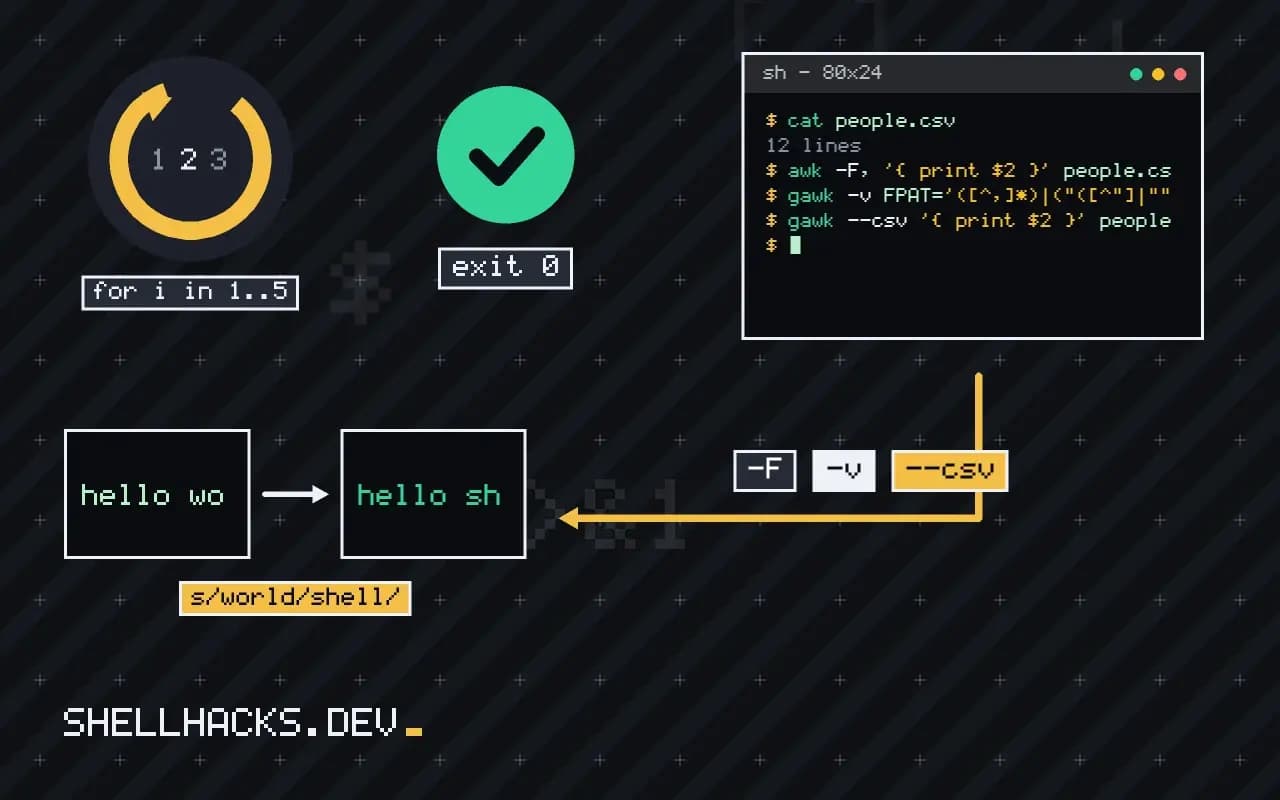
gawk --csv '{ print $2 }' people.csv
gawk --csv 'NR > 1 { sum += $4 } END { print sum }' sales.csv
Version 5.3, released in 2023, added a CSV mode that implements the common rules: quoted fields, doubled quotes and empty fields, with the quotes removed from the result. If your distribution ships an older gawk, gawk --version tells you, and FPAT is the fallback. Output also needs care: if you print fields back to a CSV, quote any that contain a comma or quote.
Headers by name
gawk --csv '
NR == 1 { for (i = 1; i <= NF; i++) col[$i] = i; next }
{ print $col["name"], $col["city"] }
' people.csv
Build a map from header names to positions on the first line, then refer to columns by name. That survives column reordering in the export. It is the awk version of csv.DictReader. For a quick view of a file's shape, the column -s, -t approach in cut, paste and column fails in the same way on quoted commas.
Why splitting on commas fails
The CSV format allows a field to be wrapped in double quotes, and inside quotes a comma, a line break or a doubled quote is data, not structure. A line such as 42,"Smith, Jane","said ""hi""" has three fields, but a naive split on commas finds five. The same applies to cut and to awk with -F,. The failure is quiet: columns shift, a total is computed over the wrong column, and the report looks fine until someone checks one row against the source. Exports from spreadsheets and databases almost always quote fields that contain delimiters, so any real file eventually contains one. Check the data for quote characters before choosing a method, with a command such as grep -c '"' file.
Line breaks inside quoted fields are a second problem. They make one record span several lines, and any line-oriented tool miscounts records. Only a parser that tracks quote state can handle them, which rules out most one-liners.
Choosing a tool for the file you have
If the file never contains quotes, a plain split is correct and fastest. If quotes appear but no embedded newlines, gawk's FPAT or its CSV mode handles them. If embedded newlines occur, use a real CSV parser: Python's csv module, csvkit, Miller (mlr) or xsv and its successor qsv, all of which read quoted fields correctly and offer selection, sorting and aggregation from the command line. These tools install as single binaries or packages, and they are worth the dependency when CSV work is regular. For a one-off look at a file, column -s, -t prints a readable table for simple data, with the limits discussed in earlier posts.
The delimiter is not always a comma. European exports often use semicolons because the comma is the decimal mark, and tab-separated files are common from databases. Set the field separator explicitly and never guess.
Headers, encodings and line endings
Real files carry other surprises. A UTF-8 byte order mark at the start glues itself to the first header name, so the column called id is really \ufeffid and a lookup by name fails. Strip it with sed '1s/^\xEF\xBB\xBF//' or open the file with the right encoding in a library. Windows line endings leave a carriage return at the end of the last field, which breaks comparisons and prints as odd characters; remove it with tr -d '\r' or dos2unix. Files in legacy encodings such as Latin-1 or Windows-1252 need conversion with iconv before processing.
Do these steps at the front of the pipeline, in a documented order, so every later stage sees clean UTF-8 with Unix line endings. Putting the cleaning in one function keeps scripts consistent.
Writing CSV correctly
Producing CSV has the mirror problem. Printing fields joined with commas works until a value contains a comma or a quote. Quote every field that contains a delimiter, quote or newline, and double any quote inside it. In awk this means a small function that checks the value with a regular expression and wraps it. Libraries do it automatically, which is another argument for using one when the output is consumed by others. Also guard against formula injection if the file will be opened in a spreadsheet: a field starting with =, +, - or @ can be executed as a formula, so prefix such values with an apostrophe or a tab when the data comes from untrusted sources. Finally, validate the output by reading it back with a strict parser and comparing the record count and a checksum of a key column.
For recurring jobs, keep the cleaning and parsing in a script under version control, with a sample file and the expected output beside it. When the supplier changes the export format, the sample fails first, and the diff shows what moved. Treat the first row as data until proven otherwise: confirm the header names before trusting column positions, and stop with an error that lists the expected and the found names. A report built on shifted columns is worse than no report, since people act on it.
Where this does not apply
Quoted fields can contain newlines, and any tool that reads line by line, including awk with default settings, splits that record in two. Files from spreadsheets often have them. Use a real CSV parser then: Python's csv module, csvkit (csvcut, csvsql) or Miller (mlr --icsv). Different regional exports use semicolons and decimal commas. If the CSV came from Excel, strip the byte order mark: sed '1s/^\xEF\xBB\xBF//'. See the gawk manual on splitting by content and RFC 4180.
If you are loading the file into a database anyway, skip the awk step: importing CSV into a database from the shell handles quoting properly, and SQL gives you grouping and sorting without extra code.