
Python
How to Package a Python CLI and Install It With pipx
Package a Python command line tool with pyproject.toml and a console script entry point, install it with pipx or uv tool, upgrade it and build for others.
6 min read
Editors, terminals, dotfiles, package managers and build tools: the setup around your code that saves time every day.
Package a Python command line tool with pyproject.toml and a console script entry point, install it with pipx or uv tool, upgrade it and build for others.
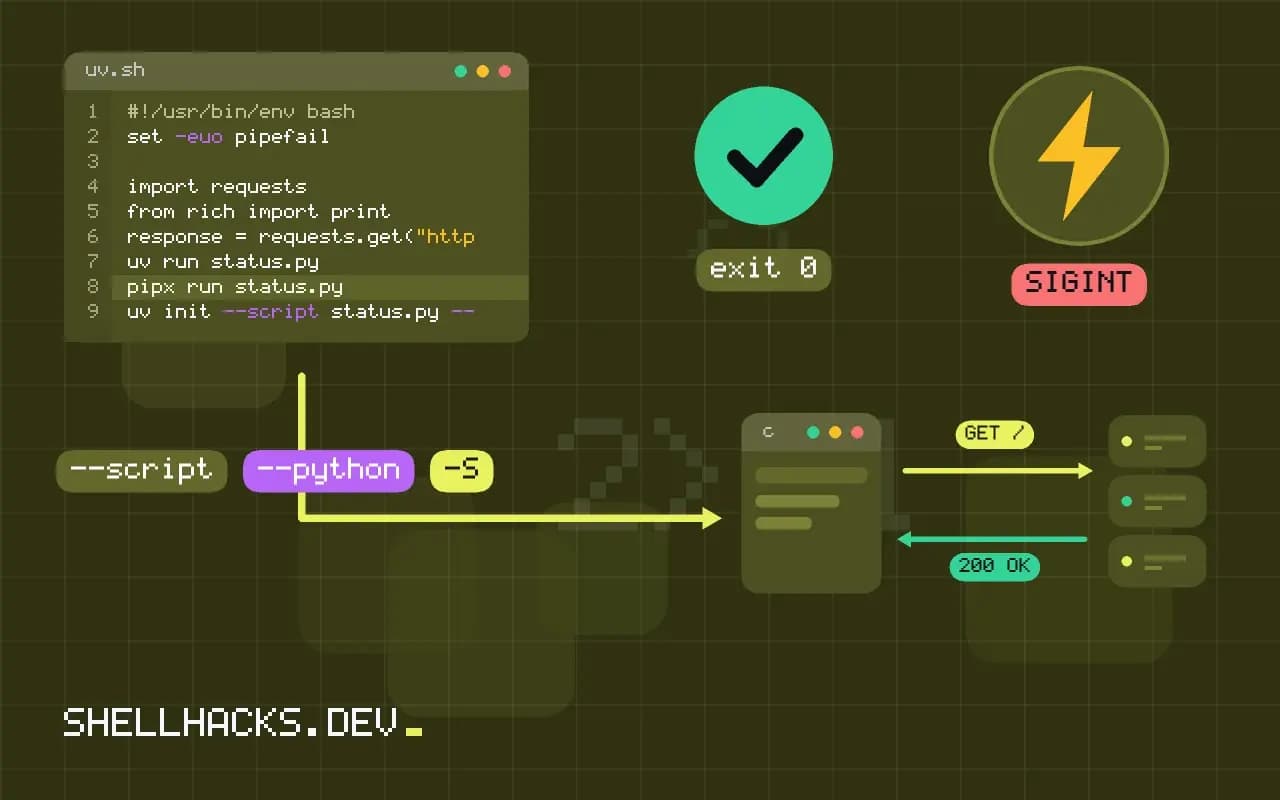
Write single file Python scripts that declare their own dependencies using PEP 723 inline metadata, run them with uv or pipx, lock versions and share them.

Run Python scripts in isolated environments with uv: create a venv, run with uv run, add one-off packages, pin a Python version and use it in a shebang.
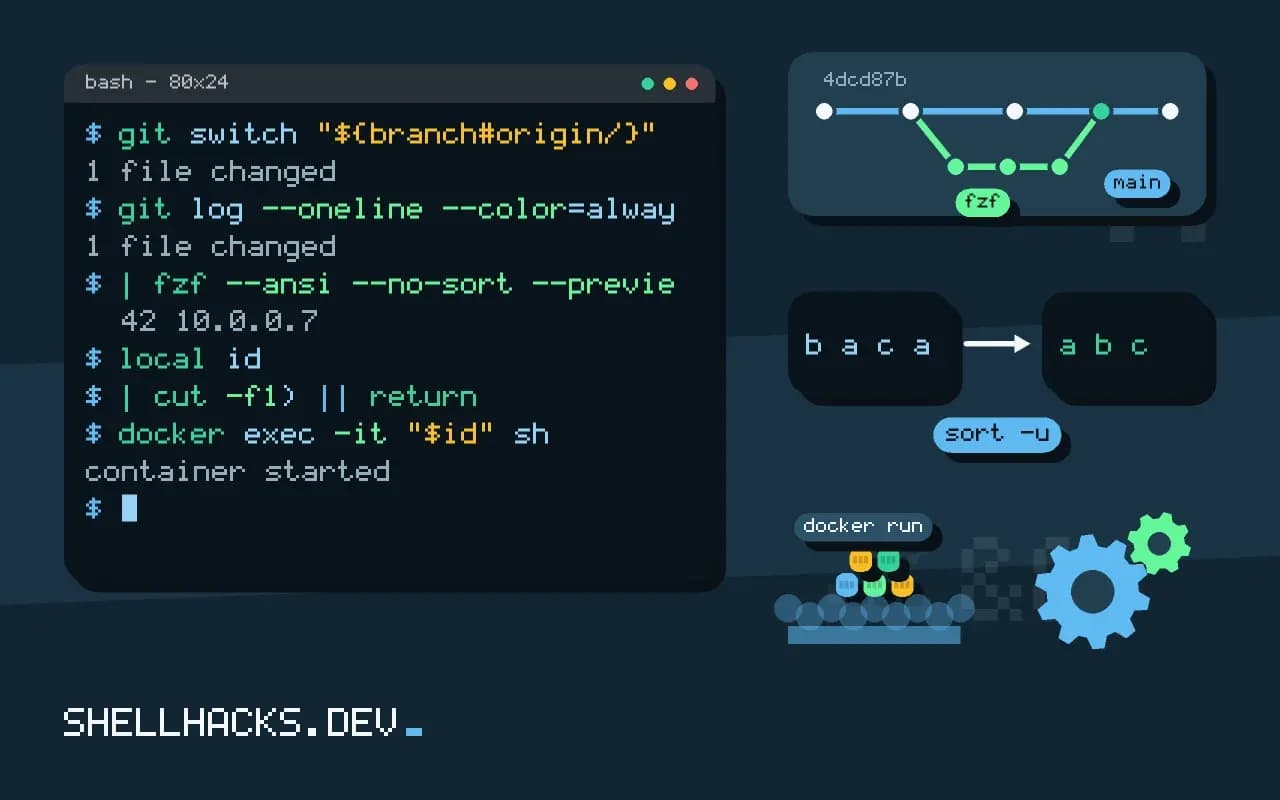
Build interactive pickers with fzf for git branches and commits, Docker containers and man pages: previews, multi select, key bindings and safe quoting.
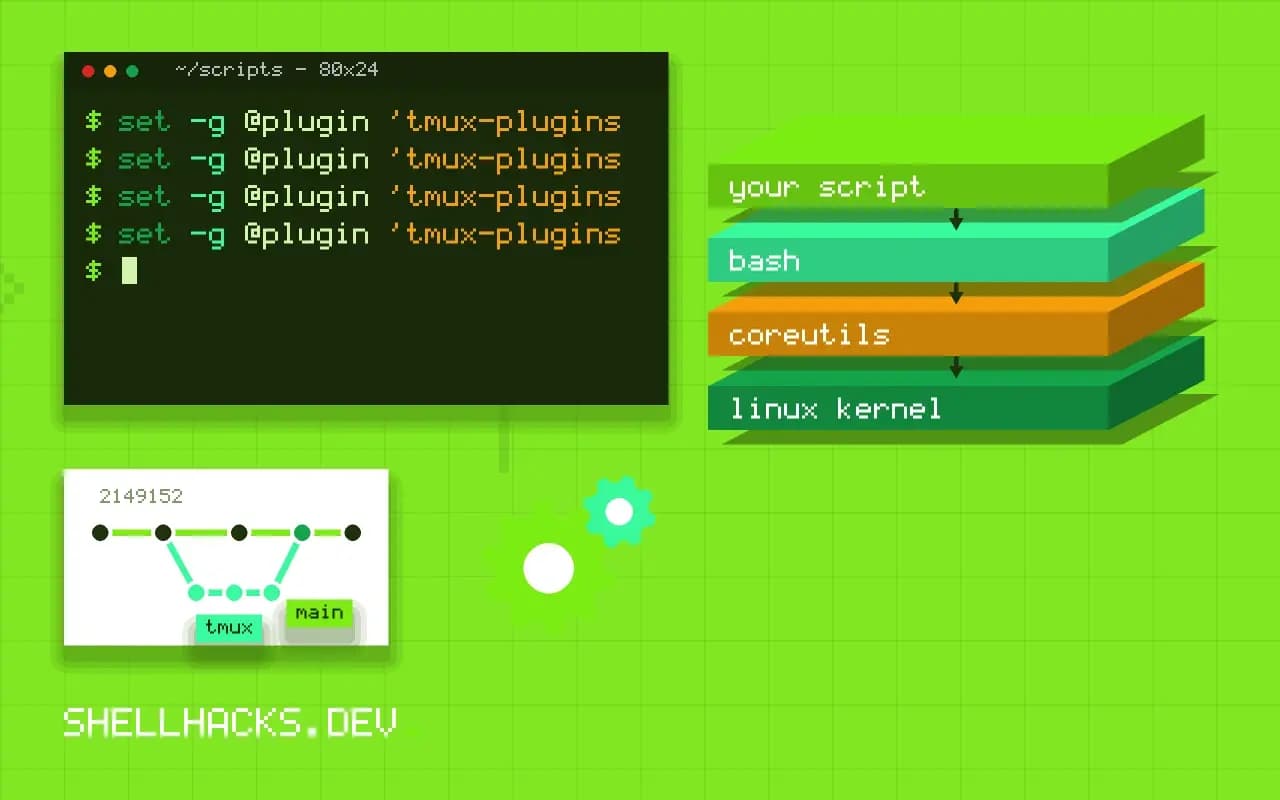
Use tmux plugins and session managers safely: install TPM, add resurrect and continuum, manage named sessions and review plugin code first.
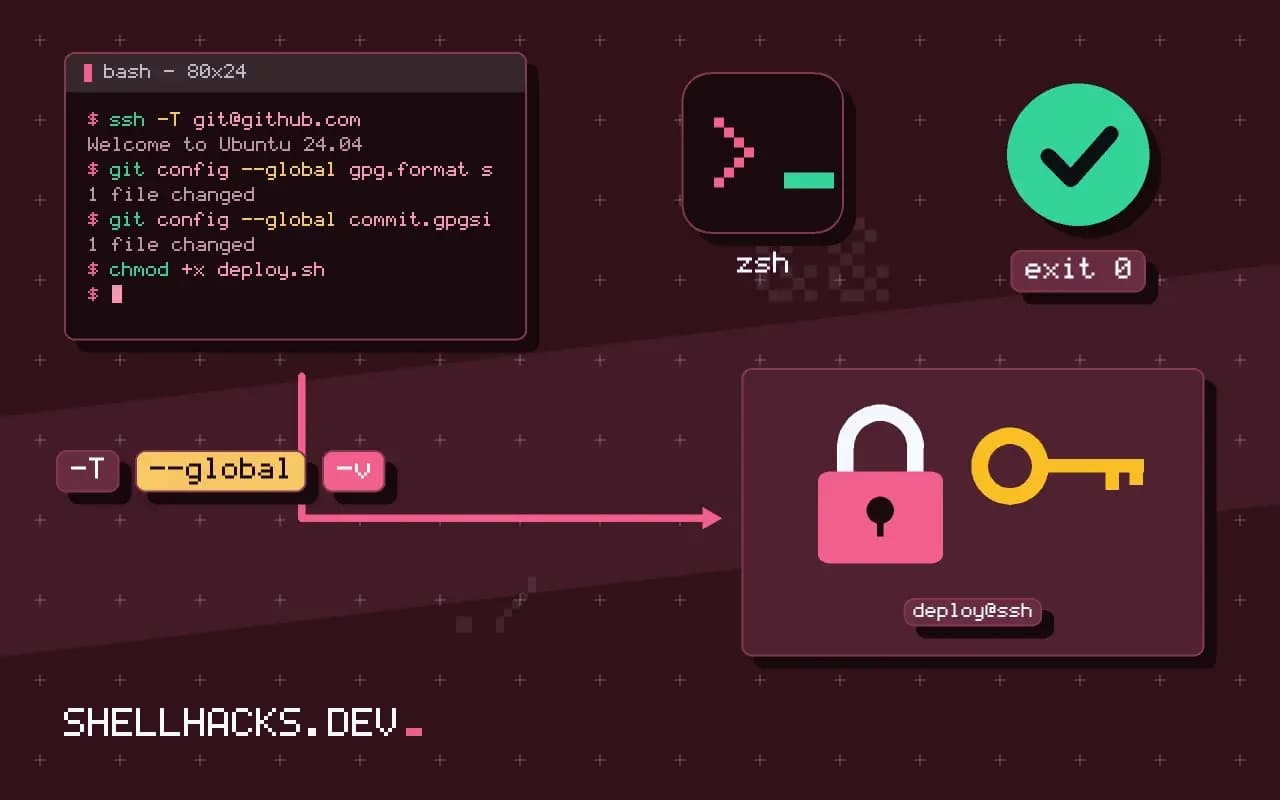
Use SSH keys with a password manager agent: keys stay in the vault, the agent signs with approval, and Git signing and forwarding limits are covered.
Use the Python REPL and IPython for terminal work: history, tab completion, magics like %timeit, shell commands, editing and a useful startup file.
Distribute a script with GitHub Releases: tags, notes, attached files and checksums, the gh CLI, an installer that verifies and update checks.
Compare the task runners just and Taskfile for project scripts: recipe syntax, arguments, dependencies, environment loading, and when make is still enough.
Use a Makefile to automate project tasks: targets, phony rules, variables, dependencies and a help target, with the tab and shell gotchas explained.
Keep secrets out of dotfiles repositories: untracked local files, include directives, encrypted templates, password manager lookups and a scan that proves it.
Write a README for a command line tool: install, a first command with real output, usage, exit codes and configuration, kept in sync with the help.
One email when a new post is published. No spam.