How to Use the Python REPL and ipython for Terminal Work
Use the Python REPL and IPython for terminal work: history, tab completion, magics like %timeit, shell commands, editing and a useful startup file.
The REPL is the quickest place to try a regular expression, check a library function or poke at an API response, and many people only use the bare prompt. A few features cut the time spent on exploration, and they matter more now that the built-in REPL is no longer minimal. It sits alongside one-liners as a terminal tool. The examples assume Python 3.13 and IPython 8.
The built-in REPL
python3>>> import pathlib
>>> sorted(p.name for p in pathlib.Path("/etc").glob("*.conf"))[:3]
['adduser.conf', 'ca-certificates.conf', 'debconf.conf']
>>> _
['adduser.conf', 'ca-certificates.conf', 'debconf.conf']
>>> help(pathlib.Path.glob)
Since Python 3.13 the default REPL, based on code from PyPy, supports multi-line editing: you can recall a whole for block and change one line. F2 opens a history browser and F3 enters paste mode, where pasted code with blank lines is accepted as written. Underscore holds the last expression result. Earlier releases relied on the readline library; the shell's arrow-key history still works there.
Drop into the REPL after a script
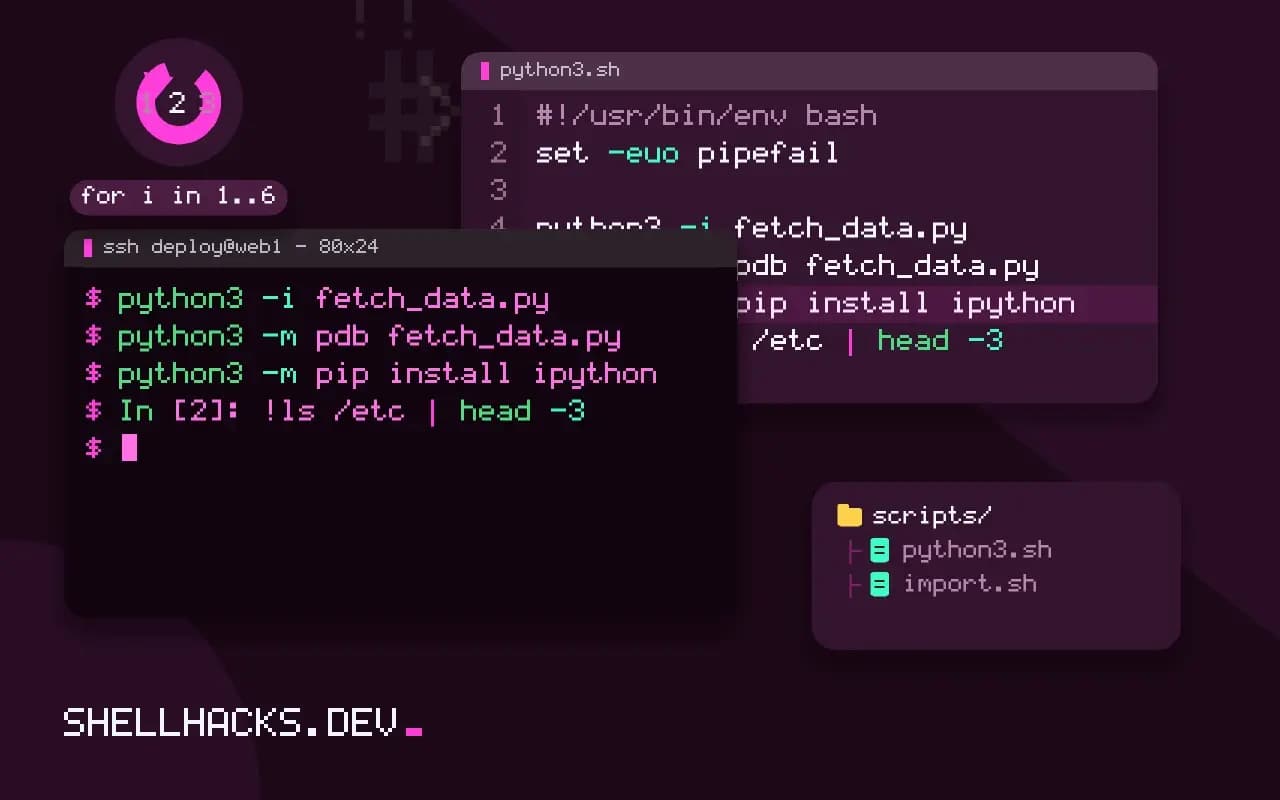
python3 -i fetch_data.py
python3 -m pdb fetch_data.py
-i runs the script and then opens the prompt with all its variables defined, so you can inspect a result or call a function without rerunning it. This is the fastest debugging loop for data scripts. After an uncaught exception, -i also leaves you at the prompt, where import pdb; pdb.pm() opens the debugger at the failure point.
IPython
python3 -m pip install ipython
ipythonIn [1]: %timeit sum(range(1000))
8.1 µs ± 0.1 µs per loop (mean ± std. dev. of 7 runs, 100,000 loops each)
In [2]: !ls /etc | head -3
adduser.conf
alsa
alternatives
In [3]: import json; json.loads?
Signature: json.loads(s, *, cls=None, ...)
Magics start with %. %timeit measures small expressions properly, running them many times, which is better than a hand-written timing loop; %run script.py executes a file inside the session; %history lists input. A ! runs a shell command, and a trailing ? shows documentation and signature, while ?? shows source. Tab completion works on attributes, files and dictionary keys. Install IPython into a virtual environment with the other project tools, as in virtual environments and uv.
A startup file
# ~/.pythonstartup.py
import json
import os
import re
import sys
from pathlib import Pathexport PYTHONSTARTUP="$HOME/.pythonstartup.py"The file runs at the start of each interactive session, saving typing for imports you always want. Keep it short and free of side effects. It does not run for scripts, so it cannot hide a missing import in real code. IPython has its own startup directory, ~/.ipython/profile_default/startup.
Why exploration belongs in a REPL
Reading documentation tells you what a function is supposed to do. Calling it with real values tells you what it does. For library behaviour that depends on edge cases, such as how str.split treats consecutive separators or what datetime prints for a naive timestamp, a ten-second experiment is more reliable than a search. The REPL makes the experiment cheap enough that you do it every time, and the habit prevents the bugs that come from trusting memory about an API.
It also changes how you write code. Building a transformation one expression at a time, looking at the intermediate value after each, produces working code faster than writing the whole function and debugging it. The pattern is to get one real input into a variable, apply the first step, print it, apply the second, and paste the finished sequence into the file once it works. The file then contains code that has already run against real data.
Inspecting objects you do not know
When a library returns an object whose shape is unclear, three built-ins answer most questions. type(x) says what it is, dir(x) lists its attributes and help(x) prints the documentation. For data, pprint.pprint(x) formats nested dictionaries across lines, which is much easier to read than a single wrapped repr. IPython adds x? and x?? for signature and source, and a tab after a dot shows the available attributes, which makes discovering an unfamiliar API a matter of typing.
For HTTP responses, parsed JSON and database rows, print a small slice first. A response with ten thousand items floods the terminal and hides the structure; looking at data[:2] shows the shape in two screens less. If the structure is deep, json.dumps(data, indent=2)[:2000] prints just enough to find the keys you need.
Debugging from the prompt
The REPL is a usable debugger entry point. After an exception in an interactive session, import pdb; pdb.pm() opens the debugger at the frame where it was raised, with all local variables available. In a script run with -i the same applies. From there, p expression evaluates code in the frame, u and d move up and down the call stack and l lists the source around the current line. Many failures are understood in a minute of looking at the actual values, where print statements would need three edits and reruns.
The breakpoint() built-in does the same from inside code: put it before the suspect line and run the script normally. The debugger starts when execution reaches it, and removing the call after the investigation is the only cleanup. Set the PYTHONBREAKPOINT environment variable to 0 to disable every breakpoint call without editing files, which is useful in CI.
Keeping the session honest
A REPL session accumulates state, and the results may depend on it. A variable redefined three prompts ago, a module imported earlier and changed on disk, or a function patched in place all produce output that a fresh run will not. Python caches imported modules, so editing a file and importing it again does nothing unless you call importlib.reload, and IPython offers %autoreload 2 to do it automatically. Before copying a result into documentation or a bug report, restart the session and run the exact commands again. If the result changes, the earlier one was an artefact of state, and the clean run is the one worth reporting.
Use the history across sessions. IPython stores input in a SQLite database, and the %history -g pattern command searches all earlier sessions, so a one-liner that worked last month can be found by a word it contained. The built-in REPL keeps a history file too, and the up arrow with a typed prefix recalls matching lines, which is a quick way to repeat an experiment on new data.
Where this does not apply
For longer exploration that you want to keep, a notebook or a script in version control preserves the work, while a REPL session disappears. The REPL's state is invisible, so a result that depended on a variable you changed three prompts ago is hard to reproduce; rerun from a clean session before trusting it. In locked-down production servers, installing IPython may be disallowed. See the Python interpreter tutorial and the IPython magics reference.
A last tip: when a REPL experiment works, copy it into a file right away. Use %history -g -f session.py in IPython to save the session, then trim it. Pair this with pathlib and regular expressions, which are the two modules you will try most often at the prompt.