Command Line
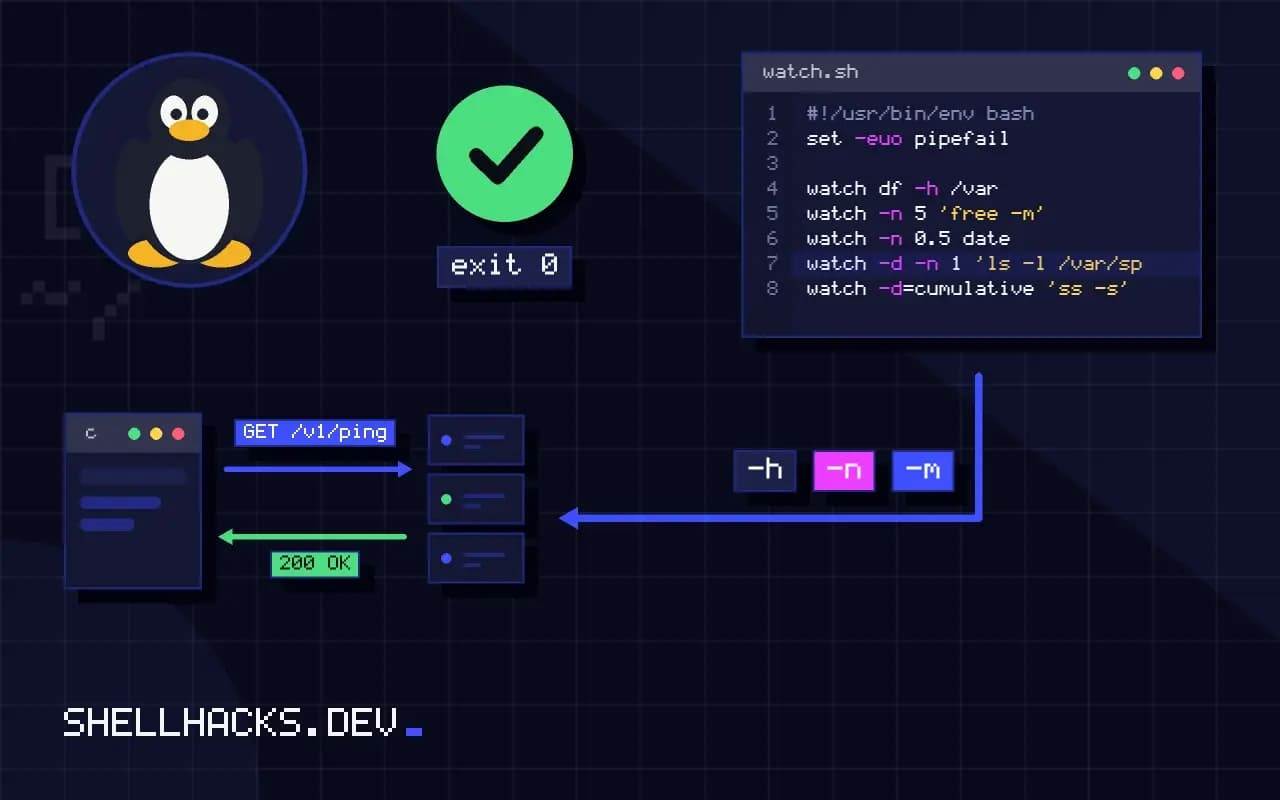
How to Use watch to Repeat a Command and See Changes
Use the watch command to repeat a command every few seconds, highlight differences, handle quoting and pipes correctly, and exit on change or error.
6 min read
Tag
18 posts
Use the watch command to repeat a command every few seconds, highlight differences, handle quoting and pipes correctly, and exit on change or error.
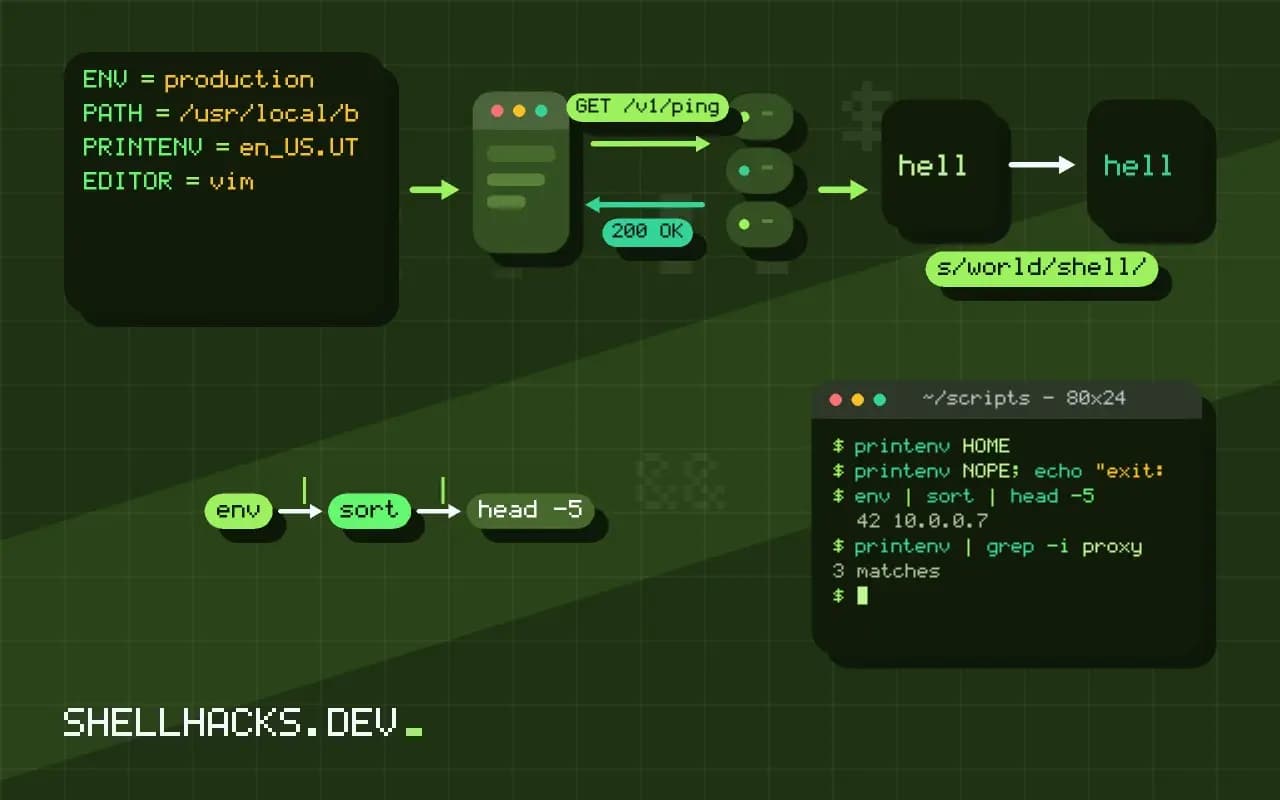
Use env and printenv to list environment variables, run a command with a changed or empty environment, and tell shell variables from exported ones.
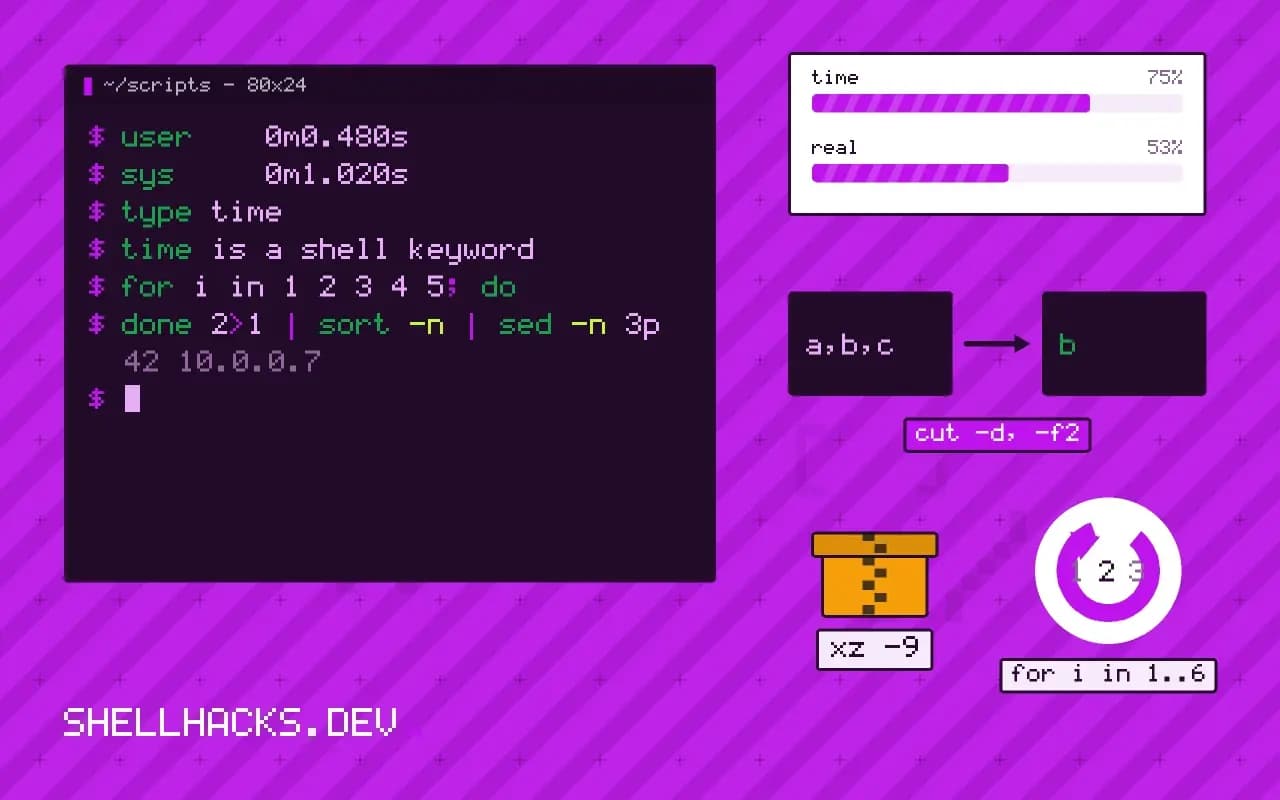
Use the time command to measure real, user and system time, the difference between the keyword and /usr/bin/time, memory with -v, and averaging runs.
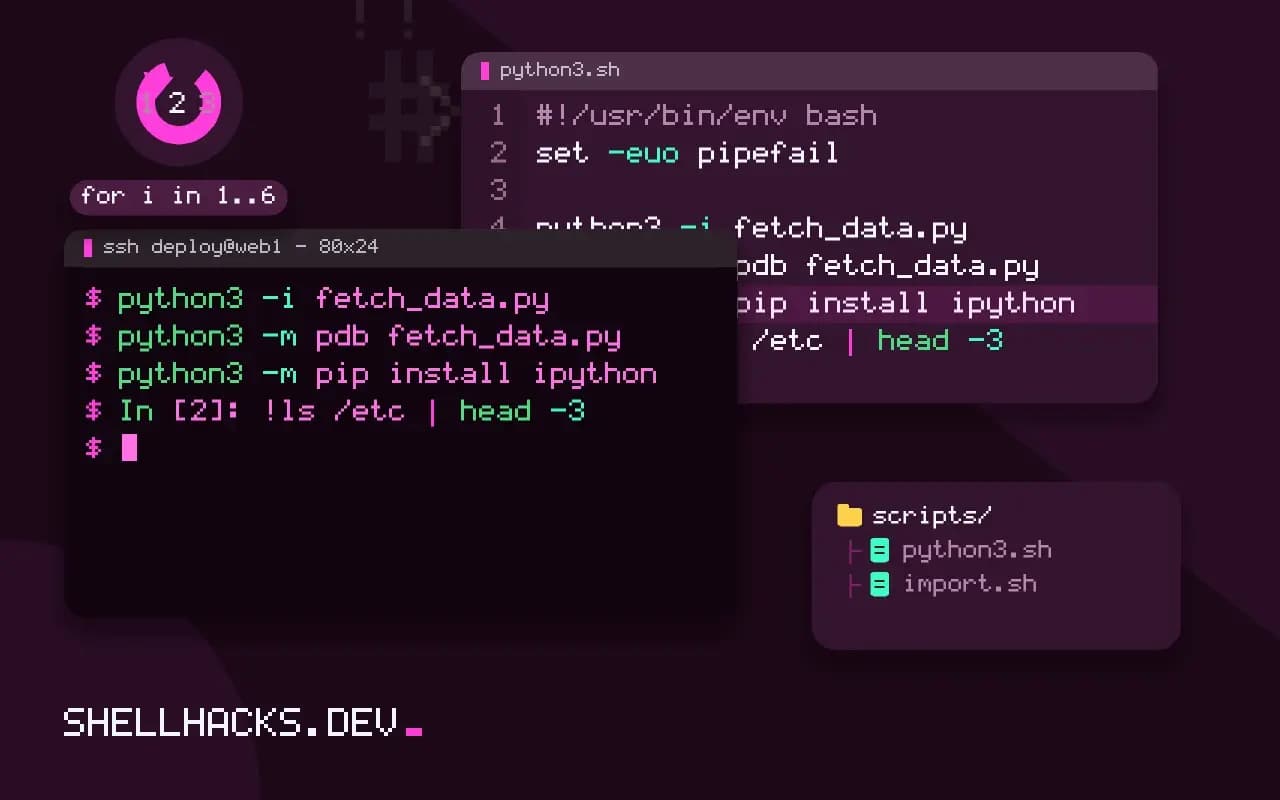
Use the Python REPL and IPython for terminal work: history, tab completion, magics like %timeit, shell commands, editing and a useful startup file.
Generate number sequences with seq and shuffle, sample or permute lines with shuf, including formatting, steps, random picks and reproducible output.
Use gRPC from the terminal with grpcurl: list services through reflection, describe methods, call with JSON, use TLS and metadata, and stay safe.
Use WebSockets from the terminal with websocat: connect, send text, read a stream with jq, set headers, run a test server and keep connections alive.
Use the timeout command to stop commands that hang: durations, signals, the kill-after grace period, exit status 124, and a pure Bash fallback for macOS.
Write a README for a command line tool: install, a first command with real output, usage, exit codes and configuration, kept in sync with the help.
Record terminal sessions for docs with asciinema and VHS: text recordings versus GIFs, scripted tapes, embedding, CI regeneration and keeping secrets out.
Use the stat command to read file size, owner, mode, inode and timestamps, format output with -c, and compare GNU and BSD options in scripts.
Install shell completions for the tools you use: bash-completion, generated scripts for kubectl and gh, zsh fpath, fish and the startup cost.