How to Use timeout to Limit How Long a Command Runs
Use the timeout command to stop commands that hang: durations, signals, the kill-after grace period, exit status 124, and a pure Bash fallback for macOS.
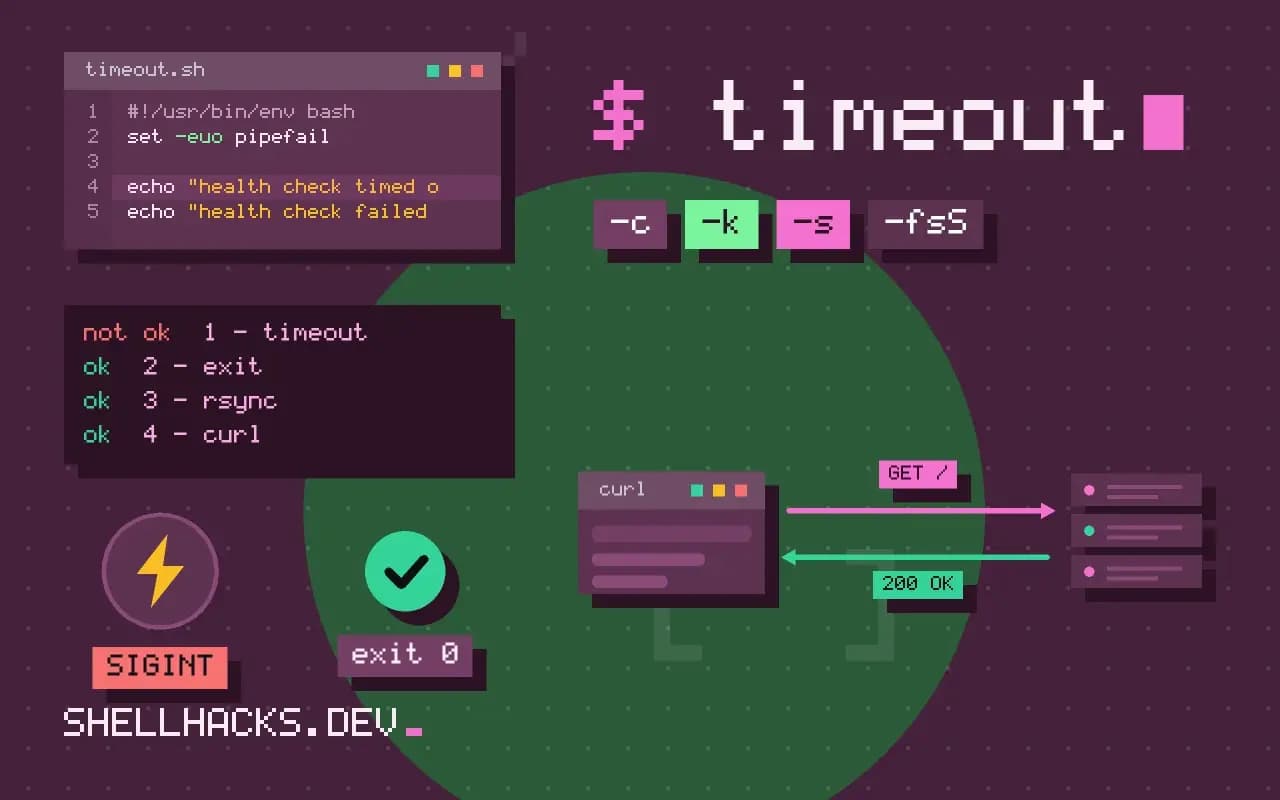
A script that calls something over the network will hang on the day the network does. timeout puts a ceiling on every such call, and it takes one word to add. The idea belongs with the failure-handling patterns in scripts that fail on a rerun and the commands assume GNU coreutils 9.x.
Basic use
timeout 5 sleep 10
echo "status: $?"
timeout 1.5s ping -c 100 example.test
timeout 2m ./long-task.shstatus: 124
Fractional values are accepted. The command is killed when time is up and timeout exits 124. If the command finishes first, timeout returns its exit status, so existing error handling keeps working. With --preserve-status, the status after a timeout is the command's status, not 124, which hides the cause; avoid it unless you need it.
Stubborn processes
timeout -k 5 30 ./worker.sh
timeout -s INT 60 ./job.sh
By default timeout sends SIGTERM, which a well-behaved process uses to clean up and exit. A process that ignores it keeps running, so -k 5 adds a SIGKILL five seconds after the first signal, which cannot be caught. Sending SIGINT with -s INT suits tools that finish gracefully on Ctrl+C, such as rsync. How processes handle signals is explained in handling signals for cleanup.
Handle the result
if timeout 10 curl -fsS https://example.test/health >/dev/null; then
  echo "healthy"
else
  rc=$?
  if [ "$rc" -eq 124 ]; then
    echo "health check timed out" >&2
  else
    echo "health check failed with $rc" >&2
  fi
  exit 1
fi
Telling a timeout from a plain failure matters for retries and alerts: a timeout often means "try again later", while a 4xx status means a configuration mistake. For curl itself, --max-time and --connect-timeout are better since they distinguish phases, with timeout as the outer guard.
Pipelines and child processes
timeout 5 bash -c 'sleep 100 | cat'
timeout --foreground 5 ./interactive-tool
timeout signals only the process it started, which may leave children behind if it was a shell wrapper. Run timeout as the outer wrapper and let it kill the process group, which it does by default, unless you pass --foreground. That option is for programs that read from the terminal, such as ssh asking for a password, because background process groups cannot read the TTY.
What timeout does underneath
GNU timeout forks the command, then sets an interval timer. When the timer fires it sends the chosen signal to the child, and if -k was given it arms a second timer for the follow-up kill. It reports 124 when its own timer expired, 125 if timeout itself failed, 126 if the command was found but could not be run, 127 if it was not found, and 137 when the child was killed by SIGKILL. Knowing this table turns the exit status into a diagnosis: 127 after a deploy means a missing binary, not a slow one.
Because the signal goes to the child, what the child does with it decides the outcome. A shell script run under timeout receives SIGTERM and exits immediately unless it traps the signal, but the processes the script started may keep running, since the shell does not forward signals to its children. This is the origin of orphaned processes after a timeout. Running the work as timeout 30 bash -c 'exec ./worker' replaces the shell with the worker, so the signal reaches the real process.
Choosing a sensible limit
A limit is a guess about normal behaviour, and a poor guess either kills healthy work or fails to protect anything. The method that works is to measure the real distribution first: run the command twenty times, note the slowest, and set the ceiling at a few multiples of it. A backup that normally takes four minutes gets a thirty-minute limit, which still trips on a hang within the maintenance window. A health check that normally takes 80 ms gets two seconds. Set limits per call rather than one number for the whole script, since a connectivity probe and a database dump have nothing in common.
Write the reason next to the number. A comment such as "p99 is 9 s, limit is 30 s" makes the next person who sees a timeout in the logs able to judge whether the limit or the service has drifted. Without it, limits are raised after every incident until they protect nothing.
Timeouts inside nested scripts
Limits compose badly when nested. A wrapper script that gives a task 60 seconds, calling a helper that retries three times with 30 seconds each, will be killed by the outer limit while the helper is mid-retry, and the log shows only the outer kill. Make the inner budget smaller than the outer one, and where the inner code retries, compute the remaining time from a deadline rather than giving each attempt its own full window. A deadline stored as a Unix timestamp at the start, and a check against date +%s before each attempt, keeps the whole sequence honest.
The same applies to a cron job. If the schedule starts a task every five minutes and the task is allowed ten, two copies overlap and fight over the same files. Choose the limit below the interval, or take a lock that makes the second copy exit at once, as covered in the scheduling posts of this library.
Observing what happened
Log the start, the duration and the exit status of any command that has a limit. A line such as "probe exit=124 after 10.0 s" is the only evidence that a timeout fired rather than the command failing, and a count of such lines over a week shows whether a dependency is getting slower. Send timeouts to the error stream with enough context to find the call, such as the host or file involved, because a bare "timed out" in a script that makes twenty calls tells nobody which one.
Where this does not apply
On macOS, install coreutils for gtimeout or use a Bash fallback with a background process and a watchdog: start the command with &, then ( sleep 30; kill $pid ) &, and wait. A time limit cannot make a command safe to interrupt: killing a database restore halfway leaves a half-restored database. Use a limit around reads and checks, not around operations that must complete. The GNU timeout manual lists the exit statuses.
Pair it with a retry for flaky calls: for i in 1 2 3; do timeout 10 ./probe.sh && break; sleep $((i*2)); done gives each attempt a ceiling and backs off between them. The same idea applies to rate-limited services, as covered in retries and rate limits. For network tools, set their own timeouts as well, since they report a clearer error than a bare kill. The coreutils exit status notes document the values 124 to 127.