Why Scripts Fail Only on the Second Run and Why It Matters
Why a script works once and fails on the second run: leftover files, existing directories, duplicate entries and locks, with patterns for safe reruns.
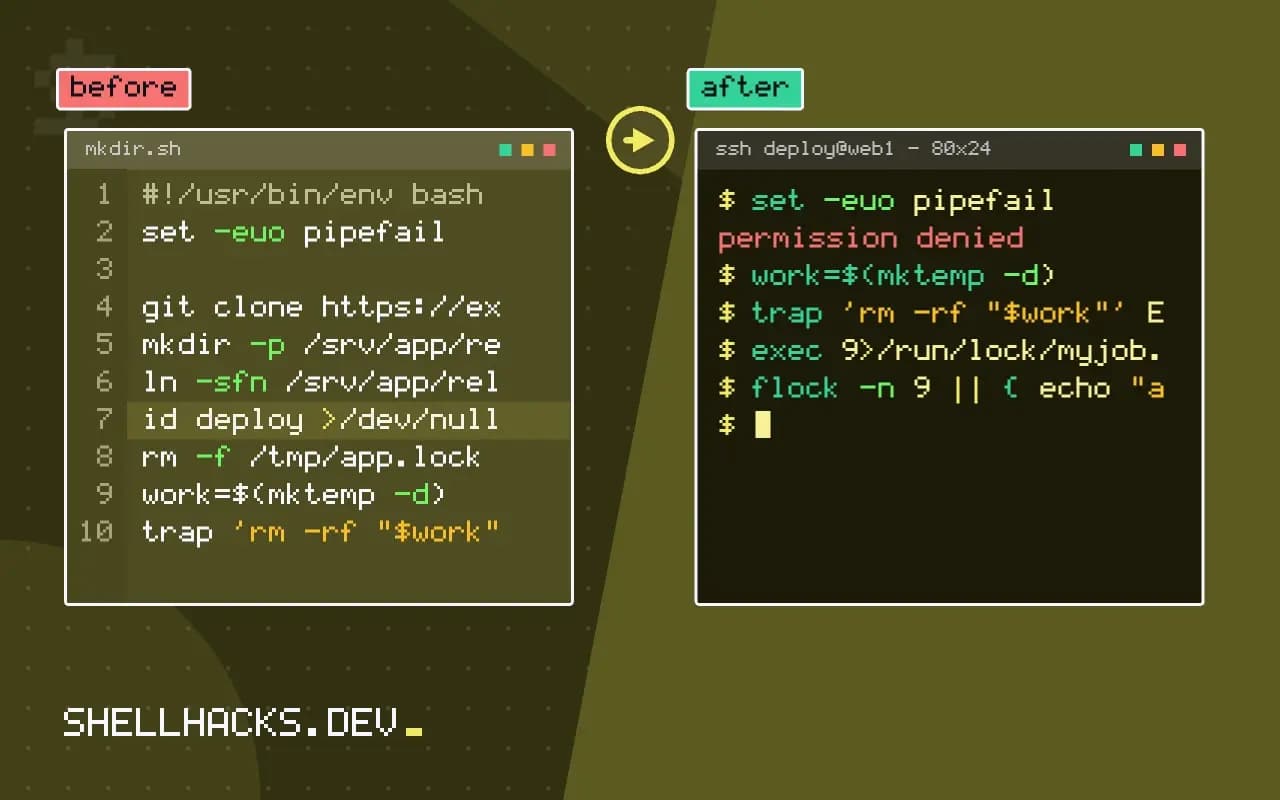
The first run succeeds, so the script ships. The second run, the next day or after a failure, dies with File exists or mkdir: cannot create directory: File exists, or worse, runs and duplicates something. Scripts written while testing in a clean directory pick up assumptions that only hold once. Recognising the patterns makes them easy to fix, and the result is the property described in idempotent shell scripts. The commands assume GNU coreutils 9.x and Bash 5.2.
The common first-run assumptions
mkdir /srv/app/releases              # fails if it exists
ln -s /srv/app/releases/1 current    # fails, or links inside the existing directory
echo "export PATH=\$PATH:/opt/tool" >> ~/.bashrc    # appended again each run
useradd deploy                       # fails: user exists
git clone https://example.test/app.git   # fails: destination exists
mv build/out.tar.gz /srv/dist/       # fails if build/ was cleaned by a failed earlier run
Each line is correct once. The second run fails loudly for the first four and, for the append, silently adds a duplicate each time, which is how a PATH grows to hundreds of repeated entries. Note the ln -s trap: if current is already a symlink to a directory, the second call creates a link inside that directory instead of replacing the link.
Repeat-safe versions
mkdir -p /srv/app/releases
ln -sfn /srv/app/releases/1 /srv/app/current
grep -qxF 'export PATH=$PATH:/opt/tool' ~/.bashrc || echo 'export PATH=$PATH:/opt/tool' >> ~/.bashrc
id deploy >/dev/null 2>&1 || useradd deploy
[ -d app/.git ] && git -C app pull --ff-only || git clone https://example.test/app.git app
rm -f /tmp/app.lock
Use options that mean "make it so": mkdir -p, ln -sfn, rm -f, install -D, cp -u. Test for existence where no option exists. For text in files, check before appending as in editing files in place, or write a managed block delimited by markers that a script can replace. Databases have their own forms: INSERT ... ON CONFLICT DO NOTHING, CREATE TABLE IF NOT EXISTS.
Leftover state from a failed run
#!/usr/bin/env bash
set -euo pipefail
work=$(mktemp -d)
trap 'rm -rf "$work"' EXIT

exec 9>/run/lock/myjob.lock
flock -n 9 || { echo "already running" >&2; exit 1; }
# ... work in "$work" ...
A script that dies halfway leaves a half-finished state that confuses the next run: a lock file that was never removed, a temp directory with partial output, a PID file for a process that no longer exists. The EXIT trap cleans up on normal exit and on most failures, though not on kill -9 or a power cut. A flock lock is released by the kernel when the process ends, so it cannot go stale as a PID file can. Use mktemp instead of fixed names so runs do not collide; see safe temp files.
Test it twice
./deploy.sh && ./deploy.sh && echo "idempotent: second run passed"
./deploy.sh & sleep 1; kill -INT $!; wait; ./deploy.sh && echo "survives interruption"
The simplest test of a script is to run it twice in a row, then to interrupt it halfway and run it again. Do both in a clean container so earlier experiments do not mask the issue. Compare the state after each run with a listing, and aim for the second run to report nothing to do. The same property is what makes cron retries safe, see retry and alerting for scheduled jobs.
The mental model: a script describes a state, not a sequence
Scripts that fail on the second run are usually written as a list of actions, create this, then start that. A script that survives reruns is written as a description of the desired state: this directory exists, this link points here, this user has this group, this service is running. Each line first asks whether the state is already true, and acts only if it is not. The difference in code is small, a test before each step, and the difference in behaviour is large, because the script can start from any point, including the middle of a previous failed run.
This model also makes dry runs cheap. If every step is a check followed by an action, a flag that prints the actions instead of performing them gives a preview of what the script would change. People trust a script they can preview, and they run it more often, so problems surface earlier.
Non-obvious sources of repeat failures
Some commands are not repeat-safe in ways the options do not reveal. A cp -r src dest creates dest on the first run and copies into dest/src on the second, because the destination now exists. The trailing-slash form with rsync behaves consistently, which is one reason to prefer it. Appending to a file with >> doubles content. Generating a random value, such as a password, makes the second run produce a different result and overwrite the first, which may lock out the services configured with the first. Use [ -e file ] to keep the original, or store the generated value and reuse it.
Order matters too. A script that stops a service, changes its configuration and starts it again leaves the service stopped if it fails halfway. On the rerun, the stop step may fail because the service is already stopped, and the script exits before reaching the start. Use forms that tolerate the current state, such as systemctl stop followed by checks, or restructure so the service is only touched at the end, once everything it needs is in place.
Proving the property with a test
The best test is mechanical. Run the script in a clean container, record the resulting state as a listing of files with checksums, run it again and compare. The listings should be identical, and the second run should print no changes. Then add a third kind of run: kill the script at each step in turn, using a debug variable that exits after step N, and rerun it to completion. A script that survives all of these has the property in practice, not only in theory.
Fast feedback matters more than perfection here. Even running the script twice by hand before committing catches most of the issues, because the common failures, existing directories, duplicate lines and existing users, show up on the first repeat. Make it a checklist item in review: has this been run twice?
When failure is the right answer
Not every repeat should succeed quietly. A migration that would drop a column should refuse to run twice, and a script that creates a production database should stop if one already exists with data in it. Distinguish operations that are naturally safe to repeat from those where a repeat signals a mistake. For the second kind, fail early with a message that names the existing state and the flag that overrides the check, so a person decides deliberately instead of by accident.
Write the expected state in a comment above each step, in plain words: "the releases directory exists". A reader can then check the line against its comment, and a failed rerun shows exactly which expectation did not hold. This costs one line per step and doubles as documentation of what the script assumes about the machine.
Where this does not apply
Some operations are one-shot by nature, like sending an email or charging a payment; record completion with a marker and check it, accepting that a crash between action and marker repeats it. Scripts that are meant to refuse a second run (a one-time migration) should say so clearly and exit with a distinct status. See the flock manual page and the mkdir manual.