SSH and Networking
How to Use Two Factor Authentication With SSH Step by Step
Add two factor authentication to SSH with a TOTP app: install the PAM module, enrol users, require a key plus a code, and keep a way back in.
6 min read
SSH keys and tunnels, curl, DNS lookups and port checks, for when a connection will not come up.
Add two factor authentication to SSH with a TOTP app: install the PAM module, enrol users, require a key plus a code, and keep a way back in.

Change the SSH port and limit users in sshd_config without locking yourself out: firewall first, Ubuntu socket activation, SELinux and AllowUsers.
Publish Docker ports safely: the difference between EXPOSE and -p, binding to localhost, the firewall bypass, random ports and how to check what is listening.
Understand Docker networks and container DNS: why the default bridge has none, how user defined networks resolve names, aliases, and reaching the host.
Use SSH keys with a password manager agent: keys stay in the vault, the agent signs with approval, and Git signing and forwarding limits are covered.
Troubleshoot SSH with ssh -v: read the output from the top, spot key offers and refusals, compare config with ssh -G and debug the server side.
Harden sshd: disable password login, restrict root and users, shorten the attack window with a drop-in file, and test safely without locking yourself out.
Use SSH on Windows with the built-in OpenSSH client, the agent service, key permissions, WSL with its separate keys, and the optional server.
Verify an SSH host key fingerprint before trusting a server: read it on the server, compare the prompt, and use console output, SSHFP DNS or certificates.
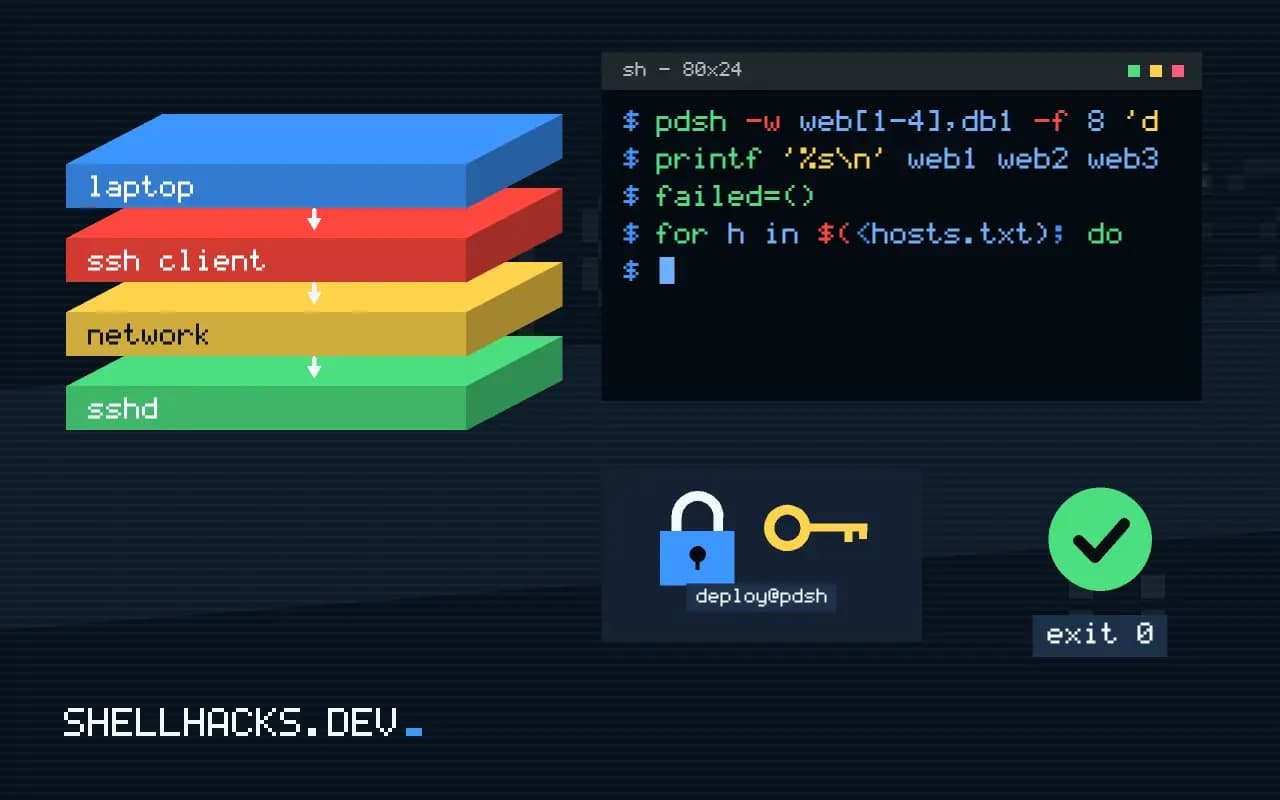
Run a command on many servers at once with pdsh, parallel ssh, xargs -P or GNU parallel, with host lists, output labels, timeouts and a failure summary.
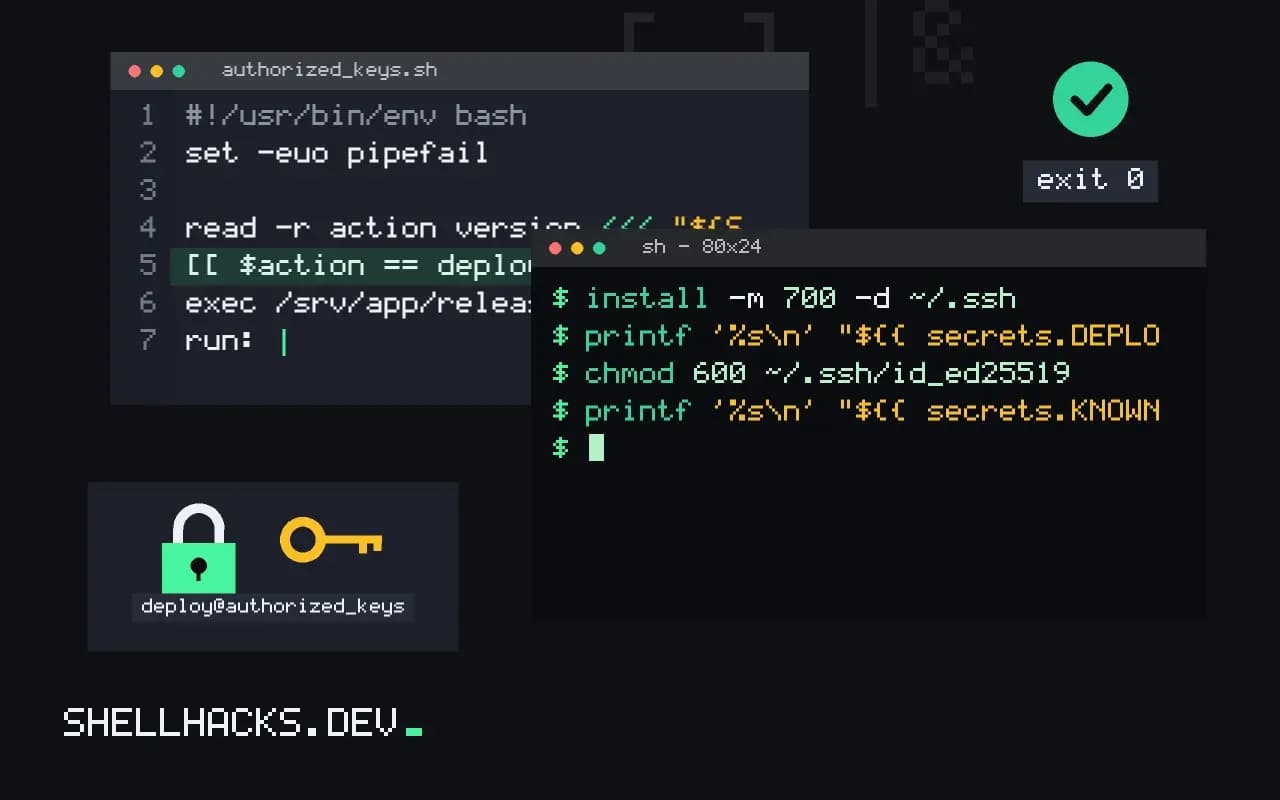
Deploy from CI over SSH with a dedicated key limited by authorized_keys options, a pinned host key, a single deploy command and no StrictHostKeyChecking off.
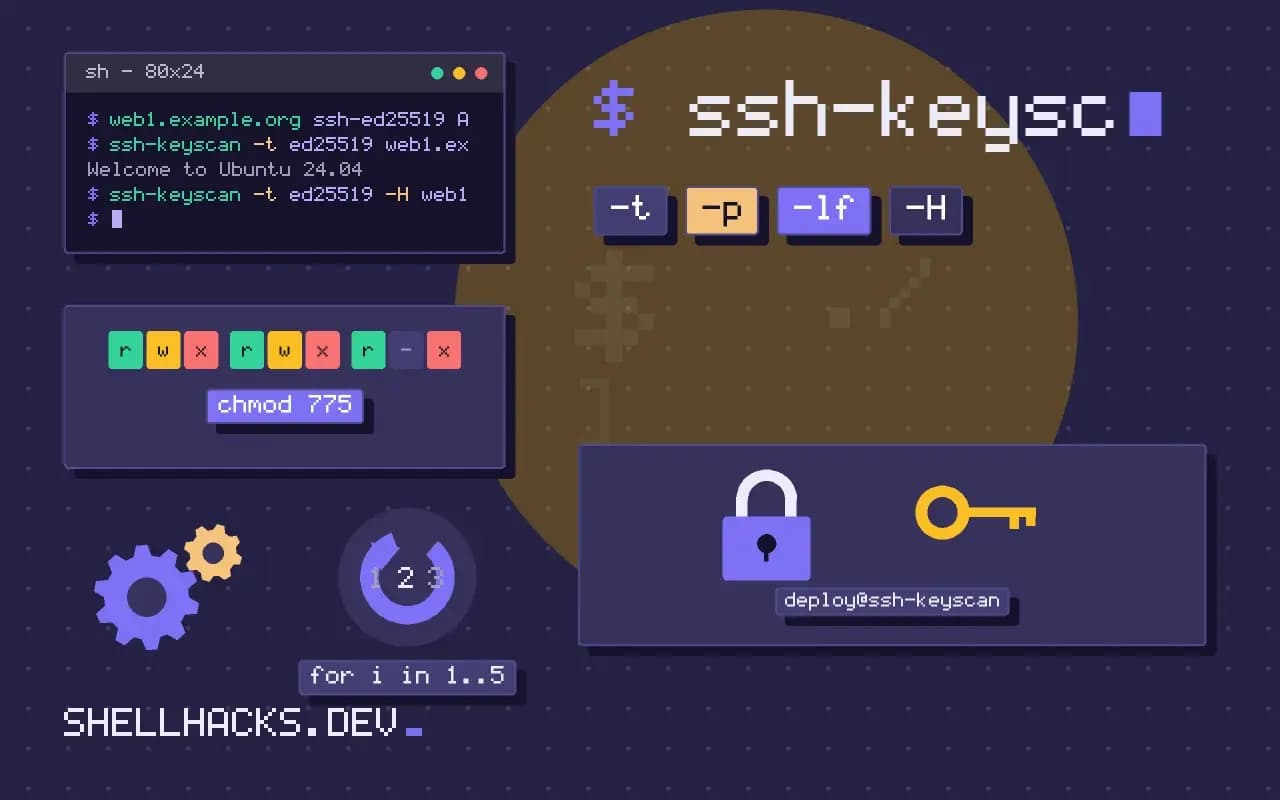
Manage SSH known_hosts with ssh-keyscan: fetch host keys safely, verify fingerprints, hash entries, remove stale ones and use accept-new in automation.
One email when a new post is published. No spam.