How to Deploy From CI Over SSH and Avoid the Pitfalls
Deploy from CI over SSH with a dedicated key limited by authorized_keys options, a pinned host key, a single deploy command and no StrictHostKeyChecking off.
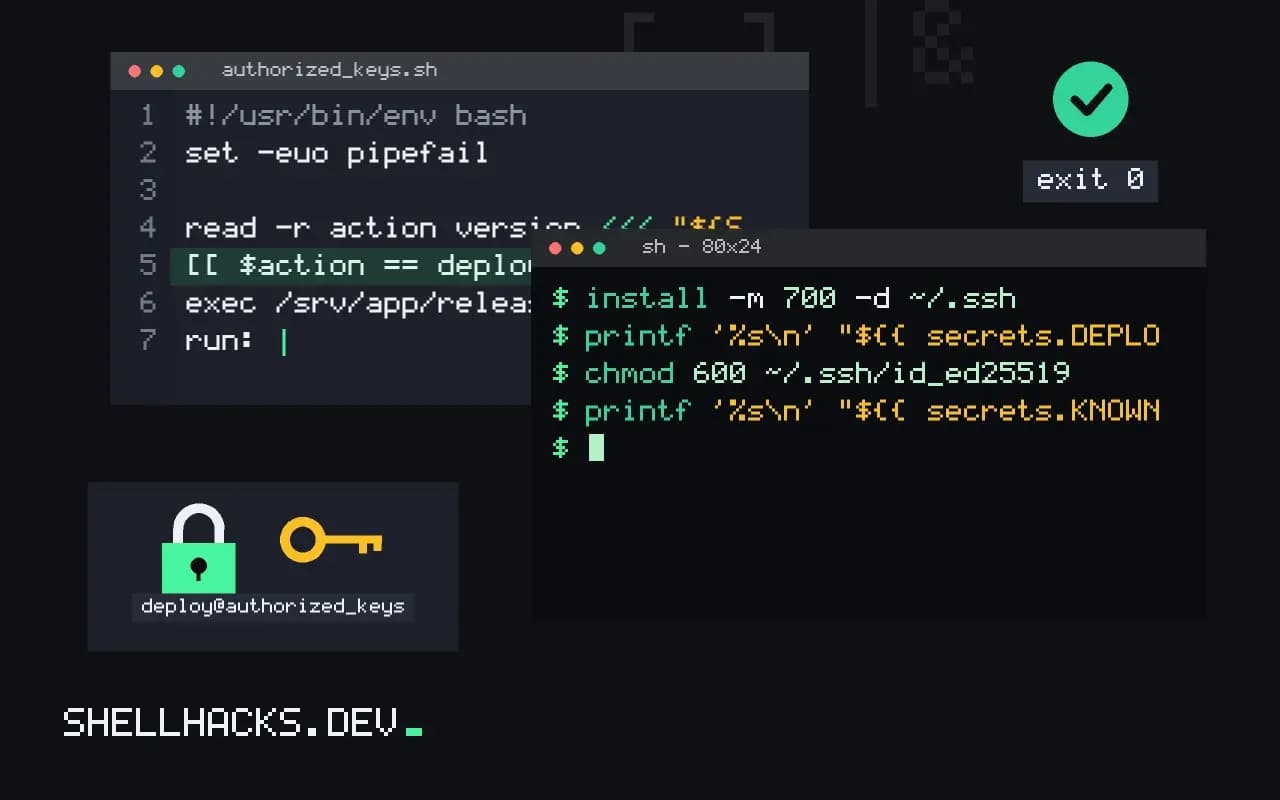
An SSH deploy is the simplest pipeline there is: CI logs in and runs a script. It is also the one that, done carelessly, hands an attacker a root shell on production when a workflow is compromised. The difference is a few restrictions on the key. This post sets them up. It is the push-based counterpart to pull-based deploys, and relies on deploy keys. The commands assume OpenSSH 10.0 and GitHub Actions.
Create a restricted key
ssh-keygen -t ed25519 -N '' -C 'ci-deploy-production' -f ci_deployGenerate it on your machine, not in CI, and keep the private half only in the CI secret store. No passphrase, since CI cannot type one; the protection is the restriction on the server side. Add the public key to the deploy user's authorized_keys with options:
restrict,from="203.0.113.0/24",command="/usr/local/bin/deploy" ssh-ed25519 AAAAC3Nza... ci-deploy-production
restrict turns off port forwarding, agent forwarding, X11 and terminal allocation, and the command= forces every login from this key to run that script, whatever the client asks for. from= limits the source network, useful only if your runners have fixed addresses, which hosted runners generally do not. The deploy user should have no sudo rights beyond what the script needs.
The deploy script receives the request
#!/usr/bin/env bash
set -euo pipefail
# SSH_ORIGINAL_COMMAND holds what the client asked for
read -r action version <<< "${SSH_ORIGINAL_COMMAND:-}"
[[ $action == deploy ]] || { echo "unknown action" >&2; exit 2; }
[[ $version =~ ^[0-9]+\.[0-9]+\.[0-9]+$ ]] || { echo "bad version" >&2; exit 2; }
exec /srv/app/release.sh "$version"
The client can pass an argument, which arrives in SSH_ORIGINAL_COMMAND. Validate it strictly, with a whitelist pattern, since it is untrusted input from a system that may be compromised. Never eval or splice it into a shell string; see preventing command injection.
The workflow step
  deploy:
    runs-on: ubuntu-24.04
    environment: production
    concurrency: production-deploy
    steps:
      - name: Install key and known_hosts
        run: |
          install -m 700 -d ~/.ssh
          printf '%s\n' "${{ secrets.DEPLOY_KEY }}" > ~/.ssh/id_ed25519
          chmod 600 ~/.ssh/id_ed25519
          printf '%s\n' "${{ secrets.KNOWN_HOSTS }}" > ~/.ssh/known_hosts
      - name: Deploy
        run: ssh -o BatchMode=yes [email protected] "deploy ${{ github.ref_name }}"
KNOWN_HOSTS holds the server's host key line, obtained once with ssh-keyscan and verified, as in managing known_hosts. With it, the client refuses to talk to an impostor. StrictHostKeyChecking=no in CI disables exactly that protection and is how deploy keys end up sent to the wrong server. environment: production lets you require approval or restrict branches, and concurrency stops two deploys racing.
Handle the secret with care
Secrets are masked in logs, but only for the exact string, so do not print the key or transform it. Do not echo the command with set -x around the secret. Rotate the key on a schedule and whenever someone with secret access leaves. Pull requests from forks never receive secrets, which is correct; keep deploy jobs on protected branches and tags only.
Where this does not apply
A server with no inbound SSH, or runners with changing addresses and strict firewalls, is better served by a pull-based approach or a deployment service. For cloud resources, use OIDC instead of stored keys. See also safe, idempotent deploys for the server side.
What a restricted key can and cannot do
An ordinary SSH key gives a shell, and a key stored in a CI system is only as safe as that system. If it leaks, the thief gets whatever the account can do. The authorized_keys file lets you attach options to a key that narrow it. command="..." forces a specific command regardless of what the client asks for, so the key can only run your deploy script. restrict turns off port forwarding, agent forwarding, X11 forwarding and pseudo-terminal allocation in one word, and you add back only what you need. from="..." limits the source addresses, which works when your CI runners have stable addresses and fails when they do not, as with most hosted runners. A key restricted in these ways can do a single thing, and a leaked copy can do that thing at worst, from an allowed address. The limits are on the server and cannot be changed by the person holding the key, which is why this is the right place to enforce them.
Use a separate key per environment and per project, so revoking one does not affect the others, and give the deploy account no privileges beyond the directory it deploys to and the narrow command it may run through sudo.
Treating the forced command's input as hostile
With a forced command, the original command line the client sent is available to your script in SSH_ORIGINAL_COMMAND. Use it to pass a small, validated parameter such as a release identifier, and never evaluate it. A script that runs the variable through a shell, or interpolates it into another command, turns the deploy key into a remote shell for anyone who can influence the value, including a branch name or a tag crafted by a contributor. Validate against a strict pattern, for example that it matches only letters, digits, dots and dashes of reasonable length, and refuse anything else. Pass it to other programs as a separate argument, quoted, never inside a string that a shell parses. Log each request with the time and the value so you can see what was deployed and by whom. The script itself should do one thing: fetch the named release from a known place, verify it and switch the active version.
The workflow side and the secret
Store the private key as an encrypted secret, scoped to the environment that needs it, and use environment protection rules so that production deploys require approval and run only from the main branch. Write the key to a file with mode 600 at the start of the step, and remove it at the end, even on failure, using a trap or a cleanup step. Pin the server's host key by writing the known value to the known hosts file, taken from a verified source, instead of disabling verification, since turning off host checking in a pipeline invites a man-in-the-middle at the one point where credentials travel. Do not echo the key or enable shell tracing in the step, as set -x prints commands and can reveal values that the log masking misses. Prefer a deploy mechanism that needs no inbound SSH at all where possible, such as pulling from the server or using a cloud provider's identity federation, as covered in the post on short-lived credentials, because the safest key is the one that does not exist.
Auditing and rotating the deploy access
A deploy key is a standing credential, so treat it that way. Record which key is installed on which server, who owns it and when it was created, and rotate it on a schedule and after any change in who can edit the pipeline. A rotation is easy when the process is scripted: generate a new key, add it to the server's authorized_keys alongside the old one, update the secret, run a deploy to confirm it works, then remove the old line. Check the authentication log on the server for logins by the deploy account, and alert on any that come from addresses you do not recognize or at times when no deploy was running. The ideal deploy has no standing key at all, and the next best has one that can do a single thing, from a single place, and is watched.
See the authorized_keys format and GitHub Actions security hardening.