How to Use Docker Networks and Container DNS the Safe Way
Understand Docker networks and container DNS: why the default bridge has none, how user defined networks resolve names, aliases, and reaching the host.
"Could not resolve host: db" is the first networking error most people see in Docker. The cause is almost always that the two containers are not on a network that provides name resolution. Docker has a built-in DNS server, but only for networks you create yourself. This post lays out how it works and how to check it, as a companion to publishing ports. The commands assume Docker Engine 27.
The default bridge has no DNS
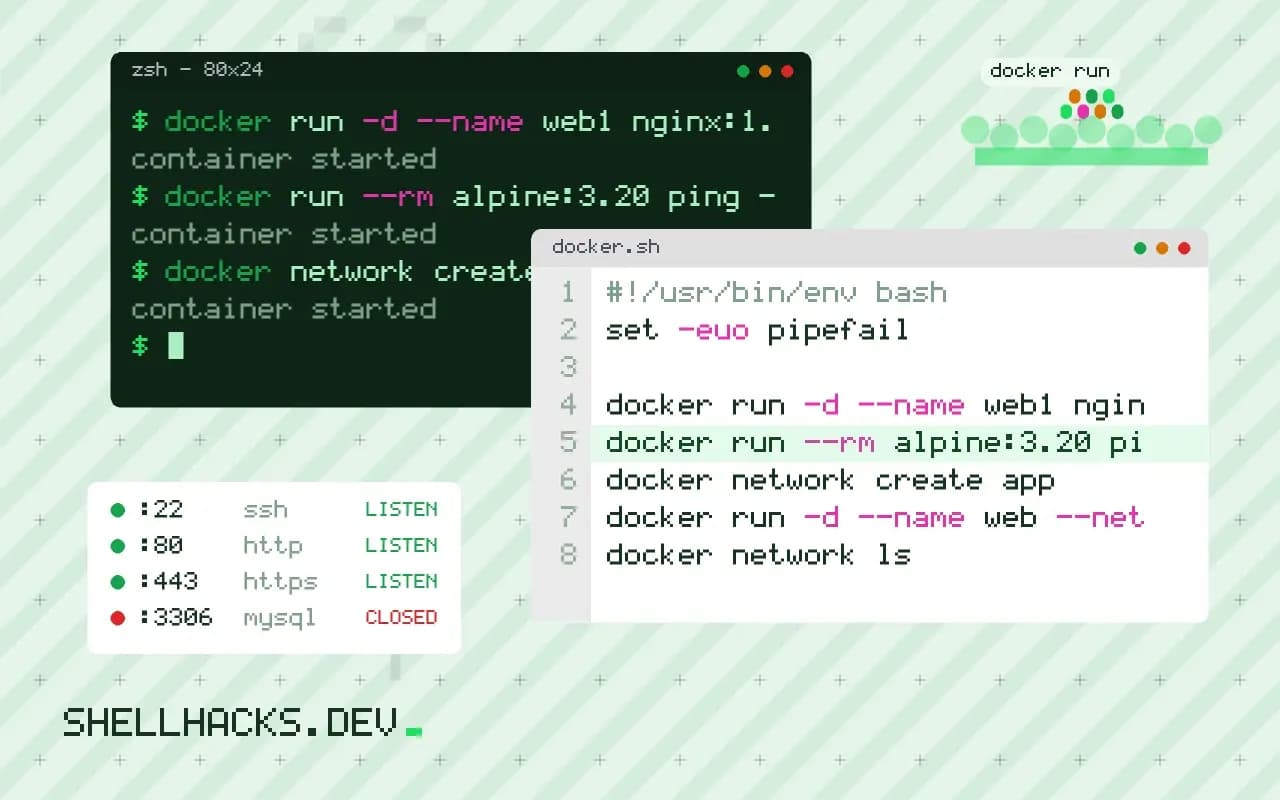
docker run -d --name web1 nginx:1.27
docker run --rm alpine:3.20 ping -c1 web1ping: bad address 'web1'
Containers started without --network join the default bridge, where they can reach each other by IP address but not by name. The old --link option patched this and is deprecated.
A user-defined network
docker network create app
docker run -d --name web --network app nginx:1.27
docker run --rm --network app alpine:3.20 sh -c 'getent hosts web; wget -qO- http://web | head -n 4'172.19.0.2 web
<!DOCTYPE html>
<html>
<head>
On this network the container name resolves, and so does any alias. Inside a container, /etc/resolv.conf points at 127.0.0.11, Docker's embedded server, which answers for container names and forwards the rest to the host's resolvers. getent hosts is a better test than nslookup because it uses the same resolution path as normal programs and exists on small images.
Aliases and Compose
docker run -d --name db1 --network app --network-alias database postgres:17services:
web:
image: nginx:1.27
db:
image: postgres:17
networks:
default:
aliases:
- databaseIn a Compose project, every service joins the project's default network, and the service name is its DNS name: the app connects to db:5432. The same service can have more names through aliases. Different projects have separate networks, so a service named db in two projects does not collide. A container on several networks resolves names on all of them.
Inspect and debug
docker network ls
docker network inspect app --format '{{range .Containers}}{{.Name}} {{.IPv4Address}}{{"\n"}}{{end}}'
docker exec web cat /etc/resolv.conf
If a name does not resolve, check that both containers show up in the network's list. Containers on different networks cannot see each other, and attaching a running container to another network takes docker network connect app name. A container that restarted may have a new IP, so connect by name, never by address.
Reaching the host
services:
  app:
    extra_hosts:
      - "host.docker.internal:host-gateway"
Docker Desktop provides host.docker.internal automatically; on Linux you add it with the host-gateway value (Engine 20.10 and later). The service on the host must listen on an address the bridge can reach, not only on 127.0.0.1.
Where this does not apply
Host networking (--network host) removes the isolation and the DNS: the container uses the host's stack directly, and it works only on Linux. Containers resolving public names can fail when the host's DNS is odd, for example a stub resolver at 127.0.0.53; set --dns 1.1.1.1 for a test. See also debugging DNS from the terminal and the Compose tutorial.
Why the default network has no names
The default bridge network, named bridge, is a legacy design. Containers on it can reach each other by IP address, and nothing resolves names, because Docker's embedded DNS server runs only for user-defined networks. The addresses come from a pool and change when containers restart, so a configuration that hard-codes one breaks the next time the order of startup changes. The old --link option added names on the default bridge and is deprecated, and nothing new should use it. A user-defined bridge network, made with docker network create, gives each container a name that resolves to its current address, isolates it from containers on other networks, and lets you connect and disconnect containers while they run.
Inside a container on such a network, the file /etc/resolv.conf points at 127.0.0.11, the embedded resolver. It answers names of containers and aliases on the same networks, and forwards everything else to the host's upstream resolvers. If external lookups fail while container names work, the fault is in the upstream servers the daemon inherited, and a dns setting in the daemon configuration or the service can fix it.
How names are matched and what shares a network
A container name resolves only for containers that share at least one network with the asker. A container attached to two networks is reachable by name from both, and it can act as a bridge between them, which is a way to place a database on a private network and expose only the application tier. Compose creates one default network per project and attaches every service to it, using the service name as the DNS name. The container name and the service name both resolve, and a service with several replicas answers with all their addresses in rotation, which gives crude load distribution but no health awareness. Network aliases add extra names, so a service can answer to a name such as db while the real service is called something longer.
Names are case-insensitive and follow DNS rules, so a name with a special character and a very long name can cause surprises with software that validates host names. If a library rejects a service name, give the service an alias without one.
Debugging resolution step by step
When one container cannot reach another, ask four questions in order. Are they on the same network, shown by docker network inspect listing both under Containers? Does the name resolve, checked with docker exec app getent hosts db, which uses the same resolver path as applications? Does the port answer, tested from inside the source container with a TCP connection to the name and port? Is the service listening on the right interface? A server bound to 127.0.0.1 inside its container is unreachable from any other container, and the fix is to listen on 0.0.0.0, which is the most common reason a port works with exec on the same container and fails across the network. Images often lack tools like ping and nslookup, so run a helper container with those tools attached to the same network.
Reaching the host from a container needs a name. On Docker Desktop, host.docker.internal works. On Linux, add --add-host=host.docker.internal:host-gateway, and make sure the service on the host listens on an address the bridge can reach and that the firewall allows it.
Custom subnets, ports and the limits of the model
Docker picks address ranges for networks automatically, and the pool can collide with your office network or a VPN, which makes some hosts unreachable from inside containers. Set the default-address-pools in the daemon configuration, or give a network an explicit subnet, when you see unexplained timeouts to a company address range. Containers on the same user-defined network reach each other on any port the service listens on, without publishing, so nothing needs mapping for container-to-container traffic. Publishing is only for traffic from outside the network. Network drivers other than bridge, such as host, remove isolation and name resolution together, so a container on the host network cannot use another container's name and sees the host's own interfaces, and macvlan gives containers addresses on the physical network at the cost of more setup.
Keep in mind that the embedded DNS is for service discovery inside one host. Containers on different hosts need an overlay network, which Swarm provides, or a service mesh or an external DNS entry, and the model described here does not span machines.