How to Use seq and shuf to Make Sequences and Shuffle Lines
Generate number sequences with seq and shuffle, sample or permute lines with shuf, including formatting, steps, random picks and reproducible output.
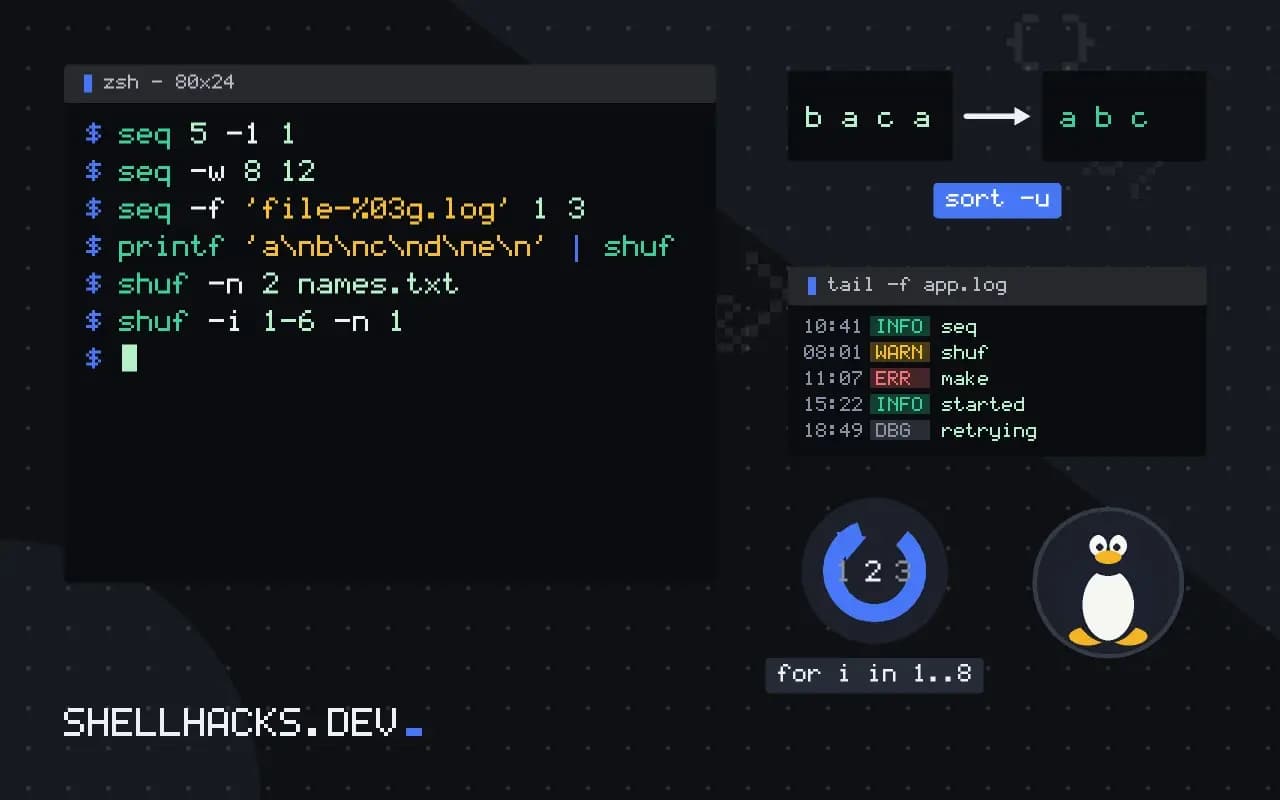
Two small tools solve a surprising number of scripting needs: counting, and picking at random. They are the command-line equivalents of range() and random.sample(), and they appear in loops, test data generation and sampling a log. They pair well with xargs and sort. The examples assume GNU coreutils 9.x.
seq: numbers
seq 3
seq 2 5
seq 0 25 100
seq 5 -1 1
seq -w 8 12
seq -f 'file-%03g.log' 1 31
2
3
2
3
4
5
0
25
50
75
100
5
4
3
2
1
08
09
10
11
12
file-001.log
file-002.log
file-003.log
One argument means "1 to N", two mean "first to last" and three put the step in the middle. A negative step counts down. -w pads to the widest number with zeros, and -f uses a printf-style format for names. In Bash, brace expansion {1..5} is shorter for literals but cannot take a variable, which is where seq "$n" fits, as in repeating a string N times.
shuf: shuffle and sample
printf 'a\nb\nc\nd\ne\n' | shuf
shuf -n 2 names.txt
shuf -i 1-6 -n 1
shuf -e red green blue
shuf -n 1 /usr/share/dict/wordsd
a
e
b
c
shuf permutes input lines without replacement, so -n 2 gives two different lines. -i LO-HI treats a numeric range as input, and -e shuffles its arguments. To allow repeats, add -r, which samples with replacement and is the right option for simulating dice or picking a server at random for each request.
Reproducible shuffles for tests
seq 1 10 | shuf --random-source=<(yes) | head -3
seq 1 10 | shuf --random-source=<(yes) | head -32
3
4
2
3
4
By default shuf uses the system's randomness, so two runs differ. Feeding it a deterministic byte stream with --random-source produces the same shuffle each time, which keeps a test repeatable. The repeating yes stream is a trick that is stable but not random-looking; for a seeded stream with a better distribution, use openssl enc -aes-256-ctr with a fixed key as the source. Do not use shuf to generate secrets: see generating strong passwords for tools made for that.
Practical combinations
shuf -n 100 big.csv > sample.csv
for i in $(seq 1 3); do curl -s -o /dev/null -w '%{http_code}\n' https://example.test/; done
Sampling 100 lines from a big CSV gives a quick look at its shape, though the header line is shuffled in too: take it first with head -1 and shuffle the rest with tail -n +2. A seq loop is a simple way to repeat a command a computed number of times.
seq with decimals, formats and padding
The seq command prints a sequence of numbers, one per line, and accepts a start, an optional step and an end. With floating-point steps, seq 0 0.25 1 prints 0, 0.25, 0.5, 0.75 and 1 in the locale's decimal format, so in a locale that uses a comma the output changes. Set LC_ALL=C for stable output. The -f option takes a printf-style format, such as seq -f '%03g' 1 10 for zero-padded numbers, and -w pads with leading zeros to equal width automatically. The -s option changes the separator from a newline, so seq -s, 1 5 prints a comma separated list.
Floating-point accumulation can drop the last value: a sequence that should end at 1.0 may stop at 0.99999 and omit the endpoint in some implementations. For exact decimal work, use integers and divide, or use a tool with decimal arithmetic.
seq versus brace expansion and loops
In Bash, {1..10} generates a range without starting a process, which is better inside loops and tight code. Its limitation is that bounds must be literals, so a variable count needs seq or an arithmetic for loop. The BSD and macOS systems provide seq in recent versions, and older ones offer jot, which has different options; scripts targeting both should wrap the choice in a function. A C-style loop for ((i=1; i<=n; i++)) is portable across Bash versions and does not allocate a list, which matters for very large ranges, because $(seq 1 10000000) builds a huge string in memory.
When a pipeline needs only the count, prefer the loop, and when it needs a stream of numbers to feed another command, seq is ideal, as in seq 1 100 | xargs -P4 -I{} command {}.
shuf for samples and shuffles
shuf permutes its input lines at random. Beyond shuffling a file, it can pick a sample: shuf -n 5 file returns five lines, shuf -e a b c shuffles its arguments, and shuf -i 1-100 -n 3 draws three numbers from a range without repeats. Adding -r allows repeats, sampling with replacement. For large inputs, it reads all lines into memory unless asked for a small sample, in which case modern versions use reservoir sampling and need memory only for the sample.
The default source of randomness is suitable for sampling and test data but not for security. Generating passwords or tokens with shuf is a mistake; use a tool that reads from /dev/urandom through a cryptographic interface, as discussed in the post on generating strong passwords.
Reproducible randomness for tests
Random order makes failures hard to repeat. shuf --random-source=FILE takes bytes from a file instead of the system source, so the same file gives the same permutation. A fixed seed file, a few kilobytes created once and committed with the tests, makes a shuffled test run deterministic. Another approach is to generate the seed from a printed value, log it at the start, and accept it as an argument on the next run, which reproduces a failing order exactly. Use it for checking tests that should not depend on file order, running benchmarks on varied inputs and splitting a dataset into training and test parts with shuf followed by head and tail. macOS lacks shuf by default, and gshuf from coreutils or sort -R stands in; the latter groups equal lines together and is not a true shuffle.
In practice, combine the two tools for test data. A command such as seq 1 1000 | shuf | head -n 100 builds a random subset of identifiers, and piping it through xargs creates fixtures or hits an endpoint with varied input. Save the output to a file so that a run can be repeated, and record the seed or the file in the test log. Randomised testing finds order dependencies that fixed lists hide, and reproducibility is what turns a failure into a fix.
Where this does not apply
On macOS, seq exists (BSD version) but shuf does not. Install GNU coreutils for gshuf, or use sort -R, which shuffles but groups identical lines together, or awk 'BEGIN{srand()} {print rand() "\t" $0}' | sort -n | cut -f2-. For a huge file, shuf reads everything into memory unless you use -n, which uses reservoir sampling. See the GNU shuf manual and the seq manual.