How to Repeat a Character or String N Times in Bash
Repeat a character or string N times in Bash with printf, brace expansion, a loop or seq, and learn why a variable inside braces does not work.
Drawing a divider line or building a test string of a known length means repeating text a computed number of times, and Bash has no "-" * 20 operator. The answer depends on whether the count is a literal or a variable, a distinction that follows from the expansion order described in parameter expansion. The examples assume Bash 5.2.
A fixed count with printf
printf '%.0s=' {1..20}
echo
printf '%.0sab' {1..3}
echo====================
ababab
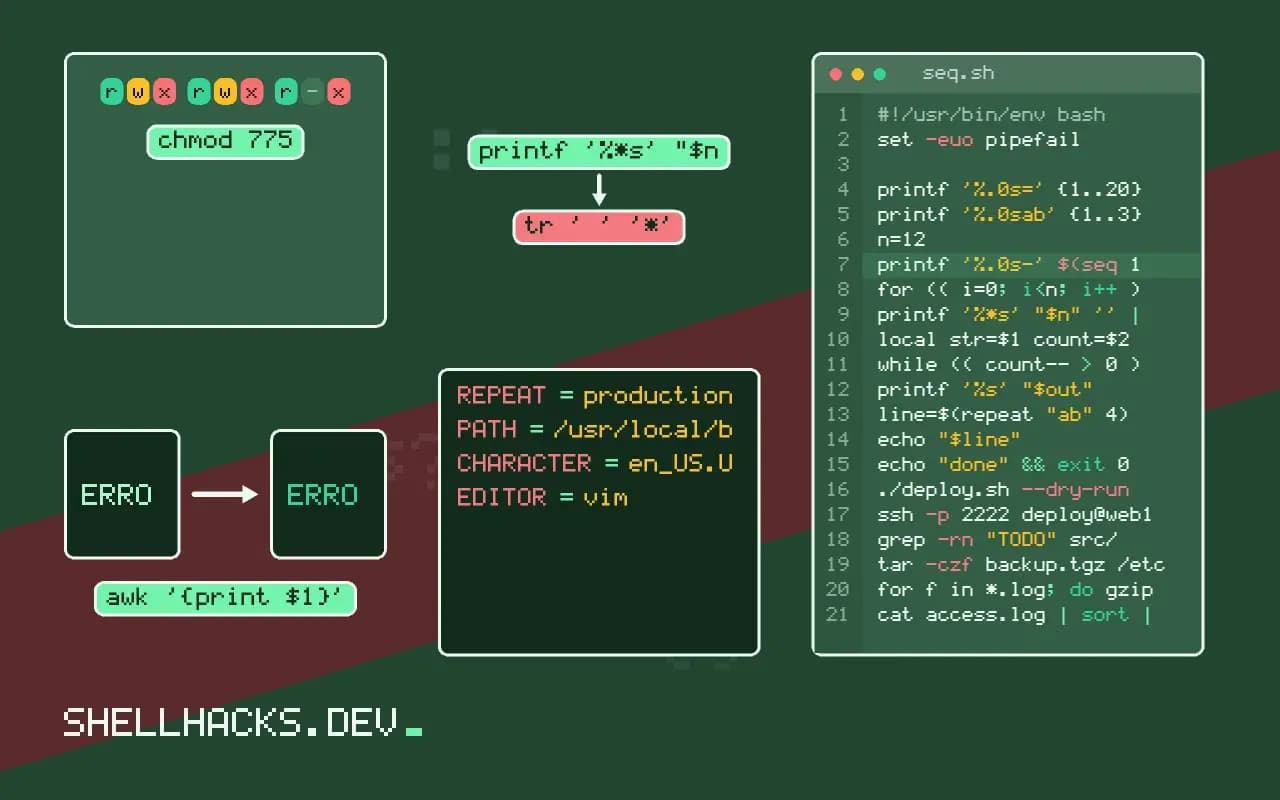
The format %.0s prints zero characters of each argument, and the literal = after it is printed once per argument. Brace expansion generates twenty arguments, so the literal prints twenty times. No loop and no subprocess are involved.
A variable count
n=12
printf '%.0s-' $(seq 1 "$n")
echo

for (( i=0; i<n; i++ )); do printf '='; done
echo

printf '%*s' "$n" '' | tr ' ' '*'
echo------------
============
************
Writing {1..$n} does not work, because brace expansion happens before variables are substituted, so Bash sees the text $n and not a number. seq and the arithmetic loop both take the variable. The last form pads an empty string to width n with spaces and then translates them, which is the shortest way to build a line without a loop.
Repeating into a variable
repeat() {
  local str=$1 count=$2 out=""
  while (( count-- > 0 )); do out+=$str; done
  printf '%s' "$out"
}

line=$(repeat "ab" 4)
echo "$line"abababab
The decrement test handles a count of zero without running the body, which a do loop would get wrong. In Bash 3.1 and later you can also write printf -v line '%*s' 40 '' and then line=${line// /-} to fill a variable without a subshell, in the pattern covered by padding strings.
What printf does with a format
The printf builtin reuses its format string when it has more arguments than conversions. That one rule is what makes repetition work: printf '=%.0s' {1..40} supplies forty arguments to a format that consumes one and prints none of it, because the precision of zero truncates the argument to nothing, leaving only the literal equals sign each time. The result is a line of forty equals signs, produced without a loop and without a subprocess. It looks odd the first time, but the mechanism is straightforward once the reuse rule is clear.
Brace expansion happens before printf runs, so the range must be literals. {1..$n} does not expand, because the shell expands braces before substituting variables, and the text stays as it is.
Counts held in variables
When the count is in a variable, use seq or a C-style loop. printf '=%.0s' $(seq 1 "$n") works where seq exists, though it starts a process. A pure Bash alternative is a loop with for ((i = 0; i < n; i++)); do ...; done, which is slower for large counts because Bash runs each iteration through its interpreter. Another is to build the string by doubling: start with one character and append the string to itself while halving the remaining count, which takes a number of steps proportional to the logarithm of the count.
For a count of zero, the seq form passes no arguments, and printf prints its format once, with the empty conversion, so a single equals sign could appear. Guard against it with a test for zero, or use a form that does not print on empty input. This edge case appears in headers sized to a dynamic width, such as the width of a table column.
Alternatives with other tools
Outside Bash, repeating a string has simple answers. Python has print("=" * 40), and in a shell script python3 -c is an option if Python is already a dependency. The classic Unix trick is yes '=' | head -n 40 | tr -d '\n', which works in any POSIX shell and is useful when the script must stay portable to Dash or BusyBox. It spawns three processes, so avoid it inside a tight loop. For padding a field to a width, the %-20s style formats in printf are often what you really want, and the sibling post on padding strings covers them.
Zsh offers a neat built-in: printf '%*s' 40 '' prints forty spaces, and replacing spaces with another character is done with parameter expansion. Because the details differ, test the one-liner on the shells you support.
Where repetition shows up
The common uses are rule lines under a heading, indentation levels in tree-like output, progress bars made of block characters and test fixtures that need a long string. For a progress bar, compute the filled and empty counts, print each repeated character, and use a carriage return so the bar redraws in place, only when output is a terminal. For fixtures, head -c 1048576 /dev/zero | tr '\0' 'a' generates a megabyte of data faster and with less memory than a shell loop. Choose the form that matches the size: printf reuse for a few dozen characters, head and tr for large blocks, and a loop only when the repeated unit changes on each pass.
Whichever method you pick, write a small test that asserts the length of the output for counts of zero, one and a larger number. It takes a few lines and catches off-by-one mistakes in loops and the empty-count surprise with seq before they reach a report with a misaligned table.
When the repeated text is a multibyte character, such as a box-drawing line, check the locale. The shell counts bytes or characters depending on the settings, and a width calculation that assumes one byte per character will misalign lines containing such characters. Set a UTF-8 locale for the script and use the character itself in the format, not its byte values.
Where this does not apply
For a count in the millions, concatenating in a loop is slow, and generating the text with yes str | head -n N | tr -d '\n' or awk is faster. In POSIX sh, brace expansion does not exist at all, so the first form fails there; use the seq or while version. Negative counts should be rejected before the loop runs. See the Bash manual on brace expansion for the ordering rule, and seq and shuf for the sequence tool. The printf manual page lists the format flags.
The same idea builds a progress bar. With done=7; total=20, print [, then printf '%.0s#' $(seq 1 "$done"), then the remaining spaces with a width format, then ]. Handle done=0 separately, since seq 1 0 prints nothing and an unguarded loop prints one mark. A final carriage return with printf '\r' redraws the line in place, so the bar moves instead of scrolling.