How to Return an Array From a Bash Function the Right Way
Return an array from a Bash function with a global, a nameref, or captured output, and see why return itself only carries an exit status from 0 to 255.
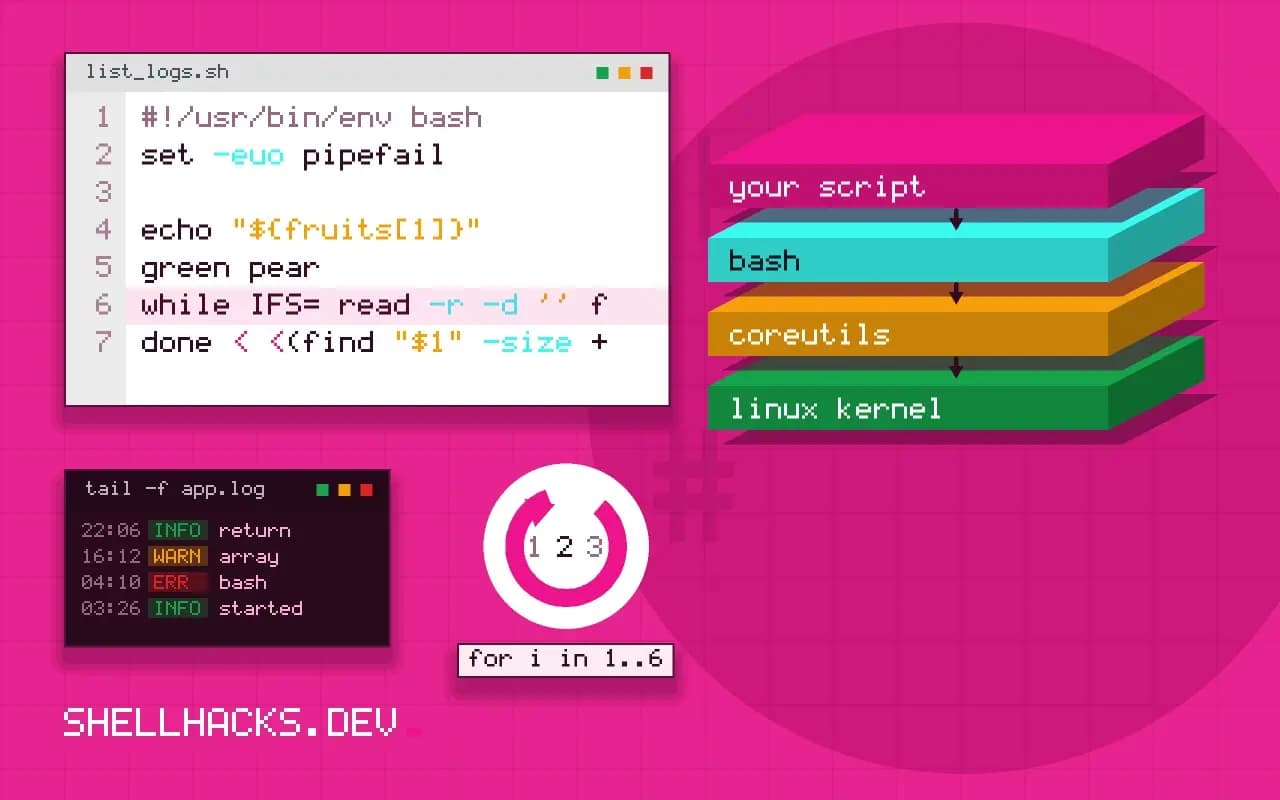
New Bash users expect return to hand back a value, and are surprised to get a status code. The language has three real options, each with a trade-off between speed, purity and portability. It continues passing arrays to functions, and the commands assume Bash 5.2.
Fill an array through a nameref
list_logs() {
  local -n out=$1
  out=()
  local f
  for f in /var/log/*.log; do
    [[ -e $f ]] && out+=("$f")
  done
}

list_logs result
echo "found ${#result[@]} logs"found 4 logs
The caller names the array and the function writes into it directly. No subshell, no parsing, and items with spaces survive. The cost is the Bash 4.3 requirement and the name-collision rule: do not call the caller's array out.
Print and capture
words() {
  printf '%s\n' "red apple" "green pear" "blue plum"
}

mapfile -t fruits < <(words)
echo "${#fruits[@]}"
echo "${fruits[1]}"3
green pear
mapfile -t reads each output line into an element and drops the trailing newline. The process substitution keeps the assignment in the current shell, whereas fruits=($(words)) would split on spaces and break red apple in two. If items can contain newlines, emit NUL bytes with printf '%s\0' and read them with mapfile -d ''.
Use a global array
RESULT=()
find_big() {
  RESULT=()
  while IFS= read -r -d '' f; do
    RESULT+=("$f")
  done < <(find "$1" -size +1M -print0)
}

find_big /var/log
printf '%s\n' "${RESULT[@]}"
Globals are the oldest approach and work on every Bash 4 and later. The downside is that nothing in the call shows that RESULT changes, so the next person to edit the script reintroduces a bug. Name the variable in capitals and document it above the function.
Returning a status as well
fetch() {
  local -n out=$1
  out=("$(date +%s)")
  (( ${#out[@]} > 0 ))
}

if fetch got; then echo "ok: ${got[0]}"; fi
Use the exit status to say whether the function succeeded and the array to carry the data, so if and || work naturally. The status rules are in designing exit codes.
Why Bash cannot return an array
A Bash function returns only an integer exit status between 0 and 255. The return keyword has no way to carry a list, and command substitution captures a single string from standard output. Any approach that sends an array back therefore has to cheat in one of three ways: print the elements and parse them again, write to a variable the caller can see, or hand the function the name of the variable to fill. Each has a cost, and the right one depends on what the elements contain and how often the function runs.
Printing is the familiar route and the most fragile. If the elements contain spaces, newlines or glob characters, reassembling them from a string takes care, and a command substitution runs the function in a subshell, so any other variable the function sets is lost. Reserve it for simple tokens that are known to be free of whitespace.
Printing with a delimiter that cannot occur
When output is the only option, choose a delimiter the data cannot contain. A null byte works for file names and most text, because neither can include it: the function prints each element followed by printf '%s\0', and the caller reads with mapfile -d '' -t arr < <(func). The process substitution keeps the caller in the current shell, so the array is available after the call. Newline-delimited output is acceptable only when elements are known to be single lines, and then mapfile -t is the right reader.
The failure to guard against is a function that also prints diagnostics on standard output. Anything extra becomes an element of the array. Send messages to standard error, and keep standard output for the data and nothing else.
Namerefs and the name collision problem
The cleanest approach on Bash 4.3 and later is the nameref. The caller passes the name of an array, and the function declares local -n out=$1, then fills out as if it were the caller's variable. No subshell, no parsing, and elements with any content survive. The one trap is a name collision: if the function has its own local variable with the same name as the one passed in, the nameref points at the local and the caller's array stays empty. Give the function's internals unusual names, such as an underscore prefix, and keep the nameref's name equally distinct.
Namerefs cannot be used on the stock Bash 3.2 that ships with macOS. For scripts that must run there, assign to a global array with a documented name, or use eval with extreme care, quoting the name through printf %q. A fixed global is easier to audit than an eval, and it makes the data flow obvious in the function's comment.
Choosing for readability
Whichever method you adopt, apply it consistently across the script so callers can predict it. Document the contract at the top of each function: what it fills, what it assumes about the name passed in, what it returns as status. Test the function with an empty result, with elements that contain spaces and with a name that clashes with a local variable. If a function is returning large structured data regularly, that is a hint that the task has outgrown Bash arrays, and a small program in a language with real return values would serve better. For the common case of a handful of items, a nameref with a clear status code is the simplest design that stays correct.
A final consideration is the shell version in the field. Decide at the start of the project which Bash you support, state it in the script's header comment, and check it with a guard such as (( BASH_VERSINFO[0] >= 5 )) that fails with a clear message. That turns a confusing "bad substitution" on an old system into an instruction to upgrade, and lets the rest of the script use namerefs and associative arrays freely.
Run ShellCheck over functions that fill arrays by reference. It does not understand every nameref, and some warnings are false alarms, but it catches the unquoted expansions and missing declarations that cause the real problems.
Where this does not apply
None of this exists in POSIX sh. There, print lines and read them back with a while read loop, or set the positional parameters with set --. The nameref route also breaks in subshells: a function called inside $(...) fills a copy that vanishes. See the mapfile entry in the Bash builtins reference and the functions section of the manual.
Test the choice by looking at the call site. If the caller reads list_logs result and then uses result, a future reader can see where the data came from. If the caller reads list_logs and then a capital-letter global appears, they have to open the function. Prefer the first, and see passing arrays in for the other direction. The ShellCheck SC2207 page explains why splitting command output with arr=($(cmd)) is discouraged.