How to Use sed With Variables and Special Characters
Pass shell variables into sed safely: double quotes, another delimiter, escaping slash and ampersand, and when awk or perl is the cleaner tool.
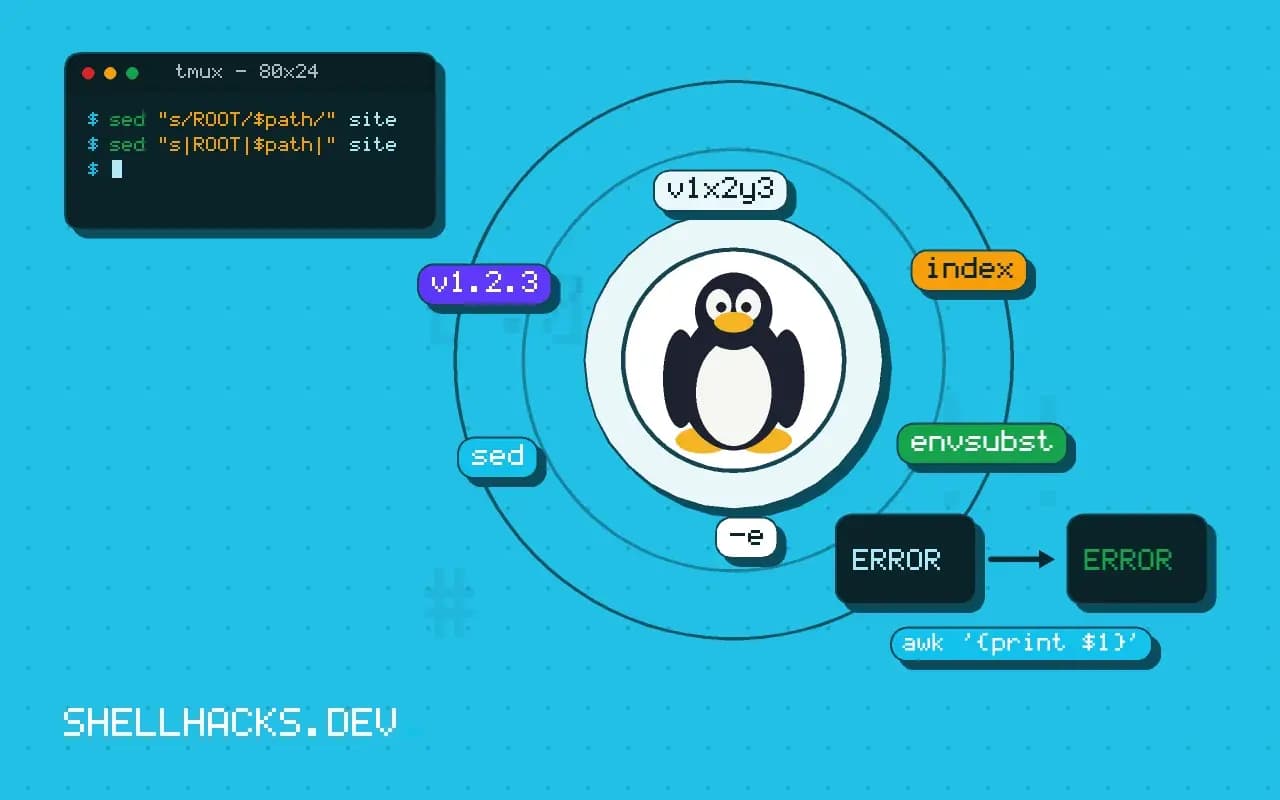
A sed command that works with a literal string and breaks when the string comes from a variable is a classic. The shell and sed each interpret characters, and a value with a slash, an ampersand or a dot changes what the expression means. This post explains each layer, in the order they bite, as a follow-up to replacing text with sed. Examples use GNU sed 4.9 and Bash 5.2.
Quotes first
new="staging"
sed 's/ENV/$new/' config.tpl
sed "s/ENV/$new/" config.tplAPP_ENV=$new
APP_ENV=staging
Single quotes protect the text from the shell, so sed receives a literal $new. Double quotes let the shell expand it, but also expand backticks, $(...) and ! in interactive shells, so do not put anything else risky in the same expression. A middle route keeps most of the expression in single quotes: sed 's/ENV/'"$new"'/'.
Slash and ampersand in the value
path="/var/www/html"
sed "s/ROOT/$path/" site.tplsed: -e expression #1, char 17: unknown option to `s'
The slashes in the value end the replacement early. Two fixes: change the delimiter, or escape the value.
sed "s|ROOT|$path|" site.tpl

escape_repl() { printf '%s' "$1" | sed -e 's/[\/&]/\\&/g'; }
sed "s/ROOT/$(escape_repl "$path")/" site.tpl
The helper puts a backslash before every / and &. It does not handle a newline in the value, which sed cannot take in a one-line replacement without extra work. A delimiter swap is easy but only works when you know the value lacks the new delimiter, so a value from a user is still unsafe.
The pattern side
old="v1.2.3"
escape_pat() { printf '%s' "$1" | sed -e 's/[][\.*^$/]/\\&/g'; }
sed "s/$(escape_pat "$old")/v1.2.4/" VERSION
The dot in v1.2.3 would match any character, so v1x2y3 matches too. The pattern side treats . * [ ] ^ $ \ and the delimiter as special (more with -E), so an exact string needs them escaped. For a plain fixed-string replacement, tools without regular expressions are simpler than escaping.
Let awk or perl take the value
OLD="a/b&c" NEW="x\y" awk '{ i = index($0, ENVIRON["OLD"]); if (i) $0 = substr($0, 1, i-1) ENVIRON["NEW"] substr($0, i + length(ENVIRON["OLD"])); print }' file
OLD='a.b' NEW='x/y' perl -pe 's/\Q$ENV{OLD}\E/$ENV{NEW}/g' file
Both read the values from the environment, never through the expression parser, so no character needs escaping. The perl \Q...\E quotes everything in between. The awk version uses index for a literal match of the first occurrence. Environment variables avoid the backslash handling that awk -v applies to its argument.
Where this does not apply
Editing files in place is a separate issue with flag differences on macOS; see in-place sed on both systems. When the replacement needs a multi-line value, sed is the wrong tool; use a template tool such as envsubst, or write the file with a here document. For config edits, the next post shows safer patterns: editing config files with sed.
Three layers of escaping at once
A sed command with a variable passes through three parsers, and each one has its own special characters. The shell reads the line first and decides what to do with quotes, dollar signs, backticks and backslashes. Then sed reads the script, where the delimiter, the ampersand, backslashes and newlines have meaning. Finally the regular expression engine reads the pattern, where dots, stars, brackets and anchors are operators. A value that is harmless to one layer can break another. A file path with a slash ends the substitution early because slash is the delimiter. A password with an ampersand turns into a copy of the matched text in the replacement. A name with a dot matches any character on the pattern side. Most of the "sed does not work with variables" complaints are one of these three layers biting, and the first step in fixing one is to ask which layer is misreading the character.
Quoting is where the shell layer is decided. Single quotes pass everything literally and cannot contain a variable, and double quotes expand variables but also treat the dollar sign, backtick and backslash as special. A common compromise is to close the single quotes around the variable: sed 's/old/'"$new"'/', which keeps the rest of the script literal.
Choosing a different delimiter, and its limit
Any character can be the delimiter, so s|old|new| avoids escaping slashes in paths. This reads better than a forest of backslashes, but it moves the problem rather than removing it: the delimiter must not appear in the value, and a value from outside your control may contain any character, including your choice. For values you cannot predict, escape the characters that matter on the replacement side, which are the delimiter, the ampersand and the backslash, and in a multi-line script the newline. A short sed command can do it, sed 's/[\/&]/\\&/g' run over the value, which puts a backslash before each of those. A newline inside the value cannot be handled that way and needs a different tool. The pattern side is stricter, since brackets, stars, dots, carets, dollar signs and, depending on mode, plus signs, question marks, parentheses, braces and pipes need escaping to be literal.
Basic and extended modes differ. In basic mode, the plus sign is literal and a backslash makes it an operator in GNU sed. With the extended flag, -E in both GNU and BSD versions, it is an operator without a backslash. Pick one mode and keep to it.
When to stop escaping and use another tool
If the value is arbitrary data, such as a password, a URL from a user or the output of another command, escaping with sed becomes a game of whack-a-mole. Hand the value to a tool that takes it as data and not as code. In awk, read the environment with ENVIRON["NAME"], which does no escape processing, and avoid -v for values with backslashes, since awk interprets escape sequences in -v assignments. In Perl, use $ENV{NAME} in the replacement and wrap the value in \Q...\E on the pattern side to treat it literally. Both approaches pass the value through the environment, so the shell never parses it as part of a script, and that also keeps it out of the process list, which shows command line arguments to every user.
Test with hostile values: one with a slash, an ampersand, a backslash, a dot, a dollar sign and a space. If the command survives all of them, it will survive real data. If it fails, change tools before the bug reaches production.
A checklist before you ship a sed command
Run through five questions. Which quotes does the shell see, and does the variable need to expand? Which delimiter is safe for every value this command will ever receive? Is the value escaped for the replacement side, and for the pattern side if it is used there? Do the flags match between GNU and BSD sed on the machines that will run it? Has it been tried on a hostile value? Keep a small test file with those values next to the script and run it after every change. Working through the list takes a few minutes and catches the failures that otherwise appear months later with an unlucky password or path, and the fix in a hurry is always uglier than the one made with a calm head and a test file.
See the GNU sed s command and POSIX sed.