How to Use WebSockets From the Terminal With websocat
Use WebSockets from the terminal with websocat: connect, send text, read a stream with jq, set headers, run a test server and keep connections alive.
WebSockets keep a connection open so a server can push messages, which makes them harder to poke at than HTTP: curl sends a request and reads a response, and a socket can send and receive many messages at any time. A terminal client lets you try an endpoint, watch a live feed and debug a handshake without writing code. websocat is the netcat of WebSockets. This post covers the commands you use first. It pairs with GraphQL from the command line (subscriptions use sockets) and network debugging. Examples use websocat 1.13 and jq 1.7.
Install and connect
cargo install websocat
# or: brew install websocat / download a release binary
websocat wss://stream.example.org/v1/feed{"type":"hello","session":"a81c"}
{"type":"tick","symbol":"ADA","price":101.25}
With a ws:// or wss:// URL, websocat opens the connection and then bridges it to your terminal: lines typed on stdin are sent as text messages, and messages received are printed one per line. End with Ctrl-D (end of input) or Ctrl-C. Check that the tool is from a source you trust before you install and run it. Use wss:// (TLS) for anything that is not on your own machine.
Send one message and read the reply
echo '{"action":"subscribe","channel":"orders"}' | websocat -n1 wss://stream.example.org/v1/feed
websocat -t wss://stream.example.org/v1/feed <<< '{"action":"ping"}' | head -n 1
-n1 (or --one-message) sends one message and exits after one reply, a way to treat an endpoint as a request/response call in scripts. -t (--text) sends text frames explicitly; -b sends binary. Many servers close the connection when stdin reaches end of file, before they reply; if you get no output, add --no-close or keep stdin open with (echo '...'; sleep 2) | websocat URL.
Process a stream
( echo '{"action":"subscribe","channel":"ticks"}'; cat ) | websocat -t wss://stream.example.org/v1/feed \
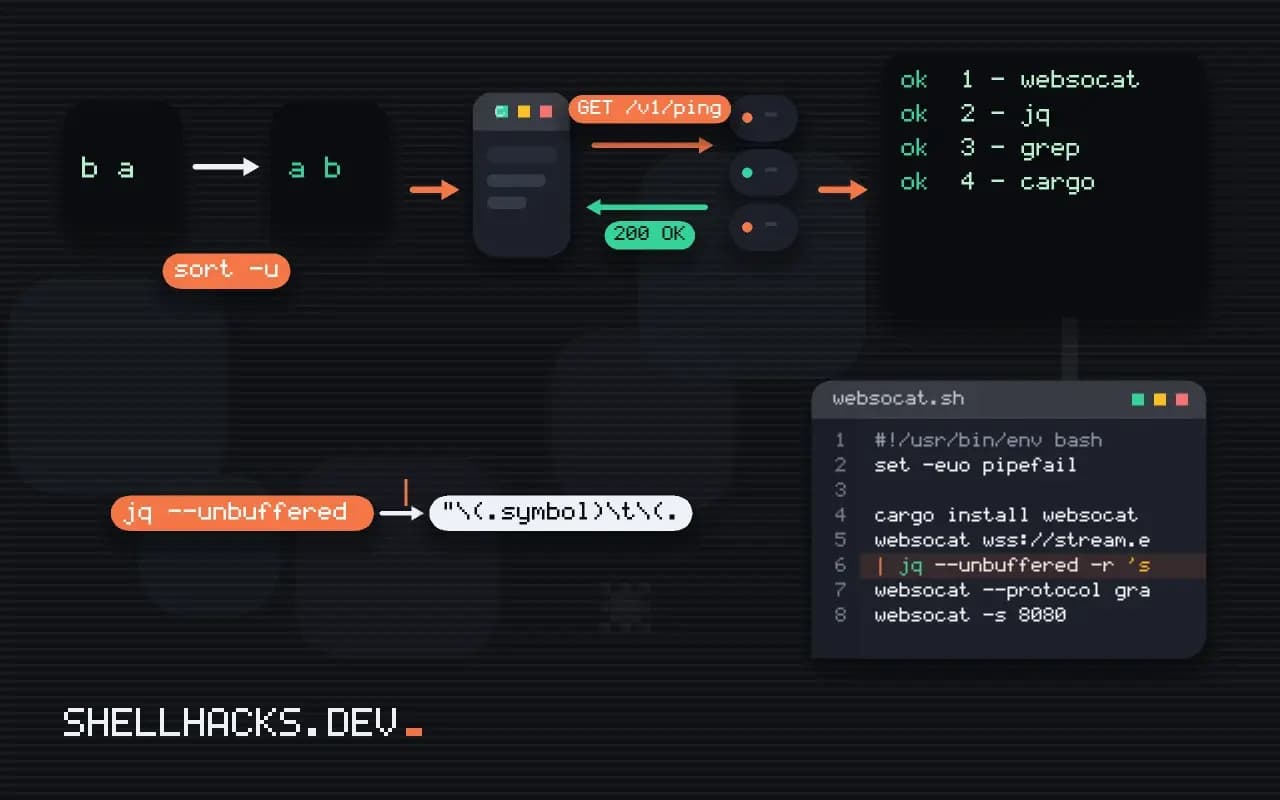
  | jq --unbuffered -r 'select(.type=="tick") | "\(.symbol)\t\(.price)"'
The subshell sends the subscription, then cat keeps stdin open so the connection stays alive. Each message is a line of JSON, so jq filters and formats the live feed; --unbuffered makes jq print each line as it arrives instead of waiting for a block. Append to a file with tee feed.jsonl for later analysis. A feed that has a rate of thousands of messages per second fills the terminal, so filter early.
Headers, authentication and keep-alive
websocat -H 'Authorization: Bearer '"$TOKEN" --origin https://app.example.org \
  --ping-interval 20 wss://stream.example.org/v1/feed
websocat --protocol graphql-transport-ws wss://api.example.org/graphql
-H adds a header to the handshake request, which is where bearer tokens or API keys go; browsers cannot set headers on WebSockets, so some APIs accept a token in the query string instead, which ends up in logs. --origin sets the Origin header some servers check. --ping-interval sends WebSocket pings so idle proxies do not drop the connection. --protocol selects a subprotocol, as GraphQL subscriptions require.
Run a test server
websocat -s 8080
websocat -s 8080 --exit-on-eof
websocat ws://127.0.0.1:8080
-s listens on a port (on localhost by default), and what you type in the server's terminal is sent to the connected client, and the client's messages appear there. That is a quick way to test your own WebSocket client without building a server, or to see the exact frames a library sends. Bind only to localhost unless you mean otherwise.
Where this does not apply
Only connect to services you own or have permission to test; sending messages to someone else's production socket can have side effects. The tool shows messages, not the protocol above them (authentication flows, acknowledgments), which you must send by hand. For browser-only behavior such as cookies and CORS, use developer tools. Other clients exist (wscat from npm, curl's experimental WebSocket support in recent versions); websocat is the most flexible for scripting.
Related reading: sending webhooks from scripts and receiving them with a tiny server cover the other ways a service pushes events to a script, which are simpler than a socket when you only need one-way notifications.
What a WebSocket is and how the tool uses it
A WebSocket starts as an ordinary HTTP request that asks to upgrade the connection, and after the server agrees, the same TCP connection carries messages in both directions, with no request and response pairing. The server can push messages whenever it wants, which suits live feeds, chat, notifications and streaming APIs. websocat is a command-line client that connects to a WebSocket URL and connects its standard input and output to the message stream, so each line you type is sent as a message and each message received is printed as a line. That makes the Unix tools useful again: feed it with echo or a file, read from it with jq or grep, and put it in a pipeline. With a TLS URL, wss://, it handles the encryption. The simplicity hides the fact that the protocol is stateful, so a script usually needs to send a subscription message first, wait for an acknowledgement, and then read, and the details are defined by the service, not by WebSocket itself.
Messages are text or binary frames. By default the tool treats lines as text messages, with options to switch to binary mode when the service sends binary data.
Sending one message and exiting cleanly
For a single request and reply, the useful options are the ones that shape the connection's life. By default the tool waits for the server to close the connection, so a script that sends a message and wants the first reply must tell it to stop. The -n1 style limit exits after one message from the server, and -n stops it from sending a close frame when its input ends, which matters because some servers treat an immediate close as a cancellation and discard the reply. Experiment to see what the service needs. Add a timeout in the shell with timeout 10 so a service that never answers does not hang the script, and check the exit status. When a service closes with an error code or an error message, the tool prints it on standard error, and a script should read it. For debugging the exchange, the verbose flag shows the handshake, the headers and the frames, which is the first place to look when a connection is refused with a 400 or 403 during the upgrade.
If the service expects a ping now and then, use the option for a periodic ping so an idle connection is not dropped by a proxy that closes quiet sockets, and design a script that runs for hours to reconnect after a drop.
Streams, headers and authentication
For a continuous feed, let the tool run and filter its output as it arrives: websocat wss://example.com/feed | jq --unbuffered '.price'. The --unbuffered flag in jq matters, since otherwise it holds output in a buffer when writing to a pipe and the results appear in bursts or not until the stream ends, and grep needs --line-buffered for the same reason. Authentication is done in one of three ways: a header sent during the upgrade, set with -H, a token in the URL query string, or a message sent after the connection opens. A token in a URL can end up in server logs and in your shell history, and a header is safer where the service allows it, though the command line is visible to other users in the process list, so on shared machines read the token from a file or an environment variable inside a wrapper script. Origin checks are common, and some servers refuse a connection that lacks an acceptable Origin header, which the tool can send with an option.
Running a test server and handling reconnects
The same program can listen as a server, websocat -s 8080, and echo or relay messages, which lets you test a client without a backend, or connect two programs that speak the protocol. A quick echo server and a client in two terminals shows the framing and the timing. It can also act as a proxy that bridges a WebSocket to a TCP port or a program's standard streams, so a legacy command-line tool can be exposed over a WebSocket for development. For production work, remember that a connection that works in a terminal may fail in a script because of idle timeouts, so build in reconnection: a loop that restarts the client after it exits, with a growing delay and a limit, and a fresh subscription each time, since the server forgets the state when the connection drops. Keep a record of the last message ID you processed if the service supports resuming from a point, and use it after the reconnect to avoid gaps and duplicates.
See the websocat project and RFC 6455, the WebSocket protocol.