How to Query JSON Columns From the Shell With Real Output
Query JSON columns from the shell in PostgreSQL, MySQL and SQLite: extract fields, filter, expand arrays, return clean output for scripts and pipe rows to jq.
JSON columns put document-shaped data inside a relational database, and the shell is where you often want to inspect it: count events by type, find one user's payloads, export a field. The syntax differs in each database, and the output options decide whether the result is usable in a pipeline. This post gives the extractions for the three common databases and the glue to jq. Examples use PostgreSQL 17, MySQL 8.4 and SQLite 3.46.
PostgreSQL jsonb
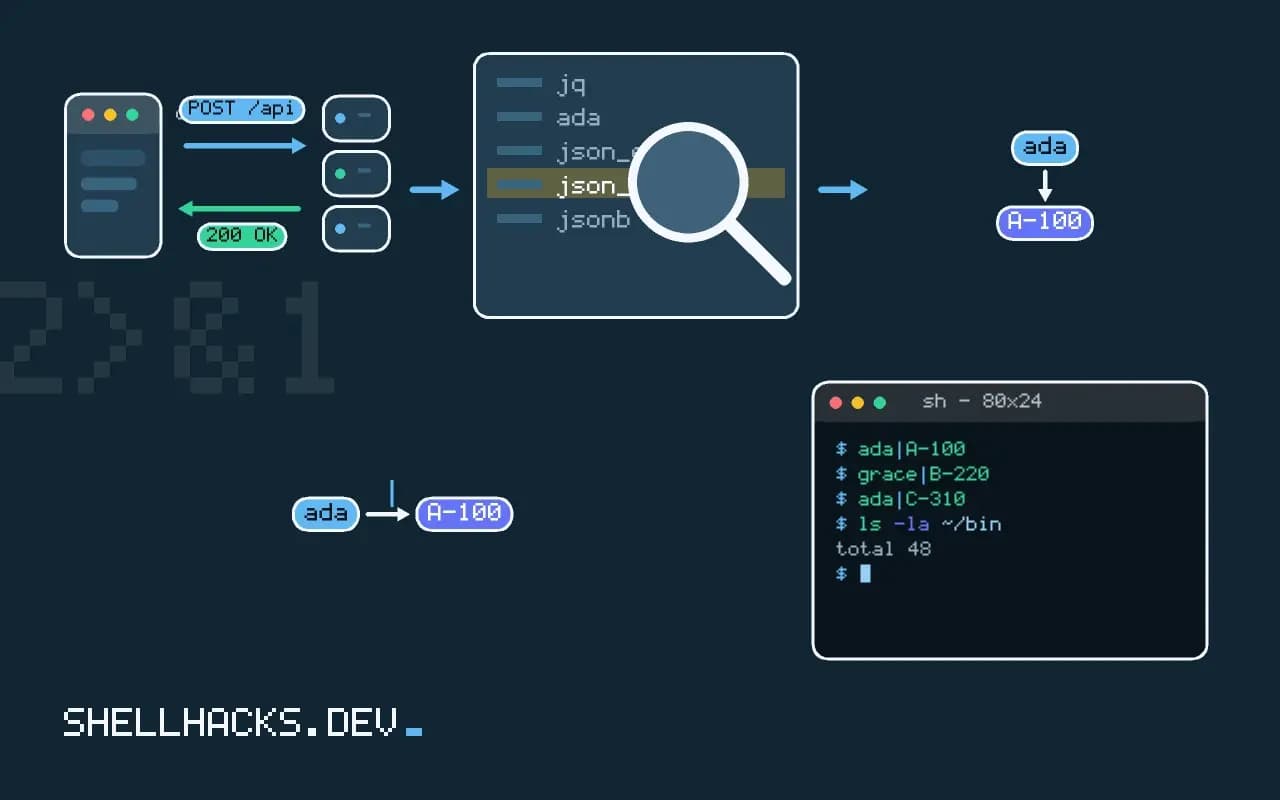
psql -At -d app -c "select data->>'user', data->'items'->0->>'sku' from events where data->>'type' = 'order' limit 3"ada|A-100
grace|B-220
ada|C-310
The operator -> returns JSON and ->> returns text, so use ->> for the final step and -> in the middle. A numeric index works for arrays. #>> takes a path array: data #>> '{items,0,sku}'. The psql flags -A (unaligned) and -t (tuples only) remove the table decoration, leaving fields separated by |; add -F $'\t' for tabs. Filter with containment: where data @> '{"type":"order"}', which can use a GIN index.
Expand arrays
psql -At -d app -c "select e.id, i->>'sku', (i->>'qty')::int from events e, jsonb_array_elements(e.data->'items') i where e.data->>'type' = 'order'"jsonb_array_elements turns an array into rows, one per element, joined laterally to the parent row. Cast text to a number with ::int before summing or comparing. A common aggregate: select i->>'sku', sum((i->>'qty')::int) ... group by 1 order by 2 desc.
MySQL
mysql -N -B app -e "select data->>'\$.user', JSON_EXTRACT(data, '\$.items[0].sku') from events where data->>'\$.type' = 'order' limit 3"MySQL paths start with $, which the shell would expand, hence the backslash inside double quotes (or use single quotes around the whole statement and double quotes inside). ->> is shorthand for JSON_UNQUOTE(JSON_EXTRACT(...)); plain JSON_EXTRACT returns a quoted JSON value, so the second column above prints with quotes. -N drops the header and -B uses tabs. To expand arrays into rows use JSON_TABLE(data, '$.items[*]' COLUMNS (sku VARCHAR(20) PATH '$.sku', qty INT PATH '$.qty')) t.
SQLite
sqlite3 app.db "select data->>'user', json_extract(data, '$.items[0].sku') from events where data->>'type' = 'order' limit 3"
sqlite3 app.db "select e.id, j.value->>'sku' from events e, json_each(e.data, '$.items') j"
SQLite's JSON functions are built in since 3.38; the arrow operators arrived in the same release (3.45 for the JSONB format). json_each expands an array or object into rows with a value column. Before 3.38, use json_extract only. SQLite stores JSON as text, so queries scan unless you add an index on an expression.
Hand over to jq
psql -At -d app -c "select row_to_json(t) from (select id, data->>'user' as user, data->'items' as items from events limit 100) t" | jq -c 'select(.items | length > 2)'
mysql -N -B app -e "select JSON_OBJECT('id', id, 'data', data) from events limit 100" | jq -r '.data.user'
When the shape is irregular, emit one JSON object per row and let jq do the rest; the database does the filtering and the limiting, jq does the reshaping. Output is one object per line (JSON Lines), which streams. Take care that psql with a pager or alignment would corrupt this, so keep -At and PAGER=cat.
Quoting and safety
Do not splice shell variables into SQL. For psql, pass values with -v name=value and use :'name' in the statement, which quotes safely: psql -At -v user="$u" -c "select count(*) from events where data->>'user' = :'user'". Note that -c does not interpolate variables in some versions; use a here-document or -f for those. The credentials belong in a password file, as in credential files for PostgreSQL and MySQL.
Where this does not apply
Heavy analytics over JSON is better done after loading the fields into real columns or a columnar engine; see DuckDB from the command line. A JSON column that holds data you always filter on deserves a generated column and an index. For command-line access to each database, see psql and sqlite3.
How each engine stores and indexes JSON
The three databases treat JSON differently, and the differences decide what you can do cheaply. PostgreSQL has two types. json stores the text as given, preserving key order and duplicate keys, and reparses it on every access. jsonb stores a decomposed binary form, drops duplicate keys keeping the last, does not preserve key order, and supports indexing, so it is the one to use unless you need the original text. A GIN index on a jsonb column makes containment queries with the @> operator fast, and an expression index on (data->>'user_id') speeds equality lookups on one field. MySQL stores JSON in a binary format with validation on insert, and indexes it indirectly: you create a generated column from JSON_EXTRACT and index that. SQLite stores JSON as ordinary text and parses it with its JSON functions on each call, so there is no special storage, and an index on an expression works for lookups. For a large table, a query on an unindexed JSON field is a full scan with a parse per row, which is the first thing to check when a JSON query is slow.
Because a JSON column hides structure from the database, it does not enforce types, nulls or relations. Fields you filter and join on regularly usually belong in real columns, with JSON kept for the variable part.
Operators and the difference between a value and text
In PostgreSQL, -> returns a JSON value and ->> returns text, and the distinction causes the most mistakes. Comparing data->'age' > 30 fails or compares the wrong types, while (data->>'age')::int > 30 works, since the text is cast to an integer. Use #>> with a path array to reach nested fields, and jsonb_path_query for the SQL/JSON path language, which can filter inside arrays. MySQL 8 offers the same arrows: -> returns a JSON value with its quotes, and ->> returns the unquoted text, equivalent to wrapping JSON_EXTRACT in JSON_UNQUOTE. SQLite gained the arrow operators in version 3.38, with the same split between a JSON result and a text result, and before that you use json_extract. A missing key yields SQL NULL in all three, and a JSON null is a different value that some functions return as the text null, so test for both when the data is untidy.
To turn an array into rows, use jsonb_array_elements in PostgreSQL, JSON_TABLE in MySQL 8.0.4 and later, and json_each in SQLite, which also expands objects into key and value pairs.
Passing values safely and handing off to other tools
When a shell variable goes into a query, never build the SQL by pasting it in. A value with a quote breaks the query, and a hostile value rewrites it. With psql, pass it as a variable with -v name=value and refer to it as :'name', which quotes it as a literal correctly. With MySQL, use the client's prepared statement syntax in a batch file, or validate the value strictly before use. With SQLite, the shell has .parameter set, from version 3.32. For output, ask for data in a form the next tool can read. In psql, the options -At give unaligned tuples with no headers, and select to_jsonb(t) from t emits one JSON object per row that jq processes well. The SQLite shell has -json mode, and MySQL's --batch --raw avoids escaping of tabs and newlines. Use the database for what it does well, filtering and aggregating, and jq for reshaping, and avoid pushing complex JSON transformations into SQL when a filter is shorter and clearer.
See the PostgreSQL JSON functions, MySQL JSON functions and SQLite JSON.