How to Use gRPC From the Terminal With grpcurl the Safe Way
Use gRPC from the terminal with grpcurl: list services through reflection, describe methods, call with JSON, use TLS and metadata, and stay safe.
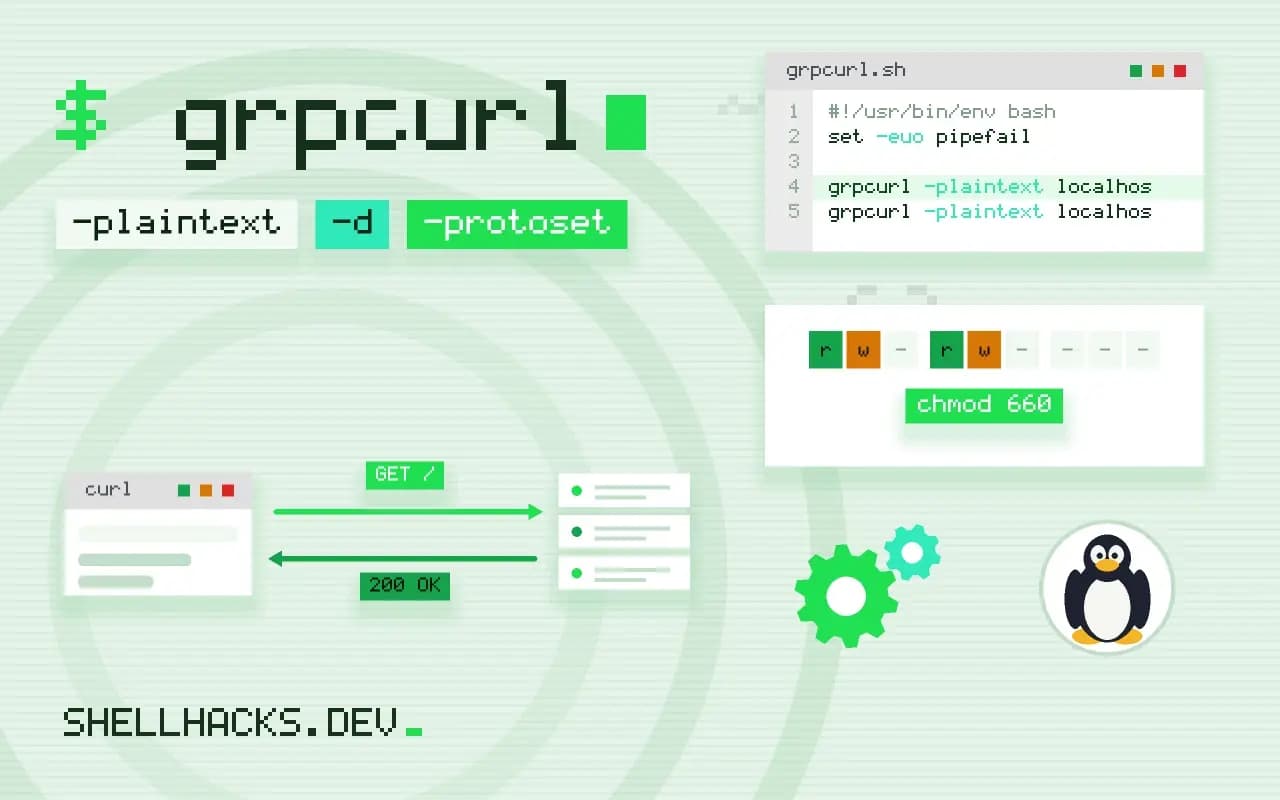
gRPC services speak Protobuf over HTTP/2, which curl does not handle, so debugging one used to mean writing a client. grpcurl fills the gap: it turns JSON on the command line into the binary protocol and back, and with reflection it can discover the API by asking the server. This post shows the sequence from discovery to a call. It is the gRPC member of the family that includes OpenAPI tools and GraphQL queries. Examples use grpcurl 1.9 against a server on localhost:50051.
Discover with reflection
grpcurl -plaintext localhost:50051 list
grpcurl -plaintext localhost:50051 list demo.Greeter
grpcurl -plaintext localhost:50051 describe demo.Greeter.SayHello
grpcurl -plaintext localhost:50051 describe demo.HelloRequestdemo.Greeter
grpc.health.v1.Health
grpc.reflection.v1.ServerReflection
demo.Greeter.SayHello is a method:
rpc SayHello ( .demo.HelloRequest ) returns ( .demo.HelloReply );
demo.HelloRequest is a message:
message HelloRequest {
string name = 1;
int32 times = 2;
}
Reflection lets a client ask the server for its service definitions, so no .proto files are needed. list shows the services, list SERVICE its methods and describe the request and response messages with field names and types. The -plaintext flag means no TLS, correct for a local development server and wrong for anything across a network.
Make a call
grpcurl -plaintext -d '{"name": "Ada", "times": 2}' localhost:50051 demo.Greeter/SayHello
grpcurl -plaintext -d @ localhost:50051 demo.Greeter/SayHello <<'EOF'
{"name": "Grace"}
EOF{
"message": "Hello, Ada! Hello, Ada!"
}
The request body is JSON, matched to the message fields (the JSON names are camelCase versions of the Protobuf names, and either form is accepted). -d @ reads from stdin, which suits longer payloads and streaming requests, one JSON object per message. The response prints as JSON; pipe to jq for fields. A failing call prints the gRPC status code and message, for example Code: NotFound, and exits non-zero, so it works in scripts.
Without reflection: use the proto files
grpcurl -plaintext -import-path ./proto -proto demo.proto -d '{"name":"Ada"}' localhost:50051 demo.Greeter/SayHello
grpcurl -protoset demo.protoset localhost:50051 list
Production servers often disable reflection because it exposes the API surface. Give grpcurl the definitions instead: the .proto file with -proto and -import-path for its imports, or a compiled descriptor set made with protoc --descriptor_set_out=demo.protoset --include_imports demo.proto.
TLS, credentials and metadata
grpcurl -cacert ca.pem -H "authorization: Bearer $TOKEN" api.example.org:443 demo.Greeter/SayHello
grpcurl -cert client.pem -key client-key.pem -cacert ca.pem api.example.org:443 list
grpcurl -insecure localhost:50443 list
By default grpcurl uses TLS and verifies the server with the system's certificate authorities; -cacert adds a private CA, and -cert with -key supply a client certificate for mutual TLS. -H sets request metadata, the equivalent of HTTP headers, where tokens go. -insecure skips certificate verification and should stay on local test servers. Tokens on the command line are visible in the process list; use a shell variable from a protected source, and see secrets in the process list.
Health checks and streaming
grpcurl -plaintext -d '{"service": ""}' localhost:50051 grpc.health.v1.Health/Check
grpcurl -plaintext -d '{"service": ""}' localhost:50051 grpc.health.v1.Health/Watch
grpcurl -plaintext -max-time 10 -d '{"name":"Ada"}' localhost:50051 demo.Greeter/StreamHellos
The standard health service reports SERVING or NOT_SERVING, and works as a readiness probe in scripts. Server-streaming methods print each response as it arrives; -max-time stops the call after a number of seconds. Client and bidirectional streaming read several JSON objects from stdin. Add -format-error for readable error details.
Safety
A gRPC method named DeleteAccount does what it says. Reflection makes it easy to see everything a server offers and call it, so use a test environment or read-only credentials, and read the describe output before calling anything you do not know. Do not point -plaintext at a remote host: traffic and tokens are readable on the network. Servers that require authentication still need the token, and reflection itself may need it.
Where this does not apply
For REST or GraphQL endpoints use curl; for browser-facing gRPC-Web, the transport differs and grpcurl does not speak it. Complex flows with many calls are better written in code with the generated client. For interactive exploration, graphical clients exist. Related: websocat for WebSockets.
Why a tool like curl does not work for gRPC and what this one does
gRPC uses HTTP/2 and a binary encoding of messages called Protocol Buffers. The client and server share a schema, a .proto file, that defines the services, the methods and the message types, and the binary data on the wire is meaningless without it. That is why you cannot call a gRPC service with curl and a JSON body, and why debugging by eye is harder than with REST. grpcurl bridges the gap: it takes a request as JSON, converts it into the binary form using the schema, calls the method, and converts the response back to JSON for you to read. The schema comes from one of two places, server reflection, a feature in which the server describes its own services on request, or the .proto files that you supply. Knowing which is available decides how you start. A service with reflection enabled can be explored with no files at all, and one without it needs the schema from its repository or from the team that owns it.
The protocol has four call types: a single request and response, a stream from the server, a stream from the client and a bidirectional stream. The tool handles all of them, with the stream messages given as multiple JSON objects.
Exploring with reflection and calling methods
With reflection, three commands cover discovery. grpcurl -plaintext localhost:50051 list prints the services, list package.Service prints its methods and describe package.Service.Method prints the request and response types, so you can build the JSON body from the structure shown. The -plaintext flag means no TLS, which is correct only for local development and trusted networks. A call looks like grpcurl -plaintext -d '{"name": "alice"}' localhost:50051 package.Service/GetUser. Field names in the JSON use the form in the schema, either the original name or the lower camel case form, and enum values are given by name. A missing field takes its default, and the server decides what an empty value means, so read the method's documentation. Pass -d @ to read the request body from standard input, which suits large messages and keeps the command line short. Errors come back with a gRPC status code and a message, such as NotFound or PermissionDenied, and are printed on standard error.
Without reflection, give the tool the schema with -proto service.proto and, if the file imports others, one or more -import-path options pointing to the directories that contain them.
TLS, credentials and metadata
Servers outside local development use TLS. By default grpcurl verifies the server's certificate with the system's trusted roots, and for an internal certificate authority you pass the CA file with -cacert. Mutual TLS adds -cert and -key for the client's certificate. The -insecure flag skips verification and removes the protection against an impostor, so use it only in a throwaway test. Credentials normally travel as metadata, the gRPC equivalent of HTTP headers, added with -H "authorization: Bearer TOKEN". A token on the command line is visible to every user on the machine in the process list and is saved in your shell history, so avoid typing it directly. Keep the token in a file with restricted permissions, read it into a variable in a wrapper script and take care with how the variable is expanded, or use a short-lived token that expires soon after use. Never paste a command containing a real production token into a ticket or a chat.
Health checks, streaming and safety in practice
Many services implement the standard health service, and calling grpc.health.v1.Health/Check returns the serving status, which makes grpcurl a good health probe in scripts and a way to confirm that a deployed service answers on the expected port. For server streams, the tool prints each message as it arrives, so you can watch a feed and stop it with Control-C. Add -max-time so a script does not run forever. Be careful about what you call. Reflection lets you discover every method, including ones that change data or delete things, and a method named in a hurry against a production address can do real harm. Check the address before pressing Enter, use a read-only account or a staging environment where possible, and read the method's description. Reflection is itself an exposure on a public service, because it hands a stranger a map of your interface, so it is commonly disabled in production, which means you need the schema files to work there.
See the grpcurl project and the gRPC health checking guide.