How to Use OpenAPI Specs From the Command Line the Right Way
Use an OpenAPI spec from the command line: list endpoints with jq, lint with Redocly, call APIs with restish, mock with Prism and diff versions.
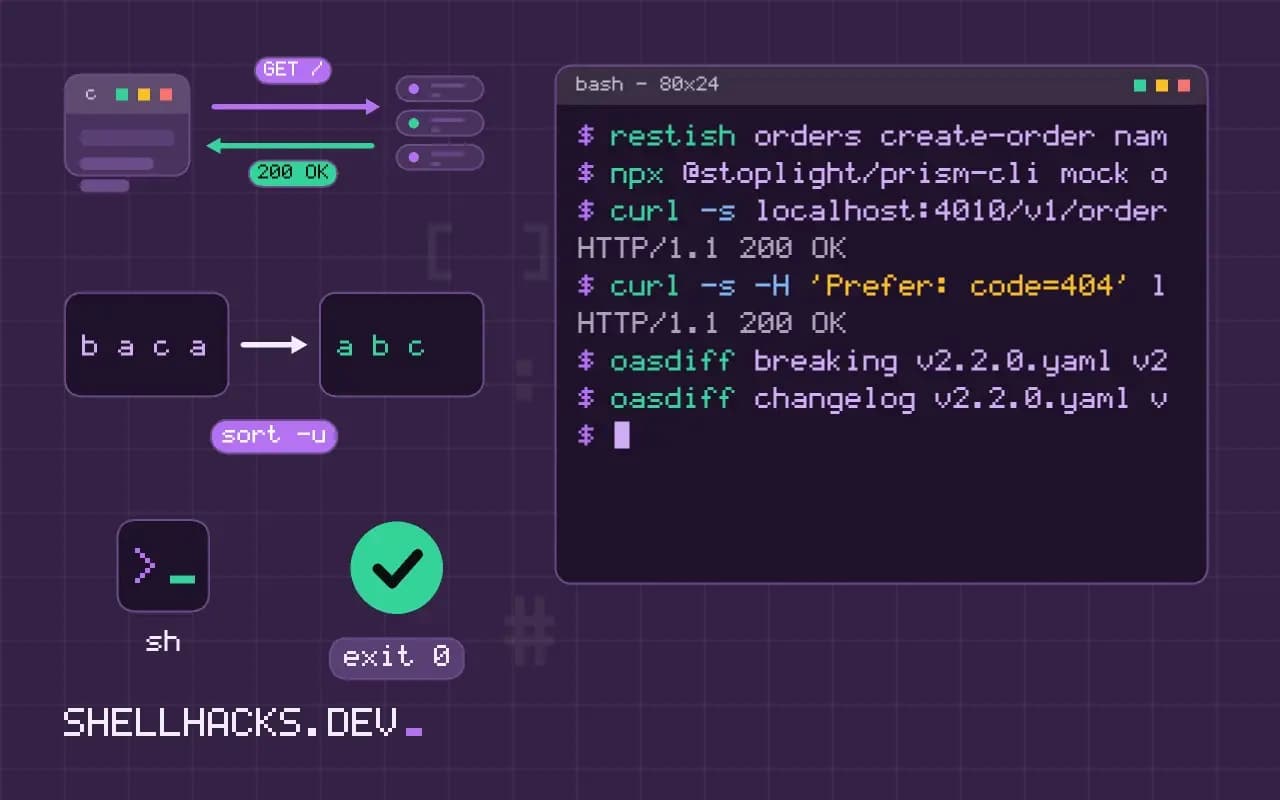
An OpenAPI document describes an HTTP API: its paths, methods, parameters, request bodies and responses. Because it is data, the command line can do a lot with it: answer "what endpoints exist", check that it is valid, serve a stand-in server for tests, and warn when a new version would break clients. This post collects the practical commands. It extends calling REST APIs from the shell and relates to mocking an API locally. Tools used: jq 1.7, yq 4, Redocly CLI 1.x, Prism 5 and oasdiff 1.x.
Read the spec
curl -s https://api.example.org/openapi.json -o openapi.json
jq -r '.info.title, .info.version' openapi.json
jq -r '.paths | to_entries[] | .key as $p | .value | keys[] | select(. != "parameters") | "\(ascii_upcase) \($p)"' openapi.json | sort -k2Orders API
2.3.1
GET /v1/orders
POST /v1/orders
GET /v1/orders/{id}
DELETE /v1/orders/{id}
The spec is often served at /openapi.json, /openapi.yaml, /swagger.json or /docs. The filter walks each path and prints its methods, an index of the API in a dozen lines. For YAML specs use yq -o json '.' openapi.yaml | jq ..., or yq's own syntax. One operation in detail: jq '.paths["/v1/orders"].post' openapi.json shows parameters, the request body schema and the possible responses.
Lint and validate
npx @redocly/cli lint openapi.yaml
npx @redocly/cli bundle openapi.yaml -o bundled.yaml
Linting catches a missing response description, an undefined schema reference or an operation without an ID, using a configurable ruleset in redocly.yaml. bundle resolves references to other files into one document, which many tools need. Run the lint in CI so that a broken spec cannot merge. Older tools such as swagger-cli are no longer maintained; use a current linter.
Call the API from the spec
restish api configure orders
restish orders list-orders --status open
restish orders create-order name: ada items: [{sku: A-100, qty: 2}]
restish reads the spec and turns each operation into a subcommand with help text and flags derived from the parameters, handling authentication profiles and output formats. It is a faster way to explore an API than assembling curl commands from the documentation. For a one-off request, curl and the path you found with jq are enough; see curl authentication.
Mock the API
npx @stoplight/prism-cli mock openapi.yaml -p 4010
curl -s localhost:4010/v1/orders/8812 | jq .
curl -s -H 'Prefer: code=404' localhost:4010/v1/orders/8812
Prism serves responses generated from the spec's examples and schemas, and validates requests against it, so a client can be developed before the server exists. The Prefer header asks for a specific response code, handy for testing error handling. A mock tells you whether your client matches the spec, and nothing about whether the real server does.
Detect breaking changes
oasdiff breaking v2.2.0.yaml v2.3.0.yaml
oasdiff changelog v2.2.0.yaml v2.3.0.yaml
oasdiff breaking v2.2.0.yaml v2.3.0.yaml --fail-on ERR1 changes: 1 error, 0 warning, 0 info
error [response-property-removed] at v2.3.0.yaml
in API GET /v1/orders/{id}
removed the response property 'customer.phone' from the response with the status '200'
Removing a response field, adding a required request field, narrowing an enum and renaming a path are changes that break existing clients, and a diff tool finds them mechanically. With --fail-on ERR the exit status is non-zero, so a CI step blocks the pull request. The version bump rules in semantic versioning in CI apply to API versions as well.
Where this does not apply
A spec is only as accurate as the process that keeps it so. Specs written by hand drift from the server, and generated ones can omit behavior. Contract tests that run the spec against the live API, or schema validation in tests, close the gap. Large specs may use features (callbacks, discriminators) that some tools support only in part, and OpenAPI 3.1 and 3.0 differ in JSON Schema details. For GraphQL and gRPC the equivalents are different; see GraphQL from the command line and grpcurl.
What a spec is and what it is not
An OpenAPI document describes an HTTP interface in a structured file, YAML or JSON: the paths, the methods, the parameters, the request and response bodies as schemas, the authentication schemes and the servers. Because it is data, tools can read it and do useful work without the API being running. The caveat is that the spec describes what the authors say the API does, and the running service may differ: a field the spec marks required may be missing in a response, a status code may not be listed, or the spec may be a version behind the deployment. Treat the spec as a hypothesis to be checked against the real service, and run checks that compare them. There are two main versions in use, 3.0 and 3.1, and 3.1 aligns the schema language with the JSON Schema standard, so a tool that supports one may mishandle the other, which is the first thing to check when a valid-looking file produces errors.
The command line can answer many questions without a graphical tool: yq '.paths | keys' spec.yaml lists the endpoints, and yq '.paths."/users".get.parameters' spec.yaml shows what one operation takes.
Linting and validating before anything else
A validation tool checks that the document is well formed and follows the specification, and a linter goes further and enforces your team's style: operations have IDs and descriptions, responses are documented, naming is consistent and examples are present. Spectral and Redocly's linter are the common choices, each driven by a ruleset file that you keep in the repository, and they run in a second on a normal spec. Put them in CI so a pull request that breaks the spec fails before review. Validate examples against their schemas, since examples that do not match the schema mislead everyone who copies them. Start with a small, strict set of rules and add more over time, because a linter that reports hundreds of warnings on day one gets switched off. Treat the output as a to-do list ordered by severity, and fix errors before warnings.
Linting the spec is not testing the service. A well-formed spec says nothing about whether the server conforms, and for that you use contract tests that send requests and compare the responses with the schemas.
Calling, mocking and catching breaking changes
Several tools build requests from a spec, so you can explore an API from the terminal with tab completion of operations and parameters, and some generate client code or a test suite. A mock server such as Prism reads the spec and serves responses generated from the examples and schemas, which lets a front-end or a script be developed before the backend exists, and in validation mode it rejects requests that do not match the spec. The most valuable automation is the comparison of two versions of a spec. A tool such as oasdiff lists changes and flags the breaking ones: a removed endpoint, a removed or renamed field in a response, a field made required in a request, a type changed from integer to string, an enum value removed. Run it in CI between the main branch and the pull request, and fail on breaking changes unless the change is deliberate and the version is bumped according to semantic versioning. That one check prevents more outages for API consumers than most testing does.
Putting the spec to work in a pipeline
A practical order for CI is validate, lint, diff and then test. Validate that the file parses, lint it against the team rules, diff it against the main branch for breaking changes, and run contract tests against a deployed test environment. Keep the spec in the same repository as the service code, or generate it from the code, so the two change together and review sees both. If the spec is written by hand, a check that compares it with the running service catches drift, which is the usual way specs go wrong. Publish the rendered documentation from the same source on every release, so users read what the tests checked.
See the OpenAPI Specification and the Redocly CLI lint command.