How to Use GraphQL From the Command Line Step by Step
Query a GraphQL API from the command line with curl, jq and gh api graphql: build JSON safely, use variables, introspect, paginate and check errors.
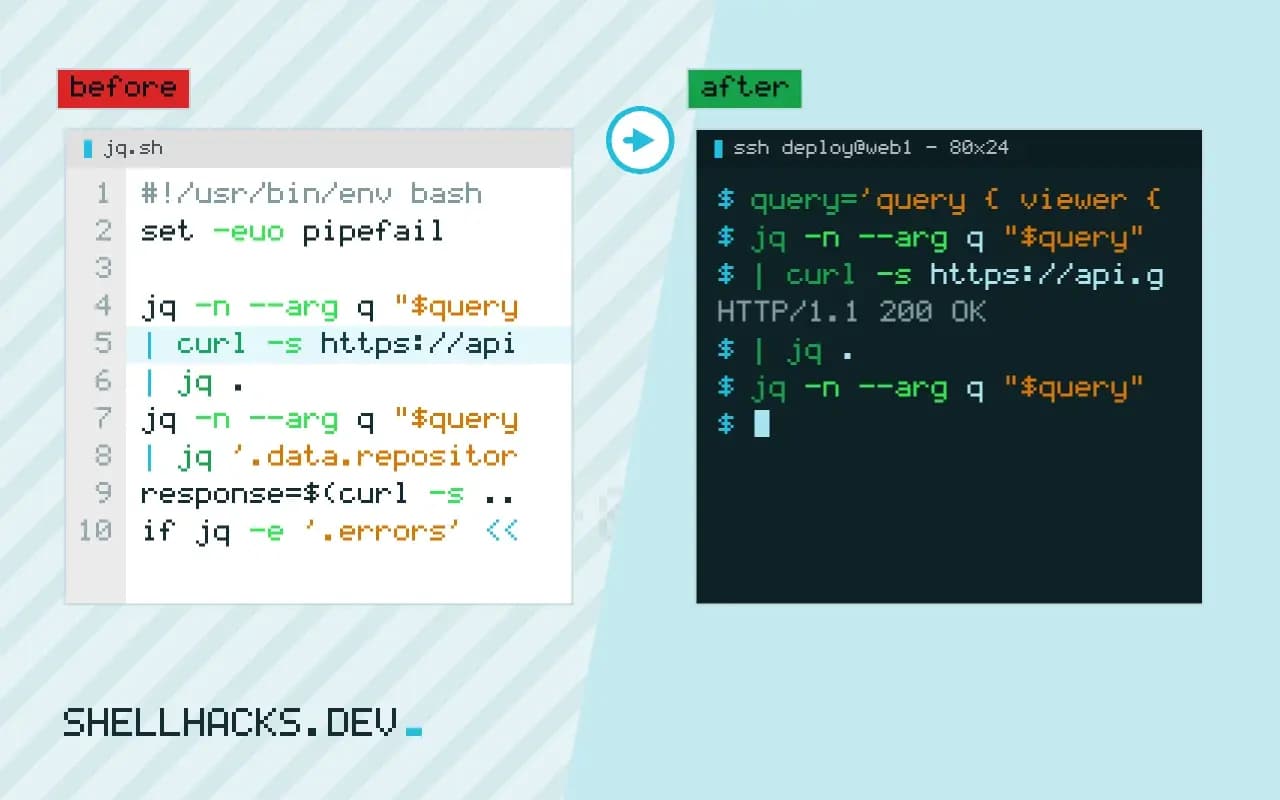
GraphQL looks unfamiliar from the shell, since every request goes to one URL and the interesting part is in the body. In fact it is plain HTTP with JSON, and curl and jq are enough. The care goes into quoting (queries contain quotes and braces), reading errors (they hide behind a 200 status) and paging. This post covers those, with GitHub's API as the example. It is a sibling of OpenAPI on the command line and builds on curl authentication. Examples use curl 8.11, jq 1.7 and gh 2.6x.
A first query
query='query { viewer { login } }'
jq -n --arg q "$query" '{query: $q}' \
  | curl -s https://api.github.com/graphql \
      -H "Authorization: Bearer $GITHUB_TOKEN" \
      -H "Content-Type: application/json" \
      --data-binary @- \
| jq .{
"data": {
"viewer": {
"login": "ada"
}
}
}
jq -n --arg q "$query" creates the JSON body with the query as a properly escaped string, which avoids the broken quoting you get from building JSON by hand with a shell string. --data-binary @- sends it unchanged from stdin; plain -d @file would strip newlines, which is harmless for JSON and surprising elsewhere. The response always has data, and errors if something went wrong.
Variables
query='query($owner: String!, $name: String!) { repository(owner: $owner, name: $name) { stargazerCount issues(states: OPEN) { totalCount } } }'
jq -n --arg q "$query" --arg owner cli --arg name cli \
  '{query: $q, variables: {owner: $owner, name: $name}}' \
  | curl -s https://api.github.com/graphql -H "Authorization: Bearer $GITHUB_TOKEN" \
      -H 'Content-Type: application/json' --data-binary @- \
  | jq '.data.repository'
Separate the query text from the values: the query stays constant and the variables go in a second JSON object. This avoids injecting shell variables into the query string, which would be both a quoting bug and, with untrusted input, a GraphQL injection. Use --argjson for numbers and booleans so jq does not quote them.
Errors hide behind a 200
response=$(curl -s ... )
if jq -e '.errors' <<< "$response" >/dev/null; then
  jq -r '.errors[].message' <<< "$response" >&2
  exit 1
fi
A GraphQL server returns HTTP 200 for a syntactically valid request even when a field failed or the user lacked access, and describes the problem in an errors array, sometimes alongside partial data. A script that checks only the HTTP status (curl --fail) will happily process the null result. Check errors explicitly. Authentication failures and malformed requests may still use 401 or 400.
Explore the schema
jq -n '{query: "{ __schema { queryType { fields { name description } } } }"}' \
  | curl -s https://api.github.com/graphql -H "Authorization: Bearer $GITHUB_TOKEN" \
      -H 'Content-Type: application/json' --data-binary @- \
  | jq -r '.data.__schema.queryType.fields[] | "\(.name)\t\(.description)"' | head
Introspection asks the server to describe its own types, fields and arguments, which is how documentation tools and editors work. Many production servers disable it; then rely on published documentation or a schema file. Tools like gq and graphqurl wrap these calls, but the raw form shows what happens.
GitHub: gh api graphql and paging
gh api graphql --paginate -f query='
  query($endCursor: String) {
    viewer { repositories(first: 100, after: $endCursor) {
      nodes { nameWithOwner stargazerCount }
      pageInfo { hasNextPage endCursor }
    } }
  }' --jq '.data.viewer.repositories.nodes[] | "\(.stargazerCount)\t\(.nameWithOwner)"' | sort -rn | head
The gh CLI supplies the token from your login, and with --paginate it re-runs the query using the endCursor variable until hasNextPage is false. The query must declare $endCursor and request pageInfo as shown. Without gh, loop yourself: read endCursor from each response and pass it as a variable in the next. Watch the cost: GraphQL APIs rate-limit by query complexity, not only request count.
Where this does not apply
For one stable query, a saved .graphql file and a small script are easier to maintain than inline strings. Subscriptions use WebSockets, not HTTP POST; see websocat. File uploads in GraphQL use a multipart convention that varies by server. If the API offers REST as well, compare the effort; REST versus RPC versus GraphQL discusses the trade-offs.
What actually goes over the wire
A GraphQL request is an HTTP POST, usually to one URL, with a JSON body that has a query string and an optional variables object. Nothing about it needs a special client. With curl, send -H 'Content-Type: application/json' and the body, and the server replies with JSON that has a data field and, when something went wrong, an errors array. The query selects exactly the fields you want, so the response has the shape of the query. That is why the technique avoids the guesswork of exploring a REST response: you ask for what you need, and nothing else comes back. It is also why the query language needs care in scripts. A query contains braces, quotes and line breaks, which are painful to escape inside a shell string, so build the JSON body with jq -n, passing the query text as an argument, and let jq do the escaping. Never splice a variable into the query text with string interpolation, since a value with a quote changes the query. Use GraphQL variables instead.
Keep the query in its own file, read with --rawfile in jq, and the script stays readable and the query can be formatted, reviewed and linted as GraphQL.
Errors arrive with a success status
The convention surprises people from REST: a GraphQL server often returns HTTP 200 even when the query failed, and puts the problem in the errors array. A script that checks only the HTTP status will treat a failed query as success and process an empty data. Check the body too: jq -e '.errors == null' exits nonzero when errors are present, and printing .errors to standard error shows what the server said. Distinguish partial results, where some fields resolved and others failed and the response has both data and errors, from total failure. A query can also be rejected before execution for a syntax error or an unknown field, which comes back with a 200 or a 400 depending on the server. Authentication failures, rate limits and server errors do use HTTP status codes, so check both layers. Log the full error response on failure, since its message usually names the field or argument at fault.
Rate limits in GraphQL are often based on the cost of the query and not on the number of requests, and the response may include the remaining budget, which a long-running script should read and respect.
Exploring the schema and paging through results
Most servers support introspection, a query against the special __schema and __type fields that returns the types, fields and arguments. A request for __type(name: "Repository") with its fields lists what you can ask for, and it is the equivalent of reading documentation from the server itself. Production servers sometimes disable introspection for security, and then you rely on published documentation or a schema file. For large result sets, GraphQL APIs use cursor-based pagination: the query asks for first: 100 and a pageInfo { hasNextPage endCursor }, and the script repeats the query with after: set to the previous cursor until hasNextPage is false. The GitHub command-line tool wraps this: gh api graphql --paginate handles authentication and follows cursors, provided the query takes an $endCursor variable and requests the page information, and its -f and -F options pass string and typed variables. Merge pages with jq and watch for duplicates when data changes during paging.
A reusable pattern for scripts
Wrap the call in a small function that takes a query file and a set of variables, builds the body with jq, sends it with curl and a token from the environment, checks both the HTTP status and the errors field, and prints data on success. Every script then reuses one tested function, and the details of headers and error handling live in one place. Add a timeout, a retry for transient server errors and a clear message when the token is missing. Keep tokens out of the command line by passing the header from a file or an environment variable, and never print the request headers when debugging, because they contain the credential.
See the GraphQL over HTTP guide and the gh api manual.