How to Use stat to Read File Metadata With Examples
Use the stat command to read file size, owner, mode, inode and timestamps, format output with -c, and compare GNU and BSD options in scripts.
ls -l shows a few fields in a layout meant for people. stat shows everything the filesystem knows and lets a script ask for one field exactly. The examples use GNU coreutils 9.4 on Linux; BSD and macOS differences are in the last section. The permission and owner fields are explained in Linux file permissions.
Full output
stat /etc/hostname File: /etc/hostname
Size: 8 Blocks: 8 IO Block: 4096 regular file
Device: 259,2 Inode: 1048712 Links: 1
Access: (0644/-rw-r--r--) Uid: ( 0/ root) Gid: ( 0/ root)
Access: 2026-11-03 08:12:40.000000000 +0000
Modify: 2026-10-21 14:03:09.000000000 +0000
Change: 2026-10-21 14:03:09.000000000 +0000
Birth: 2026-10-21 14:03:09.000000000 +0000
Modify is when the content last changed, and Change is when the inode last changed, such as a chmod or rename; it is not "creation". Birth is when the file was created, and appears blank on filesystems that do not store it. The inode number is what hard links share, described in Linux inodes.
Choose fields with -c
stat -c '%s bytes, mode %a, owner %U:%G, modified %y' /etc/hostname
stat -c %Y /etc/hostname
stat --printf='%n\0' /etc/hostname8 bytes, mode 644, owner root:root, modified 2026-10-21 14:03:09.000000000 +0000
1792591389
%Y prints the modification time as seconds since the epoch, which is easy to compare with date +%s in a script that wants "files older than a day". -c adds a trailing newline; --printf does not, and understands escapes such as \0, which is how to produce NUL-separated output for file names with odd characters.
Symlinks and filesystems
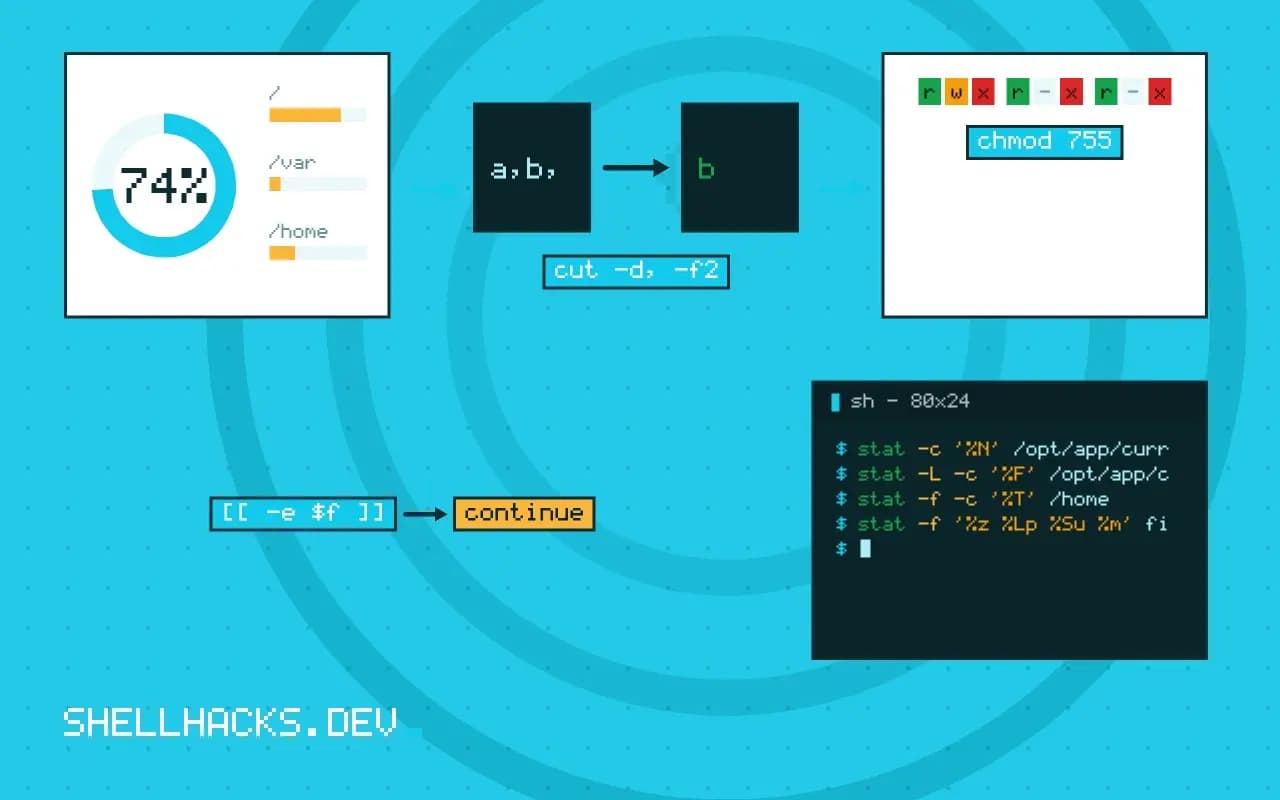
stat -c '%N' /opt/app/current
stat -L -c '%F' /opt/app/current
stat -f -c '%T' /home
By default stat describes the link itself, and %N prints the link with its target. -L follows it and reports on the target. -f reports on the filesystem rather than the file, and %T prints its type, such as ext2/ext3 for ext4 or xfs, which helps scripts decide whether chown or ACLs make sense.
BSD and macOS
stat -f '%z %Lp %Su %m' file # size, octal mode, owner, mtime epochOn macOS and FreeBSD, -f takes a different set of codes: %z is the size, %Lp the octal permissions, %Su the owner name and %m the modification epoch. A script that runs on both can test stat --version or use find -printf on GNU and -exec stat -f on BSD; the differences are also discussed in GNU versus BSD commands.
Reading the three timestamps correctly
The three times in the output answer three different questions. Access time, atime, is when the content was last read, but most systems mount filesystems with relatime, which updates it only if it is older than the modification time or more than a day old. It is therefore a rough signal and not a log of reads. Modify time, mtime, changes whenever the content is written, and it is what make, rsync and backup tools compare. Change time, ctime, changes when the inode does: a write, a chmod, a chown, a rename or a link count change. It cannot be set by a normal program, which is why it is more trustworthy than mtime as a clue to when something was altered, and why touch -d does not move it.
The fourth field, birth time, is printed by GNU stat from version 8.x on kernels that report it through statx. It appears as a dash on filesystems that do not record it. Copying or restoring a file creates a new inode, so birth time reflects the copy and not the original document.
Formats you will actually use
A small set of format codes covers nearly every script. %n is the name, %s the size in bytes, %a the octal mode, %A the symbolic mode, %U and %G the owner and group names, %u and %g their numeric ids, %i the inode, %h the link count, %F the type in words, and %Y, %X and %Z the modification, access and change times as epoch seconds. Capital letters give the human form, so %y is the readable modification time. The numeric ids matter when a name does not resolve, for example on a mounted disk from another machine, where %U prints UNKNOWN and %u still tells the truth.
now=$(date +%s)
for f in /var/backups/*.tar.gz; do
  [[ -e $f ]] || continue
  age=$(( now - $(stat -c %Y -- "$f") ))
  (( age > 7*86400 )) && printf '%s is %d days old\n' "$f" $(( age / 86400 ))
done
The loop computes the age of each backup in whole days without parsing any date text, which avoids locale and time zone problems. Epoch arithmetic is the reason to prefer %Y over the readable form in scripts.
Several files and terse output
Pass many names to one call and stat prints one block per file, so a format with a trailing newline gives one line each. The --terse option prints all fields on one line in a fixed order, which is compact but tied to the version, so a script should still use -c. A missing file produces an error on stderr and a non-zero exit status while the rest are still processed, and a script that counts results should check the status instead of the line count.
Cost and race conditions
A stat call is a system call that reads inode metadata, which is cheap, and the kernel caches it. Running the command ten thousand times from a shell loop is still slow because each run starts a process. When a script has a lot of files, ask for the fields in one call, or use find -printf, which reads the metadata as it walks. The other caveat is time of check to time of use: the state that stat printed is true at that moment only. A file can be replaced between the check and the next command, so security decisions should be made on an open file descriptor, not on a path that was examined earlier.
Using stat to guard a script
Scripts often need to refuse unsafe input, and the metadata is the place to look. Before sourcing a configuration file as code, check that it is owned by the expected user and not writable by the group or others: stat -c '%U %a' file prints both, and a comparison with the expected owner and a mode check with (( 8#$mode & 022 )) reject a file that anyone else could have edited. The same check applies to a private key, a PID file and a directory used for temporary data. Ownership of the parent directory matters as well, since a user who can write the directory can rename the file even if the file itself is locked down.
Another use is deciding whether two paths are the same file. Comparing %d:%i, the device and inode, tells you that two names are hard links to one file, or that a symlink resolves to a path you already handled. Names can lie, but a device and inode pair cannot, which makes it the right key for a deduplicating script or a loop detector in a directory walk.
Where this does not apply
Do not parse the default multi-line output in scripts, because its layout is not a stable interface; ask for fields. Times from stat are what the filesystem recorded and can be changed with touch, so they are not evidence of when something happened. On network and FUSE filesystems, values such as the inode and birth time may be synthetic. The field codes are listed in the GNU stat manual and the stat(2) system call page.