Linux File Permissions Explained From Chmod to Umask
Linux file permissions explained: read, write and execute bits, octal and symbolic chmod, owners and groups, umask, and the setuid, setgid and sticky bits.
Permissions cause two kinds of problem: "Permission denied" for someone who should have access, and access given to someone who should not have it. Both come from misreading three sets of three bits. This explanation underpins locking down permissions and sharing files with groups, and it assumes GNU coreutils 9.x.
Reading ls -l
ls -l deploy.sh config.yml /srv/www-rwxr-xr-x 1 alice dev 412 Nov 3 09:12 deploy.sh
-rw-r----- 1 alice dev 98 Nov 3 09:12 config.yml
drwxr-sr-x 4 alice www 4096 Nov 3 09:10 /srv/www
The first character is the type: - file, d directory, l symlink. The next nine are owner, group and other, in that order. deploy.sh is readable and executable by everyone and writable only by alice. config.yml gives the group read access and nothing to others. The kernel applies the first class that matches: an owner is judged only by owner bits, even if the group bits are broader.
chmod: octal and symbolic
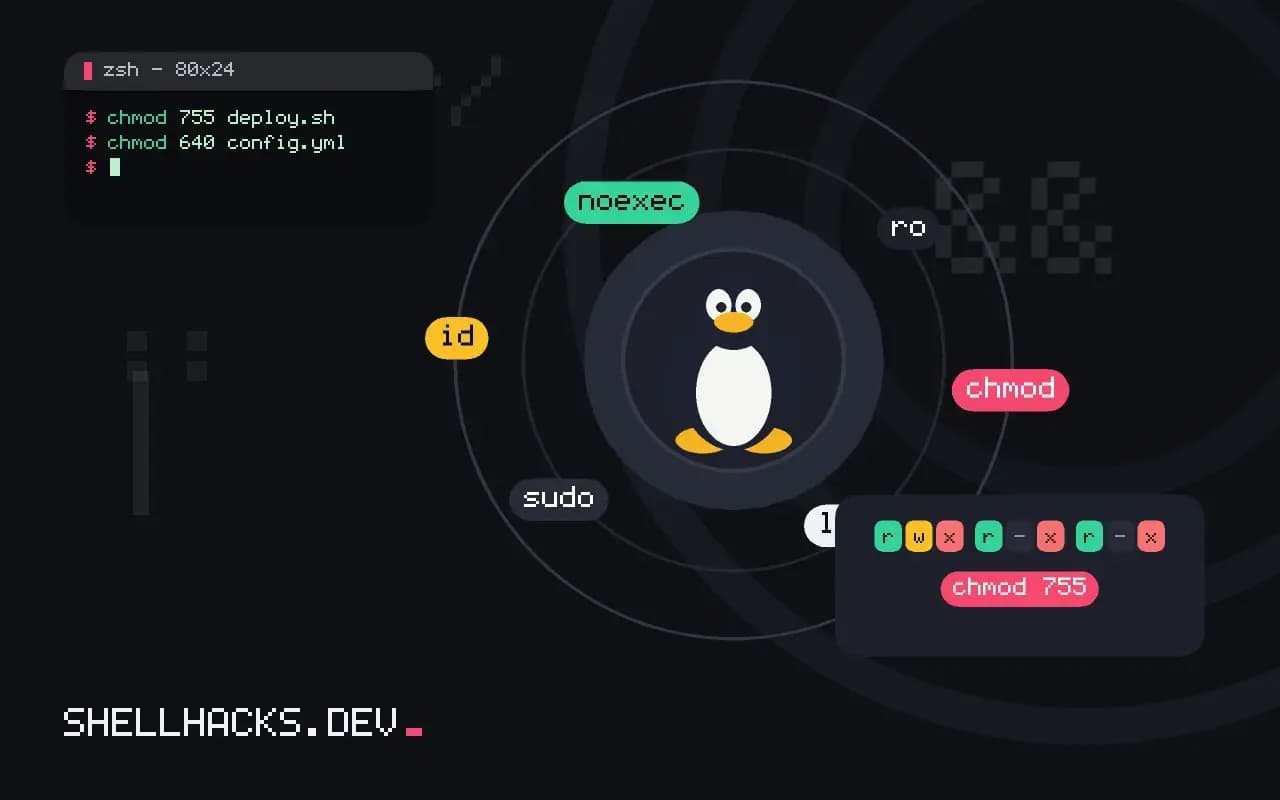
chmod 755 deploy.sh
chmod 640 config.yml
chmod u+x,g-w,o= script.sh
chmod -R u=rwX,go=rX /srv/www
Each octal digit adds read (4), write (2) and execute (1), so 7 is all three and 5 is read plus execute. Symbolic mode edits specific bits: u user, g group, o other, + add, - remove, = set. The capital X sets execute only on directories and on files that already have it, which makes recursive changes safer than chmod -R 755, which marks every data file executable.
Directories behave differently
For a directory, read lets you list names, write lets you create, delete and rename entries inside it, and execute lets you traverse it, that is, reach files by path. A directory with r but no x shows names but denies access to everything in it. Deleting a file depends on the directory's write bit, not the file's, which is why the sticky bit exists. See inodes for where this metadata lives.
Owners and umask
sudo chown alice:dev config.yml
sudo chgrp www /srv/www
umask
umask 027
touch newfile; mkdir newdir; ls -ld newfile newdir0022
-rw-r----- 1 alice dev 0 Nov 3 09:20 newfile
drwxr-x--- 2 alice dev 4096 Nov 3 09:20 newdir
The umask subtracts bits from the creation mode: files start at 666 and directories at 777, so 022 gives 644 and 755, and 027 gives 640 and 750. Set it in a shell profile or a service unit with UMask=. For scripts, the safe defaults are in safe umask in scripts.
Special bits
chmod 2775 /srv/shared   # setgid: new files inherit the directory's group
chmod 1777 /tmp          # sticky: only the owner may delete their files
ls -l /usr/bin/passwd-rwsr-xr-x 1 root root 72056 Nov 3 08:00 /usr/bin/passwd
Setuid (s in the owner triple) runs the program as the file's owner, which is how passwd edits a root-owned file. Setgid on a directory makes new files inherit its group, a good setting for shared folders. The sticky bit (t) on /tmp stops users from deleting each other's files. Audit setuid files with find / -perm -4000 -type f 2>/dev/null.
How the kernel decides
Every file access runs the same decision. The kernel looks at the process's effective user ID and group IDs. If the user ID matches the file's owner, only the owner bits apply. Otherwise, if any of the process's groups matches the file's group, the group bits apply. Otherwise the other bits apply. The check stops at the first match, which has a consequence that surprises people: a file with mode 070 denies its own owner, because the owner triple is empty, even though everyone in the group has full access. Root bypasses the checks entirely for most operations, with the exception of executing a file that has no execute bit set anywhere.
The path leading to a file counts too. To open /srv/www/site/index.html, the process needs execute on /, /srv, /srv/www and /srv/www/site, then read on the file. A "permission denied" on a file that looks correct is most often a missing execute bit on a parent directory. The namei -l /srv/www/site/index.html command prints the mode of every component along the path, and it finds that kind of fault in one step.
Groups and how they are picked up
A user's group list is read at login and fixed for the session. Adding someone to a group with usermod -aG affects new logins only, so the person still gets "permission denied" in a terminal that was already open. They need to log out and in, or start a shell with newgrp or sg, to see the change. Services behave the same way: a daemon started before the group change keeps its old groups until restarted, and id run as that user inside the service shows the actual list.
The -a flag in usermod -aG matters. Without it, the listed groups replace the user's supplementary groups, silently removing access to everything else, including administration groups. This single missing letter is one of the common ways an administrator locks themselves out of sudo.
Common patterns that work
A web server reading files owned by a deploy user is the classic case. Give the files to the deploy user and the web server's group, mode 640 for files and 750 for directories, so the server can read but not change the site. The server's writable paths, uploads and caches, belong to the server user and are separate directories, ideally outside the document root. That arrangement means a compromised web process cannot rewrite the code it runs.
For shared project directories, set the group, turn on setgid so new files inherit it, and set the umask for the team to 002 so the group can write what others create. Test it by creating a file as each user and listing it; the group and mode should be what you expect without anyone running chmod afterwards. If they are not, the umask of one participant, often set by a service unit or an editor, is the cause.
Diagnosing a denial
Work from the process, not from the file. Find the user and groups with id, or with ps -o user,group -p PID for a running service. Run namei -l on the path, then check for a mount option such as noexec or ro with findmnt, and for an ACL with getfacl; a trailing + in the ls -l mode column signals one. If all of these look right and access is still denied, a security module is likely involved, and its audit log names the rule.
Auditing a tree is easier with a few standard searches. find /srv -perm -o+w -not -type l lists everything writable by any user, find /srv -nouser -o -nogroup finds files whose owner was deleted, and find / -xdev -perm -2000 -type f lists setgid programs. Run them after a restore or a migration, since archives restored as root often keep numeric owners that map to a different person on the new machine.
Where this does not apply
Classic permissions cannot give one extra user access without changing the group. For that use ACLs with setfacl. Mandatory access control frameworks such as SELinux and AppArmor add checks on top, so a file with open permissions may still be denied. Network file systems and some mounts (noexec, ro) override the bits. The chmod manual page and the inode manual page are the primary references.