Command Line
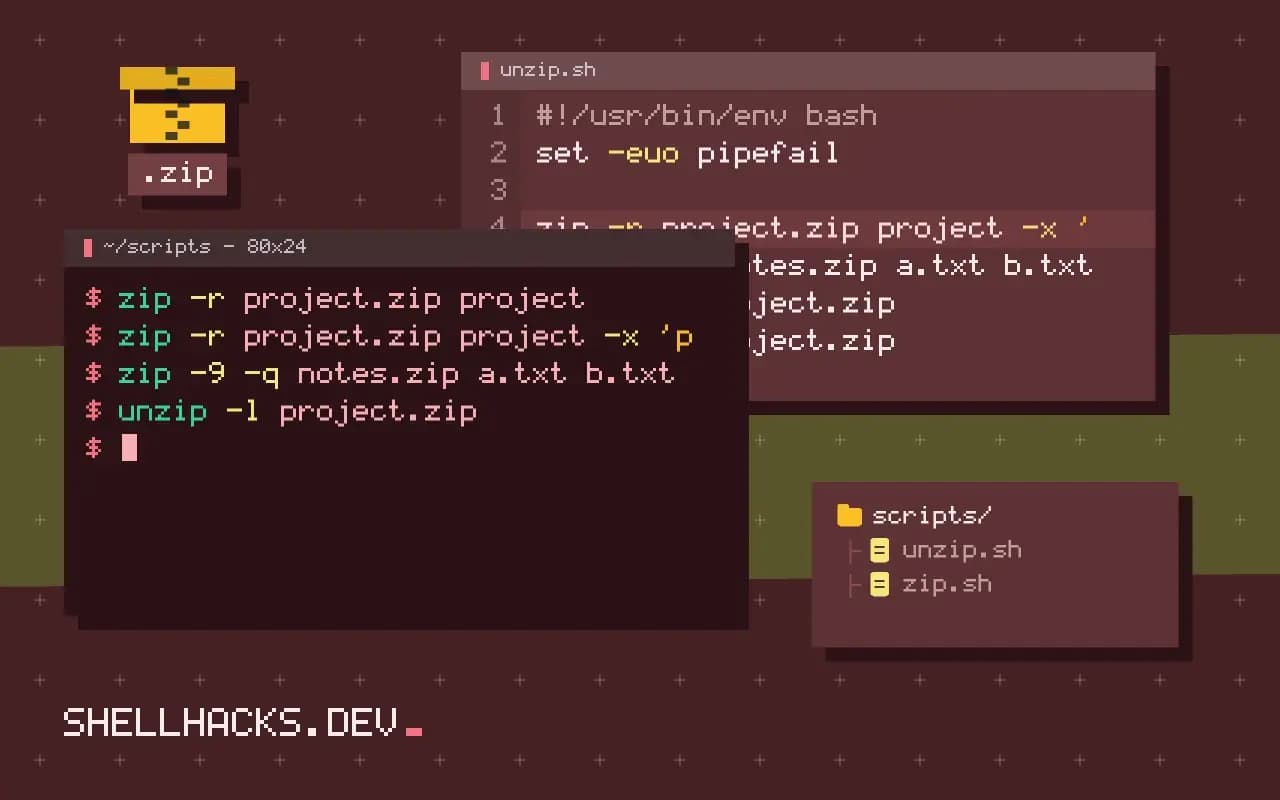
How to Use zip and unzip From the Terminal the Safe Way
Use the zip and unzip commands to create, list and extract archives, exclude files, protect with a password, and avoid zip bombs and path traversal.
6 min read
Tag
18 posts
Use the zip and unzip commands to create, list and extract archives, exclude files, protect with a password, and avoid zip bombs and path traversal.
Set up WSL and Windows Terminal for Linux work: install a distro, keep files in Linux, enable systemd, configure Git, SSH, VS Code and limits.
Use the file command to identify file types from content, show MIME types, inspect binaries and archives, and avoid trusting extensions or its guesses.
Use clipboard and screenshot tools from the CLI: pbcopy, xclip, wl-copy, screencapture, grim and maim, with a portable wrapper for scripts.

Resolve symlinks and relative paths with realpath and readlink -f, use -e and -m for missing files, and handle the macOS differences in scripts.
Generate a man page from Markdown with pandoc: the title block, sections, options lists, the build command, installing and checking the output.