How to Use file to Identify File Types the Safe Way
Use the file command to identify file types from content, show MIME types, inspect binaries and archives, and avoid trusting extensions or its guesses.
A download with no extension, an attachment named invoice.pdf that is really a script, a backup whose compression nobody remembers: file answers what such a thing is by reading its first bytes. It uses libmagic, with the database installed on most Linux systems and on macOS. The output below is from file 5.45 on Linux; extension tricks are discussed again in verifying downloads.
Basic use
file report.pdf /bin/ls notes.txt archive.tar.gz script.shreport.pdf: PDF document, version 1.7, 12 pages
/bin/ls: ELF 64-bit LSB pie executable, x86-64, version 1 (SYSV), dynamically linked, stripped
notes.txt: ASCII text
archive.tar.gz: gzip compressed data, from Unix, original size modulo 2^32 10240
script.sh: Bourne-Again shell script, ASCII text executable
The report names the format and often details such as architecture, page count or compression. For a program, "dynamically linked" tells you it needs shared libraries, which connects to shared library errors. "Text executable" means a script with a shebang and the execute bit.
Script-friendly output
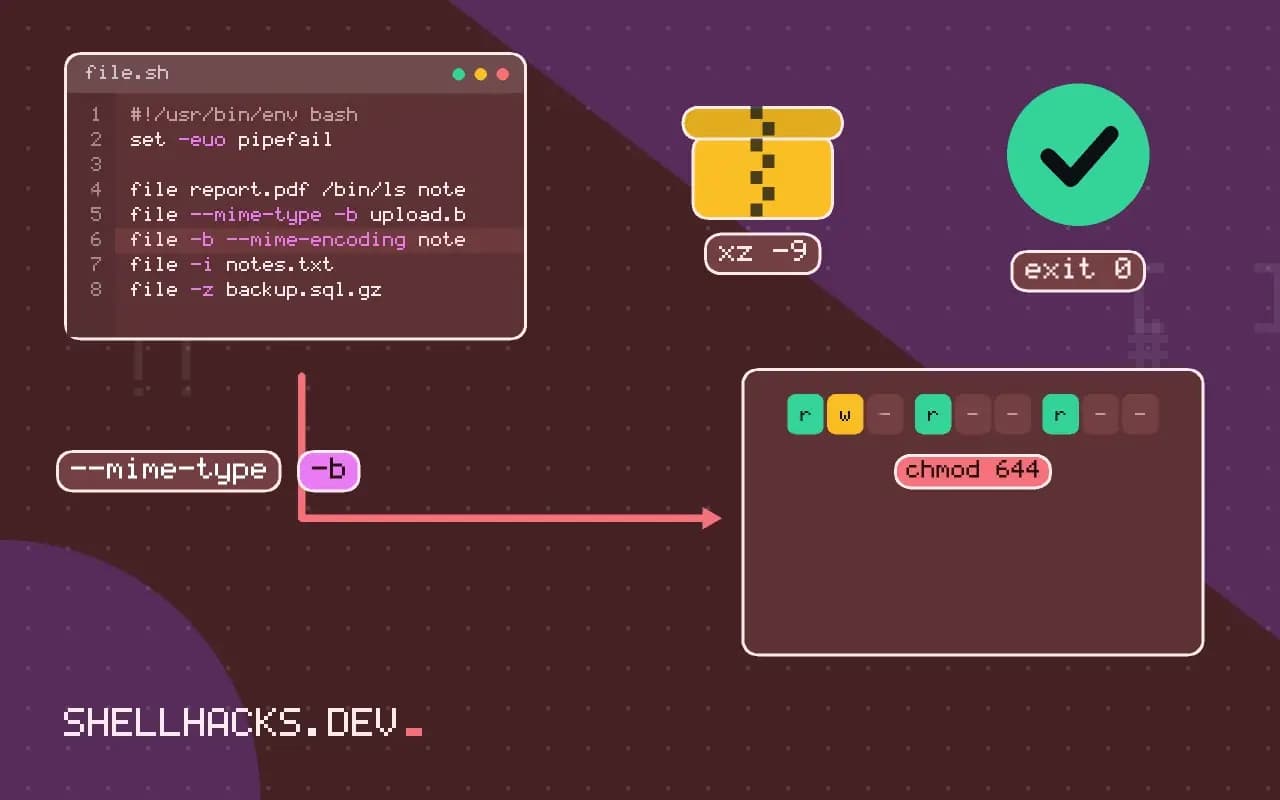
file --mime-type -b upload.bin
file -b --mime-encoding notes.txt
file -i notes.txtapplication/pdf
us-ascii
notes.txt: text/plain; charset=us-ascii
--mime-type prints only the MIME type, and -b removes the file name prefix, so the result is easy to compare in a case statement. -i prints type and charset on Linux; on macOS the same short option means something different and -I is used instead, so prefer the long options when portability matters.
Look inside compressed files and devices
file -z backup.sql.gz
sudo file -s /dev/sda1
file -L /opt/app/current
-z decompresses in memory and reports on the inside, so you learn that a gzip holds a SQL dump rather than another archive. -s reads special files such as block devices, which is how to see a filesystem type on a partition that is not mounted. -L follows symlinks, since by default file reports "symbolic link to ..." for a link.
Find misnamed files
find . -type f -name '*.jpg' -exec file --mime-type {} + | grep -v image/jpegThis lists files with a .jpg name that are not JPEG images, which catches broken exports and renamed documents. The pattern of running one command over many files is covered in find with -exec.
How file decides what it sees
The command runs three families of tests in a fixed order. First it asks the filesystem: is this a directory, a symlink, a socket, a FIFO or an empty file? Those answers need no content at all. Second, it reads the leading bytes and compares them against the magic database, a long list of rules such as "bytes 0 to 3 are 0x7f 'E' 'L' 'F'". Third, if nothing matched, it tests whether the data looks like text in some encoding, and then tries a few language heuristics for scripts and source code. A file that fails all three is reported as plain "data", which means only that no rule matched and does not mean the file is corrupt.
The order explains several surprises. An empty file is reported as "empty" regardless of its name. A file that begins with a shebang line is classified by the interpreter, so a Python script with the execute bit shows up as "Python script, ASCII text executable". A text file with long lines gets the extra note "with very long lines", which is useful when a minified bundle is mistaken for source. Because the rules look at fixed offsets, a file with junk prepended, such as an email header glued onto a PDF, is no longer recognised as a PDF even though a viewer might still open it.
Using the database yourself
The rules live in a compiled file, usually /usr/share/misc/magic.mgc or a path under /usr/share/file/. Running file -m with a different database lets a team add rules for its own formats, written in the source syntax described in magic(5) and compiled with file -C. A rule is an offset, a type, a test value and a message, with indented child rules refining the match. That is the right tool when an internal export format starts with a known signature and the team wants file to name it in an incident review.
For scripts, the long options are stable and the short ones are not. --mime-type returns a string that is safe to compare, and --brief drops the name prefix. When many files are checked, pass them in one call with --files-from or as a list of arguments instead of starting the command once per file, because loading the database dominates the run time for small inputs. A loop over ten thousand files that calls file each time is slow for that reason alone.
Trusting a result
The report is a hint about the container, not about safety. An application/zip result covers an ordinary archive, a Java JAR, an Office document and an Android package, because they share a header. The command tries to tell them apart by looking for well-known entries, and when it cannot, the answer is the generic one. Treat the type as the first step in deciding which parser to run, and let the parser reject what it cannot read. Another subtle point is that the charset guess for text is a statistical guess. A short file that happens to be valid in several encodings is reported as the simplest one, and a Latin-1 file can be called UTF-8 text if every byte sequence in it happens to be legal.
In upload handling the same limits apply, with higher stakes. Compare the declared type, the extension and the detected type, and reject a mismatch instead of picking one. Store uploads outside the web root under a name you generate, and serve them with an explicit Content-Type and X-Content-Type-Options: nosniff so that a browser cannot reinterpret an image as a script.
Related tools worth knowing
xxd -l 16 file or hexdump -C -n 16 file shows the first sixteen bytes, which is how to confirm what file saw and to write a new magic rule. strings prints readable runs inside a binary, and readelf -h reports the details of an ELF header that file only summarises. On a system with libmagic bindings, Python's python-magic package and similar libraries call the same engine, so a script in another language gets the same answers as the command line.
Where this does not apply
file reads only a small prefix and checks it against patterns, so a crafted file can be recognised as one type and parsed as another, and a file with a valid header can still be malicious. Never use it as the sole gate for uploads, and use a proper parser or scanner on untrusted input; see the security checklist. Plain text with unusual encodings is sometimes called "data", which only means no pattern matched. The command, its options and the magic format are described in the file(1) manual page and magic(5).