How to Use Shell Completions for Tools You Install
Install shell completions for the tools you use: bash-completion, generated scripts for kubectl and gh, zsh fpath, fish and the startup cost.
Tab completion for file names comes with the shell, and for tool-specific subcommands and flags it does not. Completing git sw to git switch or kubectl get pods -n to a namespace list is what makes big command-line tools bearable. Installing the completions takes a few commands and one habit decides whether your terminal starts in a tenth of a second or two seconds. This post covers all three major shells. It belongs to the developer terminal setup. Examples use Bash 5.2, zsh 5.9 and fish 3.7.
Bash: the base package
sudo apt install bash-completion
ls /usr/share/bash-completion/completions | wc -l
complete -p git1930
complete -F _git git
The package installs the framework and about two thousand completion scripts for common commands, and loads them lazily the first time you press Tab on that command. On Debian and Ubuntu it is enabled in the default ~/.bashrc. On macOS, install bash-completion@2 with Homebrew and follow the instructions it prints, and use a current Bash rather than the system 3.2. complete -p NAME shows what is registered for a command.
Tools that generate their own
kubectl completion bash
gh completion -s bash
docker completion bash
rustup completions bash
Tools built with common CLI frameworks (cobra for Go, clap for Rust, click for Python) print a completion script for each shell. The slow way to use it is source <(kubectl completion bash) in ~/.bashrc: it works, and it starts the tool each time you open a shell. With a few such tools, startup grows by hundreds of milliseconds. The better way is to generate the file once:
mkdir -p ~/.local/share/bash-completion/completions
kubectl completion bash > ~/.local/share/bash-completion/completions/kubectl
gh completion -s bash > ~/.local/share/bash-completion/completions/gh
bash-completion looks in this user directory (it follows XDG_DATA_HOME) and loads the file named after the command only when you complete it, so it costs nothing at startup. Regenerate after upgrading the tool, since new subcommands appear in the script; put the commands in your machine setup script.
Zsh
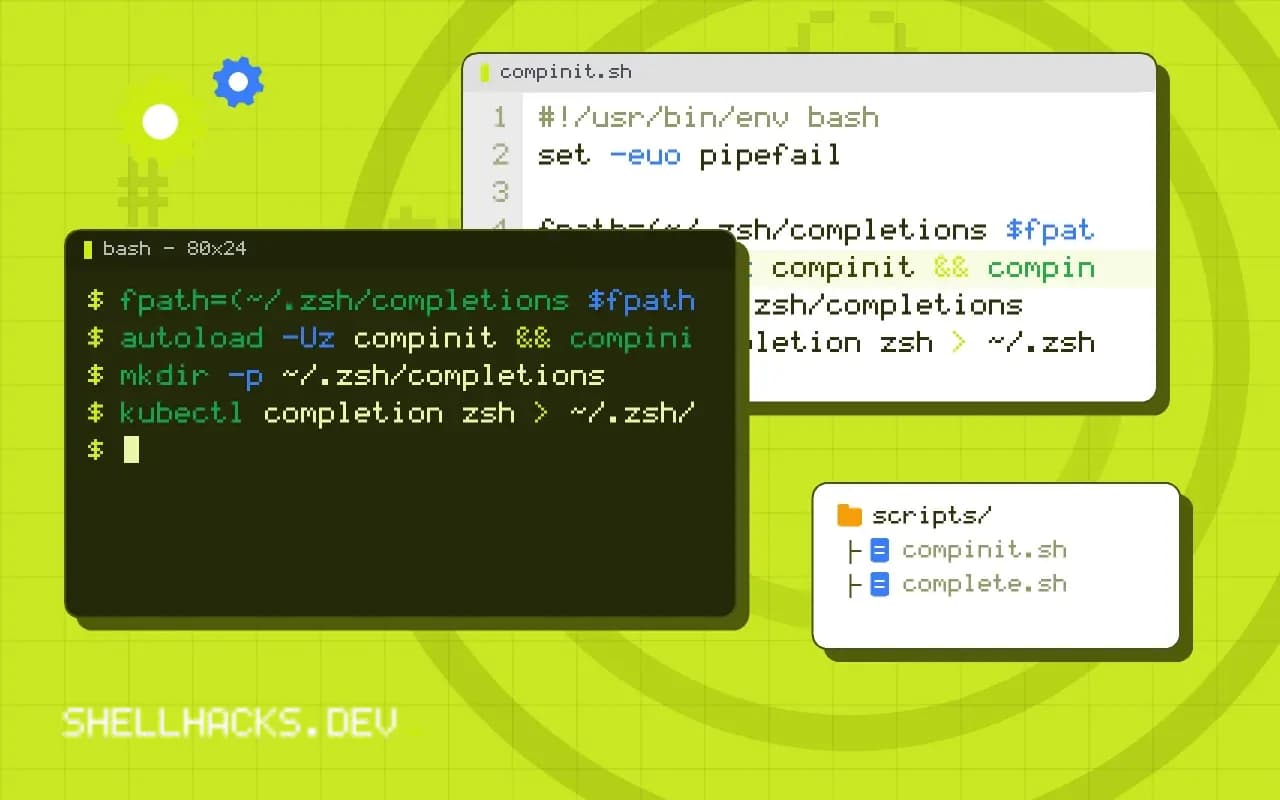
fpath=(~/.zsh/completions $fpath)
autoload -Uz compinit && compinitmkdir -p ~/.zsh/completions
kubectl completion zsh > ~/.zsh/completions/_kubectl
rm -f ~/.zcompdump*; exec zshZsh completion files are named with a leading underscore and found through fpath, which must be set before compinit runs. After adding a file, remove the cache ~/.zcompdump* and restart the shell, or the new function is not seen. compinit can be slow; compinit -C skips the security check on the cached dump if you accept the trade-off.
Fish
mkdir -p ~/.config/fish/completions
gh completion -s fish > ~/.config/fish/completions/gh.fish
kubectl completion fish > ~/.config/fish/completions/kubectl.fish
Fish loads files from this directory on demand and also generates completions from man pages with fish_update_completions, which gives decent coverage for tools without a script.
Write a small one
_deploy() {
  local cur="${COMP_WORDS[COMP_CWORD]}"
  COMPREPLY=( $(compgen -W "staging production rollback status" -- "$cur") )
}
complete -F _deploy deploy
For your own script, a word list is often enough. compgen -W filters the words by the current prefix. The file name matches the command name, so it loads on demand. Keep generated words quoted and safe.
Check the cost
time bash -ic exit
bash -ixc exit 2>&1 | grep -c completion
If a new shell takes more than about 200 milliseconds, look for source <(...) lines and slow framework loaders. Shell startup tuning is covered in speeding up shell startup.
Where this does not apply
Completion scripts run code when you press Tab; one from an untrusted tool or source deserves the same care as any script you execute. Some scripts call the tool itself (for example to list Kubernetes namespaces), which needs network access and can feel slow. Remote shells have none of your setup, so completion is only as good as the packages installed there.
How completion is wired in each shell
Completion is a function the shell calls when you press Tab, which looks at the words typed so far and returns candidates. In Bash, the framework is the bash-completion package, version 2, which loads completion scripts on demand from the directory /usr/share/bash-completion/completions by command name, so a script appears when you first complete that command and costs nothing before. Per-user scripts go in ~/.local/share/bash-completion/completions. Zsh uses the compinit system: completion functions are named with a leading low line, live in directories listed in fpath, and are collected into a cache, so after adding a file you rebuild the cache or restart the shell, and a stale cache is the usual reason a new completion does not show up. Fish loads files from ~/.config/fish/completions automatically, and generating one is often a single command. Knowing where each shell looks tells you where to put a file and why it is sometimes ignored.
A completion script has to be loaded by an interactive shell. A completion that works in a terminal and not in a script is normal, and completion has no meaning in a non-interactive shell.
Tools that print their own
Many modern command-line tools generate their completion script on request: kubectl completion bash, gh completion -s bash, docker completion bash and similar commands print a script to standard output. The tempting setup is a line in your startup file that sources the output of that command, source <(kubectl completion bash), and it works, and it runs the tool at the start of every shell, which can cost tens or hundreds of milliseconds each, since some of these tools are large programs. Several of them added together make a terminal feel slow to open. The better approach is to generate the script once into the completions directory, as a file, and regenerate it when you upgrade the tool, which a line in your update routine or setup script can do. Check the effect on startup with time bash -ic exit, and use the trace of the startup to find the slow lines. Lazy loading, where a function loads the completion the first time you use the tool, is a middle path.
Writing a small completion and checking the cost
For your own scripts, a small completion is a few lines. In Bash, complete -W "start stop status" mytool offers a fixed word list, and complete -F _mytool mytool calls a function that fills the COMPREPLY array using compgen to filter by the current word. For file names, complete -f or -d uses the built-in ones. A Fish completion is a line of complete -c mytool -a "start stop status" in a file, and a Zsh one is a function using _arguments, which is more verbose and more capable. Keep dynamic completions fast. A function that calls a slow command on every Tab press, such as a network request, makes the shell feel stuck, so cache the result for a short time or fetch it in the background. Test in a clean shell, with no startup files, to make sure the completion does not depend on your own configuration, and check again after a shell upgrade.
See the bash-completion project and the zsh completion system.