How to Make a Python Script Executable From the Shell
Make a Python script executable: write the env python3 shebang, set the mode bit, avoid CRLF line endings, handle virtual environments and put it on PATH.
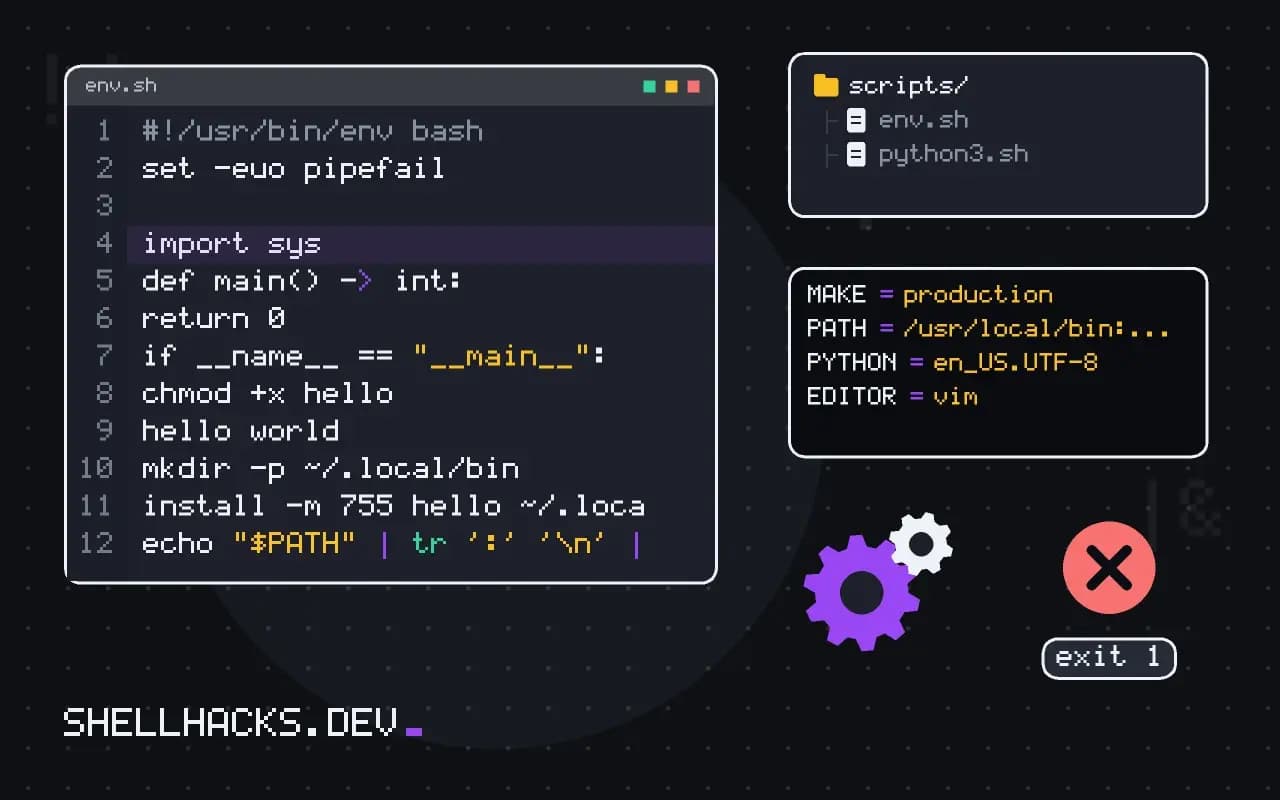
A .py file is run with python3 tool.py, and a command is run with tool. The difference is three small things: a first line, a permission bit and a place on PATH. This post sets them up and covers the failures that appear when one is missing. It parallels making a Bash script executable. The examples assume Debian 13 and macOS 15 with Python 3.13.
The shebang and the mode
#!/usr/bin/env python3
import sys

def main() -> int:
    print("hello", *sys.argv[1:])
    return 0

if __name__ == "__main__":
sys.exit(main())chmod +x hello
./hello worldhello world
The kernel reads the first two bytes, sees #!, and runs the named program with the script as its argument. /usr/bin/env python3 asks env to find python3 on the PATH, which works on systems where Python lives in /usr/local/bin or in an environment. Drop the .py extension if you want the command to look like a tool; the interpreter does not care. See the shebang explained for the full story of env versus a hard-coded path.
When it fails
bash: ./hello: Permission denied
bash: ./hello: /usr/bin/env: bad interpreter: No such file or directory
/usr/bin/env: 'python3\r': No such file or directory
The first means the executable bit is missing: run chmod +x. The next two have the same cause, Windows line endings. The file ends lines with \r\n, so the interpreter name the kernel looks for is python3\r. Check with file hello, which says "with CRLF line terminators", and repair with sed -i 's/\r$//' hello or dos2unix hello. Configure the editor and git (.gitattributes with * text=auto eol=lf for scripts) to keep it from recurring.
A byte-order mark or a blank line before the #! breaks it too, since the line must be the very first thing in the file.
Put it on PATH
mkdir -p ~/.local/bin
install -m 755 hello ~/.local/bin/hello
echo "$PATH" | tr ':' '\n' | grep -x "$HOME/.local/bin"
hello again
Most distributions add ~/.local/bin to PATH for login shells when the directory exists, so a new login picks it up. install -m 755 copies and sets the mode in one step. Symlink instead of copying if you want edits in the repository to take effect: ln -s "$PWD/hello" ~/.local/bin/hello.
Virtual environments
With env python3, the script uses whichever Python is first on PATH, which is the active environment's. In cron, nothing is active, so the system Python runs and the packages are missing. Use the environment's interpreter in the shebang for a fixed location (#!/srv/app/.venv/bin/python), or use uv so the script carries its dependencies. A shebang line cannot contain a relative path or spaces in the interpreter path.
Where this does not apply
Windows does not use shebangs; the Python launcher py reads them for its own purposes. For distributing a tool to other people, packaging gives a proper command on every platform, as shown in packaging a CLI with pipx. Scripts run with sudo use a reset PATH on many systems, so the interpreter found may differ from your own.
How the kernel starts a script
When you run ./tool.py, the kernel checks the first two bytes. If they are #!, it reads the rest of the first line as the interpreter and one optional argument, and runs the interpreter with the script path as its argument. This is a feature of the kernel's program loader, not of the shell or of Python, and it explains the limits. Only one argument is passed after the interpreter on Linux, the whole remainder of the line as a single string, so #!/usr/bin/env python3 -u fails because env receives the single argument python3 -u and looks for a program with that name. GNU env has the -S option for this case, #!/usr/bin/env -S python3 -u, which splits the string, and macOS supports it too. The file also needs the executable permission, set with chmod +x, and the file system must not be mounted with noexec, which is common for /tmp and for some removable media.
The line must be the first line, with no blank line or byte order mark before it. A file saved with a BOM by some Windows editors fails with a puzzling error, since the first bytes are no longer #!.
Why env, and when to use a fixed path
Writing #!/usr/bin/env python3 asks env to find the first python3 on the PATH, so the script follows whichever interpreter the user has selected, including a virtual environment's. A fixed path such as #!/usr/bin/python3 always uses the system interpreter, which has the system's packages and none of yours. Use the fixed path for system tools shipped with the distribution, where the dependency on the system Python is intended, and use env for everything else. Say python3 and not python, since many current systems install no command called python unless a package adds it, and where it exists it may still point to a different major version on very old machines.
A script that is run by cron, systemd or an installer sees a different PATH from your shell, so env may find a different interpreter than the one you tested. For services, a fixed path to the interpreter in a virtual environment is the most predictable choice.
Errors you will see and what they mean
A message that says bad interpreter with a path followed by a carriage return character, or "No such file or directory" for a script that clearly exists, almost always means the file has Windows line endings. The kernel reads python3 followed by an invisible carriage return, and no program has that name. Convert the file with dos2unix or sed and set your editor and Git to use Unix endings for scripts. "Permission denied" means the executable bit is missing or the file system is mounted noexec. "command not found" after installing into a directory means the directory is not on the PATH. An ImportError for a package you installed means the interpreter that env found is not the one you installed into, which which python3 and python3 -c "import sys; print(sys.executable)" will confirm.
Prefer a proper entry point for anything you will share. A pyproject.toml with a console script lets pip or pipx generate the launcher with the right interpreter on every platform, including Windows, where shebang lines are not used by the operating system.
Checking that the setup works
After making a script executable, run it three ways: from its directory with ./tool.py, by name after placing it on the PATH, and from a scheduler or an empty environment set up with env to see what it does without your shell's variables. Print sys.executable and sys.version at the start while testing, so you know which interpreter ran. Add a version check at the top that exits with a clear message if the Python is too old, since a syntax error from a newer feature gives a confusing failure instead.
See execve(2) for the shebang rules and the Python on Unix notes.