How to Use entr to Rerun Tests When Files Change Properly
Use entr to rerun tests or commands when files change: the file list on stdin, the clear and restart flags, picking up new files, and its limits.
The tightest feedback loop in development is save, see the result. entr (event notify test runner) is a tiny tool that gives it to any language: it takes the file list from a pipe and does one thing when they change. It is a simpler cousin of the custom watchers in inotifywait scripts. The examples assume entr 5.5 on Linux or macOS.
Basic use
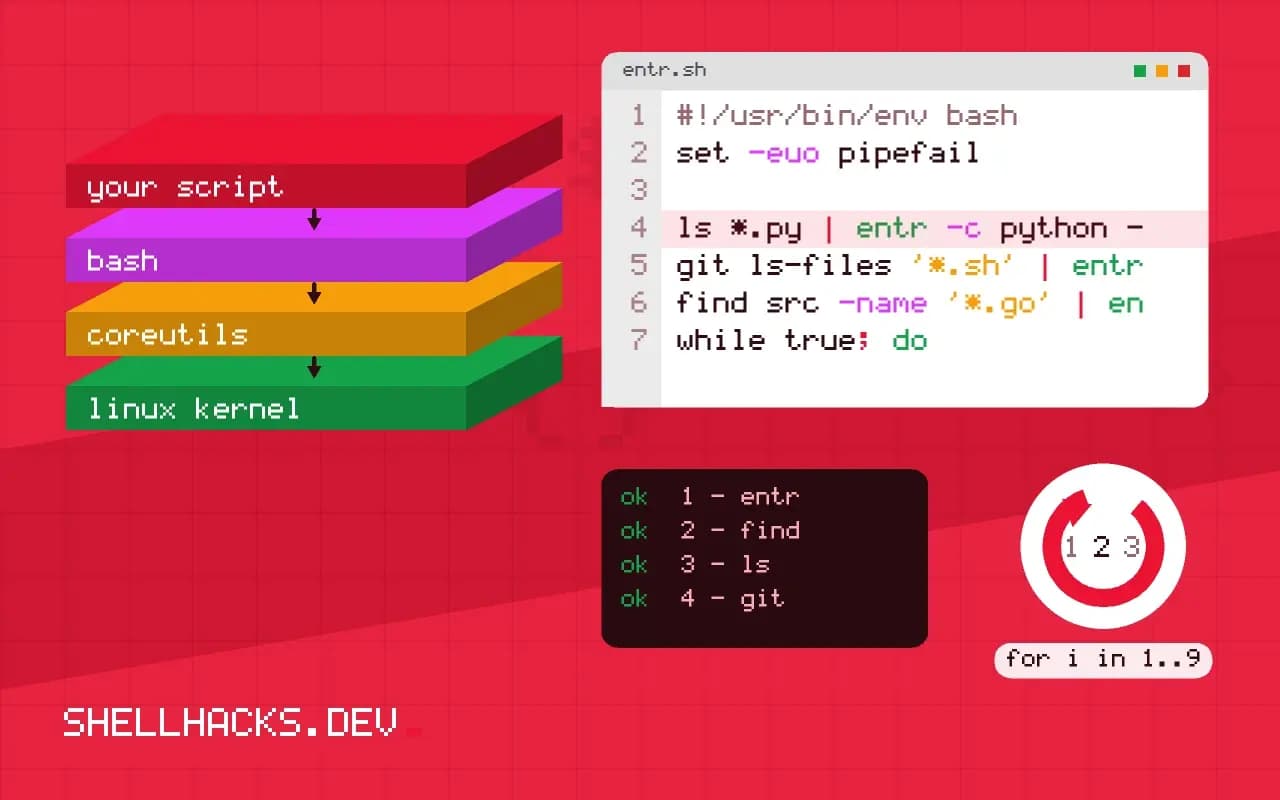
ls *.py | entr -c python -m pytest -q
git ls-files '*.sh' | entr -c shellcheck /_..... [100%]
5 passed in 0.12s
The command runs once at start and then after every change to a listed file. -c clears the screen so you see only the latest result. The placeholder /_ expands to the first changed file, so linters can run on just that file. Press q or Ctrl+C to quit.
Restart a server
find src -name '*.go' | entr -r go run ./cmd/serverWith -r, entr sends SIGTERM to the running child and starts a new one after a change. Without it, entr waits for the command to exit, so a server that never exits would never restart. Tools with built-in reload, such as most web frameworks in debug mode, do not need this. It is the most useful flag for compiled languages, where a rebuild is part of the loop.
Pick up new files
while true; do
  git ls-files --cached --others --exclude-standard | entr -d -c make test
done
entr reads the file list once at startup, so files created later are ignored. With -d it exits when a new file appears in a watched directory, and the while true loop then restarts it with a fresh list. Ctrl+C stops entr but also needs a second one to leave the loop, or you can trap it. Using git ls-files as the source respects .gitignore, so build output does not trigger reruns. See staging files for how Git tracks the same set.
Pipes, shells and variables
ls docs/*.md | entr -s 'pandoc docs/index.md -o out.html && echo built'
echo config.yml | entr -p ./reload.sh
By default entr runs the command directly, not via a shell. -s uses $SHELL, which allows &&, pipes and redirects. -p postpones the first run until a file changes, handy for a reload hook you do not want to fire on start. For test suites that are slow, combine with a fast subset so the loop stays under a few seconds.
How entr watches files
The tool reads a list of file names from standard input and runs a command whenever any of them changes. It uses the operating system's notification facility, inotify on Linux and kqueue on BSD and macOS, so it uses almost no CPU while idle and reacts within milliseconds of a write. The list typically comes from find or git ls-files, which gives you control over exactly which files trigger a run. For example, listing the tracked source files makes the command run when any tracked file changes and ignores build output and editor swap files. Because the list is read once at start, files created later are not watched, which is what the new file option addresses.
Since entr is a small, single-purpose program, it composes with other tools rather than adding features. It does not build, test or restart anything on its own; it only runs what you tell it.
Useful options
The -c flag clears the screen before each run, which keeps the output of the latest run at the top of the terminal. The -r flag restarts a long-running command, such as a development server, by sending it a signal and starting it again, instead of waiting for it to finish. The -p flag postpones the first run until a change occurs, and -d watches the directories for new files: entr exits when a file is added, and wrapping it in a loop, while true; do find . -name '*.py' | entr -d make test; done, picks up the new list. The -s flag runs the command through the shell, so you can use pipes and variables in one string.
Note that a non-zero exit status from the command does not stop entr. It waits for the next change and runs again, which is exactly what a test loop needs.
Where it fits in a workflow
The classic use is a test loop: edit, save, see the result in the other pane. A command like git ls-files | entr -c pytest -x reruns tests on every save and stops at the first failure. Others include rebuilding documentation, regenerating a stylesheet, reloading a service configuration after a change, and running a linter. Combine with a fast test selection to keep the loop short; a loop that takes thirty seconds is a loop nobody watches. For compiled languages, run the build and the tests in sequence with &&, so a failure stops the chain.
Keep the watched set tight. Watching a whole directory tree with generated files can cause a loop where the command's own output triggers the next run. Exclude output directories in the file list.
Limits and alternatives
The tool reads a file list at start, so it suits projects where the files are known. Editors that save by writing a new file and renaming it can confuse inotify-based watchers, which then see a deleted file; entr handles the common cases but you may need -d or a restart wrapper. On networked or virtual file systems, notifications may not arrive at all, in which case a polling tool is the fallback. Language-specific watchers, such as those built into test runners and bundlers, understand dependency graphs and rerun only affected tests, which beats a generic watcher on large projects. Use entr when you want one tool that works with any command in any language, and move to a specialised one when the cost of rerunning everything grows. Add the alias or a Makefile target for your loop to the project documentation, so the setup is one command for the next contributor.
Pair the watcher with a short command that gives a clear signal. A script that prints a green or red line at the end, or rings the terminal bell on failure, lets you keep the window in the background and glance at it. For slow suites, run a fast subset on every save and the full run on commit. Keep the loop configuration in the project, as a Makefile target or a script named watch, so it is part of the setup instructions and everyone works the same way.
Where this does not apply
entr watches file contents through the kernel's file event interface, so it fails on network file systems that do not deliver events and may hit the inotify watch limit on very large trees; raise fs.inotify.max_user_watches if it reports an error. It does not run on Windows outside WSL. For recursive project-wide watching with ignore rules, tools such as watchexec do more out of the box. See the entr project page and the inotify manual page.