How to Escape Special Characters in Regex and Shell
Escape special characters in regex and the shell: the metacharacter list, BRE versus ERE, quoting patterns for sed and grep, and escape functions.
"Why does the pattern not match the dot?" "Why does sed say unterminated s command?" Both are escaping bugs, and they happen on two layers at once: the shell reads the line, and then the tool reads the pattern. Separating the two layers makes every case easier. It sits beside regex differences across tools and quoting variables. The examples assume GNU grep 3.11 and sed 4.9.
The characters that need it
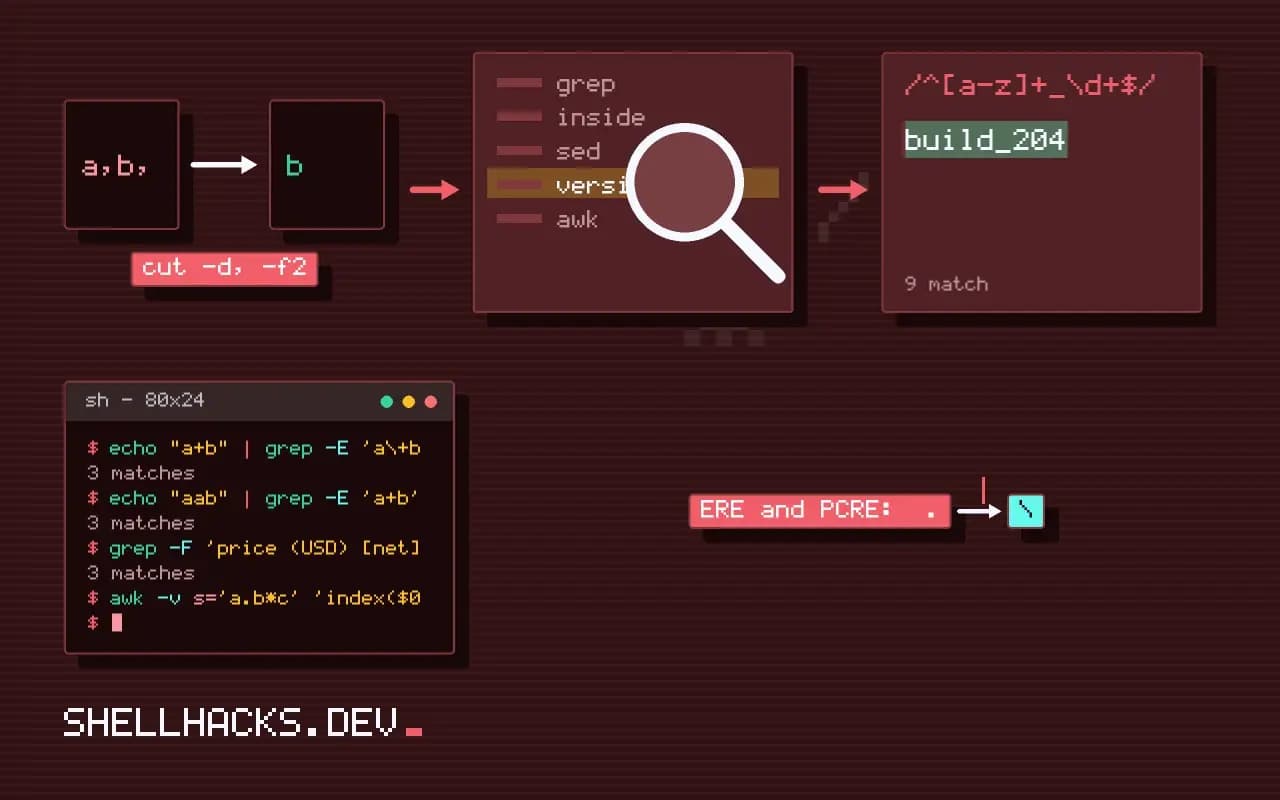
ERE and PCRE:  .  *  +  ?  ^  $  (  )  [  ]  {  }  |  \
BRE:           .  *  ^  $  [  ]  \       (and \+ \? \| \( \) \{ \} are special when escaped)
inside [ ]:    ]  \  ^ (first)  - (between characters)
sed s///:      the delimiter, \, & in the replacement, newline
Outside a character class, put a backslash before the character to match it literally: \. matches a dot. Inside a bracket expression most metacharacters are already literal, so [.] is a dot. In POSIX classes a backslash is literal, so [\.] matches a backslash or a dot, a frequent mistake.
Layer one: the shell
echo "version 1.2.3" | grep '1\.2\.3'     # single quotes: backslash reaches grep
echo "version 1.2.3" | grep "1\.2\.3"     # double quotes: \. stays, also works
echo "a\\b" | grep "a\\\\b"               # double quotes eat one level
echo 'a\b' | grep 'a\\b' # single quotes: clearerversion 1.2.3
version 1.2.3
a\b
a\b
Single quotes stop the shell from touching backslashes, dollar signs and backticks, so the tool gets exactly what you typed. Use them for every pattern. When you must include a variable, close the quotes around it, and remember the variable is then regex text, as in passing shell variables into awk.
Layer two: the regex flavour
echo "a+b" | grep 'a+b'            # BRE: + is literal, matches "a+b"
echo "aab" | grep 'a\+b'           # BRE: \+ means one or more (GNU)
echo "a+b" | grep -E 'a\+b'        # ERE: \+ is a literal plus
echo "aab" | grep -E 'a+b'         # ERE: + means one or more
The same escape means opposite things in basic and extended regular expressions, which is why a pattern copied from one tool breaks in another. Use -E by default so the syntax matches PCRE, JavaScript and Python. The mapping is in BRE, ERE and PCRE.
Avoid escaping: fixed strings
grep -F 'price (USD) [net]' prices.txt
awk -v s='a.b*c' 'index($0, s)' file.txt
grep -F treats the pattern as plain text, which removes the whole problem for literal searches. For sed there is no fixed-string mode, so escape the pattern, and be careful with the replacement: & and backslashes there are special too. When the pattern or replacement comes from a variable, switch to a language with an escape function.
Escape helpers
Python:      re.escape("a.b (c)")                  -> a\.b\ \(c\)
PHP:         preg_quote("a.b (c)", "/")            -> a\.b \(c\)
JavaScript:  s.replace(/[.*+?^${}()|[\]\\]/g, "\\$&")
Perl:        quotemeta("a.b (c)")  or  \Q...\E
Use the helper every time user or file content enters a pattern. A search box that passes raw input to a regex is a bug and sometimes a denial-of-service vector, as in catastrophic backtracking. For sed with a path in the pattern, change the delimiter instead of escaping every slash: sed 's|/usr/local|/opt|'.
Metacharacters differ by flavour
Which characters are special depends on the regular expression dialect. In basic regular expressions, used by default in grep and sed, the characters +, ?, |, (, ), { and } are literal, and their special forms require a backslash, while extended expressions and PCRE give them meaning unescaped. The set that is always special includes the dot, the star, the caret, the dollar sign, the brackets and the backslash. A pattern copied from one tool to another can therefore change meaning without error, matching nothing or too much. When in doubt, test the pattern on a sample that includes both the literal character and the case it should reject.
Inside a character class, the rules change again. Most metacharacters lose their meaning in brackets, but the closing bracket, the caret at the start, the hyphen between characters and the backslash in some dialects keep special roles. Placing a literal hyphen first or last in the class avoids the range meaning.
Escaping at the right layer
Several layers read the text before the regular expression engine does, and each has its own escaping. The shell interprets quotes and backslashes first, then the program receives the string, and in many languages a string literal processes escape sequences before the pattern reaches the engine. A backslash intended for the engine often needs doubling in a normal string literal, which is why raw strings, such as Python's r"..." or Go's backticks, are preferred for patterns. In the shell, single quotes pass everything through untouched, which is what a pattern wants. Count the layers when a pattern misbehaves, and print the string at each boundary to see what actually arrives.
Command substitution and variables add risk: a pattern built from a shell variable is subject to splitting and globbing unless quoted, and the variable's content is interpreted as a pattern when passed to the program.
Escaping user input safely
When text from a user or file must match literally, never paste it into a pattern. Use the language's escape function: re.escape in Python, preg_quote in PHP with the delimiter as second argument, and a replacement such as s.replace(/[.*+?^${}()|[\]\\]/g, '\\$&') in JavaScript, where newer engines may offer a built-in RegExp.escape. Better still, avoid regular expressions for literal matching: use a substring search, grep -F for fixed strings or str_contains. The fixed-string path is faster and has no escaping at all. Failing to escape user input is a security issue as well as a correctness one, since a crafted string can trigger catastrophic backtracking and tie up a server.
Escaping the replacement side is a separate matter. In sed and many languages, the ampersand, backslash and group references are special in the replacement, and need escaping if you want them literally.
Testing and verifying
Verify escaping with a handful of nasty inputs: a string of dots, one with brackets and parentheses, one with a backslash and one with a dollar sign. Check that each matches only itself. Use a tool that shows what the engine understood, such as the debug output in regex testers or the verbose mode of the engine. Document in a comment which dialect the pattern targets, because the same text means different things in grep, grep -E and grep -P. Keep escaped patterns short and, when they become unreadable, build them from named pieces or switch to fixed-string tools. A pattern nobody can read is a pattern nobody can check, and unchecked patterns are where escaping bugs live.
Keep a short reference near the code that lists the dialect and its special characters, because the same engineer will not remember them in six months. Linters help too: ShellCheck warns about unquoted patterns in shell, and language linters flag useless escapes inside character classes. Remove escapes that do nothing, since a backslash before a letter can turn into a different token in another dialect, such as \d, which means a digit in one and the letter d in another.
Where this does not apply
Globs in the shell (*.txt) are not regex and have their own rules; see converting glob patterns to regex. Some tools, such as find -regex, need the whole path to match and choose a flavour with -regextype. Always test an escaped pattern on sample text with a tool that shows the match, as in testing and debugging regex. See the GNU grep manual and the sed regular expressions section.