How to Use gitleaks and trufflehog in Pre Commit and CI
Set up gitleaks and trufflehog as a pre-commit hook and in CI, write an allowlist, baseline old findings and know what to do after a real leak.
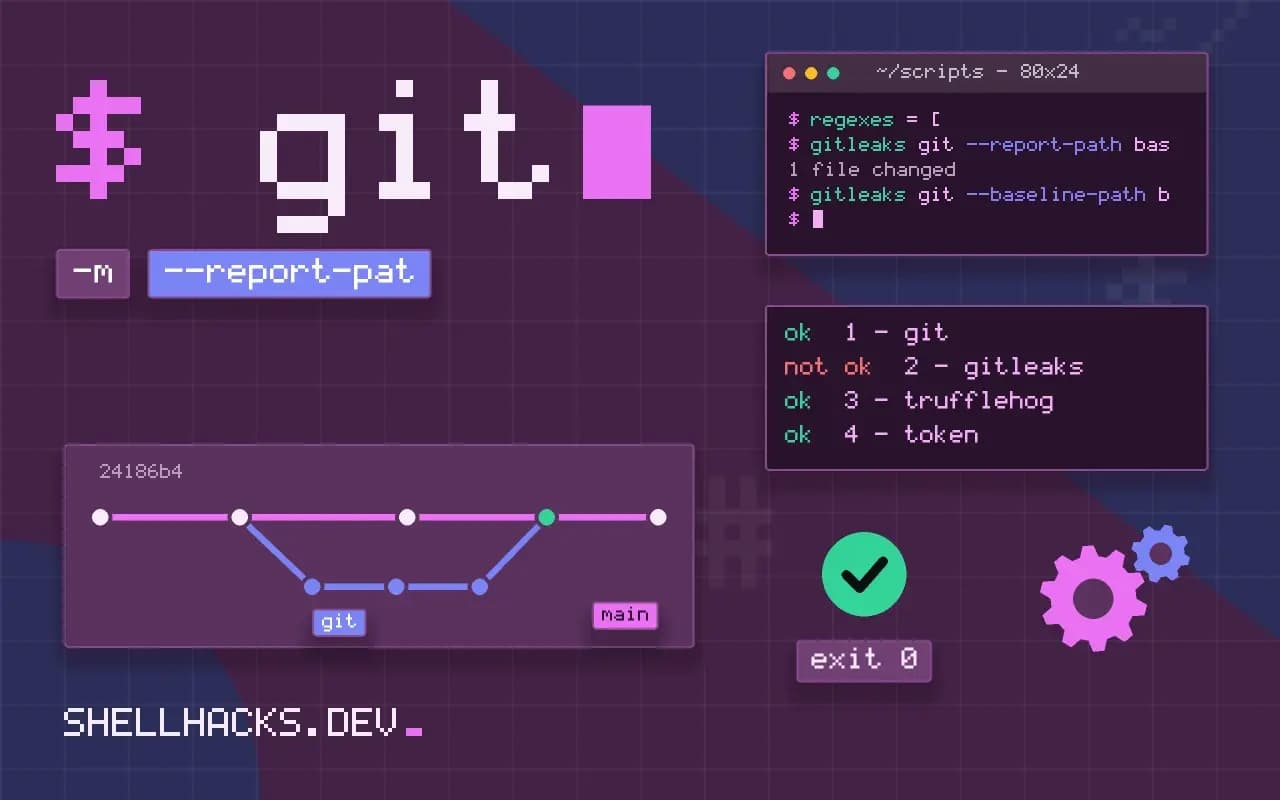
Secrets in Git are the cheapest breach there is: a token pasted into a config file, committed, pushed, and found by a scanner on the public internet within minutes. Two open-source tools find them, gitleaks with pattern rules and trufflehog with live verification, and they work best in two places: on the developer's machine before the commit, and in CI as the net. This post wires both. It continues finding secrets in a repository and the CI stage in scanning in CI. Versions: gitleaks 8.21, trufflehog 3.88, pre-commit 4.
A pre-commit hook
repos:
  - repo: https://github.com/gitleaks/gitleaks
    rev: v8.21.2
    hooks:
- id: gitleakspipx install pre-commit
pre-commit install
git add config.env && git commit -m "add config"Detect hardcoded secrets.................................................Failed
Finding: AWS_SECRET_ACCESS_KEY=REDACTED
RuleID: aws-access-token
File: config.env
Line: 3
The hook scans the staged changes only, so it is fast. It runs on each developer's machine once pre-commit install has been run, which is the weak point: it is opt-in and skippable with --no-verify. That is why CI has to repeat the check. Pin rev to a release tag so the hook does not change under you.
Tune with an allowlist
title = "project rules"

[extend]
useDefault = true

[allowlist]
description = "test fixtures and docs"
paths = [
  '''tests/fixtures/.*''',
  '''docs/examples/.*''',
]
regexes = [
  '''EXAMPLEKEY[0-9A-Z]{8}''',
]
useDefault = true keeps the built-in rules and adds yours on top. Allow whole fixture directories, or a marker string you put in fake credentials on purpose, such as EXAMPLEKEY. A single known false positive can be allowed by commit with commits = ["abc123"], or in code with a trailing gitleaks:allow comment on the line. Keep allowlists narrow: a broad path silences real finds.
Adopt it on an old repository
gitleaks git --report-path baseline.json --exit-code 0
gitleaks git --baseline-path baseline.json --redact
The first command records every finding already in the history, without failing. The second ignores them, so the scan fails only on new ones. Then work through the baseline: each entry is a secret that should be rotated, whether or not you hide it. The baseline is a way to start, not a place to leave them.
Add trufflehog for verification
trufflehog git file://. --only-verified --fail
trufflehog git file://. --since-commit origin/main --branch HEAD --only-verified --fail
trufflehog filesystem ./config --only-verified
TruffleHog tries each candidate against the issuing service's API to see if it is still valid, and with --only-verified reports only live ones, so there are few false positives. The cost is that it sends the candidate secret to that service for the check, and it needs network access. Gitleaks flags more patterns and some are dead; trufflehog flags fewer and each deserves action. Running both is common.
When one is found
- Revoke or rotate the credential at the provider. Assume it was copied.
- Check the provider's logs for use of it.
- Remove it from the code and load it from the environment or a secrets store.
- Optionally rewrite history with
git filter-repo; remember that clones, forks and caches keep the old copy, so rewriting does not undo exposure.
The order matters: deleting the file first feels like a fix and fixes nothing.
Where this does not apply
Scanners find patterns, not every secret: a random password in a variable named token may pass. Build the habit of keeping secrets out of the repository by design, as in secrets in deploy scripts and dotfiles.
What the scanners look at
A secret scanner works with two ideas. The first is patterns: many credentials have a recognizable shape, such as a fixed prefix and a length for a cloud access key, a token format from a code host or a private key header, and a rule set matches them directly. The second is entropy, the randomness of a string, which flags long random-looking values assigned to a name like secret or token. Patterns are precise and miss anything unusual, and entropy catches more and also flags test data, hashes and identifiers. That difference explains the usual experience: the first scan reports a pile of items, most of them harmless, and the real finding hides among them. The aim of configuration is to keep real findings visible, by silencing known-safe items in a way that is reviewed and recorded and by keeping the rule set current as the scanner is updated.
Scanners look at the diff or at history. A check on the staged changes before a commit is fast and catches mistakes before they exist in the repository. A scan of the whole history is slower and finds secrets that were committed long ago and removed, which still live in every clone.
Keeping the allowlist honest
An allowlist is where scanners lose their value, because every entry is a place where a real secret could slip by. Prefer narrow entries: ignore one specific finding by its fingerprint, which the scanner prints and which includes the file, the line and the rule, over ignoring a whole directory or a broad pattern. When you must ignore a path, such as a folder of test fixtures with fake keys, say why in a comment next to it, and keep the fake values obviously fake, for example with the word example in them, so a reader sees at once that they are not real. Store the configuration in the repository and review changes to it like code, since a pull request that adds an allowlist entry can be the way a leak is hidden. Revisit the list when you upgrade the scanner, because rule changes can make old entries unnecessary or stale.
Commands change between releases of these tools, and the older protect and detect subcommands of gitleaks were replaced by newer ones in recent versions, so check the documentation of the version you install and pin it in your hooks and workflows.
Verification and what to do on a hit
Trufflehog adds a step the pattern scanners lack: it can test whether a found credential is still active by calling the provider's API, and the option to show only verified results cuts the noise sharply. Be aware of what that means. Verification sends the candidate secret to the provider's service, which is acceptable for your own credentials, and a policy question for anything else, so read what a scanner does before pointing it at data it does not own. When a real secret is found, the response is the same every time. Revoke it at the provider, issue a new one, deploy the new one, and check the provider's logs for use of the old one in the window it was exposed. Removing it from the repository history is a second, optional step, and it does not undo the exposure: forks, clones and caches may already hold it. Treat any committed credential as public from the moment it was pushed.
For a repository with a long history, adopt the tool in stages: record a baseline of existing findings after reviewing them, fail the build only on new ones, and clean up the old items over time.
See the gitleaks documentation and the trufflehog project.