How to Use go run as a Script Runner Without Surprises
Use go run as a script runner: single files and packages, passing arguments, running a tool at a version, caching, exit codes and when to build instead.
Go is a compiled language, and go run makes it feel like a scripting one: edit, run, edit, run. That is a good fit for small tools, one-off data jobs and trying out a package. It also hides a build step with consequences for speed, exit codes and deployment. This post explains what it does, so you can choose it deliberately. It pairs with Go shebang scripts. Targets Go 1.24.
Run a file or a package
package main

import (
	"fmt"
	"os"
)

func main() {
	fmt.Println("args:", os.Args[1:])
}go run hello.go one two
go run . one twoargs: [one two]
args: [one two]
Everything after the last .go file (or after the package path) belongs to the program. Use go run . when the directory has several files in package main, because naming just one of them leaves out the others and fails with "undefined" errors. Flags for the go command, like -race or -tags, come before the file name.
Run a tool at a version
go run golang.org/x/tools/cmd/[email protected] -help
go run honnef.co/go/tools/cmd/staticcheck@latest ./...
With @version, Go downloads the module, builds the command and runs it, ignoring the go.mod of the current directory. It is the lightest way to use a code generator or linter without installing it, and pinning the version keeps results reproducible. @latest resolves to a different version over time, so avoid it in CI. Compare with go install, which keeps a binary in $HOME/go/bin.
What it costs
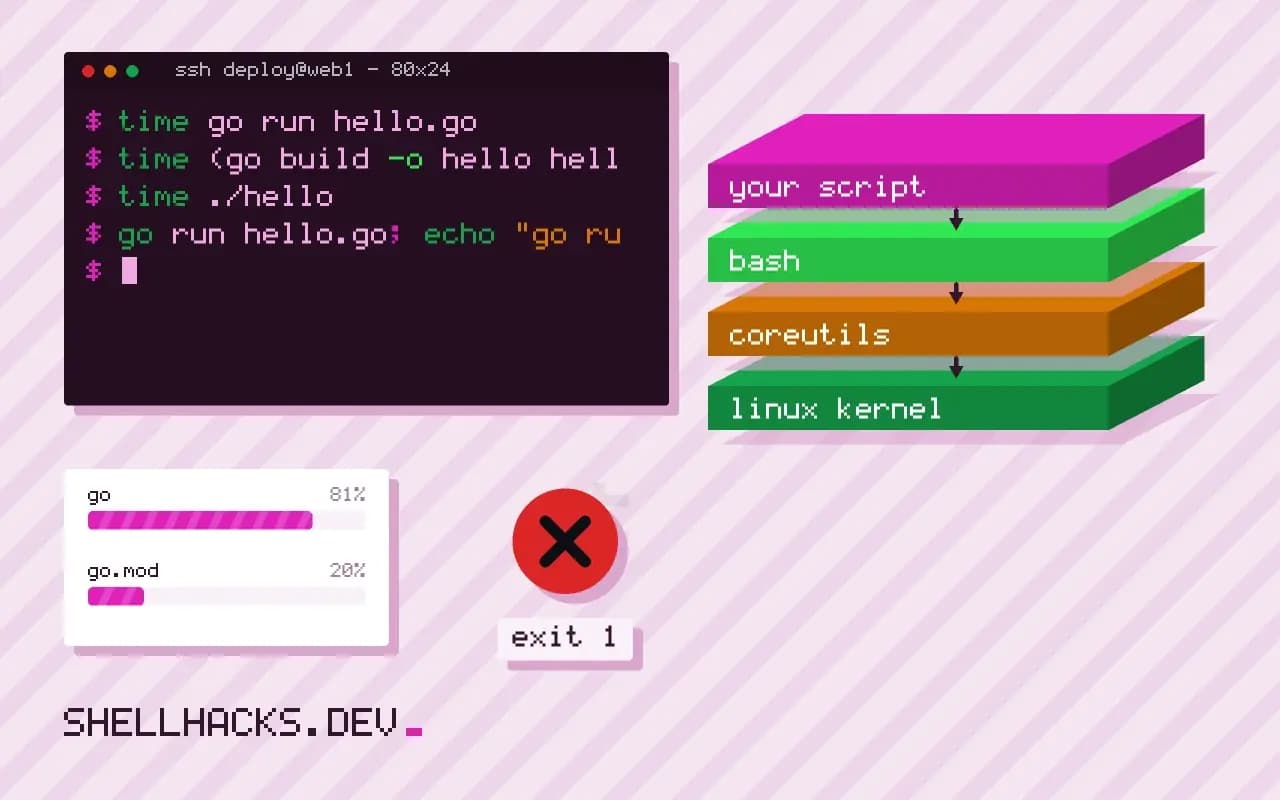
time go run hello.go
time (go build -o hello hello.go && ./hello)
time ./hello
The first run compiles; later runs reuse cached packages, and a program that changes only slightly recompiles only the changed package, so the cost of go run is dominated by linking and process start, usually a few hundred milliseconds on a modest project. A prebuilt binary starts in milliseconds. That is irrelevant for a script that runs once a day and matters for one that a shell loop calls ten thousand times. For the fuller comparison, see calling Go from shell scripts.
Exit codes
go run hello.go; echo "go run exit: $?"When the program exits non-zero, go run prints exit status N to stderr. Whether the go command then exits with the program's own code or with a generic failure status has varied, and tools that wrap it should not depend on the number. If a script must act on a specific code, build the binary and run that. Messages from the go command also go to stderr, so output parsing by a caller can pick them up unexpectedly.
Where this does not apply
Do not use go run where the Go toolchain is absent, in containers built for production (use a multi-stage build and ship the binary) or in cron on a machine with a cold cache and no network. A first run with @version needs network access to the module proxy. Programs that read from a terminal work normally, since go run connects stdin, stdout and stderr straight through. To get Go itself in place, see installing Go on Linux.
What go run does behind the scenes
The command compiles the named package or files into a temporary executable, runs it, and deletes the executable afterwards. The build uses the same cache as go build, so an unchanged program starts almost at once on the second run, and the compile on the first run takes as long as it would for any build. Because it builds every time you run it, go run is a good development convenience and a poor deployment mechanism: a production service started with go run needs the toolchain and the source on the server, recompiles on each start and leaves a parent go process around its child. Build a binary for anything that runs for long or on other machines. For scripts you run on your own machine, the convenience is real and the compile cost is small.
Arguments after the package or file list go to your program, and flags before it go to the go command. Use go run . -v file and the -v reaches the program, because the package argument ends the options for go.
Running tools at a pinned version
Since Go 1.17, go run example.com/[email protected] builds and runs a program at an exact version without adding it to your module, which makes it a handy way to run a code generator or linter in a script or CI job. Pin the version, not @latest, so every machine and every run uses the same code, since latest changes when the author publishes. The first run downloads and compiles the tool, which can take a while on a cold cache, and later runs reuse the cache. Be aware of what it means to run code fetched from the network: the module proxy and checksum database confirm that the bytes match what everyone else sees, and not that the code is safe, so apply the care you would to any dependency. For tools a project depends on, newer Go versions let you declare them in go.mod with the tool directive and run them by name, which records the version in the repository.
Exit codes, signals and odd output
When your program exits with a nonzero status, go run exits with status 1 and prints a line such as "exit status 3" to standard error, hiding the real code, since the wrapper reports its own. A script that depends on a particular code from the program must build the binary and run it directly. The extra line can also confuse a script that parses standard error. Signals are forwarded to the child, so Control-C stops your program as expected, and a program killed by a signal shows that in the message. Standard input, output and error are connected straight through, so interactive programs work.
Know the failure modes: a missing module file when imports outside the standard library need one, a "no Go files" error when the directory holds only test files, and a build error from a different Go version than you assumed. Run go version and go env GOFLAGS if behavior differs between machines.
Making a script run the same everywhere
Because go run uses whichever toolchain is first on the PATH and whatever go.mod demands, two machines can differ. Pin the Go version in go.mod and set GOFLAGS=-mod=readonly in automation, so a build never rewrites dependency files by surprise. Print go version in logs. For a script that needs to start fast, build once into a cache directory and run the binary, rebuilding when the source is newer, which a three-line check with test -nt handles. That removes the build cost from each run and the toolchain from the target machine.
See the go run documentation and module-aware install and run.