How to Run Parallel Jobs in Python With concurrent futures
Run jobs in parallel with Python's concurrent.futures: threads for waiting work and commands, processes for CPU work, as_completed, errors and limits.
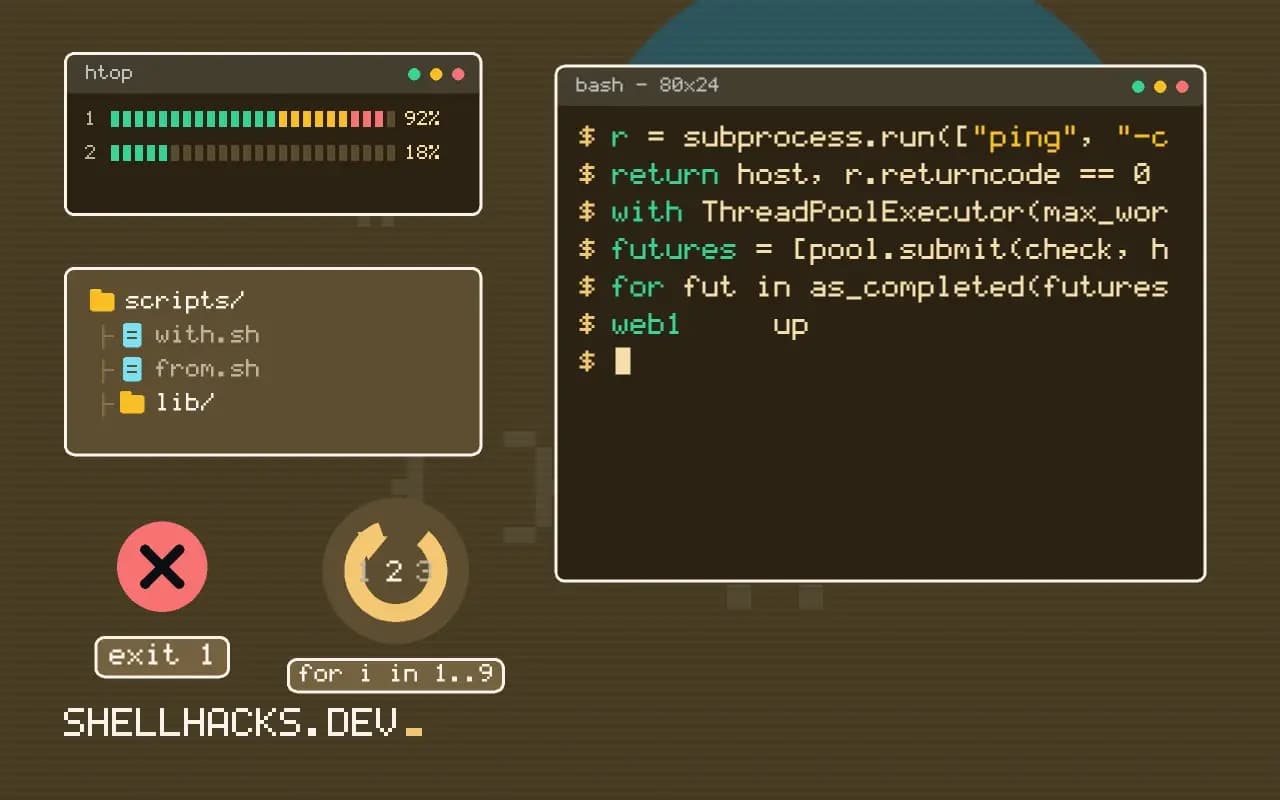
Pinging a hundred hosts one after another takes minutes; pinging ten at a time takes seconds, and the code change is small. The standard library's concurrent.futures is the shortest route from a loop to a parallel loop. This post covers the two executors and the error handling that people skip. It is the Python counterpart to parallel runs with xargs. Examples use Python 3.13.
Threads for waiting work
import subprocess
from concurrent.futures import ThreadPoolExecutor, as_completed

hosts = ["web1", "web2", "db1", "cache1"]

def check(host):
    r = subprocess.run(["ping", "-c1", "-W2", host], capture_output=True)
    return host, r.returncode == 0

with ThreadPoolExecutor(max_workers=8) as pool:
    futures = [pool.submit(check, h) for h in hosts]
    for fut in as_completed(futures):
        host, ok = fut.result()
print(f"{host:8} {'up' if ok else 'DOWN'}")web1 up
cache1 up
db1 up
web2 DOWN
Threads work well here because the time is spent waiting on a subprocess, during which Python releases the global interpreter lock. The order is the order of completion, not of submission. The with block waits for all jobs and shuts the pool down. Network requests, file reads and subprocess calls all behave this way.
Results in input order
with ThreadPoolExecutor(max_workers=4) as pool:
    for host, ok in pool.map(check, hosts):
        print(host, ok)
map yields results in the order of the inputs, which is convenient for tables. If one job raises, the exception appears when its result is reached in the iteration, and the later results are lost unless you handle it inside the function. For tolerance, catch inside check and return an error value.
Processes for CPU work
import hashlib
from concurrent.futures import ProcessPoolExecutor
from pathlib import Path

def digest(path):
    return path.name, hashlib.sha256(path.read_bytes()).hexdigest()

if __name__ == "__main__":
    files = list(Path("data").glob("*.bin"))
    with ProcessPoolExecutor() as pool:
        for name, h in pool.map(digest, files, chunksize=4):
            print(h[:12], name)
Pure-Python computation holds the GIL, so threads give no speedup, and separate processes do. Arguments and results are pickled between processes, so they must be picklable and small relative to the work. The __main__ guard is required on platforms that start workers by importing the module. With no max_workers, the default is the CPU count.
Handle failures
for fut in as_completed(futures):
    try:
        print(fut.result(timeout=30))
    except Exception as exc:
        print(f"job failed: {exc!r}")
An error inside a worker is stored in its future and raised only when you ask for the result. If you never call result(), the error vanishes silently, which is a common way to lose failures. Always read every future.
Choose the number of workers
For network and disk waits, the limit is usually the other side: ten simultaneous SSH logins to one host or fifty requests to an API can trigger rate limits. Start with 4 to 8 and measure. For CPU work, the core count is the limit. More workers than that adds overhead.
Where this does not apply
For thousands of tiny jobs, thread overhead matters and asyncio is more efficient; see asyncio with subprocess. A shell pipeline with xargs -P is shorter when the work is a single command. Shared mutable state needs locks, and results are better returned than appended to a global list. For timeouts and retries inside each job, combine with subprocess timeouts.
Threads or processes, and why
CPython has a global interpreter lock, so threads running Python code do not run at the same time on several cores, and a pool of threads speeds up work only when the threads spend their time waiting. Network requests, file and disk operations, subprocess waits and sleeping release the lock, so a thread pool can overlap hundreds of them with real gains. CPU-bound work, such as parsing, hashing in pure Python or numeric loops, gains nothing from threads and often runs a little slower because of switching. For that, ProcessPoolExecutor uses separate interpreters with separate locks and uses all the cores. The price is that arguments and results are pickled and sent between processes, so they must be picklable and small enough that the transfer does not cost more than the work. Free-threaded builds of Python 3.13 and later change the picture for threads, and they are still an opt-in build, so test before relying on it.
A rough rule is to measure one task first. If it is mostly waiting, use threads. If it keeps a core busy, use processes. If it is a mix, use processes for the heavy part and threads inside for the waiting work, or consider asyncio.
Results, order and exceptions
executor.map returns results in the order of the inputs, even if later tasks finish first, so a slow first task delays the visible output. as_completed yields futures as they finish, which suits progress reporting and early handling of results, at the cost of losing input order unless you keep a mapping from future to input. Exceptions raised in a worker are stored in the future and re-raised when you call result(), and with map they appear when you reach that item in the iteration, which may be long after it failed. Decide on a policy for failures: collect them and report at the end, stop at the first, or retry. A with block waits for all running tasks on exit, so an exception in your own code still waits for the pool to finish.
Cancellation is limited. future.cancel() works only on tasks not yet started, and shutdown(cancel_futures=True), available from Python 3.9, cancels everything pending, but running tasks continue to completion.
Sizing the pool and avoiding common traps
The default for threads is min(32, cpu_count + 4), which suits waiting work, and the default for processes is the CPU count. More threads than the remote service tolerates produces errors and rate limiting, so set the number from the service's limits, not from the machine. For processes, more than the core count only adds memory use and switching. Remember that each worker process holds its own copy of imported modules and data, so a large dataset multiplied by the worker count can exhaust memory. On macOS and Windows, processes start with the spawn method, which re-imports your main module, so the code that creates the pool must sit under if __name__ == "__main__": or it recurses. Set a timeout on the work inside each task, since a hung task occupies a worker forever, and a pool of hung workers makes the whole program stall.
A short example of the decision
Suppose a script must check 500 URLs and then resize 500 images. The first job spends its time waiting for servers, so a thread pool with 20 workers finishes in roughly the time of 25 sequential requests, bounded by the slowest servers and by any rate limit. The second is CPU-bound, so a process pool sized to the core count gives close to a linear speedup until memory or disk becomes the limit. Using threads for the images would run no faster than a plain loop, and using processes for the URLs would work, with more overhead and memory than needed. Measure one item, then ten, then the full job, and watch CPU use in a monitor while it runs: a busy CPU means processes, an idle one means the work is waiting.
When the tasks share state, avoid it. Threads that update a shared dictionary need a lock, and processes cannot share it at all without special structures. Return values from tasks and combine them in the parent, which is simpler and race-free.
Finally, show progress. A long parallel job with no output looks hung, and a counter updated as futures complete lets you judge whether it is working and when it will finish.
See the concurrent.futures documentation and the GIL glossary entry.