How to Handle readlink and realpath Differences in Scripts
Resolve a file's real path portably: readlink -f versus realpath, what macOS lacks, a pure-shell fallback, and how to find a script's own directory.
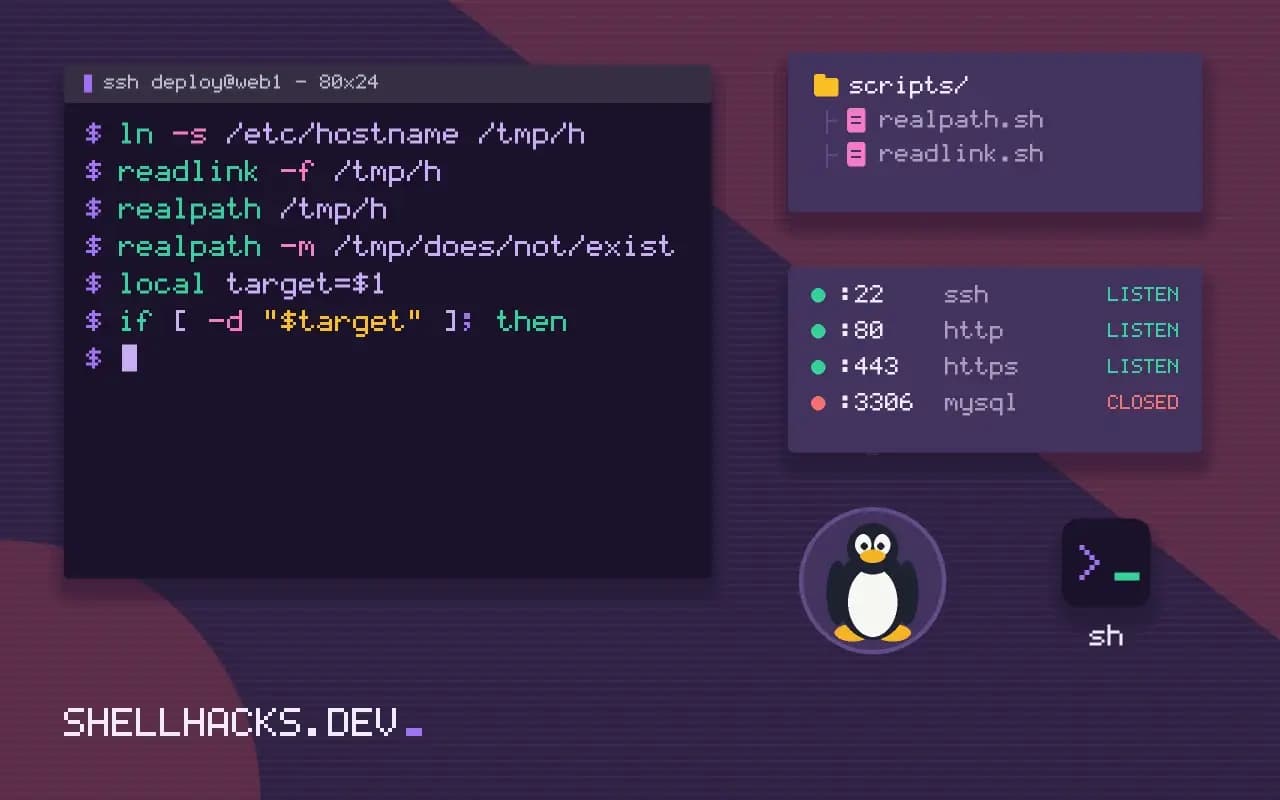
Scripts that locate their own files, such as a config next to the script, need an absolute path to something that may be reached through a symlink. The tools for that differ across platforms. This is part of the same portability family as date on macOS versus Linux, and the commands assume GNU coreutils 9.x and Bash 5.2.
The GNU tools
ln -s /etc/hostname /tmp/h
readlink -f /tmp/h
realpath /tmp/h
realpath -m /tmp/does/not/exist/etc/hostname
/etc/hostname
/tmp/does/not/exist
readlink -f follows every link and requires that all but the last component exist. realpath does the same, and -m permits missing components. Plain readlink without -f only prints the immediate target of one link, which is not what most scripts want.
What macOS lacks
BSD readlink has no -f flag in versions before macOS 12.3, and realpath was missing from the base system. A script that calls either fails with "illegal option" or "command not found". Homebrew's coreutils package installs GNU versions as greadlink and grealpath, a dependency you cannot assume on a colleague's machine.
A pure shell fallback
abs_path() {
  local target=$1
  if [ -d "$target" ]; then
    (cd "$target" && pwd -P)
  else
    (cd "$(dirname "$target")" && printf '%s/%s\n' "$(pwd -P)" "$(basename "$target")")
  fi
}

abs_path ../conf/app.ini
The subshell parentheses keep the cd from moving the caller. pwd -P prints the physical path with symlinks resolved. This resolves symlinks in directories but not when the final component itself is a link; for that, loop while [ -L "$file" ] and follow readlink without -f, which exists on both systems.
The folder of the running script
script_dir=$(cd -- "$(dirname -- "${BASH_SOURCE[0]}")" && pwd -P)
config="$script_dir/../etc/app.conf"
BASH_SOURCE[0] is the file being executed even when it is sourced, whereas $0 names the shell in that case. The -- guards against a path that begins with a dash. If the script itself may be called through a symlink, the folder you want is where the real file lives; resolve first with a loop over readlink. See making a script safe to source and run for how BASH_SOURCE differs from $0.
Why there is no single portable command
Resolving a path to its absolute, canonical form means following symbolic links and removing dot segments. GNU coreutils provide realpath and readlink -f, and both work on Linux. The BSD readlink on macOS historically lacked the -f option, and realpath arrived only in newer macOS releases, so a script that works on a Linux laptop fails on a colleague's Mac with an unhelpful error. Minimal environments such as BusyBox include a version of both, but options vary. POSIX specifies neither command for this purpose, which leaves script authors to pick a strategy that fits the platforms they support, and to test it on each.
The semantics matter as well. Some implementations require the final path component to exist, while others allow it to be missing. Check the behaviour with a path that does not exist and with a dangling link.
A portable function
A reliable approach uses only POSIX features: change into the directory with cd and print the working directory with pwd -P, which resolves links in the directory part. For a file, split the name into directory and base, resolve the directory this way and join the base name again. If the file itself may be a link, loop with readlink without options, which is POSIX-style on most systems, until it is not a link, resolving relative targets against the directory of the link. Wrap this in a function with a clear name and test it with links to files, links to directories, relative links, chains of links, spaces in names and paths that do not exist.
Run the subshell for the cd, so the working directory of the main script does not change. Parentheses around the body of the function achieve this.
Finding the script's own directory
A very common use is locating files that sit next to the script. In Bash, ${BASH_SOURCE[0]} gives the path of the current file, and resolving its directory with cd "$(dirname "${BASH_SOURCE[0]}")" && pwd -P works whether the script is run or sourced. In POSIX sh, $0 is the only source, and it is reliable for a script that is executed but not for one that is sourced. If the script can be reached through a symbolic link, such as a command installed into a bin directory pointing at a repository, resolve the link first or the directory will be the link's location, not the real one. Decide whether you want the link's directory or the target's and document it, since both are right in different designs.
Avoid parsing ls -l output to follow links. File names with spaces or arrows break it, and the format varies by platform.
Choosing a strategy
If you control the platforms and they all have a modern realpath, use it, and check for it at the start with a clear error when missing. If the script must run on stock macOS and Linux, use the portable function, or install GNU coreutils on the Mac and call the prefixed names, detecting which is available. Do not rely on Python or Perl being present unless that is a stated requirement, although both offer os.path.realpath and Cwd::abs_path if you accept the dependency. Add the helper to a shared library file used by your scripts, so the logic exists once and has tests. Security-sensitive code deserves extra care: resolving a path and then using it later leaves a gap in which the file system can change, so for checks that guard access, open the file first and operate on the open descriptor, instead of trusting a path that was valid a moment ago. State the assumptions in a comment, and run the tests on every platform in CI.
Where this does not apply
If the path is only used for display, skip resolution and leave symlinks alone; resolving them can print a path the user did not type. On Alpine, BusyBox provides readlink -f and realpath, but with fewer options. The GNU realpath manual and the POSIX pwd specification define the behaviour.
One more case is worth handling: a path that does not exist yet. readlink -f succeeds when only the last component is missing, while the pure-shell fallback needs the parent directory to exist. For a file you are about to create, resolve the directory and append the name, as abs_path does above. Test any helper with a relative path, a path with spaces, a symlinked directory and a symlink to a file before trusting it in a deploy script; the four cases cover nearly every bug. A short function test keeps that from regressing.


