How to Use sed Scripts and Files for Complex Edits
Move complex sed edits into a script file with sed -f: comments, blocks, ranges, branching, the n option, and where GNU and BSD sed disagree on labels.
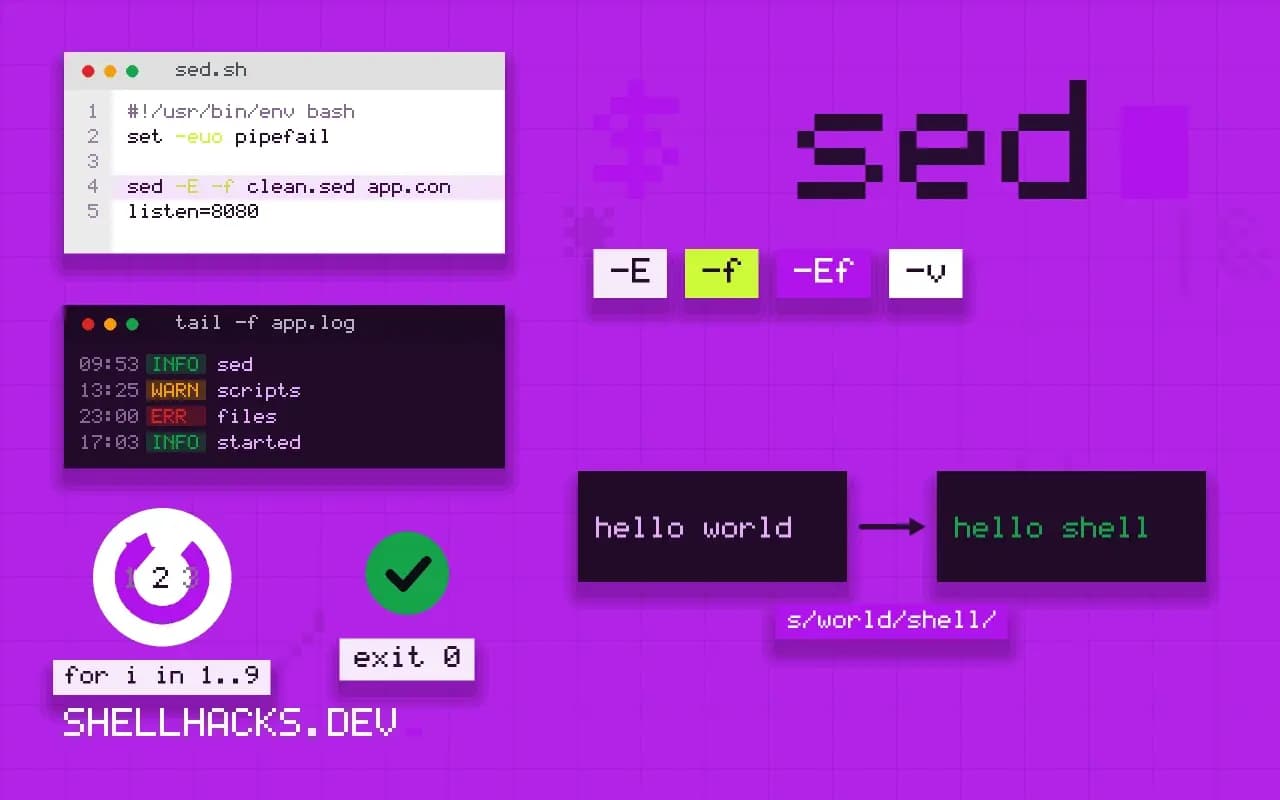
A sed expression with five -e options and a semicolon every few characters is unreadable in a month. A script file gives it layout and comments, and puts it under version control. The language is the same, only the packaging changes. This post covers the file format, ranges, blocks and the one loop idiom you will want, as the next step after capture groups in sed. Examples use GNU sed 4.9.
A first script
# strip comments and blank lines, trim spaces, normalize key = value
/^[[:space:]]*#/d
/^[[:space:]]*$/d
s/^[[:space:]]+//
s/[[:space:]]+$//
s/[[:space:]]*=[[:space:]]*/=/
sed -E -f clean.sed app.conflisten=8080
log=/var/log/app.log
Each line is one command. Comments start with # and the program stops being a puzzle. The -E flag on the command line (extended regular expressions) applies to the whole script, so the + works without backslashes. Keep the script file in the repository next to the code that uses it.
Blocks and ranges
#n
/^\[server\]/,/^\[/ {
  /^\[/!{
    s/^[[:space:]]*//
    p
  }
}
The leading #n line behaves like -n, so only lines printed with p appear. The outer range runs from [server] to the next section header. Inside, /^\[/!{...} means "for lines that are not a header", so the body of the section is printed without its header lines. Blocks nest. A #n works only when it is the first two characters of the first line of the script file or -e.
A loop with labels
:a
N
$!ba
s/\n/ /g
printf 'one\ntwo\nthree\n' | sed -f join.sedone two three
This reads the whole input into the pattern space. :a sets a label, N appends the next line, and $!ba branches back to a unless on the last line. After the loop, the final s turns the embedded newlines into spaces. It is the standard idiom for multi-line edits, and for big files it needs the whole input in memory. The conditional t branches only after a successful substitution, which is the usual way to repeat a replacement until nothing changes.
Make it executable
#!/usr/bin/sed -Ef
s/[[:space:]]+$//
A script can name sed as its interpreter, then run directly: chmod +x clean; ./clean file. The kernel passes the path to sed, and the arguments in the shebang line are passed as one string on Linux, so a combined option such as -Ef works there but may not elsewhere. The path to sed also varies between systems.
Where this does not apply
BSD and macOS sed are stricter: labels and the closing brace must be followed by a newline, and -s, -z and \n in replacements differ; see GNU and BSD portability. When a script needs variables, arithmetic or function calls, move to awk, which has them; a sed program longer than about twenty lines is usually a sign. For simple jobs, single commands stay clearer.
Why a script file beats a long command line
A sed program in a file with -f has several advantages over a long quoted string. There is no shell quoting to reason about, since the file is read as sed code, and the single quotes that would otherwise protect the script are not needed. You can write comments, lines starting with a hash, and lay the commands out one per line, which makes a twelve-step edit readable. You can keep it under version control and test it against sample input. The first line may be #n, which turns off automatic printing like the -n option, and only when it is exactly those two characters on the first line of the file. A script file is also easier to share between GNU and BSD systems, if you keep to the common subset, because the differences in how a one-line script is parsed, such as what may follow a closing brace or a label, matter less when each command sits on its own line.
Commands on one line separated by semicolons work in GNU sed, while BSD sed requires a newline after labels and the commands that take file names, like r and w. Writing one command per line sidesteps the difference.
Understanding the pattern space and the hold space
Sed reads one line at a time into the pattern space, runs the script on it and prints the result. A second buffer, the hold space, lets you keep text between lines. The commands h and H copy or append the pattern space into the hold space, g and G copy or append the hold space back, and x swaps them. With these, and the N command that appends the next input line to the pattern space, you can join lines, reverse a file and compare adjacent lines. The classic loop to join all lines is :a;N;$!ba;s/\n/ /g, which accumulates the entire input and then replaces the newlines. It reads the whole file into memory, so it is wrong for huge input. Keep the scale in mind: sed is designed for streaming, and the more of the file you hold, the less it behaves like a stream.
Control flow uses labels, b to branch and t to branch if a substitution succeeded since the last input line or the last t. A loop that repeats a substitution until nothing changes, with t, handles nested patterns, and it can loop forever if the substitution always succeeds, so make sure it consumes something each time.
Testing and maintaining a script
Run the script with -n and explicit p commands while developing, and with --debug in GNU sed 4.6 or later, which prints the canonical form of the program and the state after each command. Build a small input file that contains the cases you care about, including the lines that should not change, and compare the output with the expected result using diff. Keep the test files next to the script. Resist writing a program that is hard to follow in sed. When a script needs more than a handful of commands, nested conditions or numeric computation, awk or Perl will be shorter and clearer, and a later reader will thank you. Put the intent in a header comment: what the input looks like, what the output looks like and which sed implementations you checked.
Reading a script someone else wrote
Old sed scripts are dense, and the way to read one is to go line by line and state, for each command, what is in the pattern space and the hold space afterwards. Run it with a short input and the debug option or add temporary l commands, which print the pattern space with invisible characters made visible, and watch it change. Comment what you learn into the file. A script that nobody can read is a script nobody dares change, and sed has a long history of such scripts quietly running for years until the input changes shape. Keep scripts you write short, name the purpose in the first comment, and delete them when a different tool would do the job in fewer, clearer lines.
See the GNU sed commands and the POSIX sed script rules.