How to Write Scripts That Handle Interrupts and Cleanup
Clean up temp files and child processes when a shell script is interrupted, using trap on EXIT, INT and TERM and the exit status a signal should give.
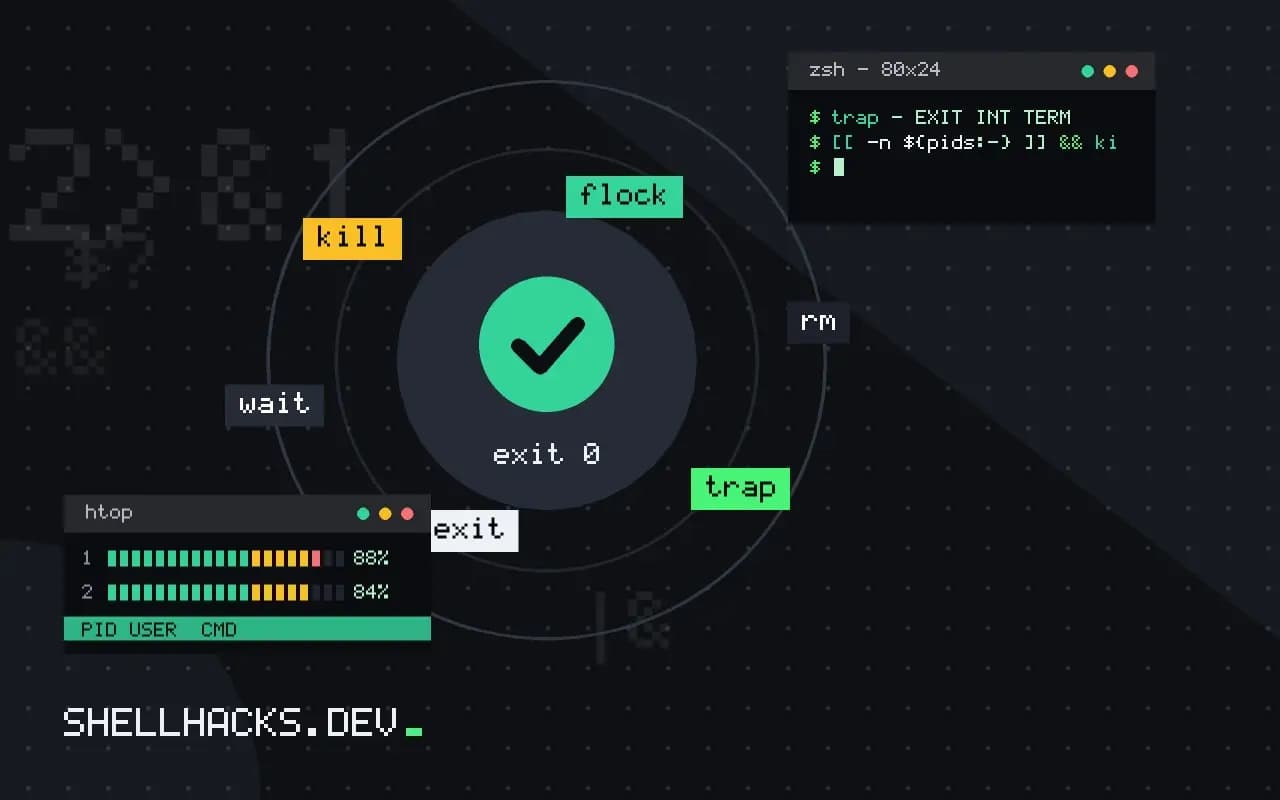
A script that creates a temp directory, starts a background process or takes a lock leaves a mess if someone presses Ctrl-C halfway. The fix is a single cleanup function wired to the right events. The behaviour here is Bash 5.2; the mechanics of trap itself are in trap EXIT cleanup and trapping signals.
One cleanup, three traps
#!/usr/bin/env bash
set -euo pipefail

tmp=$(mktemp -d)
cleanup() {
  trap - EXIT INT TERM
  [[ -n ${pids:-} ]] && kill $pids 2>/dev/null || true
  rm -rf -- "$tmp"
}
trap cleanup EXIT
trap 'exit 130' INT
trap 'exit 143' TERM

sleep 300 &
pids=$!
wait
Pressing Ctrl-C runs exit 130, which fires the EXIT trap, which runs cleanup. The statuses follow the shell convention of 128 plus the signal number: INT is 2 and TERM is 15. A parent that checks the exit code can then tell an interrupt from an ordinary failure. Resetting the traps at the start of cleanup prevents it from running a second time when exit triggers EXIT again.
Why wait matters
Bash runs a trap only after the current foreground command finishes. If the script is sitting in sleep 300 in the foreground, Ctrl-C reaches both the script and the sleep and the trap fires when sleep dies. If the long command is a background job followed by wait, the wait builtin returns at once when a trapped signal arrives, which is the behaviour the code above relies on. The Bash manual explains this in its signals section.
Remove locks and partial output
lock=/tmp/job.lock
out=result.csv
cleanup() {
  rm -f -- "$lock" "$out.partial"
}
trap cleanup EXIT

./generate > "$out.partial"
mv -- "$out.partial" "$out"
Writing to a .partial name and renaming at the end means an interrupted run never leaves a half-written result.csv behind. rm -f keeps cleanup quiet when the files were never created. See atomic file writes for the pattern.
What signals the script receives
Pressing Ctrl-C sends SIGINT to every process in the terminal's foreground process group, which includes the script and the commands it is running at that moment. Closing the terminal sends SIGHUP. A service manager or kill typically sends SIGTERM, and a CI system cancelling a job often sends SIGTERM and then SIGKILL after a grace period. A script that handles INT, TERM and HUP covers the interruptions that can be handled, and gets the chance to clean up before the forced kill. The grace period is short, commonly ten seconds, so cleanup must be quick and must not wait on a slow network call.
A trap on EXIT runs for normal ends, for exit calls and for the signals above when they are turned into exits. The common design is therefore a trap on EXIT that does the work and short traps on the signals that call exit with the conventional status. That keeps the cleanup code in one place and avoids running it twice.
Children, process groups and orphans
Killing the script does not kill the background jobs it started, unless they were in the same foreground group and received the same terminal signal. A job started with & in a non-interactive script stays in the script's process group, and a Ctrl-C in the terminal does reach it, but a kill aimed at the script's pid alone does not. To stop a whole tree, send the signal to the process group, kill -- -$$ when the script leads its group, or run the script under setsid so it has a group of its own. Collect the pids of background jobs as they start, and in the cleanup function send TERM, wait a moment, and send KILL to survivors. Always call wait after killing, so the shell reaps the children and does not leave zombies for the duration of the script.
Locks that clean up after themselves
A lock file removed by a trap fails the moment the script is killed with SIGKILL, and the next run sees a stale lock and refuses to start. Two designs avoid that. The first stores the pid in the lock file and treats the lock as stale when kill -0 "$pid" fails. That has a race between the check and the removal, and it can be fooled by a reused pid. The second uses flock, which ties the lock to an open file descriptor, so the kernel releases it when the process dies for any reason.
exec 9>/var/lock/nightly.lock
flock -n 9 || { echo "already running" >&2; exit 1; }
The descriptor stays open for the life of the script, and children inherit it, which means a background process that outlives the script can keep the lock held. Close it in long-lived children with 9>&-.
Testing the cleanup
Cleanup code is rarely run, so it hides bugs. Test it by running the script, sending the signals, and checking the aftermath. Start the script in the background, sleep a second, kill -INT or kill -TERM its pid, wait for it, and assert that the temporary directory is gone, the lock is released and no child is left running with pgrep -f. Check the exit status too, 130 or 143, so callers can tell an interruption from a failure. Put the test in the repository next to the script, and rerun it whenever the cleanup function changes.
Cleanup inside functions and subshells
A trap set in the main script is not inherited by subshells, such as the loop on the right side of a pipe or a command substitution, and a trap set inside a function replaces the global one for the whole shell. Set traps once, near the top, and have helper functions register what they need cleaned by appending to an array that the cleanup function walks. A function that creates a temporary file adds its path to the array, and the single handler removes every entry, which stays correct however many helpers run and in whatever order they fail.
Where this does not apply
SIGKILL and SIGSTOP cannot be trapped, so a kill -9, an out-of-memory kill or a power cut will skip every trap. Scripts that take locks should make them safe to reclaim, for example with flock, which releases when the process dies, as in locking with flock. Do not run slow work in a trap, because a second Ctrl-C can arrive during it. In POSIX sh the EXIT condition is supported, but INT and TERM handlers must call exit themselves, as the POSIX trap definition describes.
If the script starts several background jobs, store their process IDs in an array and kill them in the cleanup function, then wait for them so the shell does not print noisy job messages. A script that leaves orphans behind after Ctrl-C is a common cause of a port staying busy on the next run, so it is worth testing the interrupt path by hand once.