How to Back Up and Restore Docker Volumes Without Surprises
Back up a Docker volume with a throwaway container and tar, restore it into a fresh volume, handle running databases correctly and verify the archive.
Docker volumes hide their files under the daemon's data directory, and the clean way in is another container. The idea is simple, but the details around running databases are where backups go wrong. This post builds on volumes and bind mounts and uses Docker Engine 27 with the alpine:3.20 image.
Back up
docker run --rm \
  -v appdata:/data:ro \
  -v "$PWD":/backup \
  alpine:3.20 tar czf "/backup/appdata-$(date +%F).tar.gz" -C /data .
ls -lh appdata-*.tar.gz-rw-r--r-- 1 root root 42M Nov 3 10:12 appdata-2026-11-03.tar.gz
The volume is mounted read-only at /data, and the current host directory at /backup. -C /data . archives the contents without a leading path, which makes the restore symmetrical. The file is owned by root; add --user "$(id -u):$(id -g)" if the volume's data is readable by that user and you want to avoid a chown afterward. Expansion of $(date +%F) happens on the host, which is intentional.
Restore
docker volume create appdata-restored
docker run --rm \
  -v appdata-restored:/data \
  -v "$PWD":/backup:ro \
  alpine:3.20 tar xzf /backup/appdata-2026-11-03.tar.gz -C /data
Restore into a new volume first, point a test container at it, and only then swap names in your Compose file. Extracting over a live volume risks mixing old and new files. Tar preserves ownership numbers when run as root, which is what you want for service data.
Running databases
Copying the files of a database that is writing gives an archive that may not start. Choose one of two safe ways. Ask the database for a consistent dump:
docker exec db pg_dump -U postgres -Fc appdb > appdb-$(date +%F).dumpOr stop the container for the duration of the copy:
docker stop db
# run the tar command above
docker start db
The dump is the better default because it needs no downtime and restores into any version; see pg_dump backups. A stop-and-copy is easy, guaranteed consistent and suits a small service that can sleep for a minute at night.
Verify
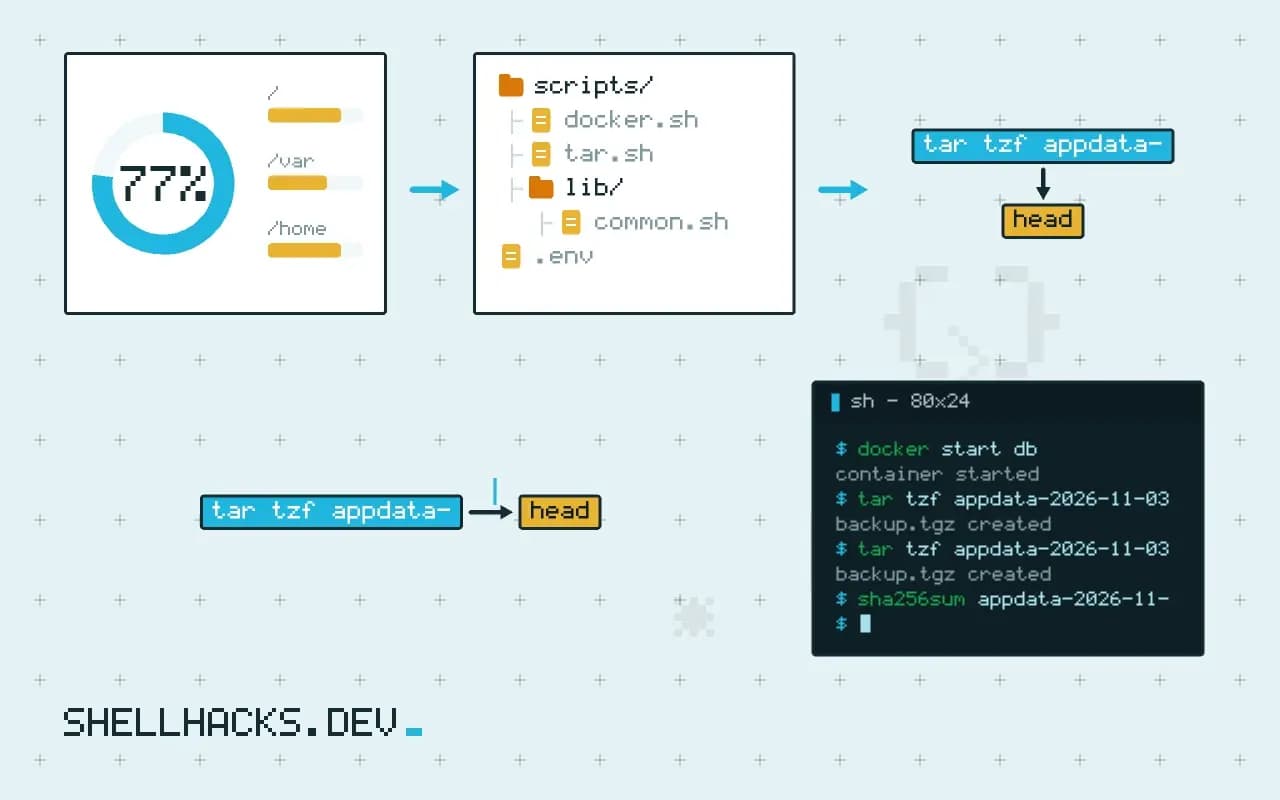
tar tzf appdata-2026-11-03.tar.gz | head
tar tzf appdata-2026-11-03.tar.gz | wc -l
sha256sum appdata-2026-11-03.tar.gz
The listing proves the archive is readable to the end. For a real guarantee, restore it into a scratch volume and start the application against it, which is the habit described in verifying backups restore. Store the checksum with the archive so a later transfer can be checked.
Where this does not apply
Volumes on a cloud block device are better snapshotted at the storage layer. Very large volumes make tar slow, and incremental tools such as restic or rsync from a helper container send only what changed. Copy the archive off the host with rclone, because a backup on the same disk dies with it.
What a consistent backup needs
Copying files out of a volume works for data that is not changing while you copy. A running database changes files constantly, and a copy taken mid-write may not open. For anything with a write-ahead log or in-memory state, stop the container first, or use the database's own dump tool, which produces a consistent logical copy. Stopping gives the simplest and most reliable result for small services, at the cost of downtime during the copy. A filesystem snapshot of the volume, if the storage supports it, gives a consistent point in time with almost no downtime, and works on LVM, ZFS and Btrfs. Know which situation you are in before you pick a method, since a backup that was taken from a live database may restore without any error and still contain a corrupted table.
The usual command mounts the volume read-only into a throwaway container together with a host directory and runs tar to write an archive. Name the archive with the date and the volume, and keep the permissions by using tar as root inside the container, so ownership is recorded and restored correctly.
Restoring without overwriting the wrong thing
Restore into a new volume first. Create an empty volume with a new name, extract the archive into it through the same throwaway container pattern, and start a test container against the new volume to check that the application works. Only then switch the real service to it, or copy over the original after stopping it. Extracting directly into a volume that is in use mixes old and new files, and extracting into the wrong volume name overwrites a good one, so spell the name out and verify it with docker volume inspect. If the archive was made with absolute paths, extraction may write outside the volume. Create archives with relative paths, and list the contents with tar -tf before extracting.
Ownership after restore is a frequent problem. If the archive was made without numeric owners, the extraction may map names to different numbers. Use --numeric-owner for both create and extract, so the numbers match whatever user the application runs as.
Proving the backup is usable
A backup is worth what its last restore showed. On a schedule, restore into a scratch volume and start a container against it, then run a basic query or read a known file. For a database, check row counts on a few key tables against the live system. Record how long the restore takes, since that is the real downtime in a failure. Keep copies off the host, in object storage or another machine, with a retention policy that matches how far back you might need to go, and encrypt them if the volume holds personal data or secrets.
Automate the whole chain with a small script and a timer, and make it fail loudly. A backup job that sends a message only on success trains nobody to notice silence, so send one on failure and add a dead-man check that alerts when no success has been seen for more than a day. For large volumes, tools like restic or borg deduplicate and encrypt, and they handle incremental runs far better than a full tar archive every night.
A small script and a schedule
Put the steps in one script so the job is the same every time. It should stop or pause the writers if required, run the archive step, check that the archive exists and is not empty, test it with a listing, restart the service, remove archives past the retention limit and copy the new one off the host. Run it from a timer with logging, and make sure two runs cannot overlap by taking a lock. Keep the script simple enough that someone else can follow it during an incident, with the volume names as variables at the top and a comment describing the restore command next to the backup one. A runbook that lives in the same file as the code is the one that stays accurate.
Think about secrets in the archive. A volume that holds keys or database files holds everything in them, so store the archive with the same care as the original, encrypt it before it leaves the host and keep the encryption key in a different place from the data. A backup that anyone with read access to the storage bucket can open is a second copy of the risk, and the key kept next to the archive adds no protection at all.