How to Compare Strings in Bash Without Syntax Errors
Compare strings in Bash with [[ ]], quote both sides, tell = from == apart, match patterns and regexes, and avoid the empty-variable errors that break tests.
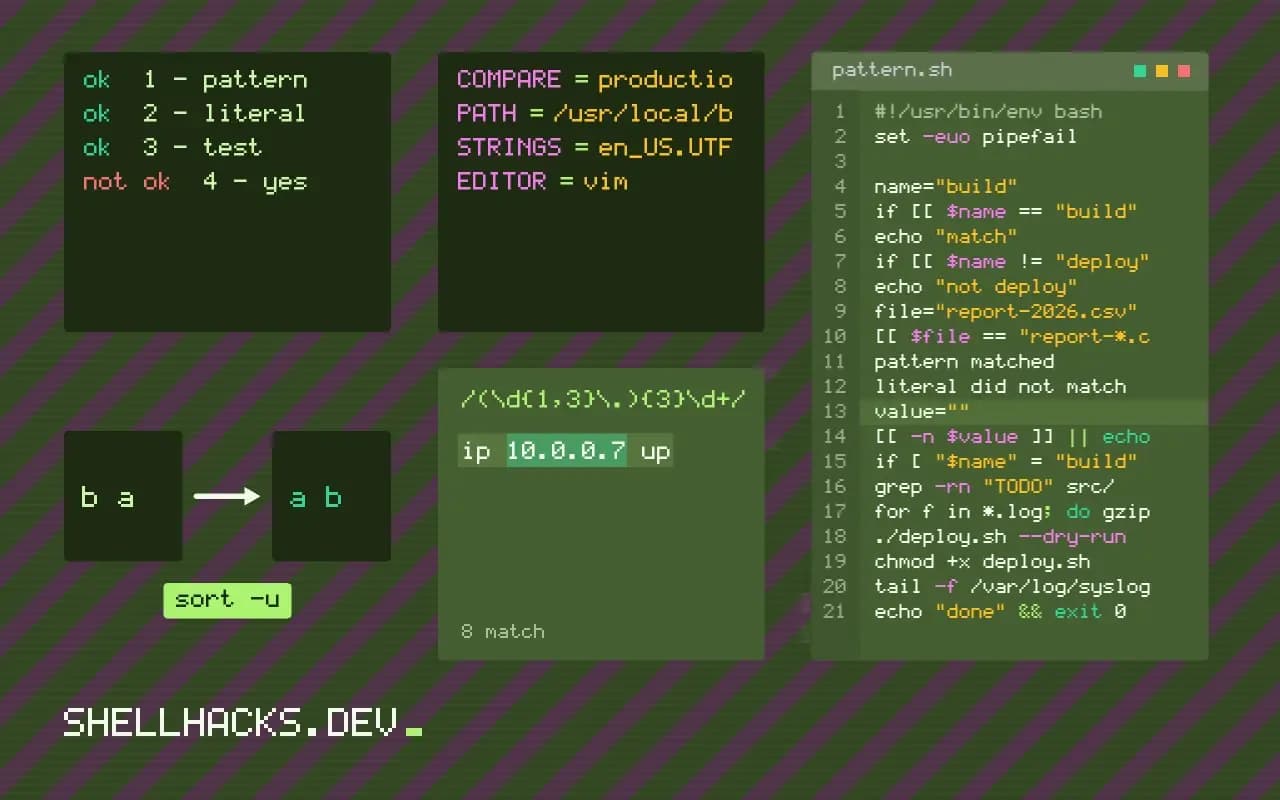
A string comparison that works in testing and dies in production usually dies on an empty variable: [ $name = admin ] becomes [ = admin ] and Bash reports "unary operator expected". Quoting and the right bracket style remove the whole class of failure, and the same rules sit behind quoting variables in Bash. The examples assume Bash 5.2.
Use double brackets in Bash
name="build"
if [[ $name == "build" ]]; then
  echo "match"
fi

if [[ $name != "deploy" ]]; then
  echo "not deploy"
fi
[[ ]] is a keyword, not a command, so the shell does not word-split or glob the variable before the test sees it. An empty $name is safe without quotes, though quoting is still a good habit when the line gets copied into a single-bracket test later.
Literal match versus pattern match
file="report-2026.csv"
[[ $file == report-*.csv ]] && echo "pattern matched"
[[ $file == "report-*.csv" ]] || echo "literal did not match"pattern matched
literal did not match
On the right of ==, unquoted text is a glob pattern and quoted text is literal. This is the most common surprise: people quote the right side out of habit and then wonder why * stops matching. For a regular expression use =~ and keep the pattern unquoted or in a variable, as covered in BASH_REMATCH and regex matching.
Empty tests and ordering
value=""
[[ -z $value ]] && echo "empty"
[[ -n $value ]] || echo "not set to anything"

[[ apple < banana ]] && echo "apple sorts first"
-z is true for a zero-length string and -n for a non-empty one. < and > compare by the current locale's collation order, so B may sort before or after a depending on LC_COLLATE. When the order must be bytewise, run the script with LC_ALL=C.
The portable single-bracket form
if [ "$name" = "build" ]; then
  echo "match"
fi
In [ ], which is the test command, both sides must be quoted, and POSIX defines only a single =. Bash accepts == there, but dash does not. Use this form when the script starts with #!/bin/sh. The Bash manual on conditional constructs lists every operator.
Numbers need numeric operators
String operators compare text, and text comparison is rarely what you want for numbers. [[ 10 < 9 ]] is true, because the character 1 sorts before 9. Use -lt, -gt, -eq and the other numeric tests, or the arithmetic command (( a < b )), which reads naturally and treats unset variables as zero. The reverse mistake also occurs: using -eq on a value that might not be a number produces an error, "integer expression expected", and the test counts as false. Validate input with a pattern before comparing, as in [[ $n =~ ^[0-9]+$ ]], and decide what the script does with bad input instead of letting the error message decide.
Leading zeros cause one more trap in arithmetic, since a value like 08 is read as octal. Strip the zeros with $((10#$n)) when the value comes from a date or a padded file name.
Case-insensitive and normalised comparison
To compare ignoring case in Bash 4 and later, convert both sides with parameter expansion: [[ ${a,,} == "${b,,}" ]]. The option shopt -s nocasematch changes how ==, =~ and case match for the rest of the script, which is convenient and easy to forget to turn off. Prefer the explicit expansion for a single test. Beware that lower-casing is locale dependent, and some languages have letters whose case rules differ from English. For comparing user names, e-mail addresses or file names, decide on a normal form up front, trim whitespace and apply the same conversion at every comparison, ideally in one helper function.
On macOS, the shell is Bash 3.2, which lacks the case conversion expansions. Use tr '[:upper:]' '[:lower:]' there, or require a newer Bash, and state the requirement in the script.
Patterns, regular expressions and quoting rules
The right-hand side of == inside double brackets is a glob pattern when unquoted, and a literal when quoted. For a regular expression with =~, the opposite convention about quoting applies in modern Bash: an unquoted pattern is the regex, and a quoted part is matched literally. Putting the regular expression in a variable and using it unquoted, [[ $s =~ $re ]], avoids escaping problems and works the same on every Bash 3.2 and later. Captured groups land in the BASH_REMATCH array. Anchor patterns with ^ and $ when you mean the whole string, since an unanchored pattern matches anywhere inside it.
Do not mix the two systems in one test. If a glob is enough, use it, because globs are simpler and cannot backtrack catastrophically; reserve regular expressions for formats that need them.
Portability and defensive habits
In POSIX sh there is no double bracket. Use [ "$a" = "$b" ] with quotes around both variables and a single equals sign, and use case for patterns. The test builtin has odd behaviour with arguments that look like operators, such as a variable that holds -n or !, which is another reason the double-bracket form is safer when Bash is available. Adding a prefix character to both sides, [ "x$a" = "x$b" ], is an old trick for those cases. In scripts, run ShellCheck, which warns about unquoted variables, deprecated operators and comparisons that are always true or false. Test the comparisons that guard destructive actions with empty values, values with spaces and values with glob characters, since those are the inputs that expose a missing quote.
Collect the comparisons that guard dangerous actions and test them first. A check that decides whether to delete a directory, overwrite a file or deploy to production should be exercised with an empty variable, a value with a space and a value that looks like an option. Add a guard at the top of such scripts, set -u, so a typo in a variable name stops the run instead of comparing against an empty string. Together with ShellCheck, these habits catch nearly all the comparison bugs that reach production.
Where this does not apply
Comparing numbers as strings goes wrong: [[ 10 < 9 ]] is true because 1 sorts before 9. Use -lt or an arithmetic (( )) test for numbers, described in the variables guide. Case-insensitive comparison needs shopt -s nocasematch or lowercase both sides with ${var,,}, a form from parameter expansion. Version strings such as 1.10 and 1.9 need sort -V, not a string test. The POSIX test specification is the reference for the portable subset.
One more habit pays off: when a comparison reads user input or a file, trim it first. A trailing carriage return from a Windows-edited file makes [[ $answer == yes ]] fail even though the terminal shows yes. Strip it with answer=${answer%$'\r'}, or print the value with printf '%q\n' "$answer" to see hidden characters. The same trick finds trailing spaces. Checking what the shell really holds is faster than staring at a test that looks right.