How to Set and Change Passwords and Expiry on Linux
Change a password on Linux with passwd, force a reset at next login, set expiry with chage, and learn what locking an account does and does not block.
Password changes look trivial and have three details that matter on servers: how to force a reset, how aging works, and what a lock does not lock. The commands below use shadow-utils 4.14 and Linux-PAM 1.5, as found on current Debian, Ubuntu and RHEL-family systems.
Change a password
passwd
sudo passwd alice
echo 'alice:NewPass-9xK' | sudo chpasswd   # scripted, avoid in shared shells
As a regular user, passwd asks for the current password and then the new one twice. As root, passwd alice skips the current-password check. chpasswd reads user:password lines from stdin, which suits provisioning scripts; do not type the password on the command line, where it lands in history and the process list, as discussed in shell script secrets.
Force a change at next login
sudo passwd -e alice
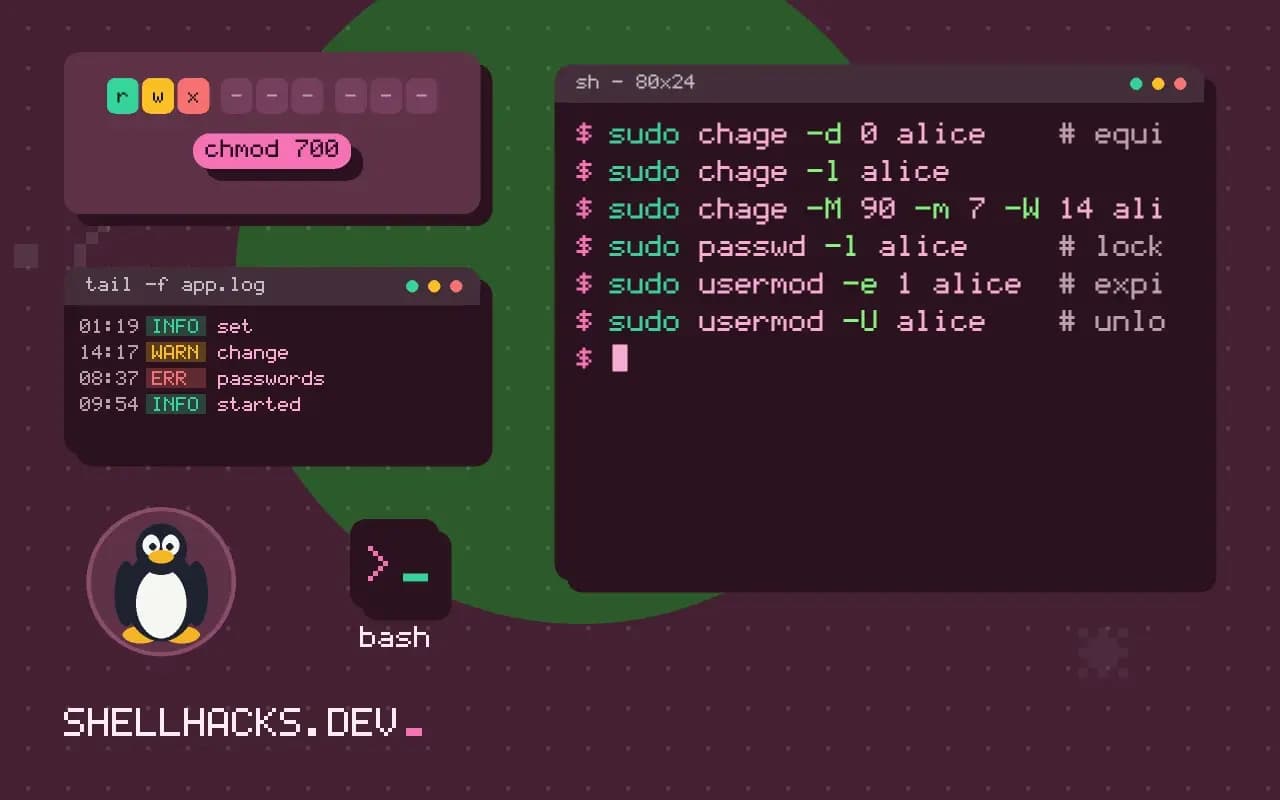
sudo chage -d 0 alice    # equivalent
Both set the last-change date to the epoch, so the password is treated as expired. Alice is prompted at the next login, including over SSH with a password. This is the normal way to hand over a temporary password.
Read and set aging
sudo chage -l alice
sudo chage -M 90 -m 7 -W 14 aliceLast password change : Nov 03, 2026
Password expires : Feb 01, 2027
Password inactive : never
Account expires : never
Minimum number of days between password change : 7
Maximum number of days between password change : 90
Number of days of warning before password expires : 14
-M is the maximum age in days, -m the minimum before another change, and -W the warning period. Defaults for new accounts come from PASS_MAX_DAYS and related keys in /etc/login.defs; they do not change existing users. Current guidance from NIST SP 800-63B discourages forced periodic rotation without evidence of compromise, so use expiry for temporary or shared credentials rather than as a blanket rule.
Lock versus expire
sudo passwd -l alice     # lock the password
sudo usermod -e 1 alice  # expire the account (blocks all logins)
sudo usermod -U alice    # unlock the password
passwd -l puts a ! in front of the hash, so password authentication fails, but SSH public keys still work because they do not use the hash. To block every login method, expire the account with usermod -e 1 or set the shell to nologin; see disabling a user account.
Where policy comes from
Length, complexity and reuse rules are enforced by PAM, usually pam_pwquality on Debian and RHEL, configured in /etc/security/pwquality.conf. Root can set a weak password anyway, with a warning. Where passwords are stored and how they are hashed is covered in Linux password hashing.
Where passwords are stored
The hash for a local account is kept in /etc/shadow, readable only by root, in a colon-separated line. The first field is the login name. The second is the hash, written as $id$salt$hash, where the id shows the algorithm: $6$ for SHA-512 crypt, $y$ for yescrypt, which recent Debian, Ubuntu and Fedora releases use by default. The remaining fields hold the aging data that chage displays: the day of the last change, the minimum and maximum age, the warning period, the inactivity period and the expiry date, all as days since 1 January 1970. A field with ! or * where the hash would be means no password login is possible, which is how service accounts are normally set up.
Because the file stores days since the epoch, setting the last change to day zero is what makes a password count as expired. That one fact explains chage -d 0 and passwd -e and why they look the same in the aging report.
Enforcing quality
Quality rules live in the PAM stack, in /etc/pam.d/common-password on Debian family systems and /etc/pam.d/system-auth on Red Hat family ones. The module pam_pwquality reads /etc/security/pwquality.conf, where minlen, minclass, dcredit and friends set the policy. Modern guidance favours length over composition rules: a long passphrase is stronger and easier to remember than an eight-character mix of symbols. The module can also check a candidate against a dictionary and reject one that contains the user name. Setting enforce_for_root makes root obey the rules too, which is worth enabling on shared servers.
Reuse is handled by pam_pwhistory, which stores hashes of old passwords in /etc/security/opasswd so that the last few cannot be chosen again. A policy that forces a change every thirty days while allowing reuse of the previous password defeats itself, so enable history if aging is required.
Handing out and resetting passwords
The safest way to give a person access is to avoid giving a password at all: install their SSH key and set a locked password. When a password is needed, generate a random temporary one, deliver it through a channel other than the one that carries the username, and force a change at first login. openssl rand -base64 12 or pwgen -s 16 1 creates a suitable string. After the user has changed it, nothing should remember the temporary value, which means keeping it out of ticket text and chat logs.
For resets, verify who is asking before acting. Many account takeovers begin with a convincing request to an administrator. A reset should be logged, and the user should be notified through a second channel such as email, so an unexpected change gets noticed. Review /var/log/auth.log or journalctl -u ssh afterwards for failed attempts before the reset.
Sudo, expiry and locked accounts
A locked or expired password affects sudo too. If a user logs in with a key but has no usable password, sudo asks for a password that does not exist, so they cannot become root. Either give the account a password for sudo, or configure NOPASSWD for specific commands in a file under /etc/sudoers.d/ edited with visudo -f. The second option should be narrow, because it turns a stolen session into root. After an account expires with usermod -e, the data stays in place, and the home directory, mail and cron jobs can be archived before removal.
A short audit routine
Once a quarter, list the accounts that can log in and check each one against a real person or service. awk -F: '$2 !~ /^[!*]/ {print $1}' /etc/shadow prints users whose password field holds a usable hash, and lastlog shows when each last signed in. Accounts that have not logged in for months and belong to nobody deserve a lock and then a removal. Compare the results with the sudo and admin group members, and look for accounts with empty password fields, which awk -F: '$2 == ""' /etc/shadow reveals and which should never exist.
Where this does not apply
With SSSD, LDAP or Kerberos, passwd may update the central directory and chage on the local file has no effect on directory accounts. Service accounts should not have passwords at all, using a locked password and key or token authentication instead. Read the passwd(1) manual page, the chage(1) page and NIST SP 800-63B for the authoritative text.