How to Schedule Jobs in GitHub Actions and CI the Right Way
Schedule jobs in CI: GitHub Actions cron and the 60 day rule, GitLab pipeline schedules, manual runs, concurrency control and failure alerts.
Running a nightly security scan, a link check or a cleanup from CI means you need no server for it. The scheduling is simple, and the rules for time zones, delays and activity are not obvious until a job silently stops. This post covers GitHub Actions, GitLab CI and Jenkins, and the habits that make scheduled jobs reliable. It is the CI branch of scheduling with cron and systemd. Syntax follows current GitHub Actions and GitLab 17 documentation.
GitHub Actions
name: nightly
on:
  schedule:
    - cron: "17 3 * * *"
  workflow_dispatch:

concurrency:
  group: nightly
  cancel-in-progress: false

jobs:
  scan:
    runs-on: ubuntu-24.04
    timeout-minutes: 30
    steps:
      - uses: actions/checkout@v4
      - run: ./scripts/dependency-scan.sh
The schedule is POSIX cron syntax with five fields and is always evaluated in UTC; there is no time zone setting. The shortest interval is five minutes. Runs are triggered on the latest commit of the default branch only, so a workflow file on another branch never fires. Scheduled runs can start late, sometimes by more than ten minutes at busy times like the top of the hour, so pick an odd minute such as 17. workflow_dispatch adds a "Run workflow" button and an API call for manual runs, which is how you test the job without waiting for the schedule.
Two behaviors cause silent stops. In public repositories, GitHub disables scheduled workflows after 60 days with no repository activity, and sends a notice you may miss; a commit or a manual re-enable fixes it. And the workflow runs as the account that last edited the cron line, whose permissions it uses, a detail that matters if that person leaves.
GitLab CI
dependency-scan:
  stage: test
  rules:
    - if: '$CI_PIPELINE_SOURCE == "schedule"'
  script:
    - ./scripts/dependency-scan.sh

unit-tests:
  rules:
    - if: '$CI_PIPELINE_SOURCE != "schedule"'
  script:
    - ./scripts/test.sh
GitLab keeps the schedule outside the file: in the project under Build, Pipeline schedules, you set an interval pattern (cron syntax), a time zone, the branch and optional variables. The job's rules then select by CI_PIPELINE_SOURCE, as above, so a scheduled pipeline can run different jobs from a push. Schedules run as their owner, and if that person loses access, the schedule stops until someone takes ownership. Check them periodically in the same settings page.
Jenkins
pipeline {
  agent any
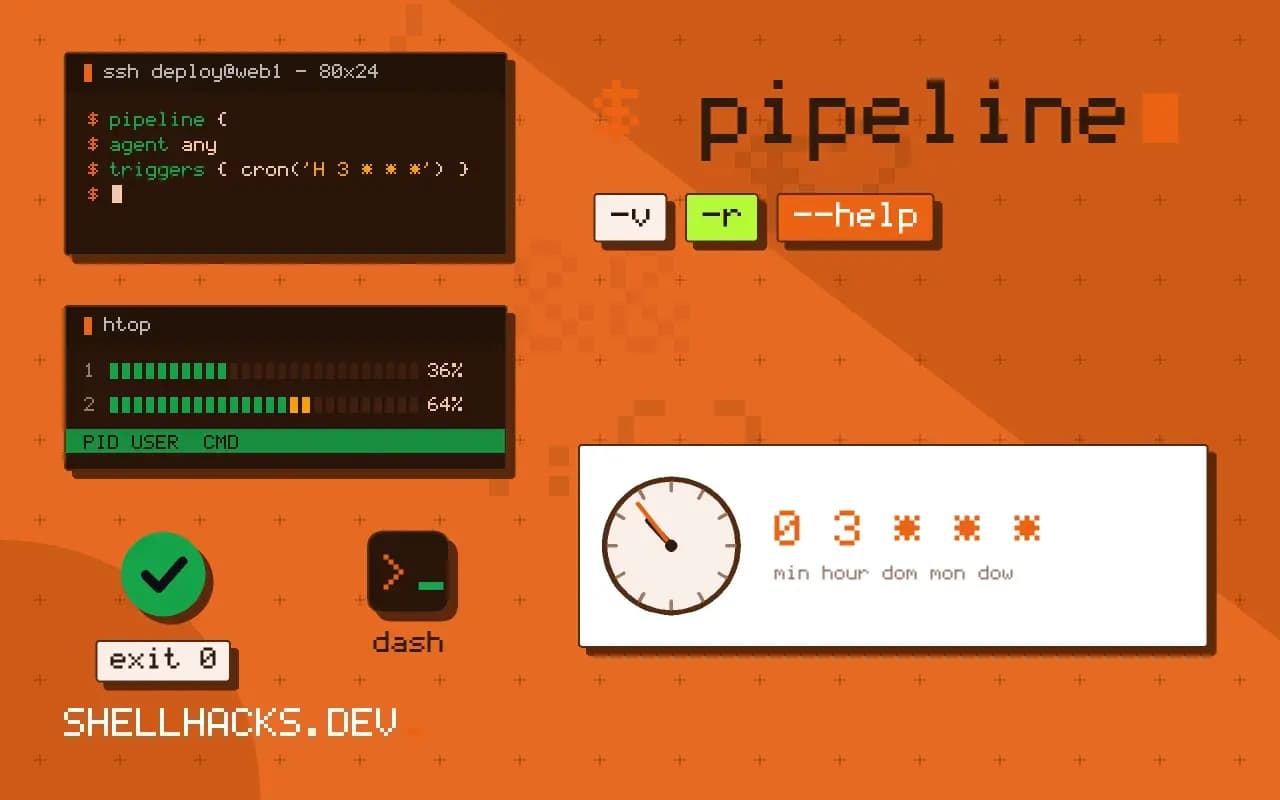
  triggers { cron('H 3 * * *') }
  stages { stage('scan') { steps { sh './scripts/dependency-scan.sh' } } }
}
The H (hash) in Jenkins' syntax picks a stable minute per job name, which spreads the load automatically; prefer it to a fixed minute.
Habits for reliable scheduled jobs
- Make the job idempotent and safe to run twice, because retries and manual runs happen.
- Set a timeout, so a hung step does not hold a runner for hours.
- Prevent overlap with a concurrency group (GitHub) or
resource_group(GitLab). - Send failures somewhere people read: the CI service's email notifications, or a chat message from a final step guarded with
if: failure(). - Pin action versions and images so a nightly job is not broken by an upstream release.
Where this does not apply
Do not use CI schedules for anything that must run on time to the minute, or that needs access to a private network without a runner placed there. Hosted CI minutes cost money for frequent jobs, and the activity-based disabling makes it a poor home for a critical monitor. For those, a systemd timer on a host you control is more reliable; add a heartbeat as in dead man switch monitoring. See GitHub Actions workflows for the basics and failing fast in CI scripts for the script side.
What a scheduled pipeline is and is not
A scheduled workflow in a CI service runs your pipeline from a clock instead of a commit. That is convenient for nightly builds, dependency checks, link checks and small maintenance jobs, and it brings the usual limits of a hosted scheduler. Times are in UTC in GitHub Actions, so a job at nine in the morning your time needs the offset in the expression, and daylight saving shifts it by an hour twice a year. The minimum interval is five minutes, and runs are best effort: during periods of high load, scheduled runs can be delayed, and occasionally dropped altogether. Treat the schedule as approximate. A job that must run at an exact minute, or that must not miss a run, belongs on your own infrastructure with a monitored scheduler, and a CI schedule is the right place for work where an hour of delay changes nothing.
Scheduled workflows run against the default branch only, using the workflow file as it exists there. A change on a feature branch does not affect the schedule until it is merged, which surprises people who test a new cron expression on a branch and see nothing happen.
Disabling, secrets and cost
GitHub disables scheduled workflows in public repositories after sixty days with no repository activity, and sends a notice. A project that is stable and quiet can lose its nightly job without anyone noticing, so combine the schedule with a manual trigger, workflow_dispatch, so people can run it on demand, and make sure someone watches the results. Scheduled runs use the repository's secrets and the permissions of the workflow file, and they run without a person present, so keep the token permissions as narrow as the job needs, set at the top of the workflow. On pull requests from forks, schedules do not run at all, which is as it should be. Watch the cost: a job that runs every five minutes uses many runner minutes a month on a private repository, and a long-running scheduled job can use the whole allowance. Use concurrency groups to cancel or queue overlapping runs, so a slow run does not pile up behind itself.
GitLab, Jenkins and general habits
GitLab creates pipeline schedules in the web interface or the API, with a cron expression and a time zone setting, and the pipeline runs as the user who owns the schedule, with that user's permissions. If that person leaves the project, the schedule can stop working until it is reassigned, so check ownership during offboarding. Jenkins uses the H symbol in cron fields, as in H 2 * * *, which hashes the job name to pick a minute and spreads load across the hour, instead of firing every job at minute zero. Across all three, use the same habits: make the job idempotent, notify on failure and not only on success, add a heartbeat so a job that stopped running is noticed, store results as artifacts, and keep the schedule in version control next to the code it runs. A scheduled job that fails quietly for a month is common, because nobody looks at a run that nobody triggered, and a notification path that you have tested is the fix.
See the GitHub Actions schedule event and GitLab pipeline schedules.