How to Schedule Jobs in Kubernetes CronJobs in Real Scripts
Run scheduled jobs in Kubernetes with CronJob: schedule and time zone, concurrencyPolicy, startingDeadlineSeconds, history limits, retries and test runs.
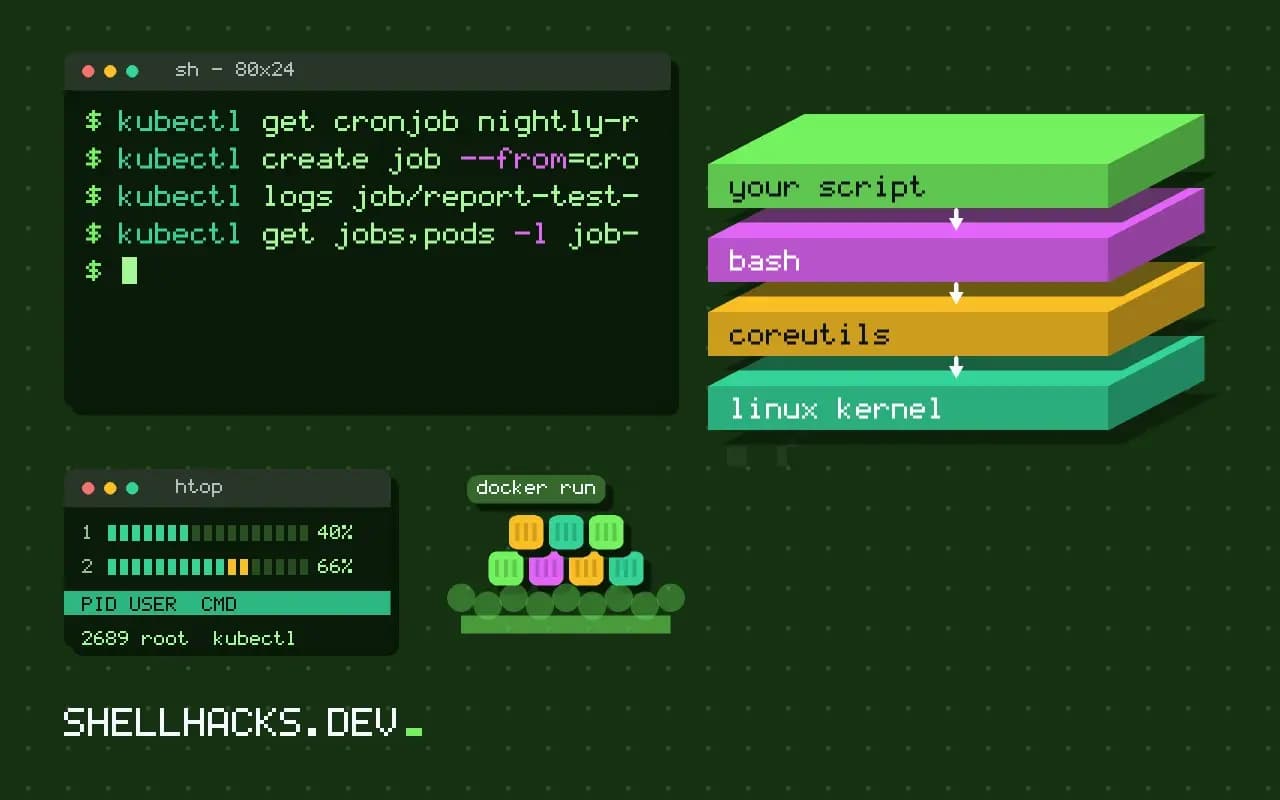
Kubernetes has no crontab file. A CronJob is an object that creates a Job at each tick, and the Job runs a Pod to completion. That layering explains most of its settings and its failure modes. This post shows a complete manifest and what each field protects against, in the series with cron and systemd. Examples use Kubernetes 1.31 and kubectl 1.31.
A complete manifest
apiVersion: batch/v1
kind: CronJob
metadata:
  name: nightly-report
spec:
  schedule: "30 2 * * *"
  timeZone: "Etc/UTC"
  concurrencyPolicy: Forbid
  startingDeadlineSeconds: 600
  successfulJobsHistoryLimit: 3
  failedJobsHistoryLimit: 5
  jobTemplate:
    spec:
      backoffLimit: 2
      activeDeadlineSeconds: 3600
      ttlSecondsAfterFinished: 604800
      template:
        spec:
          restartPolicy: OnFailure
          containers:
            - name: report
              image: registry.example.org/report:1.8.2
              args: ["--full"]
              resources:
                requests: { cpu: "250m", memory: "256Mi" }
limits: { memory: "512Mi" }kubectl apply -f report-cronjob.yaml
kubectl get cronjob nightly-reportNAME SCHEDULE TIMEZONE SUSPEND ACTIVE LAST SCHEDULE AGE
nightly-report 30 2 * * * Etc/UTC False 0 <none> 5s
The schedule is standard five-field cron. Without timeZone (stable since Kubernetes 1.27), it uses the time zone of the control plane's controller manager, which you often do not control, so set it. Names such as Europe/Paris are allowed.
Overlap and late starts
concurrencyPolicy decides what happens if the previous Job is still running at the next tick: Allow (the default) starts another, Forbid skips the new run, and Replace kills the old one and starts fresh. For anything that touches shared data, use Forbid. startingDeadlineSeconds sets how long after the scheduled time a run may still start, for example after a controller outage; a run that cannot start in time counts as missed. If more than 100 runs are missed in a row without this field, the controller stops scheduling and logs an error, a known sharp edge for jobs that run every minute.
Retries and limits
backoffLimit is the number of Pod failures before the Job is marked failed, with exponentially growing delays. restartPolicy: OnFailure restarts the container in the same Pod; Never makes a new Pod for each attempt, which keeps the logs of failed ones. activeDeadlineSeconds kills a Job that runs too long, the equivalent of a timeout. ttlSecondsAfterFinished deletes finished Jobs and their Pods after a time, in addition to the history limits, so completed Pods do not pile up.
Test it now
kubectl create job --from=cronjob/nightly-report report-test-1
kubectl logs job/report-test-1
kubectl get jobs,pods -l job-name=report-test-1
kubectl patch cronjob nightly-report -p '{"spec":{"suspend":true}}'
Creating a Job from the CronJob template runs it immediately without waiting for the schedule, which is the way to verify the image, arguments and permissions. suspend: true pauses the schedule without deleting anything.
Semantics to design for
The controller guarantees a job starts at least once per schedule, and in rare cases twice, or not at all if the cluster was down. So make the work idempotent: write results under a key that includes the date, check for an existing output first, and use locks for exclusive work. For failure alerts, a CronJob has no email; use a monitoring rule on kube_job_status_failed, or a heartbeat ping at the end of the job, as in dead man switches.
Where this does not apply
For a single-node setup, cron or a systemd timer is far less to operate. For long dependency graphs, a workflow engine suits better. Sub-minute scheduling does not fit; the Job startup time alone is seconds. For cluster basics, see kubectl in shell scripts.
What the controller does with the schedule
A CronJob is a controller that creates a Job at each scheduled time, and the Job creates the pods that run your container. The schedule uses the standard five-field cron syntax, and by default it is evaluated in the time zone of the controller manager, which is usually UTC. The timeZone field, stable since Kubernetes 1.27, lets you name a zone such as Europe/Berlin, and daylight saving changes then apply, with the same skip and repeat caveats as any local-time scheduler. Never put a zone in the schedule string itself, as the old CRON_TZ prefix is not supported. The controller checks for due jobs about every ten seconds, so a run does not start at the exact second, and under heavy load a start may be late. It also keeps no memory beyond the status in the object, which means a controller restart or an outage in the control plane can cause a missed run that is not replayed unless it falls within the starting deadline.
The important consequence is that a CronJob gives at-least-once and at-most-once behavior in different edge cases: a run can be skipped, and in rare cases two runs can start for one slot. The documentation says so directly, and jobs must be designed with it in mind.
Overlap, deadlines and history
concurrencyPolicy decides what happens when the previous run is still going at the next slot. Allow, the default, starts another and lets them overlap, Forbid skips the new run, and Replace deletes the old Job and starts a new one. For most data jobs, Forbid is the safe choice, since overlapping runs of a job that writes to the same destination cause corruption or duplicate work. startingDeadlineSeconds sets how late a run may start after its scheduled time before it is counted as missed. Without it, the controller counts missed schedules since the last run, and if more than 100 pile up, for example because the job was suspended or the cluster was down, it stops scheduling and logs an error that the job needs attention. Setting a deadline limits that count to a recent window. Control the clutter with successfulJobsHistoryLimit and failedJobsHistoryLimit, which keep recent finished Jobs for inspection, and ttlSecondsAfterFinished in the job template for automatic cleanup.
Retries, limits and testing
Retry behavior comes from the Job template. backoffLimit sets how many times a failed pod is retried, with growing delays, and activeDeadlineSeconds sets a hard upper bound on the run time of the whole Job, after which it is terminated, which prevents a hung process from blocking the next run when the policy is Forbid. restartPolicy must be OnFailure or Never. With Never, a failed pod stays around for you to read its logs, and a new pod is created for each retry. Set resource requests and limits, since a job that runs for minutes once a day should not be able to starve other workloads. Test with kubectl create job --from=cronjob/name test-run, which runs the template immediately without waiting for the schedule, and suspend a CronJob with spec.suspend: true during maintenance. Read the logs of the last pod with kubectl logs job/test-run.
Design the work to be idempotent and to record its own progress, so a duplicate or a retry is harmless and a missed run is noticed. An external heartbeat or a monitored last-success time beats trusting the scheduler.
Operating a CronJob in practice
Treat the CronJob like any other production workload. Keep the manifest in version control, set resource requests and limits, label the pods so you can find them, and ship the logs to your central store, since finished pods are deleted by the history limits and their logs go with them. Alert when no successful Job has completed within a multiple of the schedule, using the last successful time from the object status or a metric from your cluster monitoring, and not only on failures. That catches the quiet cases: a suspended CronJob, a controller problem and a hundred missed schedules. Practice the failure paths in a test namespace by breaking the image reference and by making the container exit with an error, and watch what the history and backoff settings do, so the first time you see them is not during an incident.
See the Kubernetes CronJob documentation and Jobs.