How to Use curl in Scripts to Call APIs and Handle Errors
Call APIs from shell scripts with curl and handle errors properly: fail flags, status codes, timeouts, jq parsing and a request function.
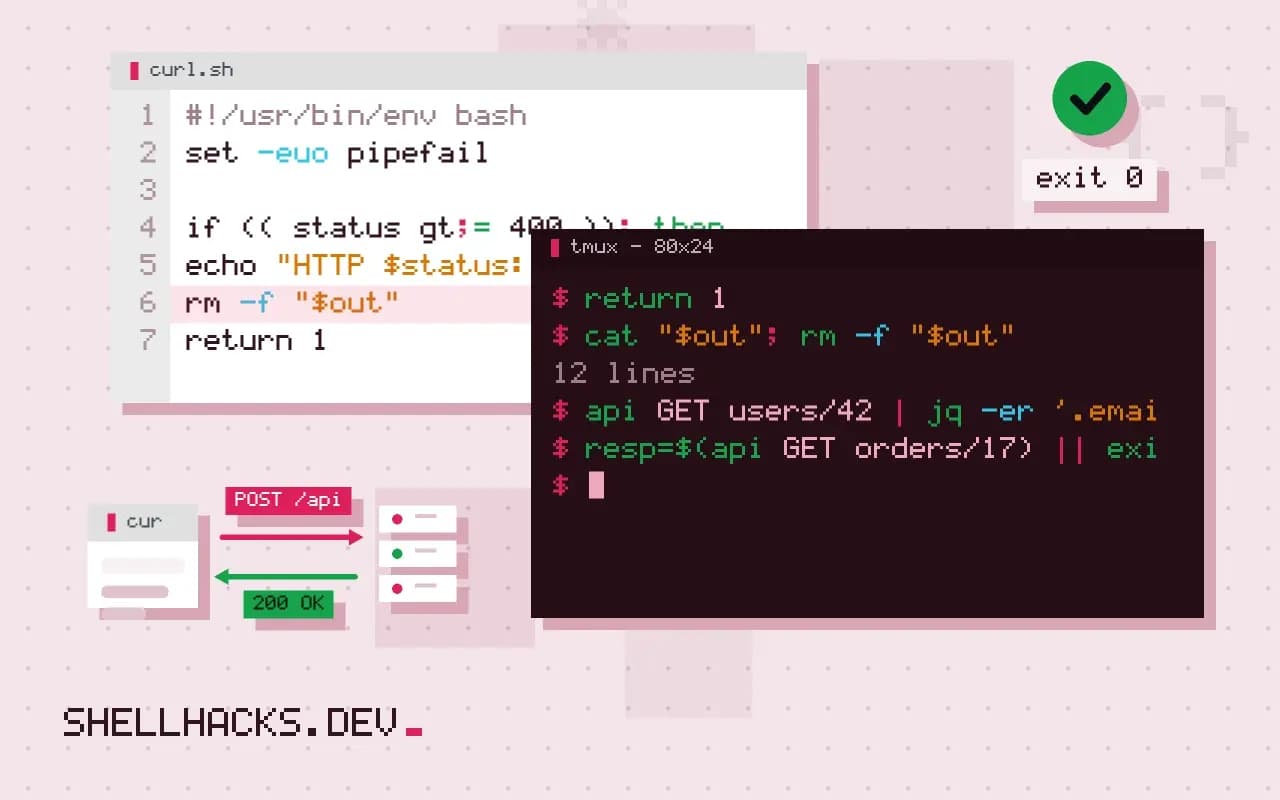
An API call in a script fails in more ways than a local command: the network can be down, DNS can fail, TLS can be rejected, and the server can answer with an error page while curl exits 0. Handling those separately keeps a bad response from flowing into the next step. The examples use curl 8.9, Bash 5.2 and jq 1.7; the interactive side is in the curl command guide.
The two kinds of failure
curl -sS --max-time 20 https://api.example.com/v1/missing
echo "exit: $?"
curl -sS -f --max-time 20 https://api.example.com/v1/missing
echo "exit: $?"{"error":"not found"}
exit: 0
curl: (22) The requested URL returned error: 404
exit: 22
Without -f, a 404 is a successful transfer and curl exits 0, which makes a naive if curl ... useless. With -f the status becomes exit code 22, but the error body is discarded, and it is often the body that explains the problem. So capture both.
A request function with status and body
api() {
  local method=$1 path=$2 body=${3:-}
  local out status
  out=$(mktemp)
  status=$(curl -sS --max-time 30 -X "$method" \
    -H 'Accept: application/json' \
    -H @"$HEADER_FILE" \
    ${body:+-H 'Content-Type: application/json' --data "$body"} \
    -o "$out" -w '%{http_code}' "$API/$path") || { rm -f "$out"; return 1; }
  if (( status >= 400 )); then
    echo "HTTP $status: $(head -c 300 "$out")" >&2
    rm -f "$out"
    return 1
  fi
  cat "$out"; rm -f "$out"
}

api GET users/42 | jq -er '.email'
The function writes the body to a temporary file and prints the status with -w. Network errors make curl exit non-zero, which triggers the first ||; HTTP errors are handled by the numeric check, which prints the start of the error body to stderr. -H @file reads the header lines from a file, which keeps the token out of the process list; see secrets in the process list. jq -e sets a non-zero exit status when the result is null or false, so a missing field stops the script, as described in the jq tutorial.
Handle each exit code deliberately
Common curl exit codes: 6 could not resolve host, 7 failed to connect, 28 timed out, 35 TLS handshake failure, 60 certificate problem and 22 HTTP error with -f. Branch on them when the response differs: retry 6, 7 and 28, but never retry 60 by turning off verification, a mistake covered in certificate verify failed in scripts. Retry logic with limits is in retries and rate limits with curl.
Check the shape of the response
resp=$(api GET orders/17) || exit 1
state=$(jq -er '.state' <<<"$resp") || { echo "no state in response" >&2; exit 1; }
[[ $state == paid ]] || { echo "unexpected state: $state" >&2; exit 1; }
Treat the response as input from outside, since an API can return a 200 with an error object inside. Validating the one field you rely on is cheaper than debugging a later failure.
Authentication and secrets in requests
Most APIs need a credential, and the way a script supplies it decides whether it leaks. Pass the token from an environment variable or a protected file, and send it with a header read from a file, as in the helper above, so that it never appears in the process list. Check that the header file exists and has mode 600 before use. With OAuth, tokens expire, so the helper should notice a 401, refresh once and retry, and fail if the second attempt also returns 401, otherwise a revoked credential turns into an endless loop. Store refresh tokens like passwords, and never log the response of a token endpoint.
TLS settings belong here too. Keep certificate verification on, and if the API uses a private CA, point curl at it with --cacert instead of disabling checks with -k. A script that uses -k accepts any certificate, which lets anyone on the network path read the token. If a corporate proxy inspects traffic and replaces certificates, install the proxy's CA in the trust store, as the right fix.
Timeouts, size limits and bad responses
Two timeouts matter. --connect-timeout bounds the time to establish the connection and --max-time bounds the whole transfer. Without them a stalled server hangs the script forever, and a cron job that never finishes blocks the next run. Also limit what you accept: --max-filesize refuses a response larger than the bound, when the server declares its length, which protects a small machine from an unexpected multi-gigabyte body. Read the content type before parsing, since a proxy error page in HTML sent to jq produces a confusing parse error instead of a clear message about the real problem.
Pagination and partial results
Lists from APIs arrive in pages, and a script that reads only the first page silently processes part of the data. Follow the documented mechanism: a next link in the body or in a Link header, a cursor token, or page numbers. Loop until the server says there is no more, with an upper bound on the number of pages as a safety net, and check at the end that the count matches any total the API reports. A loop that stops on the first empty page can miss data when an API returns empty pages in the middle, which some do under load.
Logging requests without leaking them
When something fails in production, the first question is what was sent and what came back. Log the method, the path, the status, the duration and a request id taken from the response headers, which providers use to find the request in their own logs. Do not log headers that carry credentials or bodies with personal data. A single line per request in a stable format is easy to search, and the request id lets a support team find the exact call, which can save hours of back and forth.
A small contract test for an API client
Treat the shape of an API response as a contract and check it in a scheduled test. A short script calls a read-only endpoint, validates the fields the client uses with jq -e, and fails if one is missing or has changed type. Run it daily from cron or CI and send the failure to the channel the team reads. The check finds a provider's quiet change, a renamed field or a new required header, on the day it ships, and not when a customer reports broken output. Keep the test credentials separate from production ones, with read-only scope.
Idempotent writes
When a script creates or updates objects, design each write so that running it twice is harmless. Look up the object by a natural key before creating, use PUT with a stable identifier where the API allows it, or send an idempotency key. Then a timeout in the middle of a write, the hardest case to handle, is answered by running the step again instead of by manual repair of duplicates.
Where this does not apply
Pagination, OAuth flows and multi-step transactions get awkward in shell; past a handful of calls, a short Python script with requests and proper exception types is easier to test. Setting set -e alone is not enough, because a failing command inside $(...) on the right of an assignment to a local variable is masked. The options are documented in the curl manual, and status code meanings in RFC 9110.