How to Scan Docker Images for Vulnerabilities the Safe Way
Scan Docker images for vulnerabilities with Trivy or Grype: read severity and fixed versions, fail CI on high findings, and handle false positives.
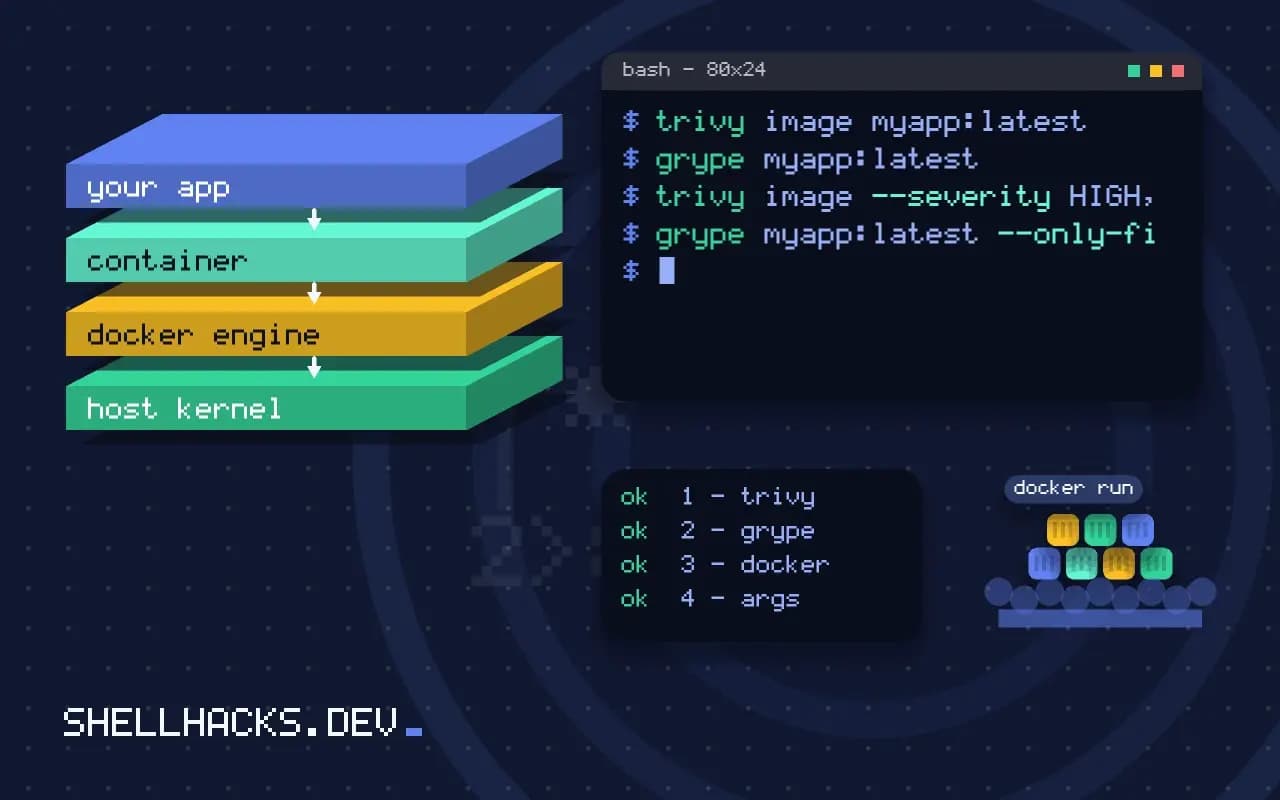
A Docker image is a snapshot of an operating system's packages, and those packages acquire known vulnerabilities after you built it. A scan tells you which ones before an attacker does. The result is noisy, and the useful skill is reading it and deciding what to fix. It connects to auditing packages, and the commands assume Trivy 0.58 or Grype 0.86 and Docker 27.
Run a scan
docker build -t myapp:latest .
trivy image myapp:latest
grype myapp:latestmyapp:latest (debian 13.1)
Total: 12 (HIGH: 8, CRITICAL: 1)
┌──────────────┬────────────────┬──────────┬──────────────┬───────────────┐
│ Library │ Vulnerability │ Severity │ Installed │ Fixed Version │
├──────────────┼────────────────┼──────────┼──────────────┼───────────────┤
│ libssl3 │ CVE-2026-0001 │ CRITICAL │ 3.0.15-1 │ 3.0.16-1 │
│ zlib1g │ CVE-2026-0002 │ HIGH │ 1:1.3.dfsg-1 │ │
└──────────────┴────────────────┴──────────┴──────────────┴───────────────┘
The output here is representative of the format, not a real result. Each row names the package, the CVE, a severity from the CVSS score, the installed version and the fixed one. A blank fixed version means no patch exists yet, so you cannot act on it by updating.
Cut the noise
trivy image --severity HIGH,CRITICAL --ignore-unfixed myapp:latest
grype myapp:latest --only-fixed --fail-on high
--ignore-unfixed hides findings with no available fix, which are not actionable today. Restricting to high and critical levels keeps the list short. Do not ignore the rest forever: low severity issues combine, and an unfixed one today may have a patch next week. Re-scan on a schedule, not only on builds.
Fix the common causes
FROM python:3.13-slim-bookworm
RUN apt-get update \
 && apt-get upgrade -y \
 && rm -rf /var/lib/apt/lists/*
Most findings come from the base image. Rebuild with docker build --pull --no-cache to get the latest base and package updates. A smaller base (slim, distroless or Alpine) has fewer packages and so fewer findings; the trade-offs are in choosing a base image. Multi-stage builds, covered in multi-stage builds, leave build tools out of the final image entirely.
Gate the pipeline
- name: Scan image
  run: |
    trivy image --exit-code 1 --severity CRITICAL --ignore-unfixed myapp:${{ github.sha }}
Failing on critical, fixable findings stops the worst releases without blocking every build on noise. Add high severity once the backlog is clear. Record accepted risks in .trivyignore with a comment holding the reason and the date to revisit. See building and pushing images in CI.
What a scanner actually reports
A vulnerability scanner reads the packages in an image, from the operating system's package database and from language manifests, and matches names and versions against advisories. Its output is a list of known issues, each with an identifier, a severity, the affected package, and the fixed version if there is one. It does not prove that the image is secure, and it does not prove that it is not. It cannot see vulnerabilities in your own code, a flaw in configuration or a backdoored dependency that has no advisory yet. It can produce findings that do not apply: a flaw in a library function your program never calls, in a component that is installed but never run, or one that the distribution has judged unexploitable. Use the output as a prompt for decisions and not as a verdict.
Different scanners disagree because they draw on different databases and match differently. Pick one, learn how it behaves and apply it consistently, which is more useful than comparing tools.
Fixing the base before the application
Most findings in a typical image come from the base layers and not from your code. Updating the base image to the latest patch release often removes dozens of them in one step. Choosing a smaller base, such as a minimal or distroless image, removes the packages that carry the findings in the first place, because software that is absent cannot be vulnerable. Remove build tools from the final image with multi-stage builds, so compilers and package managers do not ship. Rebuild regularly, even when your code has not changed, since new advisories appear daily for old packages, and an image built a year ago carries a year of them. Pin versions for reproducibility, and update the pins on a schedule through an automated pull request.
Language dependencies matter too. A lock file and an audit command for the language tool catch issues in libraries that the system scanner may see only partly.
Triage and exceptions
Not every finding needs action now. Filter by severity and by whether a fix exists: a critical issue with an available fix gets attention immediately, while a low-severity one with no fix goes on a list. Check reachability where tools support it. Record exceptions explicitly in an ignore file with the identifier, a reason and an expiry date, reviewed in the pull request like code. An exception with no expiry becomes permanent by neglect. For findings that stay unfixed because no patch exists, consider mitigations, such as removing the package or restricting network access, and note them. Keep a short record of decisions, so the next person does not repeat the analysis from scratch.
Distinguish exposure: an internet-facing service with a remote code execution issue is urgent in a way that a batch job on an internal network is not, even if the scores are identical.
Making it part of delivery
Scan in the pipeline after the image is built, and fail the build on findings above a threshold that you can sustain. A threshold too strict at the start blocks everything and trains people to bypass it, so begin by reporting, fix the worst, then tighten. Scan the registry on a schedule as well, because an image that passed yesterday can fail today with a new advisory, and nobody rebuilt it. Send results to the team that owns the image, with enough context to act. Sign images and keep a software bill of materials so you can answer, within minutes, which running containers include a newly announced vulnerable library. That query is the one that matters in an incident, and it is only fast if the inventory was recorded at build time. Keep scanner databases updated, and test the scanner occasionally with a known vulnerable image, to confirm that it still catches what it should.
Where this does not apply
A clean scan does not mean a secure image: scanners find known vulnerable packages, not logic bugs, secrets baked into layers or bad configuration. Scan for secrets separately with the tools in gitleaks and trufflehog. Vulnerability data differs between scanners, so two tools may disagree on the count; use one consistently. Statically linked binaries can hide libraries from the scanner. See the Trivy documentation and the Grype project.
Schedule the scan, not just the build. An image that was clean in March has new findings by June, because the databases grow while your layers stay the same. A weekly job that scans the images currently deployed, and opens a ticket when a critical fixable issue appears, closes the gap that build-time scanning leaves. Keep the scanner's database cached between runs to save time, and pin the scanner version in CI so a tool upgrade does not change results unannounced.