How to Push Images to Docker Hub and GitHub Registry
Push Docker images to Docker Hub and GitHub Container Registry, log in with tokens, tag correctly, set visibility, and push from CI without leaking secrets.
An image on your laptop is useful to nobody else until it is in a registry. Pushing takes three steps: name the image for the registry, authenticate, and push. The names and tokens differ by service, and the usual mistakes are a wrong prefix and a token pasted into a shell history. The commands use Docker Engine 27; tagging policy is in tagging and versioning images.
Docker Hub
docker build -t myapp:1.0 .
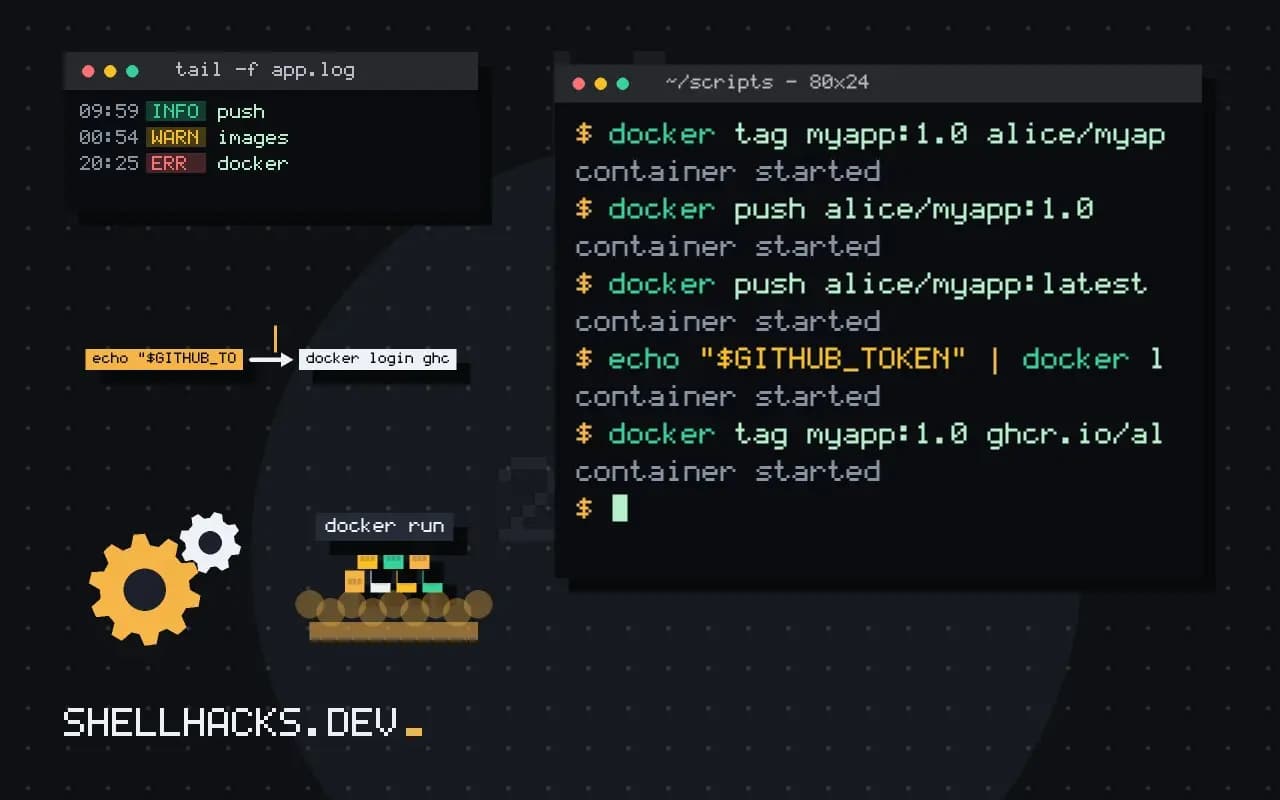
docker tag myapp:1.0 alice/myapp:1.0
docker tag myapp:1.0 alice/myapp:latest
echo "$DOCKERHUB_TOKEN" | docker login --username alice --password-stdin
docker push alice/myapp:1.0
docker push alice/myapp:latest
A name without a registry host, such as alice/myapp, refers to Docker Hub, with alice as the account or organisation. Create an access token in Docker Hub's account security settings and use it instead of the account password, with the scope it needs. --password-stdin reads the token from standard input so it does not appear in the process list or history, a practice discussed in shell script secrets. Docker stores the login in ~/.docker/config.json, preferably with a credential helper.
GitHub Container Registry
echo "$GITHUB_TOKEN" | docker login ghcr.io -u alice --password-stdin
docker tag myapp:1.0 ghcr.io/alice/myapp:1.0
docker push ghcr.io/alice/myapp:1.0
The token is a personal access token with the write:packages scope, or a fine-grained token with package write access. New packages are private by default. Linking a package to a repository, through the label org.opencontainers.image.source in the Dockerfile, ties its permissions and README to that repository. Image names on GitHub must be lowercase, which trips up owners with capital letters in their login.
Push every tag at once
docker push --all-tags alice/myapp
docker image ls alice/myapp
--all-tags pushes every local tag of that repository. Use specific tags in scripts, so a stray local image does not get published. Pushes upload only layers the registry does not already have, so a rebuild with a small change is quick, as covered in build cache and BuildKit.
From CI without long-lived secrets
- uses: docker/login-action@v3
  with:
    registry: ghcr.io
    username: ${{ github.actor }}
    password: ${{ secrets.GITHUB_TOKEN }}
- uses: docker/build-push-action@v6
  with:
    push: true
    tags: ghcr.io/${{ github.repository }}:${{ github.sha }}
In GitHub Actions the built-in GITHUB_TOKEN can push packages when the workflow has packages: write permission, so no personal token is needed. The same approach with short-lived credentials applies to cloud registries through OIDC. Tag with the commit SHA as well as a human-readable version so that every deployment is traceable. More on the pipeline side is in speeding up Docker builds in CI.
How a name decides where an image goes
The client does not push to a place you configure by hand. It reads the registry host from the image name, the part before the first slash if it contains a dot or a colon or is localhost, and sends the image there. Names without such a prefix go to Docker Hub. This is why the same image needs a new tag for each destination: docker tag myapp:1.0 ghcr.io/alice/myapp:1.0 adds a second name that points at the same image id, with no copy of the data. A push then uploads layers the destination does not hold yet, and reports "Layer already exists" for those it does, which is also why a second push of a slightly changed image is quick.
Check the result by pulling from a different machine, or from the same one after removing the local copy with docker rmi. Pulling the exact tag proves that the push completed and that the credentials for reading are right, which are separate from the ones for writing. For private repositories, remember that deployment hosts need their own read credentials, and a login on a developer laptop does not help the server.
Visibility and access
New repositories are private on some registries and public on others, and the default has changed over time. After the first push, open the repository page and check the visibility before sharing the name. On GitHub, a package inherits access from the repository it is linked to only when the link is set, by the label org.opencontainers.image.source in the image. Without the link the package stays private to the owner, and a workflow in the repository fails to pull it with a not found error that looks like a missing image. Set the label in the Dockerfile and the connection happens on the first push.
Credentials and where they are stored
The login command saves the credential in a file or a helper. By default on Linux without a helper, ~/.docker/config.json keeps the token base64-encoded, which is an encoding and not protection, so anyone who can read the file can use it. Configure a credential helper, such as pass or the platform keychain, with the credsStore setting, so the token is held in an encrypted store. Use access tokens with the narrowest scope the registry offers, and one token per machine or pipeline so that revoking one does not break the others. Log out on shared machines with docker logout, and never bake a config file into an image.
Tags to push, and when
Pushing latest from every branch means the name points to whichever build finished last. Restrict pushes of release names to the pipeline that builds a tagged commit, and push the commit hash tag from every build, as in the tagging scheme described elsewhere. A pipeline that pushes only on a successful test run prevents a broken image from reaching the registry at all. Keep a record of which digest was released: the push output ends with a line containing the digest, and storing it in the release notes or a deployment manifest allows a later deploy of exactly that content.
Rate limits and large images
Large images take time and bandwidth, and failures near the end are painful. Docker retries layer uploads, and a failed push resumes on the layers that are not yet there. Keep images small by using slim base images and multi-stage builds, which cuts both push time and the cost of storage. If a push is slow from a build server, check whether it is in the same region as the registry, since cross-region transfer is a common hidden cost. For public images on Docker Hub, check the pull limits and the terms for your account type, since an image that is popular can exhaust a free tier's allowance for people who depend on it.
Where this does not apply
Docker Hub applies pull rate limits to anonymous and free users, which can break CI that pulls base images, and a mirror or authenticated pulls solve it; see the rate limit error. Public images are public: never push an image that contains secrets in a layer, since deleting the tag does not remove the layer from copies. For private use inside a network, a self-hosted registry is an option, see running a private registry. References: docker image push and the GitHub Container registry guide.