How to Use Docker for Throwaway Databases in Scripts
Use Docker for throwaway databases in scripts: random localhost port, readiness wait, fixtures, cleanup with a trap and tmpfs for speed.
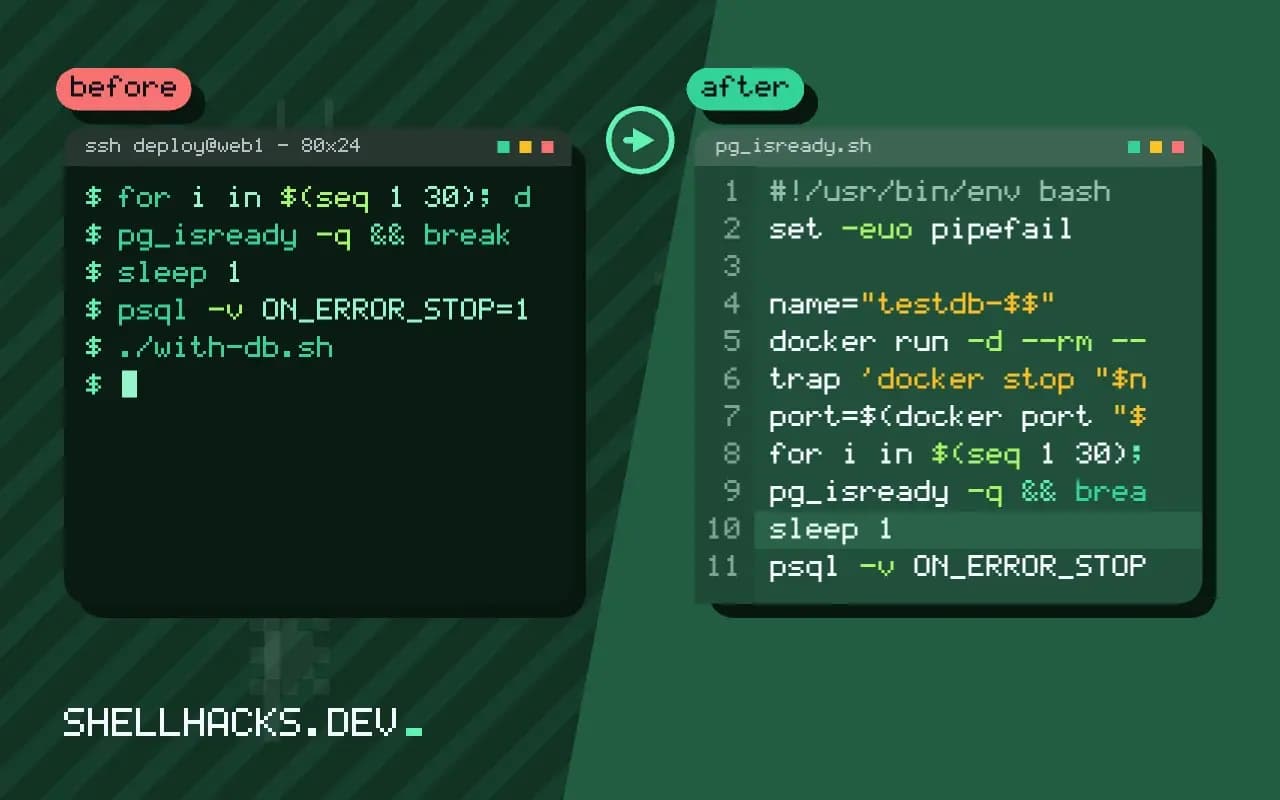
Tests and scripts that need a database should not share the one on your laptop or, worse, a staging server. A container gives each run its own clean database in a couple of seconds and removes it afterwards. The script wrapper is short, and the details that matter are readiness, ports and cleanup. It uses readiness checks and the cleanup idea from safe temp files. The examples assume Docker 27 and PostgreSQL 17.
The wrapper script
#!/usr/bin/env bash
set -euo pipefail

name="testdb-$$"
docker run -d --rm --name "$name" \
  -e POSTGRES_PASSWORD=change-me -e POSTGRES_DB=appdb \
  --tmpfs /var/lib/postgresql/data \
  -p 127.0.0.1::5432 postgres:17 >/dev/null
trap 'docker stop "$name" >/dev/null 2>&1 || true' EXIT

port=$(docker port "$name" 5432/tcp | head -1 | sed 's/.*://')
export PGHOST=127.0.0.1 PGPORT=$port PGUSER=postgres PGPASSWORD=change-me PGDATABASE=appdb

for i in $(seq 1 30); do
  pg_isready -q && break
  sleep 1
  [[ $i -eq 30 ]] && { echo "database did not start" >&2; exit 1; }
done

psql -v ON_ERROR_STOP=1 -q -f schema.sql -f fixtures.sql
./run-tests.sh$ ./with-db.sh
running 14 tests ... ok
The container name includes the shell's PID so parallel runs do not collide. Binding to 127.0.0.1 with an empty host port makes Docker choose a free port on the loopback interface only, so the database is not exposed to the network; docker port reports the choice. The standard connection environment variables (PGHOST and friends) let every client tool find it. --rm removes the container after it stops, and the trap stops it on success, failure or Ctrl+C. The sample output is a placeholder for your own test command.
Wait properly
until docker exec "$name" pg_isready -U postgres -q; do sleep 1; done
until mysqladmin --host=127.0.0.1 --port="$port" --user=root --password=change-me ping --silent; do sleep 1; done
A database accepts TCP connections before it is ready for queries, and the official images start a temporary server to run initialisation scripts and then restart, so a single successful check can be followed by a restart. Check pg_isready after the first success once more, or wait for a query like SELECT 1 to succeed. Bound the loop with a timeout; the pattern is the same as in waiting for a service.
Fixtures and speed
docker run -d --rm -v "$PWD/db/init:/docker-entrypoint-initdb.d:ro" --tmpfs /var/lib/postgresql/data postgres:17
docker run -d --rm -e MYSQL_ALLOW_EMPTY_PASSWORD=yes --tmpfs /var/lib/mysql -p 127.0.0.1::3306 mysql:8.4 --skip-log-bin --innodb-flush-log-at-trx-commit=0
Files in /docker-entrypoint-initdb.d run on first start, so mounting a schema and fixtures there makes the database ready with data. A tmpfs data directory, as in tmpfs for scripts, avoids disk writes, and relaxing durability settings (fsync=off in Postgres, innodb-flush-log-at-trx-commit=0 in MySQL) speeds tests by a large factor. Use those only for throwaway instances. For a large dataset, create a template image with the data loaded once and start from it.
Safety
Use dummy passwords that cannot be mistaken for real ones, and never point the same scripts at production by mistake: take the connection settings from the container, as above, rather than from your usual environment. Mind the port: a fixed -p 5432:5432 binds all interfaces and conflicts with a local database. Pin the image to the major version production runs, as the behaviour differs between versions. See docker run flags for the options used.
What a throwaway database buys you
Tests that share a database depend on each other. One test leaves rows behind, the next asserts a count and fails, and the failure depends on execution order. A database created for each run, or each test file, removes the problem at its root: the starting state is always the same, and the end state is discarded. It also lets tests run in parallel, since each has its own instance, and it removes the fear of destructive tests, because a test that truncates every table does no harm to anything real.
The container approach beats a local install because the version is explicit. A developer on version 16 and a CI runner on version 17 of the same engine produce differences in query plans, defaults and available functions, and the failure appears only in one place. Pinning the image tag to the version production uses makes every environment run the same engine, and upgrading becomes a one-line change that all environments adopt together.
Isolation levels: per run, per file, per test
The cost of a fresh container is a few seconds, and that decides the granularity. One container per pipeline run is cheap and suits suites that clean up after themselves. One per test file isolates suites from each other but multiplies the start-up cost. One per test is usually too slow, and a better approach is one container per run with a fresh schema or database created for each test file. Creating a database from a template inside a running server takes milliseconds in PostgreSQL and gives each file its own copy of a prepared schema with fixtures, which is how large suites stay fast.
Whatever you choose, make the isolation unit visible in the test setup, and fail loudly if a test tries to connect to anything but the throwaway instance. A guard that checks the host is local and the database name starts with a test prefix prevents the single most damaging mistake in this area, which is pointing a destructive test suite at a real database through a leftover environment variable.
Debugging a failed run
A database that disappears on exit is a problem when a test fails and you want to look at the data. Support a flag that keeps the container after a failure, prints its name and port, and leaves cleanup to the developer. Connect with the normal client, inspect the rows and the logs with docker logs, and stop the container by hand when done. In CI, save the database log as an artifact when a run fails, since the container will be gone by the time anyone looks.
Resource limits deserve a line. A database without limits can use most of a small CI runner's memory, and tests then fail in ways unrelated to the code. Set a memory limit on the container, and a reasonable value for the engine's own buffers if the defaults are large, so the instance behaves the same on a laptop and on a runner. For persistence, never mount a host directory as the data directory in a throwaway setup, because a stale volume from a previous run is the same shared state the container was supposed to remove.
A note on other engines
The same wrapper works for MySQL, MariaDB, Redis and MongoDB with different readiness checks and different environment variables. Read the image's documentation for the variables that set the initial user and database, because the names differ and a typo fails silently by creating a database you did not ask for. For engines that take a minute to start, such as SQL Server, increase the wait timeout instead of retrying the whole script, and print the container log when the wait expires so the cause of a slow start is visible in the CI output without a second run.
Cache the image. A CI runner that pulls a few hundred megabytes on every run spends more time downloading than testing, and registries rate-limit anonymous pulls. Pull from a mirror or a cache provided by the CI platform, and pin by digest when reproducibility matters more than automatic security updates, refreshing the digest on a schedule so the pin does not go stale.
Where this does not apply
For the fastest unit tests, SQLite in memory is quicker but may behave differently from the production engine. Libraries such as Testcontainers wrap this pattern in several languages with automatic cleanup, if you prefer not to maintain the script. CI services offer service containers directly, see service containers in CI. See the official Postgres image documentation and the docker run reference.