How to Use tmpfs and RAM Disks on Linux in Real Scripts
Use tmpfs and RAM disks on Linux: mount one, size it, use /dev/shm and /tmp safely, and understand how memory pressure and swap affect the data.
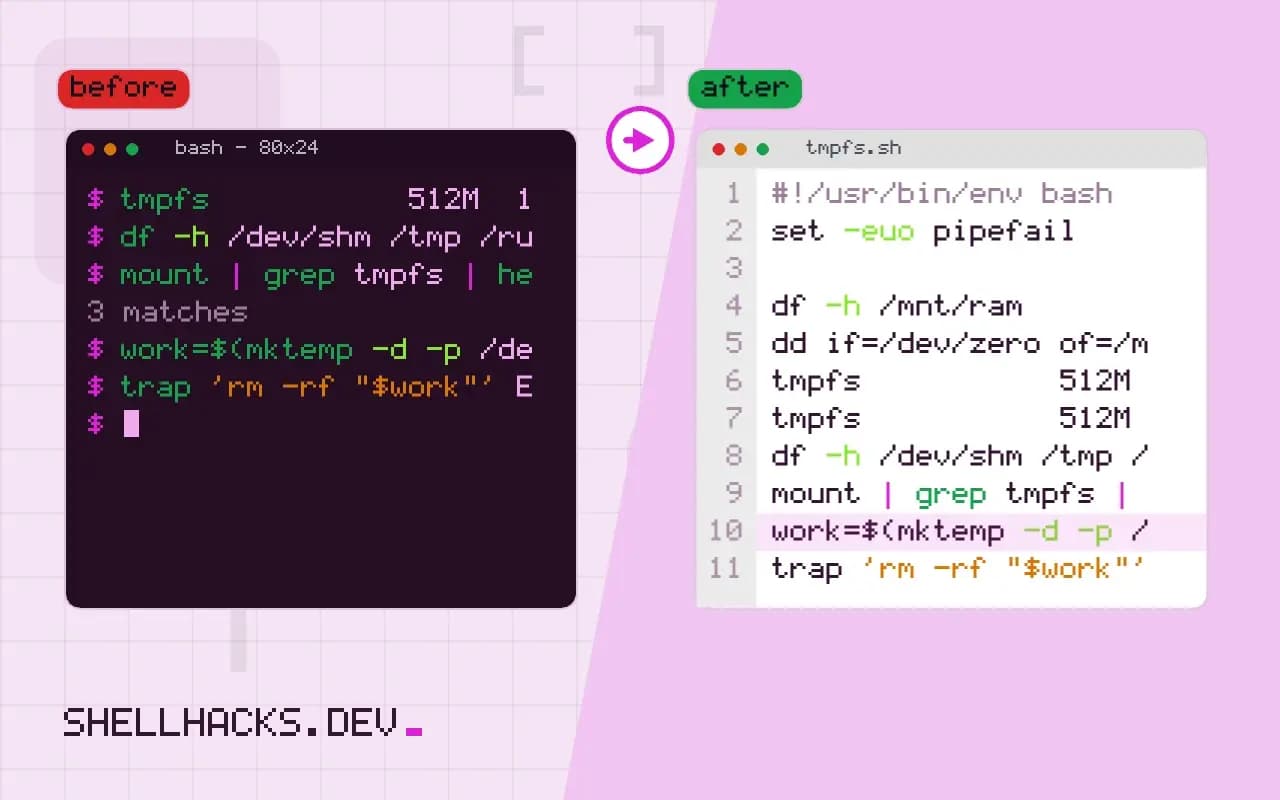
A RAM disk speeds up scripts that write many small temporary files, such as test runs, image processing and compilers. The kernel's tmpfs is the standard way to get one. It differs from a real disk in three ways that matter for scripts: it is volatile, it counts against memory, and it can fill the machine if unbounded. This follows mounting a drive, and the commands assume Linux 6.x with util-linux 2.40.
Create and use one
sudo mkdir -p /mnt/ram
sudo mount -t tmpfs -o size=512m,mode=1777 tmpfs /mnt/ram
df -h /mnt/ram
dd if=/dev/zero of=/mnt/ram/test.bin bs=1M count=100
df -h /mnt/ramFilesystem Size Used Avail Use% Mounted on
tmpfs 512M 0 512M 0% /mnt/ram
Filesystem Size Used Avail Use% Mounted on
tmpfs 512M 100M 412M 20% /mnt/ram
The size is a ceiling, not an allocation; an empty tmpfs uses almost no RAM. mode=1777 makes it world-writable with the sticky bit, like /tmp. Writing past the limit fails with "No space left on device", which is the safety net that stops a runaway script from eating all memory.
The ones already there
df -h /dev/shm /tmp /run
mount | grep tmpfs | head -5
/dev/shm is a tmpfs on nearly every Linux system, used for POSIX shared memory, and it is writable by all users. /run holds runtime state and PID files. Whether /tmp is tmpfs depends on the distribution: Fedora and Arch use it, Debian historically did not before version 13. Check, because a large file written to a tmpfs /tmp is memory, and one written to a disk-backed /tmp survives reboots.
Use it in a script
work=$(mktemp -d -p /dev/shm build.XXXXXX)
trap 'rm -rf "$work"' EXIT
cp -r src/. "$work"/
make -C "$work" -j"$(nproc)"
Create a unique directory, clean it up in a trap, and the script cannot leave RAM full after a failure. Pairing it with mktemp avoids the predictable-name risk discussed in safe temp files. Measure before assuming a gain: on a machine with an SSD and a warm page cache, the difference for small builds is often under ten percent, because the cache already serves reads from memory.
Persist the mount
tmpfs /mnt/ram tmpfs size=512m,mode=1777,nosuid,nodev 0 0Put that line in /etc/fstab; mounting permanently with fstab covers the format. The options nosuid,nodev reduce what a file in the volatile area can do.
What tmpfs actually is
A tmpfs is a file system whose pages live in the kernel's page cache and, under memory pressure, in swap. It has no backing device. Creating a file allocates pages as needed, deleting it returns them, and the size limit given at mount time is an upper bound on what the instance may hold. Because it is built on the same machinery as ordinary caching, a read from tmpfs involves no storage access at all, which is why metadata-heavy work such as creating and deleting thousands of small files gets the largest gain.
The memory it uses is real. A 512 MB tmpfs that is full holds 512 MB that the rest of the system cannot use, and the kernel can only reclaim it by swapping it out. On a machine with a fast SSD, moving a build tree into RAM and then forcing it to swap is slower than leaving it on disk in the first place. Look at free -m before and after a large copy, and size the mount from the memory actually left over, not from the installed total.
Sizing it and watching it
Pick the limit from the data you intend to store plus a margin, and verify it with a real run of the job: the peak usage of a build is higher than the size of the final output, since intermediates exist at the same time. Watch the mount while the job runs with watch -n1 df -h /mnt/ram, and note the highest value. If the job fails with "No space left on device" only on the large inputs, the limit is too low for the worst case, and the fix is a larger number, not a retry.
The inode count is a second limit that people forget. A tmpfs has its own inode budget, set by nr_inodes and by default related to the size, and a workload that creates millions of tiny files can hit the inode limit while plenty of space remains. df -i shows the figure. Raise it with the mount option, or reduce the number of files, if that is the failing resource.
Security and isolation
A world-writable tmpfs with the sticky bit behaves like /tmp: anyone can create files, nobody can delete another user's. That is the right default for shared scratch space and the wrong one for sensitive data. For secrets, mount a separate tmpfs with mode 700 owned by the service account, so nothing else can list it, and rely on the fact that the contents disappear when the mount goes away. Secrets on tmpfs never touch the disk in the clear, which removes the worry about residue on a replaced drive, although a swapped page can reach swap unless swap is encrypted or disabled.
Mount options narrow what files there can do. noexec stops programs running from the volume, which blocks a common step in attacks that drop a payload into a temporary directory, but it also breaks build tools that execute generated scripts, so apply it only where nothing legitimate needs to run. nosuid and nodev are almost always safe and are worth adding by default.
Cleanup and lifecycle
Because the contents vanish on unmount or reboot, a tmpfs is a poor place for anything that must survive a restart, but it also means that leftovers clean themselves up at the next boot. Within a long-running system, files can pile up from jobs that did not remove them. A periodic find with -mtime and -delete, or the systemd-tmpfiles mechanism with an age rule, keeps a shared volume from filling quietly over weeks. Prefer the tmpfiles rule when the machine runs systemd, since the policy then lives in a file that is reviewed with the rest of the configuration instead of in somebody's crontab.
Where this does not apply
Never put the only copy of anything on tmpfs. A crash, a reboot or a power cut deletes it, and a swapped-out page makes the disk slow anyway under pressure. Do not give a tmpfs a size larger than free RAM plus swap; it will then fail late, with the kernel's out-of-memory killer making the choice. ramfs ignores size limits and cannot swap, so it is the wrong tool for scripts. The kernel tmpfs documentation lists all mount options.
A systemd alternative is a mount unit or a RuntimeDirectory= line in a service, which creates a private directory under /run that disappears with the service. For caches shared between users, document the size and owner so nobody is surprised when a build fills it. The systemd.exec manual describes the setting, and it removes the need to write a cleanup trap by hand.