How to Use mapfile and Read Efficiently With Real Output
Read a file efficiently in Bash: while read loops, mapfile, avoiding command substitution, the cost of subshells and when awk or a single process is faster.
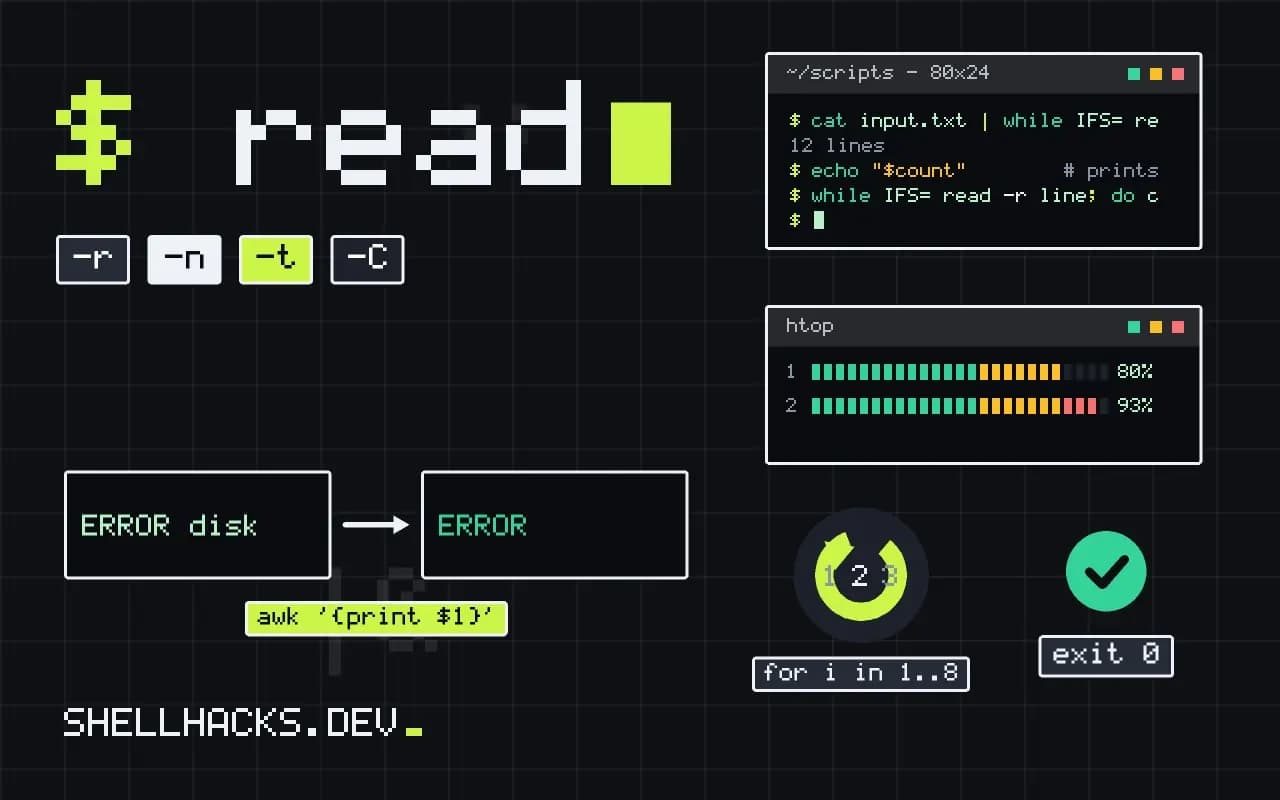
A loop that reads a file seems trivial, and the way it is written decides whether it takes a tenth of a second or two minutes. The costs come from spawning processes inside the loop and from running the loop in a subshell, where variable changes disappear. This is practical advice on top of reducing process spawning and it is measured with the habits in trustworthy benchmarks. The examples assume Bash 5.2.
The standard loop
while IFS= read -r line; do
  printf '%s\n' "$line"
done < input.txt

# last line without a trailing newline
while IFS= read -r line || [[ -n $line ]]; do
  printf '%s\n' "$line"
done < input.txt
IFS= stops read from trimming leading and trailing whitespace, and -r stops it treating backslashes as escapes. Without them the loop silently mangles lines. The second form handles a final line with no newline, which read reports as failure while still filling the variable. Redirecting the file into the loop keeps the loop in the current shell, so variables set inside survive.
Piping creates a subshell
count=0
cat input.txt | while IFS= read -r line; do count=$((count + 1)); done
echo "$count"        # prints 0: the loop ran in a subshell

count=0
while IFS= read -r line; do count=$((count + 1)); done < input.txt
echo "$count" # prints the real count0
10432
In Bash a pipeline runs each part in a subshell (unless shopt -s lastpipe in a script without job control), so assignments inside the loop vanish at the end. That is the usual "the counter is always zero" bug. Use redirection or process substitution (done < <(command)) instead. The extra cat is also a wasted process.
mapfile for the whole file
mapfile -t lines < input.txt
echo "${#lines[@]} lines"
printf '%s\n' "${lines[@]:0:3}"
mapfile -t -n 100 first100 < input.txt
mapfile -t -C process_chunk -c 1000 < input.txt
mapfile (also called readarray) fills an array in one builtin call. -t removes the trailing newlines, -n limits the count, and -C with -c calls a function every N lines as a callback, a way to process large files in chunks without holding them whole. It needs Bash 4, so not macOS system Bash 3.2. Memory use is the file size times a factor; do not slurp multi-gigabyte files.
Split lines into fields without cut
while IFS=: read -r user _ uid gid _ home shell; do
  [[ $uid -ge 1000 ]] && printf '%s %s\n' "$user" "$home"
done < /etc/passwd

read -ra parts <<< "a b c"
IFS=, read -r a b c <<< "1,2,3"
Setting IFS for the read command alone splits each line into named variables with no external process. The same job with cut inside the loop would spawn one process per line: 10,000 lines means 10,000 forks, roughly a few seconds against milliseconds. Use _ for fields you ignore. The final variable receives the rest of the line.
When to leave the loop
awk -F: '$3 >= 1000 { print $1, $6 }' /etc/passwd
grep -c ERROR big.log
sort big.log | uniq -c
Bash processes roughly tens to a few hundred thousand simple lines per second inside a loop; awk and grep process millions. The crossover depends on the work per line, and measuring on your data settles it, as in comparing Bash, awk, Python and Go. Prefer a single pass with a tool built for text, and keep Bash loops for control flow and small inputs. See also replacing loops with awk and processing large files.
Reading is a design decision
The right way to read a file depends on three questions. How big is it, relative to memory. Does the work on each line depend on earlier lines. And how much work does each line need. A small file with independent lines is best handled by mapfile followed by array operations, or by one pass of a text tool. A large file needs streaming, so memory stays flat. Stateful processing, where later lines depend on earlier ones, such as a log with a start marker and an end marker, fits a loop with a few variables. Pick the structure for the data first, then write the shortest code that fits it.
Think about error handling at the same time. A file that cannot be opened makes the redirect fail and the loop never starts, which in a script without strict mode continues silently. Test for the file before the loop, and report a clear message. A loop that runs on an empty file and produces an empty result is easy to mistake for success, so decide whether an empty input is an error and check for it explicitly.
Different record separators and awkward content
Newline-delimited text is the easy case. Files from other systems arrive with carriage returns, with NUL separators from find -print0, or with fields that contain the delimiter. Each calls for a specific adjustment. For carriage returns, strip them as you read. For NUL-separated names, use read -d '' and process substitution. For quoted fields in CSV, a shell loop is the wrong tool, and a parser such as python3 -c 'import csv' or a dedicated CSV utility handles the quoting rules that IFS cannot. Trying to parse quoted CSV with read is a reliable way to produce data that is wrong in one row out of a thousand.
Leading and trailing whitespace is another quiet trap. With the default IFS, read strips it, so a line with meaningful indentation loses it. Setting IFS= for the read keeps the line exactly. When splitting into fields, choose the delimiter with care and remember that consecutive whitespace delimiters collapse into one, while other delimiters such as a comma do not, so empty fields in comma-separated data stay empty.
Large inputs and the cost per line
A Bash loop processes on the order of tens of thousands of simple lines per second. That is fine for a config file and slow for a ten-million-line log, where a single awk command finishes in seconds. The decision rule is to estimate lines multiplied by the cost of the loop body. If the product is under a few seconds, write whatever is clearest. If it is minutes, change the approach before tuning the loop. Tuning means avoiding forks, avoiding subshells and using builtins, which roughly doubles the speed; changing the approach means moving the work into a tool built for the job, which improves it by a factor of fifty or a hundred.
Verifying the loop does what you meant
Test with awkward input: an empty file, a file without a final newline, a line of only spaces, a line with a backslash, a very long line, and a line with leading tabs. Compare the loop's output with the file using diff after echoing every line back; any difference reveals a trimming or escaping problem in the read. Add the file to the test suite. A read loop is only a few lines, and nearly every bug in it is a missing flag, which a test with realistic input finds immediately.
Where this does not apply
If the loop body must call different commands per line (ssh, curl, an API), the work dominates and loop style is irrelevant. Files with NUL-separated records need read -d '' or mapfile -d '' (Bash 4.4). Windows line endings leave a trailing carriage return in each line: strip it with line=${line%$'\r'}. See the Bash builtins reference for read and mapfile.
For the specifics of each builtin, see the Bash builtins reference and the POSIX read specification.