How to Use Expect to Automate Interactive Programs
Use Expect to automate interactive programs that prompt for input, with spawn, expect and send, timeouts, safe passwords, and when to choose another tool.
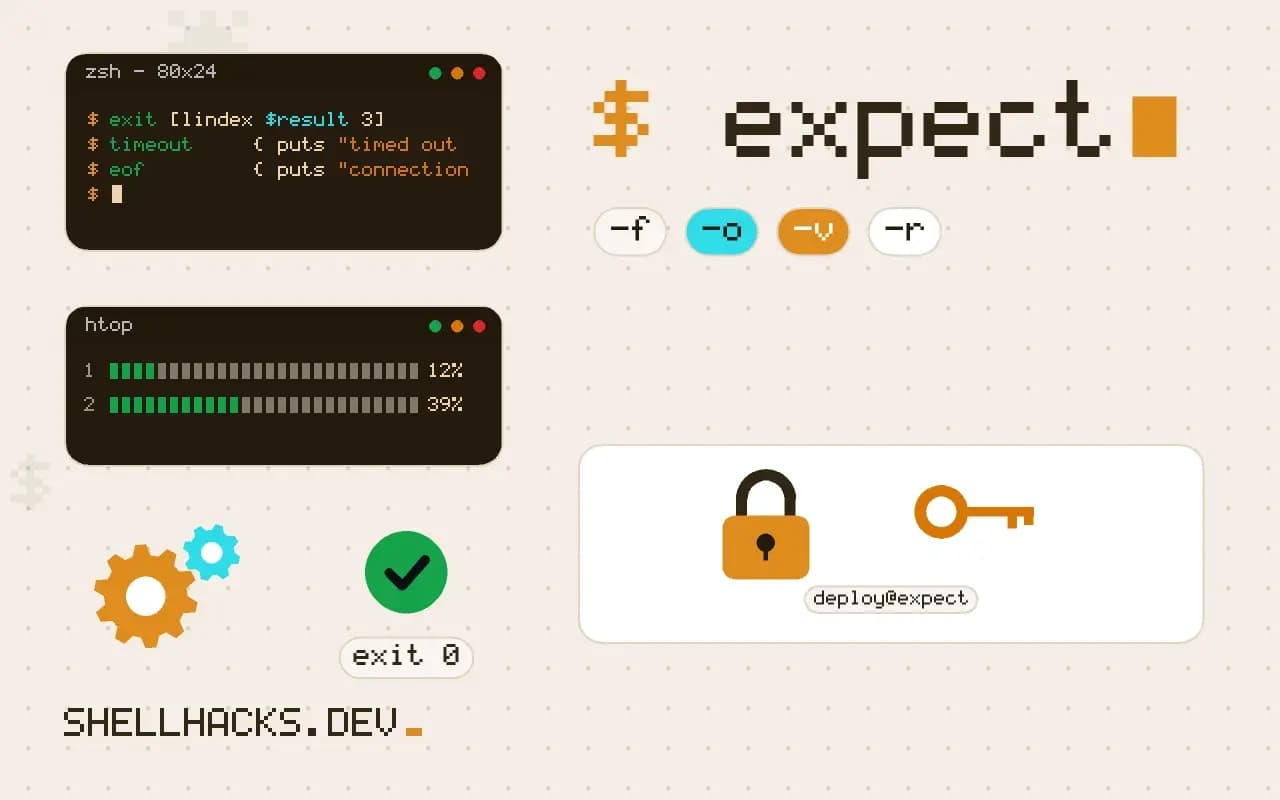
Some programs refuse to take input from a pipe: they read from the terminal, prompt for a password or ask questions in sequence. Expect fools them by running the program in a pseudo-terminal and playing the part of the user. It is a Tcl extension available on most distributions as the expect package, and the examples use Expect 5.45. The Python equivalent is in Pexpect.
A first script
#!/usr/bin/expect -f
set timeout 20
spawn ssh -o StrictHostKeyChecking=accept-new [email protected] uptime
expect {
  "assword:" { send "$env(SSH_PASS)\r"; exp_continue }
  eof
}
catch wait result
exit [lindex $result 3]
spawn starts the command under a pseudo-terminal. The expect block waits for the password prompt, sends the password from an environment variable, and exp_continue keeps waiting for more output until the program ends with eof. catch wait collects the exit status, so the script's own status matches the program's. Matching on "assword:" avoids the capital letter that differs between systems.
Always handle timeouts
expect {
  "login:"    { send "admin\r"; exp_continue }
  "Password:" { send "$env(DEV_PASS)\r"; exp_continue }
  "#"         { }
  timeout     { puts "timed out waiting for prompt"; exit 1 }
  eof         { puts "connection closed"; exit 2 }
}
Without a timeout branch the script just continues after the delay, with later send commands typing into the wrong prompt. Without eof, an early exit of the program raises an error. Treat those two branches as part of every expect block.
Passwords
Do not put the password in the script. Read it from the environment, as above, or from a file with mode 600, using set pw [exec cat $env(HOME)/.secret]. Use stty -echo or send_user with expect_user to prompt for it. For SSH, use keys instead, as covered in SSH config shortcuts, so no password is needed at all. More on this in shell script secrets.
Record, then clean up
autoexpect -f recorded.exp ./installerautoexpect watches a real session and writes a script that repeats it. The result matches too literally, for example a time-stamped prompt, so edit the patterns to match the stable part. Then run it with expect recorded.exp and add timeouts. Use interact at the end if a person should take over after the automated login.
How a session is matched
Expect keeps a buffer of everything the program has printed since the last match. Each expect command compares the patterns in its block against that buffer, and when one matches, the matched text and everything before it are removed from the buffer and the action runs. By default patterns are globs, so "assword:" matches any text containing those characters, and the leading letter is dropped on purpose so that it works for both "Password:" and "password:". The -re flag switches a pattern to a regular expression, and -ex to an exact string. A script that mixes the styles without marking them leads to confusing matches, because a * in a glob and in a regex mean different things.
The buffer is limited to a size set with match_max, which defaults to 2000 bytes in older releases, and a program that prints more than that between prompts can push the text you are waiting for out of the buffer. Raising it with match_max 100000 removes that class of failure, at a small memory cost.
Sending input correctly
The send command types characters exactly as given, so a line needs an explicit carriage return, \r, not a newline. Special keys are written as their control characters: \003 is Ctrl-C and \004 is Ctrl-D. For secrets there is the option log_user 0 before the send to stop the terminal echo from being copied to the script's own output, and log_user 1 afterwards. Without that, the password or token appears in the logs of whatever ran the script, which defeats the point of keeping it out of the file.
Speed is a hidden factor. Some programs, particularly ones that talk to serial devices or older network gear, drop characters sent too quickly, and Expect has the send -s flag with the send_slow variable to pace output. Add a short sleep only when a pacing problem is proven, because delays in scripts hide real timing bugs.
Control flow and subroutines
Because the language is Tcl, a script can use loops, procedures and variables. A procedure that logs in to a device, runs a command, and returns the output turns a pile of expect blocks into something reusable across many hosts. Wrapping the connection in a proc with its own timeout handling also makes it easier to put a retry around the part that fails occasionally, for example the first connection to a device that is slow to boot. Exit codes should reflect the outcome: after expect eof, use catch wait result and exit with the program's status taken from the fourth element of the result list, so that a calling job sees a failure as a failure.
Debugging a script that hangs
The built-in debug flag is the fastest route to the cause. Run the script as expect -d script.exp and Expect prints the buffer and each pattern it tries on every step. In that output, the mismatch is usually visible: an extra space, a colour escape sequence, a prompt that ends in a different character. The exp_internal 1 command turns the same output on for a part of the script. Another useful habit is logging the whole session to a file with log_file -a session.log during development, then removing it before the script goes to production if it could record secrets.
A prompt that changes between runs is the usual source of flakiness, such as a banner with the date or a message of the day. Anchor on the stable part, and where a prompt can legitimately vary, list each variant in the same block. Finally, test on the real target at least once with a wrong password and with a host that is down, so the timeout and eof branches have actually executed before an unattended job relies on them.
A login procedure you can reuse
Once the basic blocks work, put them into a procedure that takes a host and a command and returns the output. Keeping the prompt patterns, the timeouts and the exit handling in one place means a change in the device's banner is fixed once. Call the procedure from a loop over a host list, collect failures instead of stopping at the first, and print a summary at the end. Write the list of failed hosts to a file so that a rerun can target only those, which makes the job safe to repeat and easy to run from a scheduler that retries on a non-zero status.
Where this does not apply
Many tools offer a real non-interactive mode, which is far more reliable: apt-get -y, ssh-copy-id with a key, chpasswd for setting passwords, mysql_secure_installation replaced by SQL statements, sudo -S reading from stdin. Use those first. Expect scripts break on a changed prompt or an extra warning, and screen scraping a security prompt is a trust problem. Configuration management is a better fit for fleets, see Ansible basics. Read the Expect project documentation and Don Libes's original paper on Expect for details.