Go Cannot Find Package or Module Errors in Scripts
Fix Go cannot find package errors: go.mod and modules, GO111MODULE, running from the wrong directory, go mod tidy, private modules and vendoring.
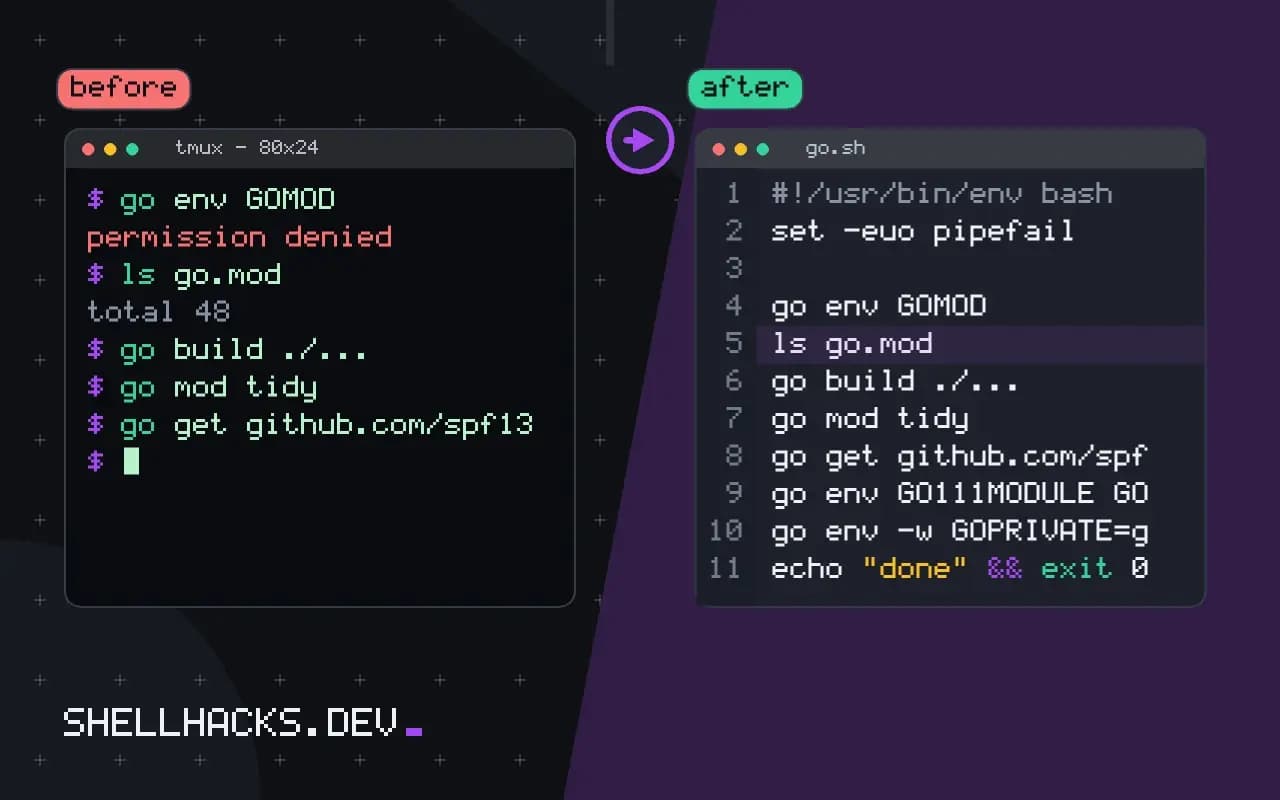
A build that worked yesterday now prints cannot find package "github.com/example/lib" in any of ... or no required module provides package. In nearly all cases Go is running in the wrong place, the module file is missing an entry or access to a private repository fails. The checks take a minute each. They matter for scripts and CI, where the working directory and environment are not what you had when you wrote the code. The examples assume Go 1.23.
Are you inside a module?
go env GOMOD
pwd
ls go.mod/dev/null
/home/alice
ls: cannot access 'go.mod': No such file or directory
GOMOD set to /dev/null means no module, so Go cannot resolve imports. Change to the project directory, or create a module with go mod init example.test/app. In a script, add cd "$(dirname "$0")" or pass the directory to go -C dir build, a flag available since Go 1.20. CI jobs that check out a repository into a subfolder are a common source of this.
The module file is missing the dependency
go build ./...
go mod tidy
go build ./...main.go:5:2: no required module provides package github.com/spf13/cobra; to add it:
go get github.com/spf13/cobra
The message tells you the fix. go get adds one dependency at a version; go mod tidy adds all that the code imports and removes unused ones, and also updates go.sum. Commit both files. A build flag -mod=readonly, the default, refuses to edit them, so in CI you must run tidy locally and commit the result, which is also how you catch drift: go mod tidy && git diff --exit-code go.mod go.sum.
Old GOPATH habits
go env GO111MODULE GOFLAGS GOPATHBefore modules, code lived under $GOPATH/src. Since Go 1.16, module mode is the default, and a stale GO111MODULE=off in an old script or Dockerfile brings back the GOPATH error messages. Remove it. If GOFLAGS contains -mod=vendor and the vendor/ directory is missing or out of date, you get errors about inconsistent vendoring: run go mod vendor again.
Private modules and network access
go env -w GOPRIVATE=git.example.test/*
git config --global url."[email protected]:".insteadOf "https://git.example.test/"
GOFLAGS=-mod=mod go get git.example.test/team/lib@latest
GOPRIVATE stops Go from asking the public proxy and checksum database for your internal modules, which would answer 404 and show up as "cannot find module". The Git config rewrites the HTTPS URL to SSH so authentication uses your key; this works with the setup from switching a remote to SSH. In a container build, mount the credentials as a build secret rather than copying a key into a layer.
How Go resolves an import
In module mode, every import path is matched against the modules listed in go.mod. Go finds the module whose path is the longest prefix of the import, reads the version recorded there, and fetches the source from the module cache, downloading it through the module proxy if it is not present. The checksum of the downloaded content is compared against go.sum, which is why that file matters even though nobody edits it. A "cannot find package" error means that one of these steps failed: the module is not in go.mod, the version cannot be downloaded or the path inside the module does not contain the package.
Seeing the chain helps. Running go list -m all prints the resolved module list, go mod why -m example.test/lib shows why a module is required, and go list -deps ./... shows the packages the build needs. If a package is not in the output, no amount of tidying will find it, and the import path is wrong, often by a typo, a renamed repository or a major-version suffix.
Major versions and renamed modules
Modules at version 2 or higher carry the major version in the import path, as in example.test/lib/v3. An import without the suffix gets version 1 or fails, and an import with the wrong suffix fails with an error that looks like a missing package. If a library announces a new major release and your build breaks after an update, check the path first. Repositories that move to a new owner or name need their module path changed too, and the old path may stop resolving; a replace directive in go.mod can point the old path at the new location while you update imports.
Vendoring and offline builds
With a vendor directory, Go builds from local copies and ignores the network. That is useful in CI that has no internet access, and a source of confusing errors when the directory is out of date, because the build uses what is there and not what go.mod says. Refresh with go mod vendor after any change to dependencies and commit the result, or remove the directory and rely on the module cache. Mixing the two approaches, with a stale vendor directory and a flag that selects it, produces the most baffling versions of this error.
Proxies, checksums and corporate networks
By default Go fetches modules through a public proxy and verifies them against a public checksum database. On a network that blocks those hosts, the failure looks like a missing package. Point GOPROXY at an internal mirror, or set it to direct to fetch from the source repositories, and use GONOSUMDB or GOPRIVATE for internal modules so the public database is not consulted. A TLS-inspecting proxy requires its root certificate on the build machine. When a module fetch hangs, go mod download -x prints the commands it runs, which quickly shows whether the network or the credentials are at fault.
When the error appears only in one environment, compare the output of go env and go version between it and a working one. Differences in GOFLAGS, GOPROXY, GOPRIVATE and the toolchain version account for most reports that a build works elsewhere, and the comparison takes a minute. Record the working values in the project's CI configuration so every runner uses them.
Where this does not apply
If the message is about a standard library package, the Go installation is damaged or too old for the syntax; check go version against the go line in go.mod. A "missing go.sum entry" error is a checksum problem, fixed with go mod download or tidy. Behind a corporate proxy, set GOPROXY. If go itself is not found, see go command not found. The references are the Go modules reference and the dependency management guide.
Finally, pin the toolchain in CI so the error does not appear only on one runner: add a go directive to go.mod, use actions/setup-go with go-version-file: go.mod, and run go mod verify. A fresh checkout plus go build ./... in a clean container is the test that proves the repository builds without anything from your machine. See also environment variables and config in Go.