How to Use Regex in grep E and grep P the Safe Way
Choose between grep basic, extended and Perl regex: what -E and -P add, the syntax each accepts, lookarounds, portability and backtracking limits.
The same pattern means different things depending on the flag you pass to grep, and the three flavors are the main reason a regular expression copied from the web "does not work". Knowing what each accepts takes five minutes and prevents a lot of guessing. This post compares them side by side, as part of regular expressions in shell tools. Examples use GNU grep 3.11.
The three flavors
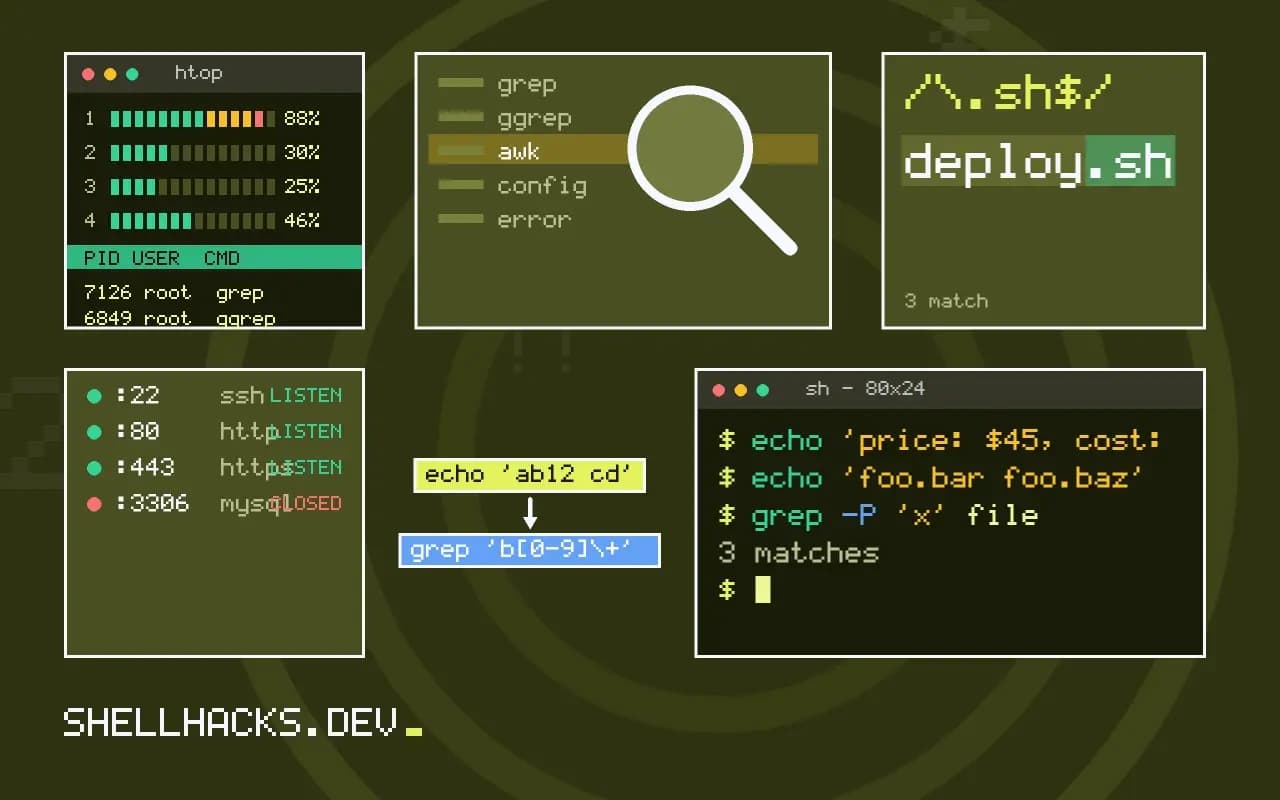
echo 'ab12 cd' | grep 'b[0-9]\+'      # basic: \+ is "one or more"
echo 'ab12 cd' | grep -E 'b[0-9]+'    # extended: + is "one or more"
echo 'ab12 cd' | grep -P 'b\d+'       # Perl: \d means a digit
All three print the line. In basic mode GNU grep accepts \+, \? and \| as extensions, but a bare + is a literal plus; in extended mode the bare forms are operators and the escaped ones are literals. Groups follow the same rule: \(ab\) in basic, (ab) in extended. POSIX itself defines only the base forms in basic mode, so scripts that must run on any grep use -E and avoid \d. The relationship is explained in BRE, ERE and PCRE.
What -P adds
echo 'user id=4821 name=ada' | grep -oP 'id=\K\d+'
echo 'price: $45, cost: $30' | grep -oP '(?<=\$)\d+'
echo 'foo.bar foo.baz' | grep -oP 'foo\.(?!baz)\w+'4821
45
30
foo.bar
\K resets the start of the reported match, so only what follows is printed; it is the neat alternative to a lookbehind of variable length. (?<=...) is a lookbehind and (?!...) a negative lookahead. Lazy quantifiers such as .*? also come with -P. Details on these are in lookahead and lookbehind with grep.
Portability
grep -P 'x' filegrep: invalid option -- 'P'
That is what macOS (BSD grep) and BusyBox grep print. Debian's GNU grep includes PCRE2 support, but some minimal builds do not. If a script has to run on both Linux and macOS, either install GNU grep (brew install grep, which provides ggrep), use -E with POSIX classes like [0-9] and [[:space:]], or switch to perl or awk. For the details of the differences, see regex differences across tools.
Performance and safety
Patterns from -E run in a deterministic automaton, so their time is linear in the input. -P uses a backtracking engine, and a nested quantifier such as (a+)+b can take exponential time on a line like aaaaaaaaaaaaaaaaaaaa. GNU grep sets a backtracking limit and reports exceeded PCRE's backtracking limit, instead of hanging forever. Do not run user-supplied patterns with -P. For literal text use -F, which skips the regex machinery; see fixed strings and speed.
Where this does not apply
Context-sensitive matching across lines is awkward in grep, which reads one line at a time; -z treats the file as one record, and -P with (?s) then matches across newlines. Tools designed for that, like perl, are clearer. For the basics of the command, see grep basic, extended and Perl modes.
What each flag changes in how a pattern is read
The same text means different things under the three flags. With no flag, grep reads a basic regular expression, where +, ?, |, parentheses and braces are ordinary characters, and the GNU version lets a backslash turn them into operators. With -E it reads an extended expression, where those characters are operators and a backslash makes them literal. With -P it reads a Perl-compatible expression, which adds shorthand classes such as \d and \s, lazy quantifiers, lookahead and lookbehind, named groups and the \K reset. A pattern copied from a web page often fails because it was meant for one flavor and run under another. The quickest diagnosis is to ask which of the three the source assumed, and add the flag to match. A pattern such as colou?r|gray prints nothing in basic mode because the question mark and the pipe are literal characters, and works under -E.
The character classes in square brackets are the portable core. [[:digit:]] and [[:space:]] work in all three and respect the locale, while \d works only under -P, and in some builds of GNU grep under -E as an extension that should not be relied on.
Where -P is not available
The -P option exists in GNU grep when it was built with the PCRE library, which is the case on mainstream Linux distributions. It does not exist in the BSD grep that ships with macOS, which reports an invalid option, and BusyBox grep in Alpine has no -P either. A script that uses it breaks on those systems with a message that is easy to blame on the pattern. Options for portable code are to stay within -E, which every grep supports, to use awk or sed -E for the harder parts, or to install GNU grep on the machine that needs it and call it by the name ggrep on macOS, with a check at the top of the script. For scripts that must run on any machine, the extended flavor with POSIX classes is the common ground, and lookarounds can usually be replaced by an extra pipeline stage.
The same reasoning applies to the options around the pattern. -o, -w, -r and --include are GNU or BSD extensions rather than POSIX, and the behavior of a few of them differs in small ways.
Speed, backtracking and choosing the simplest flag
The extended and basic engines in GNU grep compile to automata and run in time proportional to the input, so they are fast on large files. A PCRE engine uses backtracking, which is flexible and has a worst case where nested quantifiers make the time explode on certain inputs. GNU grep guards against runaway matches with a backtracking limit and reports an error, and a pattern that triggers it is a sign to simplify. When a literal string is all you need, -F is the fastest and removes every escaping question, since nothing in the pattern is special. A good habit is to use the simplest flag that expresses the pattern: -F for fixed text, -E for alternation and repetition, and -P only when you need lookaround, lazy matching or \K. That keeps the command portable, quick and easier to read.
Locale affects speed and meaning. In a UTF-8 locale, character classes and case folding follow Unicode, and matching can be much slower than in the C locale. Setting LC_ALL=C for a search over ASCII data often speeds it up severalfold, and changes what [a-z] and the classes mean for non-ASCII text.
A worked comparison
Take the task of extracting the version number from lines such as version: 2.14.3. With -E and -o, the pattern [0-9]+(\.[0-9]+)+ prints the number and runs on any system. With -P, (?<=version: )\S+ prints the same value using a lookbehind, which is shorter to read and fails on a machine without PCRE support. A third version uses -P with \K, as in version: \K\S+, which discards the part before it from the output. All three agree on clean input and differ on edge cases, such as a line with two versions or a version with a suffix, so state the rule you want and test it on a file that includes the awkward lines. The portable version is the one that survives a move to a new server, and the shorter one is attractive for a one-off command at your own prompt.
See the GNU grep manual and POSIX regular expressions.