How to Use Regex in ripgrep and PCRE2 Mode the Safe Way
Use regex in ripgrep: the default Rust engine, the PCRE2 option for lookarounds and backreferences, smart case, replace with -r and multiline search.
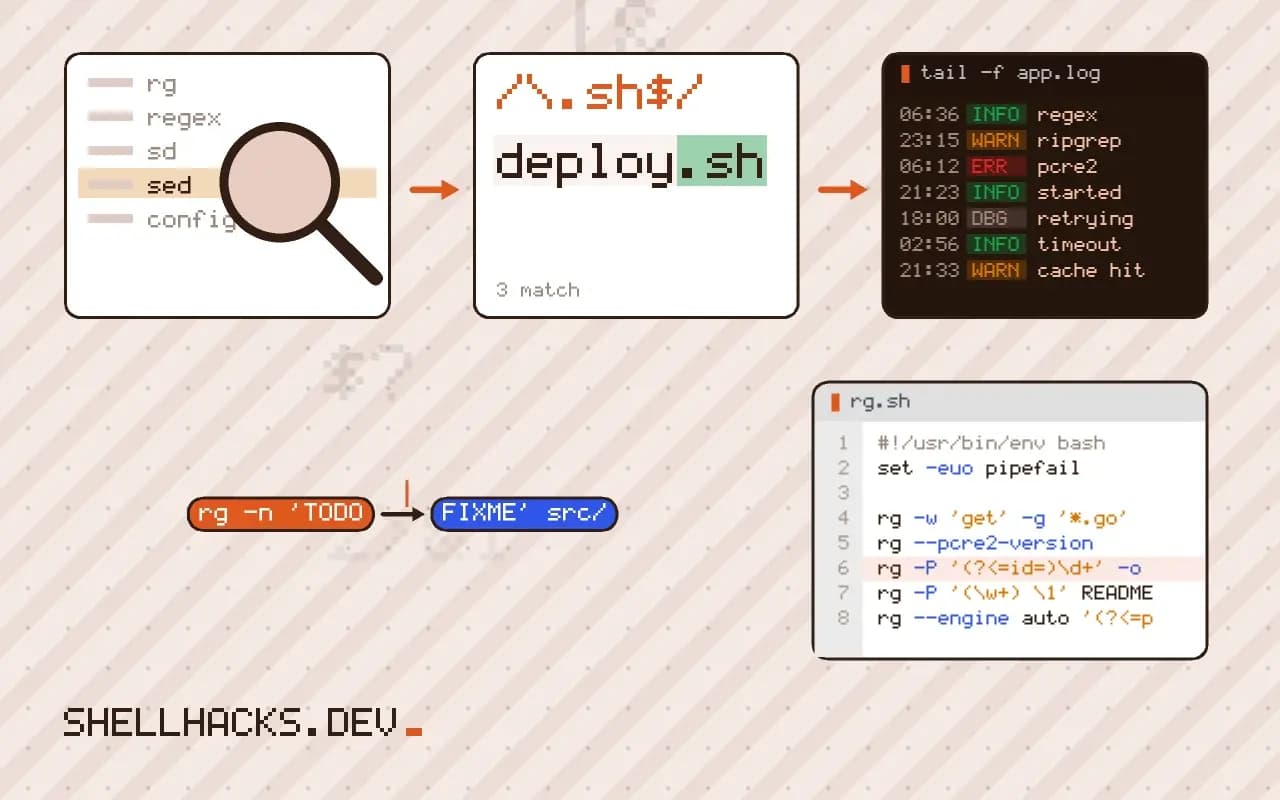
ripgrep (rg) is the fastest everyday search tool because it pairs a Rust regex engine that never backtracks with sensible defaults: it respects .gitignore, skips binary files and uses all cores. The engine's limits are the same as RE2's, so some patterns need the optional PCRE2 mode. This post covers both and the options most people use. It is the ripgrep counterpart to grep -E and grep -P. Examples use ripgrep 14.1.
The default engine
rg -n 'TODO|FIXME' src/
rg -S 'cache' --type py
rg -w 'get' -g '*.go'
The syntax resembles ERE with Perl-style classes: \d, \w, \b, lazy quantifiers, named groups and Unicode support are all in. What is absent is anything that needs backtracking: no lookahead, no lookbehind, no backreferences. In exchange, matching time is linear in the input. -S (smart case) makes a lower-case pattern case-insensitive and a pattern with a capital letter case-sensitive. -w restricts to whole words. --type py and -g filter files by type or glob.
Turning on PCRE2
rg --pcre2-version
rg -P '(?<=id=)\d+' -o logs/
rg -P '(\w+) \1' README.md
rg --engine auto '(?<=price: )\$\d+'PCRE2 10.42 is available (JIT is available)
-P uses the PCRE2 library, which supports lookarounds and backreferences. The first command prints the numbers after id=; the second finds doubled words. Not every build ships PCRE2: the check shows whether yours does, and if not, -P fails with a message. --engine auto keeps the fast engine by default and switches to PCRE2 only for a pattern the default cannot compile, so you can write the pattern you mean without choosing. PCRE2 mode is slower on some patterns and can backtrack; avoid it for untrusted patterns.
Only the match, and replacements
rg -o 'id=(\d+)' -r '$1' logs/app.log
rg 'colour' -r 'color' README.md
rg --passthru 'colour' -r 'color' README.md
-o prints only the matched text, and -r rewrites what is printed using $1 style groups (written ${1} when text follows). Nothing in the files changes: ripgrep never edits files. To apply replacements, pipe through other tools, for example rg -l 'colour' | xargs sed -i 's/colour/color/g', whose GNU and BSD flag difference is in in-place sed on both systems.
Multiline
rg -U 'begin\n(.*\n)*?end' config.txt
rg -U --multiline-dotall 'start.*?stop' notes.md
By default patterns cannot cross a line break. -U lifts that so \n can match, and --multiline-dotall lets the dot match newlines too. Multiline searches read whole files into memory and are slower, so confine them to the files that need it with a type or glob filter.
Control what is searched
ripgrep skips hidden files and anything ignored by .gitignore, .ignore and .rgignore. Use --hidden to include dotfiles, --no-ignore to disable ignore files and -uuu as the shorthand for searching everything including binaries. Surprising "no results" usually come from these defaults, so check them before suspecting the pattern.
Where this does not apply
If ripgrep is not installed, git grep gives similar speed inside a repository. On servers where installing extra tools is not allowed, plain grep -r is the fallback. The pattern syntax is compared with other tools in regex differences across tools.
What the default engine is and what it guarantees
Ripgrep's default regular expression engine is the Rust regex crate, which, like RE2, guarantees search time linear in the input and has no backreferences or lookaround. That is the reason it is fast on large trees, and the reason a pattern copied from a Perl-style tool may fail with an error naming the unsupported feature. Syntax is close to what people know from extended expressions, with \d, \w, \s and \b, Unicode support on by default, lazy quantifiers and inline flags like (?i). Case handling has a convenience, -S or --smart-case, which ignores case unless the pattern contains an uppercase letter. By default ripgrep also skips files in .gitignore, hidden files and binary files, which makes it fast and also explains the files that seem to be missing from a result. --hidden, --no-ignore and -uuu widen the search.
Use -F for a fixed string, as with grep, and -w to match whole words. Both are faster and avoid any question about special characters.
When to switch to PCRE2 and what it costs
The option -P, or --pcre2, switches to the PCRE2 library, which adds lookahead, lookbehind, backreferences and possessive quantifiers. It is available only if ripgrep was built with PCRE2 support, which is true for many distribution packages and for the official release builds, and rg --pcre2-version prints the version or an error if it is missing. The cost is the loss of the linear-time guarantee: a pattern with nested quantifiers can backtrack heavily on some input, and PCRE2 is slower in general, so use it for the one pattern that needs it. The option --engine auto lets ripgrep try the default engine first and fall back to PCRE2 when the pattern needs it, which gives speed in common cases and power where required. Prefer to restructure a pattern to fit the default engine when you can, since a faster and safer pattern is usually a better one.
Extracting and rewriting text
The -o option prints only the matched part of each line. Together with -r, --replace, it prints the replacement instead of the match, with $1 or ${name} for groups, and the same braces rule as other tools applies when text follows a group number. Ripgrep never modifies files, so -r is a way to preview a rewrite, and applying it needs another tool such as sd, sed or a script that reads the file list from rg -l. Multi-line patterns need -U, --multiline, and a dot matches a newline only with --multiline-dotall or the inline flag (?s). Without those, patterns work within a single line. For machine-readable results, --json prints structured events, and --vimgrep prints in a format editors can load. Control the files searched with -g for globs, -t for file types, and --max-depth for the depth. When a result looks wrong, run with --debug, which explains which files were skipped and why.
Practical settings and habits
Put your preferred defaults in a configuration file named by the RIPGREP_CONFIG_PATH variable, with one option per line, such as smart case and a sensible set of ignored directories, and every invocation picks them up. Keep a habit of checking what was skipped when a result looks too short, with --debug or by adding --no-ignore --hidden. For search and replace across a project, a common pipeline is rg -l pattern | xargs sed -i ..., with the null-separated variants rg -l0 and xargs -0 when file names may contain spaces. Review the change with a diff before committing. In scripts, pass --no-config so the behavior does not depend on a user's personal settings, and pin the version of ripgrep in your tooling, since flags and defaults have changed between releases.
See the ripgrep user guide and the Rust regex syntax.