Regex Error Invalid Preceding Regular Expression Fully
Fix grep and sed's invalid preceding regular expression error: a quantifier with nothing to repeat, BSD versus GNU differences, braces and macOS quirks.
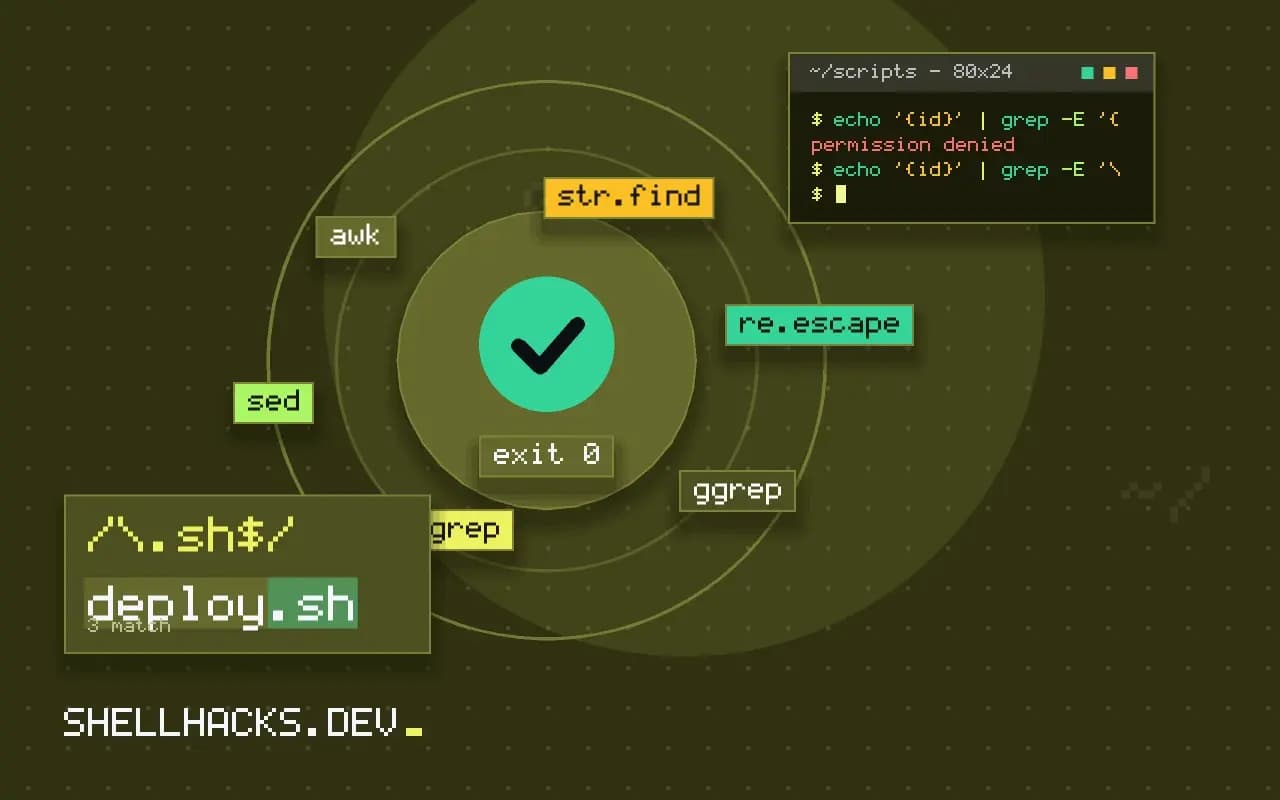
You run grep '+1' contacts.txt or a sed script on a Mac, and the command fails with an error about the preceding expression. The pattern is not valid for the regex library that tool uses, even if a GNU system accepts it. The cause is nearly always a quantifier without an operand. The commands below use GNU grep 3.11, BSD sed from macOS 14 and Python 3.12; the sibling message is in nothing to repeat and unmatched parenthesis.
Reproduce the error
echo "a+b" | grep -E '+b'
echo "a+b" | sed -E 's/+b/X/'
echo "x" | grep -E '*x'grep: Invalid preceding regular expression
sed: 1: "s/+b/X/": RE error: repetition-operator operand invalid
The first two use + at the start of an extended regex, with nothing before it to repeat. GNU grep treats a leading * as a literal in a basic regex, which is why the third form may succeed there and fail elsewhere. The difference between glibc and BSD libraries is the reason that a script that works on Linux breaks on macOS.
Fix 1: escape the literal
echo "a+b" | grep -E '\+b'
echo "a+b" | grep -E '[+]b'
echo "a+b" | sed -E 's/[+]b/X/'
echo "a+b" | grep -F '+b'
A backslash or a bracket expression makes the character literal. Brackets are the safest: inside [ ], most metacharacters lose their meaning without any escaping, and the form behaves the same across engines. grep -F is the simplest if the whole pattern is literal.
Fix 2: the missing operand
echo "foo" | grep -E '(|foo)+'      # empty alternative then +
echo "foo" | grep -E '(foo)+'
echo "ab" | grep -E 'a|*b'
echo "ab" | grep -E 'a|.*b'
A | with an empty side, or a quantifier right after it, gives the quantifier nothing to attach to. The cause is often a typo or a glob habit, a * where .* was meant, as in regex versus glob. Add the missing atom, or remove the stray operator.
Braces
echo '{id}' | grep -E '{id}'          # error on some engines
echo '{id}' | grep -E '\{id\}'
echo '{id}' | grep -F '{id}'
echo '{id}' | sed -E 's/\{id\}/X/'
In ERE, a { begins an interval such as a{2,3}. At the start of a pattern or in a position where it cannot form one, some engines treat it as literal and others report an invalid preceding expression. Escape braces when you mean them literally, which is common when searching for template placeholders and JSON.
Portable habits for macOS and Linux
Use -E on both, avoid GNU-only escapes such as \+ and \| in basic syntax, write literals in brackets, and test on both systems or in a container, as in testing scripts on other shells. BSD sed also needs a different in-place flag and $'\t' instead of \t, covered in GNU versus BSD commands. Installing GNU tools with Homebrew gives macOS the behaviour of Linux, as in GNU coreutils on macOS.
Why the same pattern works on Linux and fails on macOS
POSIX defines two regular expression syntaxes, basic and extended, and leaves room for implementations to treat edge cases their own way. GNU tools are lenient: a quantifier with nothing to repeat is read as a literal character in several positions, so grep '*x' and in some versions grep -E '+b' run without complaint. The regex library used by the BSD tools, including macOS grep and sed, follows the standard more strictly and reports an error when it meets a repetition operator with no operand. The pattern was invalid all along, and the Linux version tolerated it. A script moved to a Mac, an Alpine container with BusyBox, or a FreeBSD server is where the mistake appears.
The second source of difference is the escape syntax. In GNU basic mode, \+, \? and \| are extensions that mean one-or-more, optional and alternation. In BSD basic mode they are not, and extended mode with -E is the way to get those operators. Using -E and writing +, ? and | unescaped gives the same meaning on both systems, which is why the portable advice is to prefer extended syntax and never rely on GNU-only escapes.
Reading the engine's message
Error texts differ between tools, but they point at the same defect. "Invalid preceding regular expression" and "repetition-operator operand invalid" both say that a quantifier follows something that cannot be repeated: the start of the pattern, an opening parenthesis, or an alternation bar. "Nothing to repeat" from Python and "quantifier does not follow a repeatable item" from Perl-compatible engines say the same. Find the operator named at the reported position and look at what stands to its left. If nothing meaningful does, either the operator was meant as a literal and needs escaping, or an element was left out by mistake, such as a missing character class or group.
Patterns built from variables
The error often appears only for some inputs, because the pattern is built from data. A script that searches for a phone number such as +1 555 0100 by putting it into a regex works for 555 and breaks for the leading plus. The same thing happens with file names that contain brackets and with user input in a search box. If the text is meant to be literal, tell the tool so: grep -F matches fixed strings, awk has the index() function, Python has str.find and re.escape, and in sed the characters need escaping with a helper such as sed 's/[][\.*^$/]/\\&/g' for the pattern side. Choosing a literal-match tool avoids the whole class.
Testing patterns on both systems
If a script must run on Linux and macOS, run its pattern tests on both. A container with Alpine gives BusyBox and musl behaviour in seconds, and a macOS runner is available in most CI services. Where the budget does not allow both, install GNU grep and sed on the Mac through Homebrew as ggrep and gsed, or the other way round, install the BSD behaviour in a container, and run the same test file against each. A short list of inputs with expected match results, kept next to the script, catches this error before a user does. Document in the script header which regex flavour it assumes.
Tools with other flavours
Beyond POSIX, many tools use Perl-compatible or ECMAScript syntax, where \d, lookahead and non-greedy quantifiers exist. Mixing the flavours in one script is a common cause of confusion: grep -P is a GNU extension unavailable on macOS by default, and \d in a POSIX extended expression is not a digit class on every platform. When a pattern needs those features, use a tool that guarantees them, such as perl, python3 or ripgrep, which are installed the same way on every machine.
Where this does not apply
If the message mentions "unmatched" or "unterminated", the problem is a missing closing bracket or parenthesis, see unterminated character class. Python reports the same fault as "nothing to repeat". The specification of what a regex may contain is the POSIX regular expressions chapter, and the macOS behaviour is described in the FreeBSD re_format manual.