How to Use Makefile Targets for Deploy Tasks With Examples
Use Makefile deploy targets to wrap build, test, release and rollback commands, with phony targets, variables, a production guard and a self-documenting help.
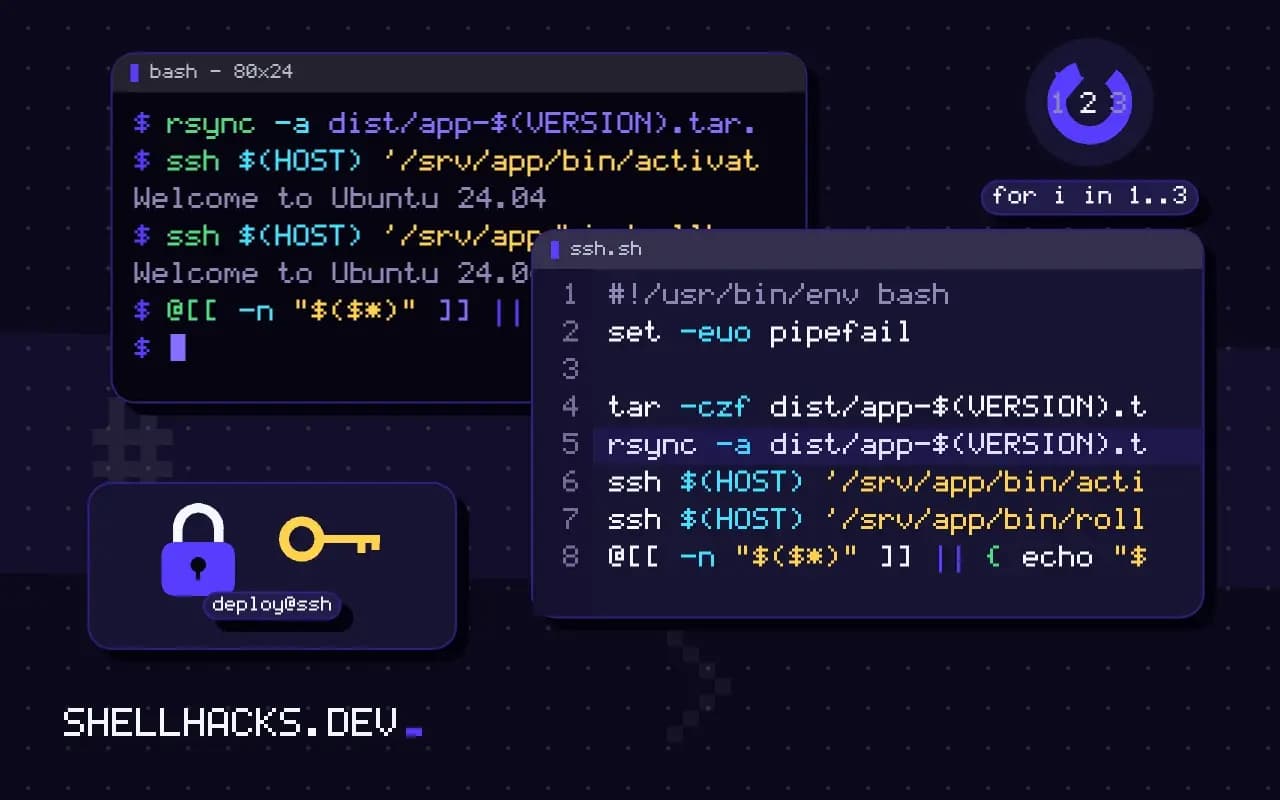
Deployment steps live in someone's head or a wiki page, and then in a typo at 5 p.m. A Makefile makes the steps discoverable and repeatable with names the team already knows. Used as a command runner, it needs only a handful of rules. The examples use GNU Make 4.4 on Linux and macOS with Homebrew; alternatives are compared in Make versus Task and Just.
A working skeleton
SHELL := bash
.SHELLFLAGS := -eu -o pipefail -c
.DEFAULT_GOAL := help

ENV     ?= staging
HOST_staging    := [email protected]
HOST_production := [email protected]
HOST    := $(HOST_$(ENV))
VERSION ?= $(shell git describe --tags --always --dirty)

.PHONY: help test build deploy rollback

help: ## list targets
	@grep -E '^[a-zA-Z_-]+:.*## ' $(MAKEFILE_LIST) | awk -F':.*## ' '{printf "%-12s %s\n", $$1, $$2}'

test: ## run the test suite
	./scripts/test.sh

build: test ## build the release archive
	tar -czf dist/app-$(VERSION).tar.gz --exclude=.git -C src .

deploy: build guard-ENV ## deploy: make deploy ENV=staging
	@[[ "$(ENV)" != production ]] || { read -r -p "Deploy $(VERSION) to PRODUCTION? [y/N] " a; [[ $$a == y ]]; }
	rsync -a dist/app-$(VERSION).tar.gz $(HOST):/srv/app/releases/
	ssh $(HOST) '/srv/app/bin/activate app-$(VERSION).tar.gz'

rollback: guard-ENV ## switch back to the previous release
	ssh $(HOST) '/srv/app/bin/rollback'

guard-%:
	@[[ -n "$($*)" ]] || { echo "$* is not set"; exit 1; }
Recipe lines must start with a tab. SHELL and .SHELLFLAGS make recipes use Bash with strict flags, so a failing command stops the target. Each recipe line runs in its own shell, so a cd on one line does not carry to the next, unless you join them with && or set .ONESHELL. Dollar signs for the shell are doubled, $$a, since Make would expand a single one.
What each part does
.PHONY lists targets that are commands, not files; without it, a file named test in the directory makes make test report "up to date" and do nothing. Variables defined with ?= keep their value if already set, so make deploy ENV=production or an exported environment variable overrides the default. The guard-% pattern rule fails with a clear message when a variable is missing, and the help target builds its list from the ## comments so documentation cannot drift. Dependencies such as build: test run first, which makes make deploy run the tests.
Safer production deploys
The confirmation prompt is a small speed bump, and it should not be the only control: production credentials should live only where deploys run, not on every laptop, and the deploy script should be the same one CI runs, as in automating deploys. Print the version and the target before acting, make the activation step switch a symlink so a rollback is a single command, and see atomic deploys with rsync and symlinks.
Variables and reproducibility
Pass settings on the command line, make deploy ENV=staging, rather than editing the file, and keep secrets out of the Makefile and out of the process list, as discussed in shell script secrets. make -n deploy prints the commands without running them, which is a quick dry run, though recipes starting with + or using $(MAKE) still execute.
Why a Makefile for deploys
A deploy is a sequence of commands that people run, and the most common errors come from remembering the sequence slightly wrong. Make gives each command a name, a place in the repository and a way to list them with a help target. It is installed almost everywhere developers and CI runners work, so no extra tool is needed, and its basic syntax has barely changed in decades. The price is some oddities: tabs, the dollar sign doubling, and the fact that the tool was designed for building files, so using it for commands needs the phony declaration and some care. For a team already comfortable with it, the oddities are a fair trade for zero setup.
Shell quirks inside recipes
Each recipe line runs in a separate shell, so a cd on one line does not affect the next. Join the commands with && and a backslash, or set .ONESHELL to run the whole recipe in one shell, which also makes set -e semantics behave as in a script. Make expands $VAR itself, so a shell variable needs a doubled dollar sign, $$HOME, and a command substitution is written $$(date). The leading at sign hides a command from the output and the leading hyphen ignores its failure, and both should be used sparingly because hiding commands hides what a deploy is doing. Print what runs, so the log of a deploy tells the story.
Parameters, environments and safety checks
Targets should refuse to run with missing or wrong parameters. A helper target that checks a variable, such as guard-%: @test -n "$($*)" || (echo "$* is not set"; exit 1), lets a recipe declare its needs with a dependency like guard-VERSION. A check that the working tree is clean and on the right branch stops a deploy of unreviewed code: git diff --quiet and git rev-parse --abbrev-ref HEAD in a prerequisite target. For production, require an explicit environment name and not a default, so a typo means failure and not a deploy to the wrong place. Print the target host and the version before acting, and give the operator a few seconds or a prompt to stop.
Calling make from CI
The benefit multiplies when CI runs the same targets that developers do. The pipeline calls make test and make deploy ENV=staging, and the file in the repository is the single description of how things are done. When a step changes, the change is a reviewed commit and not an edit to a pipeline interface. Keep CI-specific logic, such as credentials and approvals, in the pipeline, and keep the commands in the Makefile. If the file grows beyond a few hundred lines, or if recipes need conditionals and loops, move the logic into scripts that the targets call, and keep the Makefile as the index.
Alternatives to consider
Task runners such as just and task keep the idea of a named command list without the build-system baggage: recipes with arguments, no tab trap, and clearer error messages. They need installing, which is a small cost in a repository that already documents its tools. Choose make when it is already everywhere, and switch when its quirks cost more than the install step. Either way, the point is the same: deploy steps live in the repository, with names, and run the same way for everyone.
Listing the targets with a help command
A self-documenting Makefile saves questions. Put a double-hash comment after each target name, and make the default goal print them: a recipe built from grep -E '^[a-zA-Z_-]+:.*?## ' $(MAKEFILE_LIST) piped through awk with a colon separator prints a two-column list of names and descriptions. New team members run make with no arguments and learn the available commands in seconds. Keep the descriptions to a few words, in the imperative, and keep the list ordered by how often a person needs the command.
A guard and a help target
Two small targets make the file safer and easier to learn. The guard refuses to run a deploy without a version, and the help target lists the commands that carry a description.
guard-%:
	@test -n "$($*)" || { echo "$* is not set" >&2; exit 1; }

.PHONY: deploy help
deploy: guard-VERSION guard-ENV ## Deploy VERSION to ENV
	./scripts/deploy.sh "$(ENV)" "$(VERSION)"

help: ## List the commands
	@grep -E '^[a-zA-Z_-]+:.*## ' $(MAKEFILE_LIST) | sed 's/:.*## /\t/'
Running make deploy ENV=staging without a version stops with a clear message before any command runs, and make help prints each target with its description.
Where this does not apply
Make's strength is rebuilding files from changed sources; if there are no files and only a handful of commands, a short script or a task runner with clearer syntax may be easier for newcomers, as in task runners. Windows needs a Make install and a shell. Very long recipes belong in scripts that Make calls. See the GNU Make manual and the notes on phony targets.