PostgreSQL Error Peer Authentication Failed With Every Cause
Fix PostgreSQL peer authentication failed for user: pg_hba.conf rules, Unix socket versus TCP, matching OS and database user names, and a safe change.
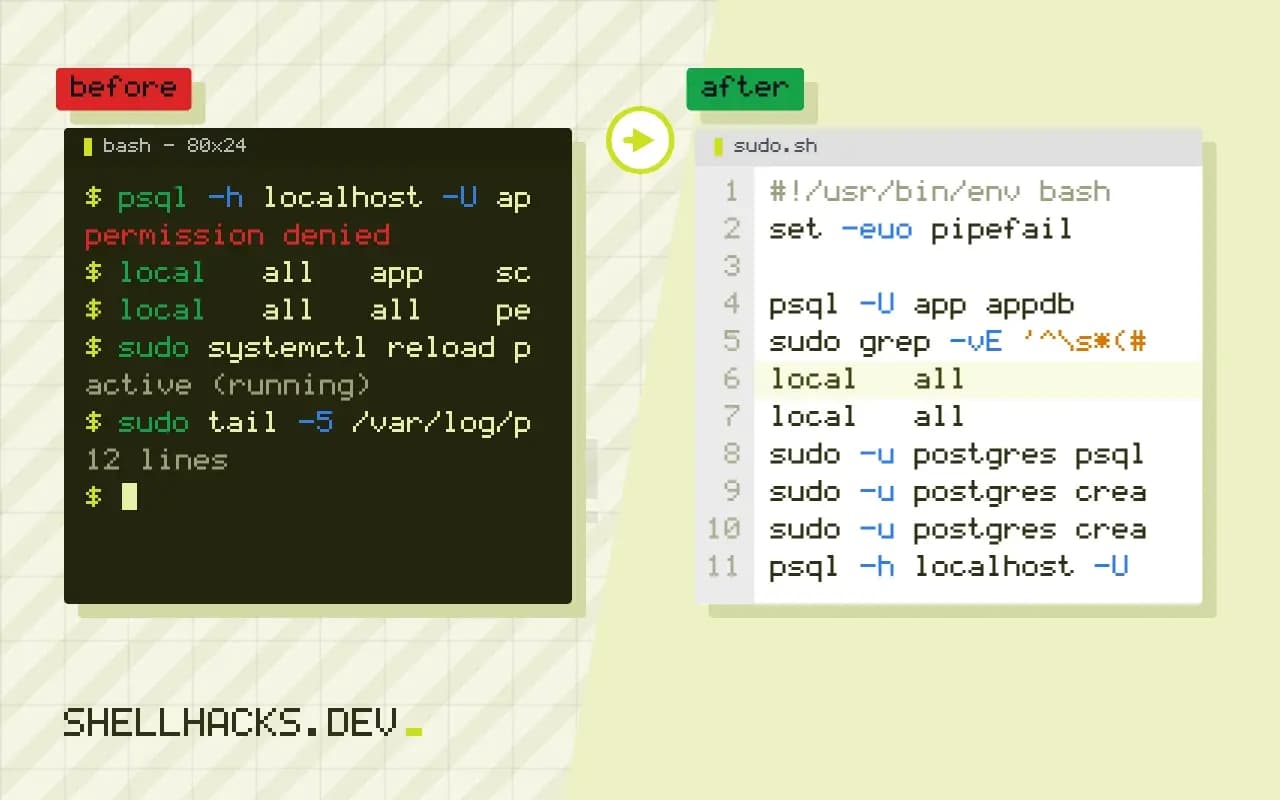
The error psql: error: connection to server on socket "/var/run/postgresql/.s.PGSQL.5432" failed: FATAL: Peer authentication failed for user "app" is not a wrong password. No password was involved: the server checked who you are on the operating system, found it does not match, and refused. The steps use PostgreSQL 16 on Ubuntu 24.04; the neighbouring errors are role does not exist and connection refused on 5432.
How peer works
whoami
psql -U app appdb
sudo grep -vE '^\s*(#|$)' /etc/postgresql/16/main/pg_hba.confalice
psql: error: connection to server on socket "/var/run/postgresql/.s.PGSQL.5432" failed: FATAL: Peer authentication failed for user "app"
local all postgres peer
local all all peer
host all all 127.0.0.1/32 scram-sha-256
host all all ::1/128 scram-sha-256
The file pg_hba.conf lists rules from top to bottom, and the first that matches the connection type, database, user and address is used. A local line applies to Unix socket connections, and with peer the server reads the OS user of the client process from the kernel and requires it to equal the requested role, or a mapping in pg_ident.conf. Here alice asked for app, so it fails. host lines apply to TCP and use passwords.
Option 1: be the right OS user
sudo -u postgres psql
sudo -u postgres createuser --pwprompt app
sudo -u postgres createdb -O app appdb
On Debian and Ubuntu the packages create an OS user postgres and a role of the same name, so administration is done with sudo -u postgres. This is the intended way in and needs no password. Use it to create roles and databases.
Option 2: connect over TCP with a password
psql -h localhost -U app appdb
PGPASSFILE=~/.pgpass psql -h 127.0.0.1 -U app appdb
With -h localhost the client uses TCP, so the host lines apply, and the server asks for the role's password. This is how applications connect. Store the password in ~/.pgpass with mode 600 rather than on the command line, see credential files for database clients. If the role has no password yet, set one: ALTER ROLE app PASSWORD '...' from a postgres session.
Option 3: change the rule
local   all   app    scram-sha-256
local   all   all    peer
sudo systemctl reload postgresql
psql -U app appdb
To let a role log in over the socket with a password, add a line for it above the generic peer line; order matters. Use scram-sha-256, the strong password method in current versions, and not md5 or trust, which accepts anyone. Roles created before PostgreSQL 14 may still hold md5 hashes, and need their password set again under the newer password_encryption. A user-name map in pg_ident.conf with peer map=name allows an OS user to act as a differently named role, which suits a deploy account. Reload, not restart, applies the file.
Read the log
sudo tail -5 /var/log/postgresql/postgresql-16-main.logFATAL: Peer authentication failed for user "app"
DETAIL: Connection matched file "/etc/postgresql/16/main/pg_hba.conf" line 118: "local all all peer"
Recent versions name the file and line that matched, which is the shortest route to the cause.
What the client and server each decide
Authentication is a negotiation. The client says which role it wants to log in as and which database it wants. The server finds the first rule in pg_hba.conf that matches the connection type, the database, the role and the client address, and demands the method named there. For the peer method on a local socket, the server asks the kernel for the user id of the process at the other end of the socket and maps it to a name. If the name matches the requested role, access is granted without a password. If not, the error appears, and it contains the role that was requested, not the operating system user that was found. Seeing that the two differ is the diagnosis.
A related method, ident, does the same over TCP by asking an ident service, and is rarely used. Peer is available only on local sockets on systems that can report the peer's identity, which includes Linux, the BSDs and macOS. Inside a container, the user id the server sees is the one in the container's own namespace, so a client in another container using a shared socket directory is mapped by number and not by name, which causes puzzling mismatches.
Using user name maps
The file pg_ident.conf defines maps between operating system names and database roles, and a rule can use peer map=name to apply one. A map line such as webmap alice app lets the OS user alice log in as the role app. This is useful when an application's service account has a different name from the role, and avoids both creating a password and changing the method to trust. Maps can use regular expressions, with a leading slash, to cover patterns, though simple explicit lines are easier to audit. After editing either file, reload the server, which is enough for authentication files, and check the log for syntax errors that the reload reports.
Containers and remote clients
The peer method only applies to sockets on the same host. Applications in containers or on other machines connect over TCP, so the host lines of the file apply, and they need an address range that includes the client and a password-based method. A frequent mistake is to edit the local lines and wonder why the remote client is still refused, or to open the host rule to every address for convenience. Restrict the range to the networks that need it, require TLS with hostssl, and use scram-sha-256. Check that listen_addresses in postgresql.conf includes the interface, since the server listens only on localhost by default on many packages.
Safe ways to test changes
A mistake in pg_hba.conf can lock everyone out, so keep an administrative session open while changing it. Validate the file with SELECT * FROM pg_hba_file_rules WHERE error IS NOT NULL;, available in recent versions, which lists lines with errors. The same view shows the rules in order with their line numbers, so you can see which one a given connection would match. After the reload, test each kind of connection that matters: the administrator over the socket, the application over TCP, and a connection that should be refused. Document the expected result for each, and keep the file in configuration management.
Choosing the method for each use
Use peer for administrators on the database host, because it avoids passwords and ties access to the operating system account. Use scram-sha-256 for applications, with passwords or certificates provided by a secrets manager. Use certificate authentication for service-to-service connections when you operate your own certificate authority. Avoid trust except in short-lived test containers, and never on a host reachable from other machines. Review the file when roles change, and remove rules for hosts and users that no longer exist.
Where this does not apply
If the failure says "password authentication failed", the rule matched and the password was wrong. "no pg_hba.conf entry for host" means no line matched a TCP connection. In containers the official image uses trust for local connections and scram-sha-256 for others by default, which differs from the distribution package. See the pg_hba.conf documentation and the peer authentication page.